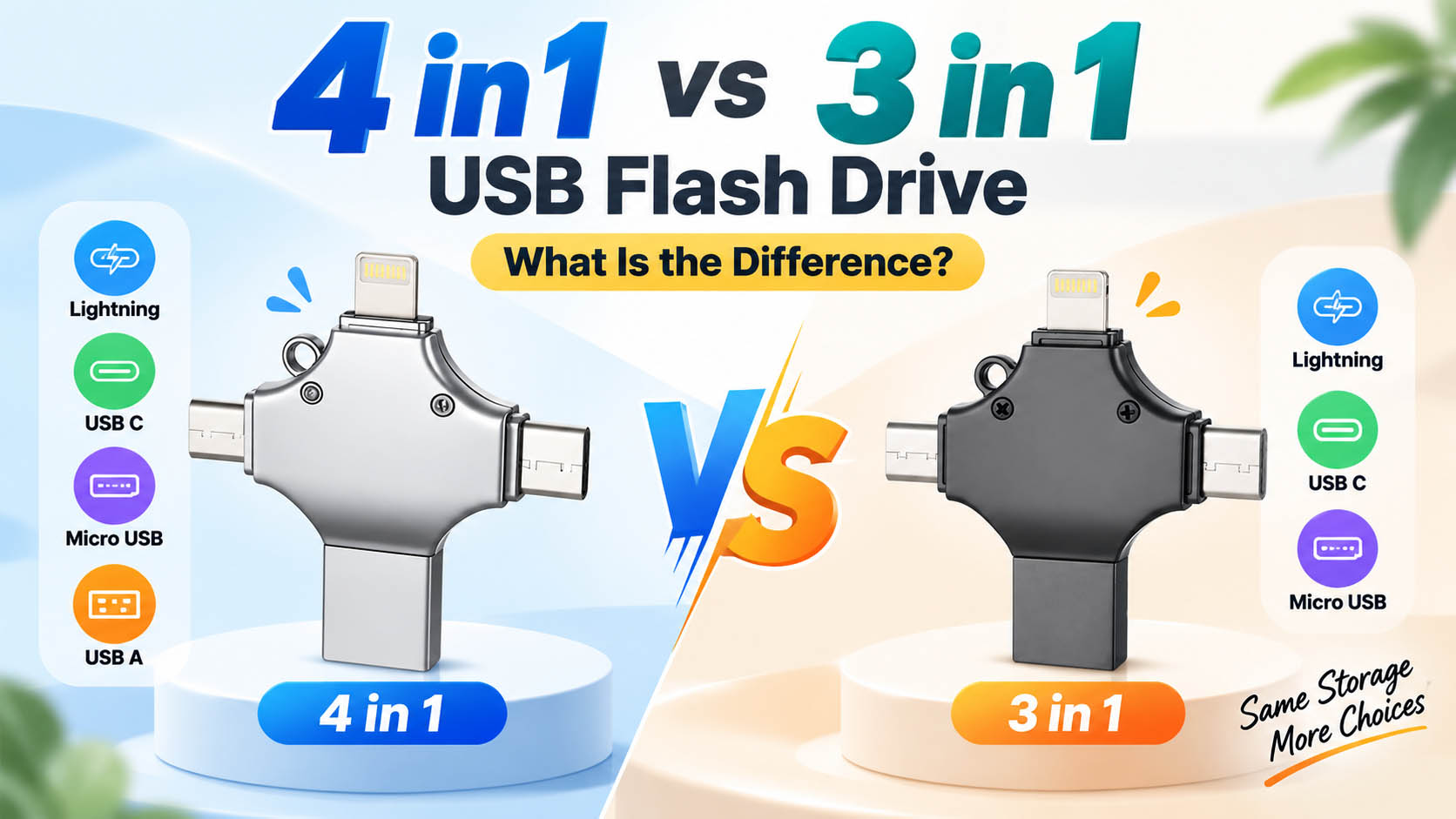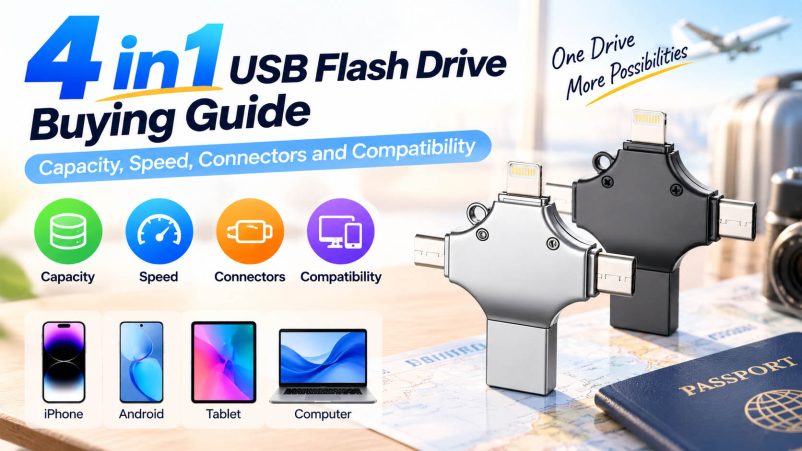
Buying a 4 in 1 USB flash drive is less about finding the drive with the biggest capacity or the most impressive speed number. The more practical question is whether its connectors match your devices, its storage is enough for your files, and its actual performance is suitable for the way you work. A typical 4 in 1 model combines USB-A, USB-C, Lightning and Micro USB, giving one compact drive access to different generations of phones, tablets and computers.

What Is a 4 in 1 USB Flash Drive?
A 4 in 1 USB flash drive integrates four connection interfaces into one storage device.
| Connector | Typical Devices | Common Use |
|---|---|---|
| USB-A | PCs, laptops, older devices | File transfer |
| USB-C | Smartphones, tablets, laptops | Modern device storage |
| Lightning | Compatible iPhones/iPads | Photo & video backup |
| Micro USB | Older Android devices | Legacy device transfer |
The exact connector combination can vary by manufacturer, so buyers should check the product specification rather than assuming every 4 in 1 drive uses the same configuration.
1. Choose the Right Capacity
Capacity should follow the type of files you plan to transfer.
| Capacity | Suitable For |
|---|---|
| 32GB | Documents, light photo backup |
| 64GB | Everyday files and photos |
| 128GB | Photos, videos and regular backup |
| 256GB | Large media libraries |
| 512GB+ | Heavy video and professional content |
For general multi-device use, 128GB or 256GB is a practical range. If the drive will mainly store documents, 64GB may already be sufficient.
Remember that advertised capacity and usable capacity are not exactly the same because some storage is used by the drive’s firmware and formatting.
2. Look at Real Transfer Speed
“USB-C” describes the connector, not necessarily the speed.
Likewise, USB 3.0, USB 3.2 Gen 1 and USB 3.2 Gen 2 refer to different data-transfer capabilities. For example, USB 3.2 Gen 1 is rated up to 5Gb/s, while USB 3.2 Gen 2 can reach up to 10Gb/s under the appropriate conditions.
When comparing 4 in 1 USB flash drives, check:
- Sequential read speed
- Sequential write speed
- Sustained write performance
- Controller
- NAND flash
- Host-device limitations
For large video transfers, write performance deserves particular attention. A drive may advertise a high maximum read speed while taking considerably longer to write a large collection of files.
3. Match the Connectors to Your Devices
The four interfaces are the main reason to choose this type of flash drive.
Before buying, make a simple device list:
Phone → Tablet → Laptop → Desktop
Then identify which connector each device requires.
| Device Environment | Recommended Configuration |
|---|---|
| USB-C devices only | USB-C may be enough |
| iPhone + computer | Lightning + USB-A/USB-C |
| New + older Android devices | USB-C + Micro USB |
| Mixed household devices | Full 4 in 1 |
| Retail multi-device product | USB-A + USB-C + Lightning + Micro USB |
A fourth connector is useful only when customers actually need it. For a USB flash drive manufacturer or distributor, connector selection should therefore follow the target market rather than simply adding interfaces for specification purposes.
4. Check Mobile Compatibility
Physical connection does not always mean full functionality.
For Android devices, USB OTG support may be required. Some mobile products may also require a dedicated file-management application or have specific operating-system requirements.
Before placing an order, verify:
- Phone model
- Tablet model
- Operating system
- OTG support
- Required app
- Supported file systems
- Photo/video transfer functions
This is especially important for OEM products because compatibility claims on packaging need to match the actual product configuration.
5. Consider the Flash Memory and Controller
Two drives with the same 128GB capacity can have very different real-world performance and reliability.
The storage system normally includes:
| Component | Function |
|---|---|
| NAND Flash | Stores data |
| Controller | Manages reading and writing |
| PCB | Connects internal components |
| Connectors | Interfaces with different devices |
| Housing | Protects the internal hardware |
For bulk buyers, asking about NAND source, controller solution and production consistency can provide more useful information than comparing capacity alone.
6. Choose a Suitable Housing
A 4 in 1 drive is often carried in a pocket, backpack or travel case, so mechanical design matters.
| Design | Suitable For |
|---|---|
| ABS plastic | Lightweight, cost-sensitive products |
| Metal | Premium feel and durability |
| Aluminum alloy | Travel and business products |
| Swivel design | Convenient connector protection |
| Cap design | Simple physical protection |
Connector durability should also be checked because frequent insertion and removal can put more stress on a multi-interface product than on a conventional single-connector flash drive.
7. Think About the Application
The right configuration changes according to the end user.
Everyday Users
Prioritize compatibility, portability and sufficient capacity.
Travelers
A compact 128GB or 256GB 4 in 1 USB flash drive can provide convenient offline photo and video backup.
Content Creators
Focus more heavily on sustained write performance and higher capacity.
Business Users
Look at capacity, compatibility, durability and optional data-security requirements.
Retailers
A broad connector configuration can make one SKU suitable for a wider customer base.
8. What Should Wholesale Buyers Check?
For B2B purchasing, the evaluation should extend beyond the product sample.
| Purchasing Factor | What to Confirm |
|---|---|
| NAND | Source and quality |
| Controller | Compatibility and stability |
| Capacity | Actual usable capacity |
| Speed | Tested read/write performance |
| Connectors | Configuration and durability |
| QC | Capacity, speed and functional testing |
| Housing | Material and mechanical strength |
| MOQ | Suitable order quantity |
| Lead time | Production and replenishment |
| Packaging | Standard or customized |
| OEM | Logo, housing and packaging options |
A stable supply chain becomes especially important for repeat orders. Consistent NAND, controllers and testing standards can help reduce differences between production batches.
9. OEM and Private Label Options
For brands, distributors and promotional-product companies, a 4 in 1 USB flash drive can be customized beyond the logo.
Common OEM options include:
- Custom housing
- Logo printing
- Laser engraving
- Brand colors
- Storage capacity
- Connector configuration
- Retail box
- Blister packaging
- Gift packaging
- Private-label branding
An experienced storage supplier can also coordinate NAND sourcing, controller matching, PCB assembly, capacity testing, speed testing and final packaging, reducing the number of separate suppliers involved in an OEM project.
Quick Buying Checklist
Before purchasing, check these seven points:
✓ Capacity — Is it enough for the intended files?
✓ Speed — Are actual read/write results available?
✓ Connectors — Do they match the target devices?
✓ Compatibility — Are mobile devices and OTG requirements confirmed?
✓ Components — Is the NAND/controller configuration reliable?
✓ Construction — Can the housing and connectors handle regular use?
✓ Supplier — Can the manufacturer maintain consistent quality for repeat orders?
FAQ
What capacity is best for a 4 in 1 USB flash drive?
For general photo, document and video transfer, 128GB or 256GB is a practical starting point. Users working with large video libraries may need 512GB or more.
Is USB-C automatically faster than USB-A?
No. Connector type and USB data standard are separate specifications. A USB-C connector can support different USB speeds depending on the implementation.
Can a 4 in 1 USB flash drive work with Android phones?
Yes, compatible Android devices can use the appropriate connector, but some phones require USB OTG support. Compatibility should be confirmed by model.
Can it transfer iPhone photos and videos?
Compatible 4 in 1 products can support photo and video transfer from supported iPhones. The exact method depends on the drive, iPhone model and software requirements.
Is a 4 in 1 USB flash drive better than a standard USB drive?
Its main advantage is multi-device connectivity. It is particularly useful when users regularly switch between different connectors. A standard USB drive may be more suitable when only one interface is required.
What should I request from a USB flash drive manufacturer?
Ask for sample test results, NAND and controller information, actual capacity, read/write performance, connector compatibility, QC procedures, MOQ, lead time and OEM capabilities.
Can the 4 in 1 USB flash drive be customized?
Yes. Depending on the manufacturer, customization can include the housing, logo, colors, storage capacity, connector configuration and retail packaging.
Final Selection Guide
A good 4 in 1 USB flash drive should solve four problems at the same time: enough storage, acceptable transfer performance, the right connectors and dependable compatibility. Capacity determines how much you can carry, speed affects how quickly large files move, while connector selection determines whether the drive can actually serve your devices.
For wholesale and OEM projects, add two more checks: component consistency and manufacturing capability. A supplier that can control NAND sourcing, controller matching, testing, assembly and customized packaging is better positioned to support repeat orders than one competing on unit price alone.