A phone can fill up quickly when it is used for photos, 4K video, downloads and large applications. For manufacturers and users looking for additional storage, the first question is not simply how many gigabytes are available. The device itself determines which storage options can actually be used.
Some Android phones and tablets support removable microSD cards. Others rely entirely on internal storage and external USB devices. Tablets and mobile computers can introduce another set of interface requirements.
For storage suppliers, the same distinction matters at the product-development stage: a good mobile storage product starts with the target device and its interface, not with capacity alone.
What Types of Storage Are Used with Mobile Devices?
Mobile applications can use several types of flash storage, depending on the hardware design.
| Storage Type | Typical Mobile Application | Main Considerations |
|---|---|---|
| microSD / TF Card | Expandable storage, photos, video, portable devices | Capacity, speed, compatibility |
| USB-C Flash Drive | Phone-to-PC transfer, mobile backup | Connector, USB specification, OTG |
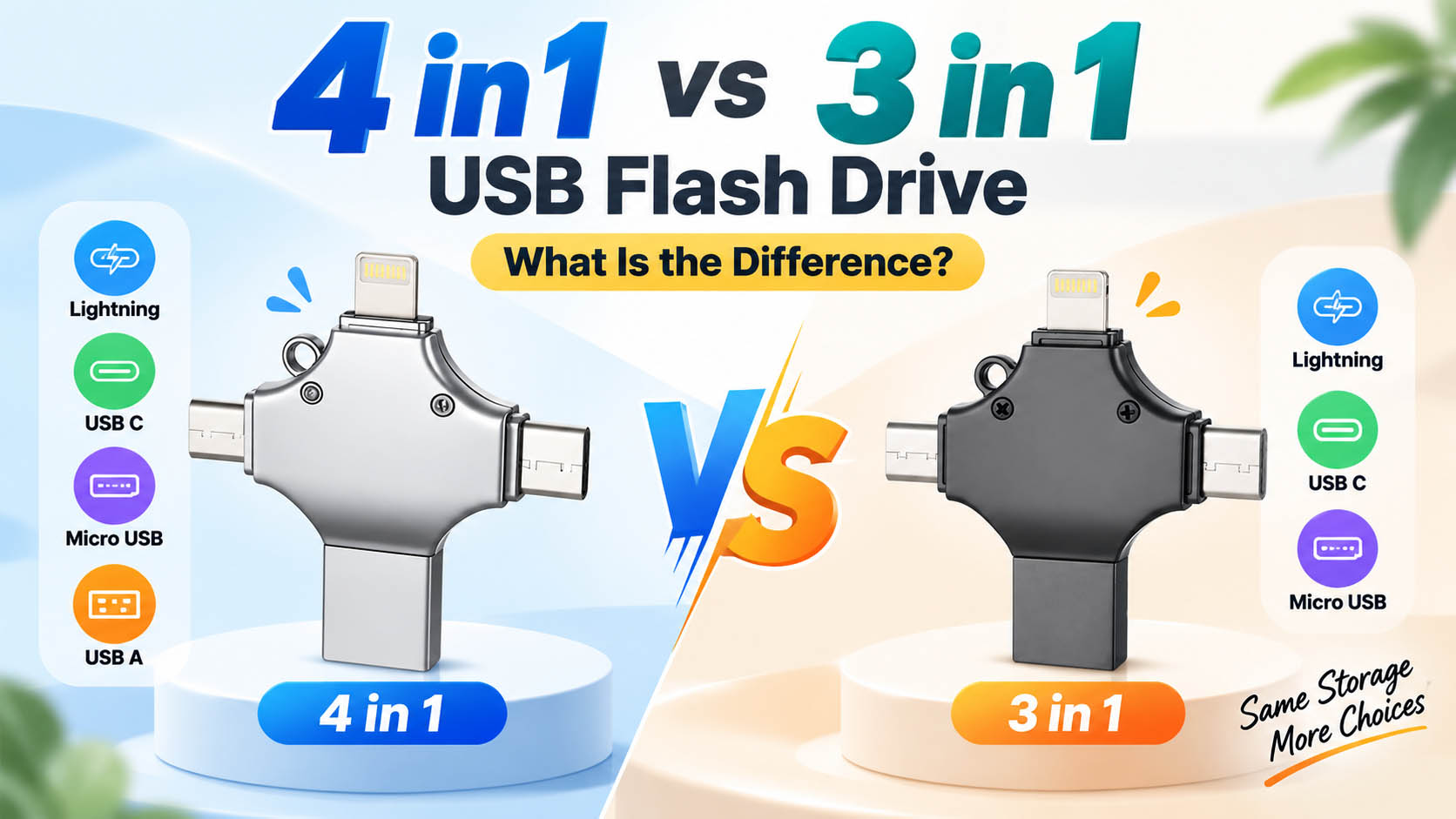
| Multi-Interface USB Drive | Phones, tablets and computers | Connector combination, compatibility |
| eMMC | Built-in device storage | NAND, controller, endurance |
| UFS | Built-in smartphone/tablet storage | Performance, power efficiency |
| SSD | Larger mobile computers and specialized devices | Interface, performance, endurance |
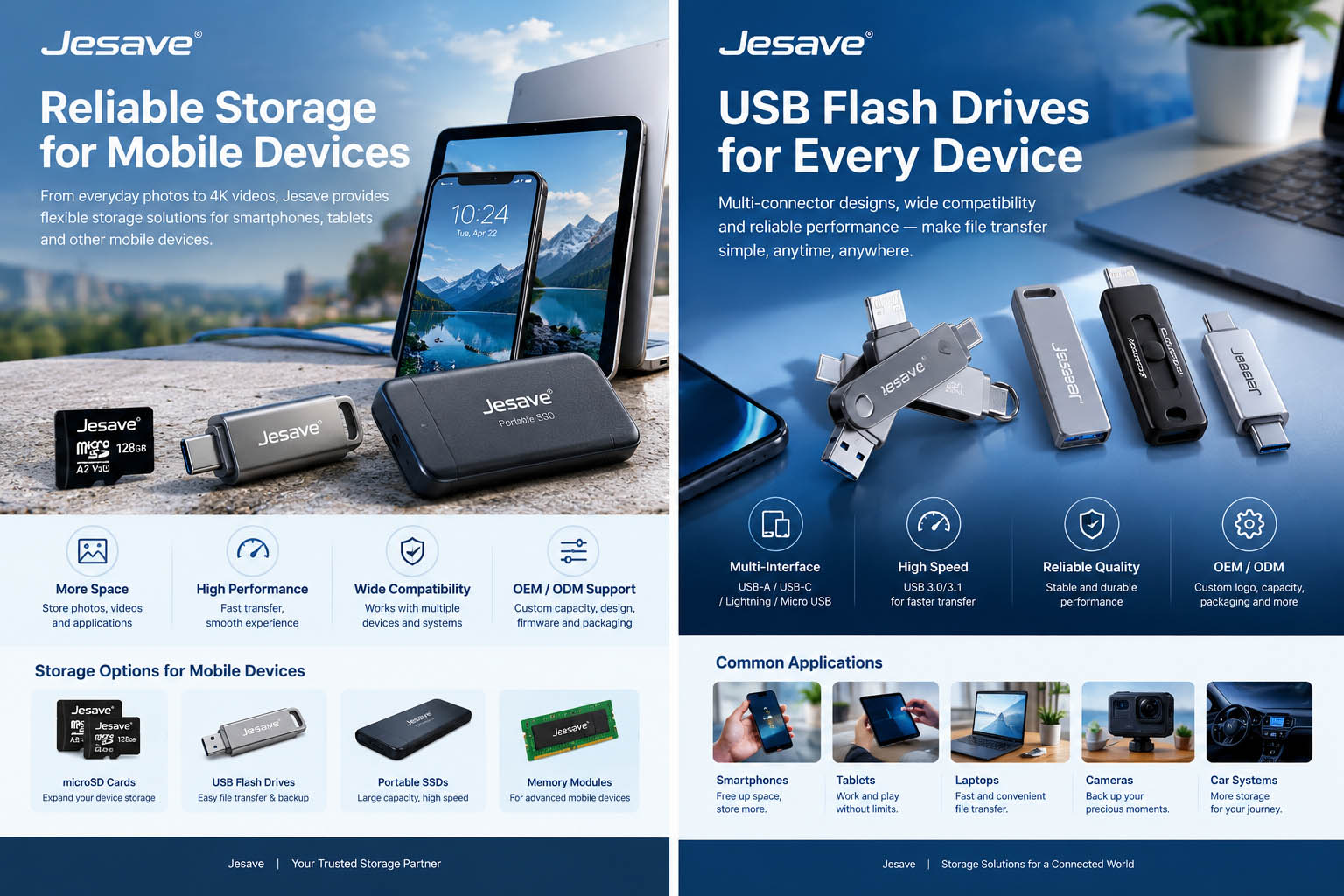
Jesave’s current Mobile Devices application category covers smartphones, tablets, laptops and wearable devices, with memory cards, USB flash drives, SSDs and memory modules forming part of its broader storage portfolio.
The important distinction is between storage built into the device and removable or external storage.
microSD: Still Useful Where the Device Supports It
microSD cards remain useful for devices that provide a dedicated card slot.
Typical applications include:
- Android devices with expandable storage
- Tablets
- Portable cameras
- Handheld devices
- Embedded mobile equipment
- Portable media devices
The advantage is straightforward: the card can remain in the device and provide additional local storage without occupying a USB port.
But compatibility needs to be checked first.
| Check | Why It Matters |
|---|---|
| Card slot available | Not every smartphone supports microSD |
| Maximum supported capacity | Host devices can have capacity limits |
| Speed class | Important for video and application workloads |
| File system | Device compatibility varies |
| Application workload | Photos and continuous video have different requirements |
| Card endurance | Important for frequent writing |
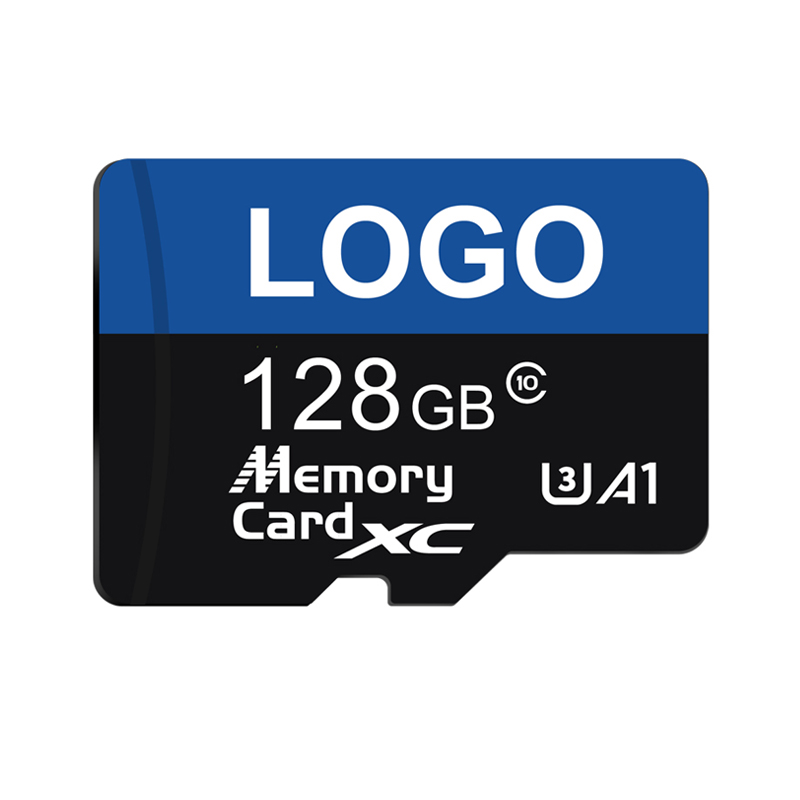
A 256GB microSD card is only useful if the target device supports that capacity and the required card specification.
USB Flash Drives: Useful for Direct Mobile Backup
External USB flash drives solve a different problem.
Instead of permanently expanding the phone’s storage, they provide a way to move data between devices.
A common workflow is:
Smartphone → USB Flash Drive → Computer
This can be useful when:
- A phone is running low on storage
- Large videos need to be moved
- Photos need an offline backup
- Files need to be transferred without uploading them first
- Data needs to move between a phone and a PC
For mobile applications, USB-C has become particularly important because it can be used across many newer smartphones, tablets and computers.
However, the connector itself does not determine the complete performance of the drive.
USB-C Does Not Automatically Mean High-Speed Storage
This is an easy specification to misunderstand.
A USB-C connector describes the physical interface. Actual transfer performance depends on the USB specification supported by the drive and host device, as well as the controller, NAND flash and workload.
For example:
| Factor | Effect on Transfer |
|---|---|
| USB connector | Determines physical connection |
| USB protocol | Defines supported interface performance |
| Controller | Manages communication with NAND |
| NAND flash | Stores the data |
| Host device | Can limit actual performance |
| File size | Affects practical transfer behavior |
| Sustained write | Important for large data transfers |
For a buyer transferring a few documents, the difference may be insignificant.
For someone moving hundreds of gigabytes of photos and videos, sustained write performance becomes much more relevant.
Multi-Interface USB Drives for Mixed Devices
A multi-interface flash drive can be useful when customers regularly work across different devices.
A typical configuration may include:
| Interface | Typical Device |
|---|---|
| USB-C | Newer smartphones, tablets and laptops |
| USB-A | Desktop PCs and older laptops |
| Lightning | Compatible Apple devices |
| Micro USB | Older Android devices |
The exact configuration varies by product.
This is particularly relevant for distributors because a multi-interface drive can address several device environments with one product family. Jesave already offers 2-in-1, 3-in-1 and 4-in-1 USB flash drive products, including configurations designed for cross-device file transfer.
The important point is not to add connectors simply to make a specification sheet look longer.
Each connector should have a reason to exist in the target market.
Mobile Compatibility Should Be Tested Before Mass Production
For a consumer, checking the phone model may be enough.
For an OEM or distributor, the compatibility test needs to go further.
| Test | What to Verify |
|---|---|
| Physical interface | Connector fits correctly |
| OTG | Required for supported mobile devices |
| Operating system | Device recognizes the storage |
| File system | Read/write compatibility |
| Capacity | Actual usable capacity is recognized |
| File transfer | Photos, videos and documents transfer correctly |
| Large files | No failure during large transfers |
| Sustained write | Performance under longer workloads |
| Safe removal | Data remains intact after disconnect |
Jesave’s existing USB guidance also notes that actual compatibility can depend on the device, operating system, USB specification and OTG support rather than the connector alone.
For a branded product, this testing is particularly important because a drive advertised as “compatible with smartphones” should be validated against the actual target devices.
How Much Storage Do Mobile Users Need?
Capacity should follow the type of data being handled.
| Capacity | Typical Positioning |
|---|---|
| 32GB | Documents and light file transfer |
| 64GB | Everyday files and photos |
| 128GB | Photos, videos and routine backup |
| 256GB | Larger media libraries |
| 512GB | Heavy photo and video workloads |
| 1TB+ | High-capacity professional applications |
These are product-positioning ranges rather than universal device recommendations.
For example, a user transferring documents may never need 256GB, while someone regularly moving high-resolution video files may benefit from a larger capacity.
For B2B buyers, capacity should also be considered from an inventory perspective. A focused range such as 64GB, 128GB, 256GB and 512GB may be easier to position than offering every possible capacity.
What Matters Inside a Mobile Flash Storage Product?
The external housing and connector are only part of the product.
A flash storage device normally depends on several components working together.
| Component | Role |
|---|---|
| NAND Flash | Stores user data |
| Controller | Manages communication and flash operations |
| Firmware | Controls storage behavior |
| PCBA | Connects the electronic components |
| Connector | Interfaces with the host device |
| Housing | Provides mechanical protection |
For mobile storage products, NAND and controller selection can affect actual performance and product consistency.
This becomes particularly important for manufacturers selling the same product across multiple production batches.
A product that delivers consistent capacity and performance from one batch to the next is easier to validate and support.
Mobile Storage for OEM and Brand Projects
For a distributor or consumer electronics brand, the storage device may need to fit an existing product strategy rather than simply being purchased as a generic flash drive.
Potential customization areas include:
| OEM Requirement | Possible Solution |
|---|---|
| Capacity | 32GB–1TB+ depending on product |
| Connector | USB-C, USB-A, Lightning or Micro USB |
| Product appearance | Custom housing and finish |
| Logo | Private-label branding |
| Packaging | Retail or project-specific packaging |
| Firmware | Customized according to product requirements |
| File preloading | Preloaded documents or software |
| Partitioning | Custom partition configuration |
| Security | Customized file/device protection |
| Product testing | Target-device compatibility testing |
For multi-interface USB drives in particular, connector selection should be based on the target customer group.
A product designed for modern USB-C smartphones may not need four connectors. A retail product intended for mixed device ownership may benefit from a broader combination.
Mobile Storage: What Should a Buyer Check?
Before purchasing or developing a storage product for mobile devices, the following checklist is useful.
| Requirement | Check |
|---|---|
| Target phone/tablet models | ✓ |
| Supported interface | ✓ |
| OTG requirement | ✓ |
| Maximum capacity | ✓ |
| File system | ✓ |
| USB specification | ✓ |
| Actual read/write performance | ✓ |
| NAND type | ✓ |
| Controller | ✓ |
| Compatibility testing | ✓ |
| Long-term supply | ✓ |
| OEM requirements | ✓ |
This approach avoids a common mistake: selecting a storage product first and trying to find compatible devices afterward.
Choosing Between a microSD Card and a USB Flash Drive
The two products solve different problems.
| Requirement | microSD Card | USB Flash Drive |
|---|---|---|
| Permanent extra storage | Suitable where supported | Less convenient |
| Easy phone-to-PC transfer | Possible with adapter/device support | Strong use case |
| Keep inside device | Yes | Usually no |
| Multi-device use | Limited by card slots | Strong |
| Compact backup | Yes | Yes |
| Multiple connectors | No | Available with multi-interface designs |
| OEM customization | Available | Available |
If the phone has a microSD slot and the user wants additional storage that stays inside the device, a microSD card is a logical choice.
If the main task is moving files between a phone and several other devices, a USB flash drive may be more practical.
How Jesave Supports Mobile Device Storage Projects
Mobile storage requirements vary considerably between consumer products, embedded equipment and branded accessories.
Jesave’s storage portfolio covers memory cards, USB flash drives, SSDs and memory modules, while its OEM and ODM capabilities can be used to develop products around specific capacity, appearance and functional requirements.
For a mobile storage project, the development process can start with:
Target Device → Interface → Capacity → Workload → Performance → Compatibility → NAND → Controller → Product Design → Testing → Mass Production
That sequence is more useful than starting with a generic “fastest” or “largest” storage product.
For distributors and brands, it also provides a clearer way to define the product before requesting samples or a quotation.

FAQ
Can a microSD card be used with every smartphone?
No. The smartphone must have a compatible card slot and support the card’s capacity and file system. Many modern phones rely entirely on internal storage or external USB devices.
Is USB-C flash storage compatible with Android phones?
Many USB-C devices can access external USB storage, but compatibility depends on the phone, operating system, USB support and, in some cases, OTG functionality. The exact target devices should be tested before making a broad compatibility claim.
Is USB-C always faster than USB-A?
No. The connector shape alone does not determine transfer speed. The USB specification, controller, NAND flash and host device all affect actual performance.
What capacity is suitable for mobile backup?
128GB and 256GB are practical capacities for many photo and video backup applications, while users handling large video libraries may require 512GB or more. The appropriate capacity should be based on actual file volume.
Which is better for mobile devices, a microSD card or a USB flash drive?
They serve different purposes. A microSD card is useful when the device supports expandable storage. A USB flash drive is more useful when the goal is transferring or backing up files between multiple devices.
Can mobile storage products be customized for OEM projects?
Yes. Depending on the product, OEM customization can include capacity, connector configuration, appearance, branding, packaging, firmware, partitioning, preloaded files and compatibility testing.
Final Considerations
Mobile storage is becoming less about adding a single type of memory and more about making data portable between devices.
For a phone or tablet that supports expandable storage, a microSD card can provide additional local capacity. For users who regularly move photos, videos and documents between phones, tablets and computers, a USB flash drive can serve a different role.
For manufacturers and distributors, the same principle applies at the product-development level: start with the target devices and the way customers use them, then select the storage architecture, interface, capacity and flash components around that requirement.