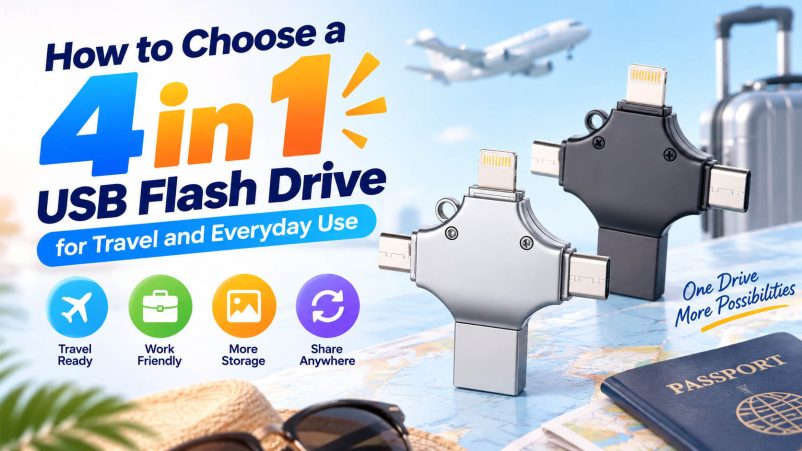
A phone running out of storage halfway through a trip is an easy problem to avoid—especially when hundreds of photos and videos are involved. A 4 in 1 USB flash drive can serve as a compact offline storage tool, allowing travelers to move files between phones, tablets and computers without carrying separate adapters.
For everyday use, the same drive can also handle document transfers, photo backup and quick file sharing. The key is choosing the right combination of interfaces, capacity, speed and build quality.

Start with the Four Interfaces
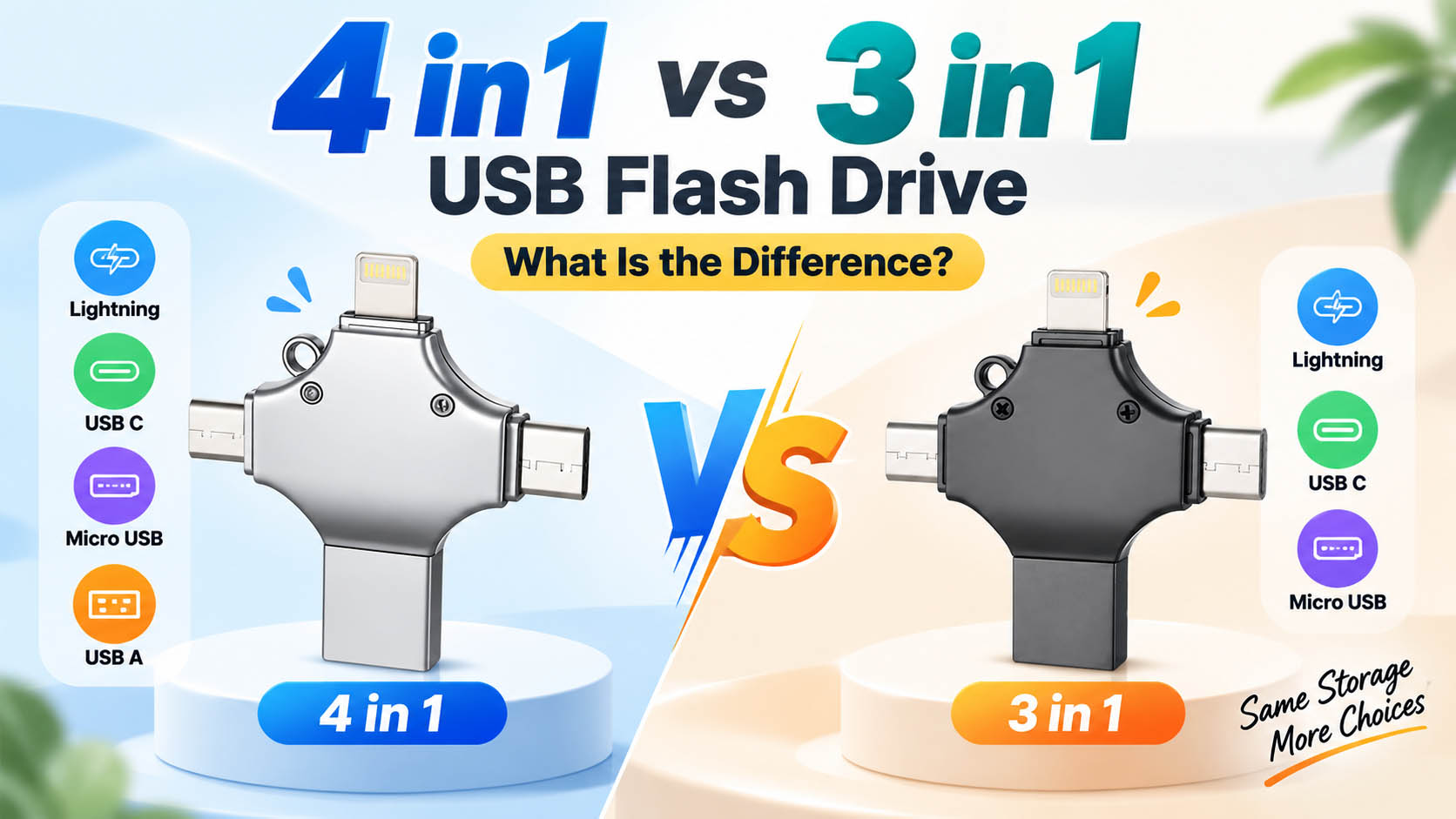
The first specification to check is the connector configuration. A common 4 in 1 USB flash drive includes:
| Interface | Typical Devices | Useful For |
|---|---|---|
| USB-A | PCs, older laptops, car systems | Computer file transfer |
| USB-C | New smartphones, tablets, laptops | Modern mobile devices |
| Lightning | Compatible iPhones/iPads | Photo and video backup |
| Micro USB | Older Android devices | Legacy device compatibility |
For travel, having four interfaces in one device can be more convenient than carrying USB adapters separately.
Tip: Connector availability does not automatically guarantee compatibility. Check the phone model, operating system and required OTG or mobile-storage support before purchasing.
Choose Capacity Based on Your Files
Travelers tend to accumulate large amounts of media. A few days of 4K video can consume considerably more space than ordinary documents.
| Capacity | Suitable Use |
|---|---|
| 32GB | Documents and light photo backup |
| 64GB | Everyday files and moderate photo storage |
| 128GB | Travel photos and regular video backup |
| 256GB | Large photo/video libraries |
| 512GB+ | Heavy media and professional content |
For most everyday travel scenarios, 128GB or 256GB provides a useful balance between capacity, portability and cost.
Don’t Judge Speed by the “4 in 1” Label
The number of connectors tells you about compatibility—not performance.
Actual transfer speed is affected by:
- NAND flash memory
- Controller solution
- USB interface generation
- Host device
- File size
- Operating system
- Sustained read/write performance
When moving hundreds of photos or large video files, sustained write performance can be more important than a high peak-speed number printed on the package.
For wholesale purchasing, suppliers should provide sample testing and actual performance data rather than relying only on theoretical interface specifications.
Look for a Travel-Friendly Design
A flash drive carried in a backpack or pocket will experience more handling than one kept on a desk.
Consider:
| Design Factor | Why It Matters |
|---|---|
| Compact size | Easier to carry |
| Protective cap or mechanism | Helps protect connectors |
| Metal housing | Suitable for a more premium product |
| ABS housing | Lightweight and cost-effective |
| Key-ring hole | Reduces the chance of losing the drive |
| Swivel/sliding design | Can protect unused connectors |
For travel products, connector protection deserves particular attention because exposed interfaces can be damaged by keys, cables and other items in a bag.
Consider How You Will Use It
Different users have different priorities.
For Travelers
Prioritize compact size, multiple interfaces and sufficient capacity. The drive should make it easy to back up photos from a phone and later move them to a laptop.
For Everyday Users
A 64GB–256GB drive with USB-A and USB-C compatibility may cover documents, photos and occasional videos.
For Content Creators
Higher capacity and sustained write performance become more important, particularly when transferring large video files.
For Business Travelers
Consider capacity, reliability and easy computer compatibility for presentations, documents, PDFs and other work files.
4 in 1 USB Flash Drive Buying Checklist
Before placing an order, use this quick checklist:
| Check | Recommended Question |
|---|---|
| Interfaces | Does it include the connectors my customers need? |
| Capacity | Is the actual capacity verified? |
| Speed | Are read/write speeds tested? |
| Compatibility | Which phones and operating systems are supported? |
| OTG | Is OTG required for Android devices? |
| Housing | Is the design suitable for frequent carrying? |
| Reliability | What NAND and controller are used? |
| QC | What tests are performed before shipment? |
| Customization | Are logo and packaging options available? |
What Wholesale Buyers Should Look for in a Supplier
For distributors and importers, product selection goes beyond the sample on the desk. A supplier’s ability to maintain consistent components and performance across production batches can have a direct impact on returns and customer satisfaction.
A capable storage supplier may provide:
- Stable NAND flash sourcing
- Controller matching and firmware support
- Capacity and speed testing
- 100% or batch-level QC options
- Flexible MOQ
- Reliable production capacity
- Custom housing
- Logo printing or laser engraving
- Customized retail packaging
- OEM/ODM development
- Private-label production
For repeat orders, ask whether the supplier can maintain the same NAND, controller configuration and performance standard across batches.
OEM Options for Travel USB Flash Drives
A travel-oriented 4 in 1 USB flash drive can also be developed as a branded product rather than sold as a generic accessory.
Common OEM options include:
| Customization | Example |
|---|---|
| Housing | Custom shape or material |
| Color | Brand-specific colors |
| Logo | Printing, engraving |
| Capacity | 64GB / 128GB / 256GB / etc. |
| Packaging | Box, blister, gift packaging |
| Connector combination | Market-specific configuration |
| Branding | Private-label product and packaging |
For brands targeting travel accessories, electronics retailers or corporate gifts, customized packaging can help position the same core storage platform for different sales channels.
FAQ
Is a 4 in 1 USB flash drive good for travel?
Yes. Its main advantage is that several interfaces are integrated into one compact storage device, making it useful for backing up photos, videos and documents across different devices.
What capacity is best for travel?
128GB or 256GB is a practical starting point for many travelers. Users shooting large amounts of 4K video may benefit from higher capacities.
Can I transfer iPhone photos directly to a 4 in 1 USB flash drive?
Compatible drives can support direct photo and video transfer from supported iPhones. Compatibility and the required app or system functions should be confirmed for the specific drive and iPhone model.
Does a 4 in 1 USB drive work with Android?
Compatible Android devices can use the appropriate USB connector. Some phones require USB OTG support, so device compatibility should be checked before purchase.
Is USB-C better than USB-A?
Neither is universally better. USB-C is increasingly common on newer devices, while USB-A remains widely used on computers and other equipment. Having both provides broader compatibility.
What makes a 4 in 1 flash drive reliable?
Reliable NAND flash, a suitable controller, stable firmware, good connector construction and effective capacity/performance testing are all important.
Can I order customized 4 in 1 USB flash drives?
Yes. OEM suppliers can typically customize the housing, logo, color, capacity, packaging and sometimes the connector configuration according to project requirements.
A Better Way to Select Your Travel Drive
For personal use, start with the devices you actually carry, then match the interfaces and storage capacity to those devices. There is little value in paying for specifications you will never use.
For retailers and OEM buyers, the selection process should go one step further: evaluate the component supply chain, testing standards, production consistency, customization capability and after-sales support. A compact 4 in 1 USB flash drive becomes a stronger commercial product when its convenience is backed by dependable hardware and stable manufacturing.