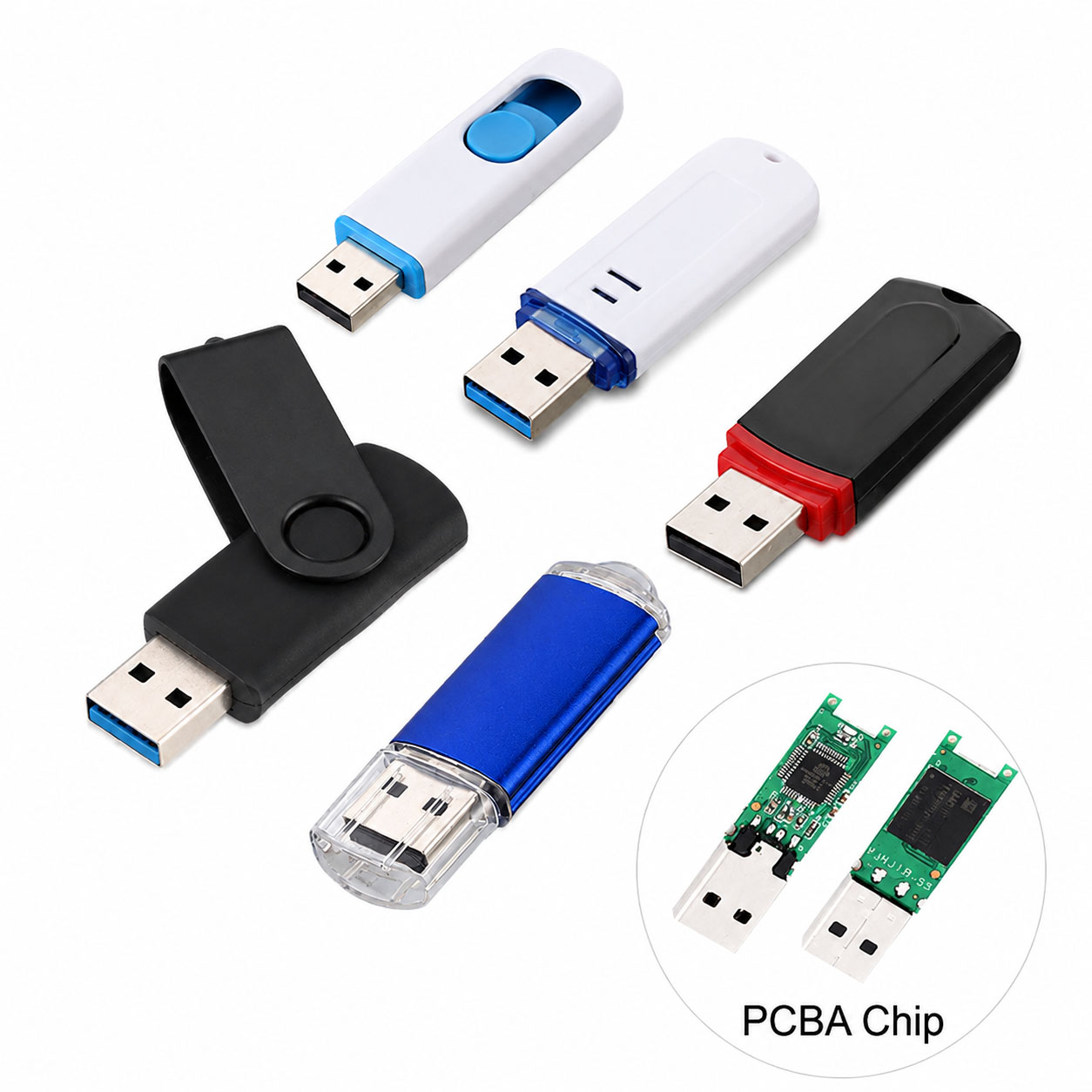
A USB flash drive is a convenient solution for storing and transferring important files, including documents, photos, videos, business data, and backups.
However, safe data storage depends on more than capacity. High-quality NAND flash memory, reliable controller chips, proper usage habits, and professional manufacturing quality all affect data security.
With storage industry experience, professional USB flash drive suppliers provide not only reliable products but also stable supply chain management and OEM/ODM customization solutions for businesses.
What Important Files Can Be Stored on a USB Flash Drive?
| File Type | Examples | Common Usage |
|---|---|---|
| Business Documents | Contracts, reports, spreadsheets | Office backup |
| Personal Files | Photos, videos, certificates | Personal storage |
| Creative Files | Designs, projects, media files | Professional work |
| Software Files | Tools, installers | System maintenance |
| Backup Data | Archives and copies | Data protection |
Best Practices for Safely Storing Files on USB Flash Drives
| Safety Method | Description |
|---|---|
| Use Quality USB Drives | Choose reliable NAND flash and stable controllers |
| Encrypt Important Files | Protect sensitive information |
| Keep Multiple Backups | Avoid losing critical data |
| Safely Eject Device | Prevent file corruption |
| Avoid Unknown Computers | Reduce malware risks |
| Check Drive Health Regularly | Detect problems early |
How to Protect Data on a USB Flash Drive?
| Protection Method | Benefit |
|---|---|
| File Encryption | Prevent unauthorized access |
| Password Protection | Add security for private files |
| Regular Backup | Reduce risk of permanent loss |
| Virus Scanning | Avoid malware infection |
| Proper Storage | Protect hardware lifespan |
Choosing a Reliable USB Flash Drive for Important Data
Not all USB drives provide the same reliability.
| Key Factor | Why It Matters |
|---|---|
| NAND Flash Quality | Determines data stability and lifespan |
| Controller Performance | Ensures reliable read/write operations |
| USB Interface | Improves transfer speed |
| Manufacturing Process | Reduces product failure risks |
| Testing System | Ensures consistent quality |
Recommended specifications:
| Feature | Recommended Choice |
|---|---|
| Interface | USB 3.0 / USB 3.2 |
| Capacity | 64GB-512GB |
| Housing | Metal or durable materials |
| Testing | Capacity, speed, aging tests |
USB Flash Drive Storage Tips for Different Users
| User Type | Recommended Storage Solution |
|---|---|
| Students | 32GB-64GB for documents |
| Office Users | 64GB-256GB for business files |
| Photographers | 128GB-512GB for photos/videos |
| Designers | 256GB+ for large projects |
| Companies | Customized bulk USB solutions |
Supply Chain Advantages of Professional USB Flash Drive Manufacturers
Working with experienced manufacturers helps ensure stable quality and supply.
| Supplier Advantage | Customer Benefit |
|---|---|
| Stable NAND Flash Supply | Consistent performance |
| Professional Production Lines | Reliable mass production |
| Quality Control System | Lower failure rate |
| Flexible Capacity Options | Supports different markets |
| Factory Direct Supply | Better cost control |
OEM & ODM USB Flash Drive Solutions
For companies, customized USB flash drives are widely used for branding, corporate gifts, and business applications.
| OEM Service | Custom Options |
|---|---|
| Logo Customization | Printing, laser engraving |
| Housing Design | Metal, plastic, wood, rubber |
| Color Options | Brand color matching |
| Packaging | Custom gift boxes |
| Capacity Selection | 8GB-1TB |
| Product Design | Standard or customized models |
Professional OEM suppliers can support:
| Process | Service |
|---|---|
| Design | Customized appearance |
| Material Selection | Housing and component choices |
| Production | Bulk manufacturing |
| Testing | Reliability inspection |
| Packaging | Brand-ready delivery |
How to Choose a Secure USB Flash Drive Supplier?
| Evaluation Criteria | What to Check |
|---|---|
| Storage Experience | Industry knowledge and expertise |
| Component Quality | Reliable flash memory sources |
| Testing Capability | Speed and capacity verification |
| OEM Ability | Custom production support |
| Certifications | CE, FCC, RoHS compliance |
| Service Support | Technical assistance |
FAQ About Safe USB Flash Drive Storage
Q1: Is a USB flash drive safe for storing important files?
Yes. A high-quality USB flash drive with proper backup and security practices can safely store important data.
Q2: How can I prevent data loss on a USB flash drive?
| Method | Recommendation |
|---|---|
| Backup | Keep another copy |
| Encryption | Protect sensitive files |
| Safe Removal | Prevent corruption |
| Quality Drive | Use reliable storage products |
Q3: How long can a USB flash drive store data?
A quality USB flash drive can store data for years under proper conditions. Lifespan depends on NAND quality, usage frequency, and storage environment.
Q4: Should I use encryption on a USB flash drive?
Yes. Encryption is recommended for confidential business files and personal information.
Q5: Can businesses order secure customized USB flash drives?
Yes. Manufacturers can provide OEM solutions including customized design, packaging, capacity, and security features.
Q6: Why choose a professional USB flash drive manufacturer?
| Benefit | Value |
|---|---|
| Stable Supply Chain | Reliable production |
| Quality Control | Better product consistency |
| OEM Capability | Brand customization |
| Technical Support | Professional service |
Conclusion
Safely storing important files on a USB flash drive requires both proper usage methods and reliable hardware quality.
For personal users and businesses, choosing a professional USB flash drive supplier with strong supply chain advantages, strict quality control, and OEM/ODM capabilities helps achieve safer, more reliable data storage solutions.