

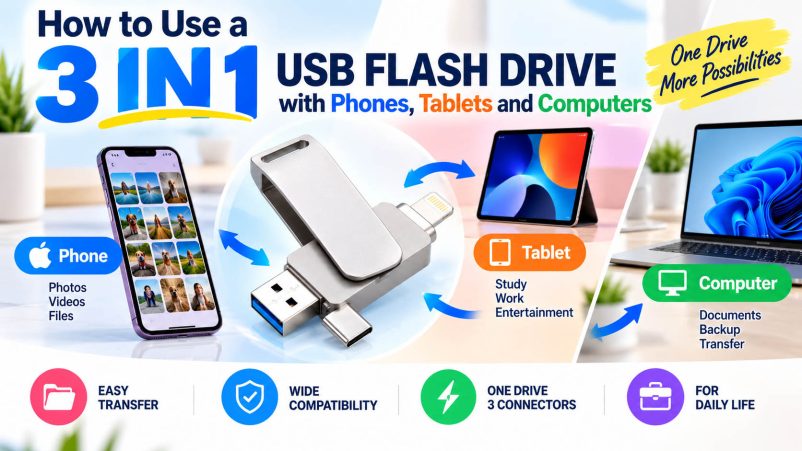
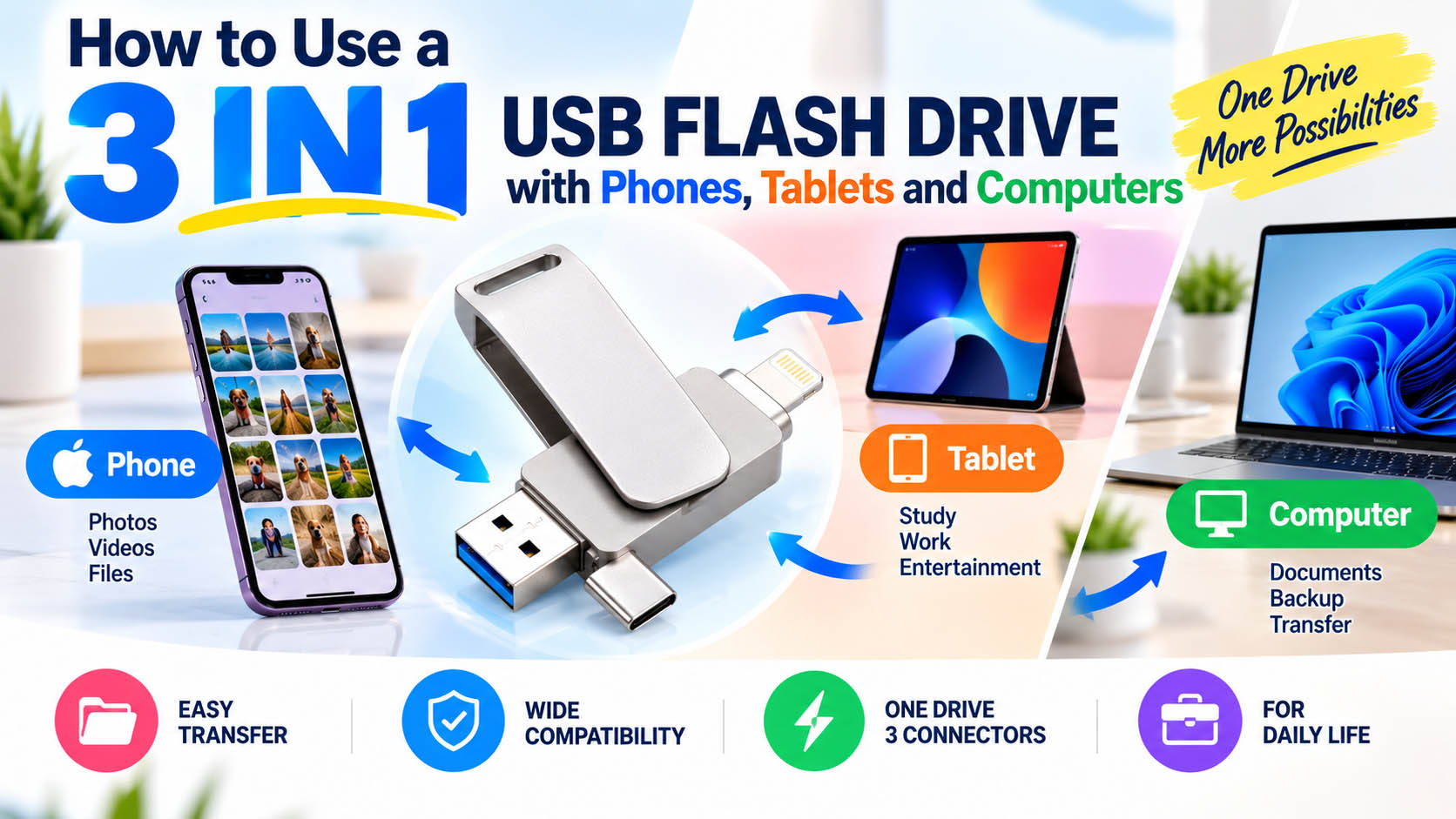
A 3 in 1 USB flash drive combines multiple connectors—commonly USB-A, USB-C and Lightning—in one storage device. It makes it easier to transfer photos, videos and documents between compatible phones, tablets, laptops and desktop computers without carrying separate drives or adapters.
How Does a 3 in 1 USB Flash Drive Work?
The drive uses the same internal flash storage while different connectors provide access from different devices.
| Device | Connector | Typical Use |
|---|---|---|
| Phone | USB-C / Lightning | Photo & video backup |
| Tablet | USB-C / Lightning | File transfer & storage |
| Laptop | USB-C / USB-A | Data transfer |
| Desktop PC | USB-A | Backup & file sharing |
Note: Actual compatibility depends on the device, operating system, USB specification and required file-management method.
How to Transfer Files Step by Step
| Step | What to Do |
|---|---|
| 1. Check the port | Select USB-A, USB-C or Lightning |
| 2. Connect | Insert the appropriate connector |
| 3. Open storage | Use the device’s file manager or supported app |
| 4. Select files | Choose photos, videos or documents |
| 5. Copy / Move | Transfer files to or from the flash drive |
| 6. Eject safely | Disconnect after the transfer is complete |
For large photo or video transfers, avoid removing the drive while data is being written.
What Can You Transfer?
| File Type | Common Application |
|---|---|
| Photos | Phone photo backup |
| Videos | 4K video transfer |
| Documents | Work & study files |
| Music | Offline media storage |
| Presentations | Business file sharing |
| Other Files | General data transfer |
3 in 1 USB Flash Drive: Key Advantages
| Advantage | Benefit |
|---|---|
| Three connectors | Supports more device types |
| No separate adapter | More convenient mobile transfer |
| Compact design | Easy to carry |
| Direct transfer | Useful for offline backup |
| Multiple capacities | Suitable for different users |
| Customizable | Ideal for branded products |
How to Choose the Right Capacity and Speed
| Capacity | Recommended Use |
|---|---|
| 32GB | Documents & basic transfer |
| 64GB | Everyday files |
| 128GB | Photos & mobile backup |
| 256GB | Photos + videos |
| 512GB | Large media collections |
| 1TB+ | Professional/high-volume storage |
For performance, choose a USB 3.x-based solution when faster large-file transfers are required. Actual speed depends on the controller, NAND flash, interface and host device.
Storage Supply Chain: What Matters?
For wholesalers and brands, advertised capacity and peak speed are only part of product quality.
| Supply Chain Factor | Why It Matters |
|---|---|
| NAND flash sourcing | Storage quality & supply stability |
| Controller matching | Performance & reliability |
| Firmware | Storage optimization |
| Capacity testing | Helps prevent fake-capacity issues |
| Speed testing | Verifies specifications |
| Compatibility testing | Reduces device-related problems |
| Batch QC | Improves shipment consistency |
An experienced storage supplier can coordinate NAND selection, controller matching, assembly, testing and quality control as one integrated process.
OEM & ODM Customization
A 3 in 1 USB flash drive can be customized for brands, distributors, promotional programs and retail projects.
| OEM Option | Available Choices |
|---|---|
| Logo | UV printing / laser engraving / silk printing |
| Housing | Plastic / aluminum / metal |
| Color | Standard or customized |
| Capacity | 32GB–1TB+ |
| Connector configuration | Customized according to project |
| Packaging | Retail box / blister / custom packaging |
| Accessories | Lanyard / key ring / gift packaging |
OEM production can integrate product customization → component sourcing → manufacturing → testing → packaging, helping brands reduce supplier coordination costs.
Who Should Buy a 3 in 1 USB Flash Drive?
| Customer | Recommended Application |
|---|---|
| Smartphone users | Photo & video backup |
| Students | File transfer |
| Office users | Document sharing |
| Photographers | Mobile photo backup |
| Content creators | Video transfer |
| Travelers | Offline storage |
| Wholesalers | Multi-device storage products |
| Brands | Customized promotional products |
FAQ
What is a 3 in 1 USB flash drive?
It is a flash drive with three different connectors, commonly USB-A, USB-C and Lightning, allowing compatible devices to access the same storage.
Can I transfer photos from my phone directly to the drive?
Yes. Compatible phones can transfer photos and videos directly to the flash drive using the appropriate connector and supported file-management method.
Can one 3 in 1 USB drive work with a phone, tablet and computer?
Yes, if each device supports the corresponding connector and external storage functionality.
Is USB-C always faster than USB-A?
No. Connector type does not determine actual transfer speed. USB generation, controller, NAND flash and host device all affect performance.
What capacity is best for phone photo backup?
128GB or 256GB is a practical choice for most users. Heavy video users may prefer 512GB or more.
Does a 3 in 1 drive require an adapter?
Usually not when the required connector is built into the drive. This is one of its main advantages for cross-device file transfer.
Can a 3 in 1 USB drive be customized?
Yes. OEM projects can typically customize logo, housing, color, capacity, connector configuration, packaging and accessories, subject to product design and MOQ.
What should bulk buyers check before ordering?
Check actual capacity, NAND source, controller, read/write performance, compatibility, QC procedures, MOQ, lead time and OEM capability.
Final Takeaway
A 3 in 1 USB flash drive provides a convenient way to transfer files between compatible phones, tablets and computers. For consumers, its biggest advantage is flexible connectivity. For wholesalers and brands, the key is choosing a supplier with stable NAND sourcing, controller expertise, reliable testing, quality control and OEM/ODM capabilities.
A well-managed supply chain can turn a standard 3 in 1 USB flash drive into a customized, reliable and market-ready storage product.





