

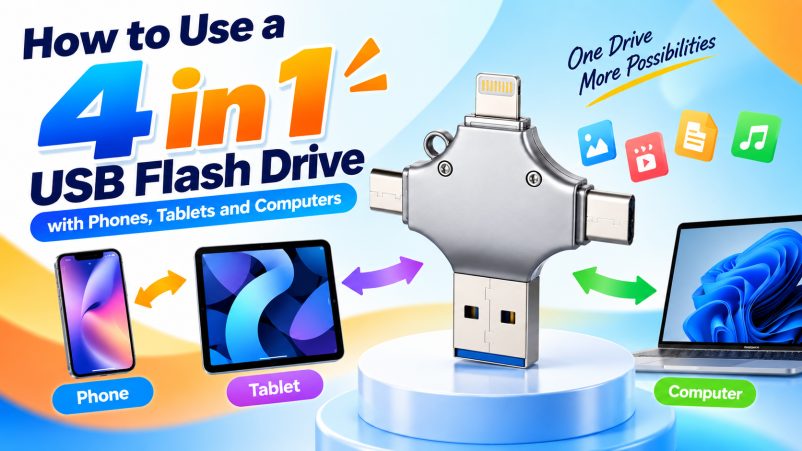
A 4 in 1 USB flash drive combines multiple connectors—commonly USB-A, USB-C, Lightning and Micro USB—into one portable storage device. It is designed for cross-device file transfer, photo and video backup, and portable data storage.
Compatibility varies by model. Always confirm the connector configuration, operating system and device support before purchasing or using the drive.
4 in 1 USB Flash Drive: How It Works
The basic process is simple: choose the correct connector → connect the drive → access files → transfer or back up data.
| Device | Common Connector | Typical Use |
|---|---|---|
| iPhone | Lightning / USB-C | Photo & video backup |
| Android Phone | USB-C / Micro USB | File transfer & backup |
| Tablet | USB-C / Lightning | Document & media transfer |
| Laptop / PC | USB-A / USB-C | File storage & sharing |
How to Use It with a Phone
Step 1: Select the Correct Connector
Check the phone’s physical port and select the matching connector on the 4 in 1 USB drive.
Step 2: Connect the Flash Drive
Insert the connector securely. Some mobile devices may require permission before accessing external storage.
Step 3: Open the Files or Supported App
Depending on the device and drive, files may be accessed through the system file manager or a manufacturer-supported application.
Step 4: Transfer or Back Up Files
Select photos, videos, documents or other files and copy them between the phone and flash drive.
| Task | Recommended Workflow |
|---|---|
| Photo Backup | Phone → USB Flash Drive |
| Video Transfer | Phone → USB Flash Drive / Computer |
| Document Sharing | USB Drive → Phone |
| Phone-to-Phone Transfer | Phone A → USB Drive → Phone B |
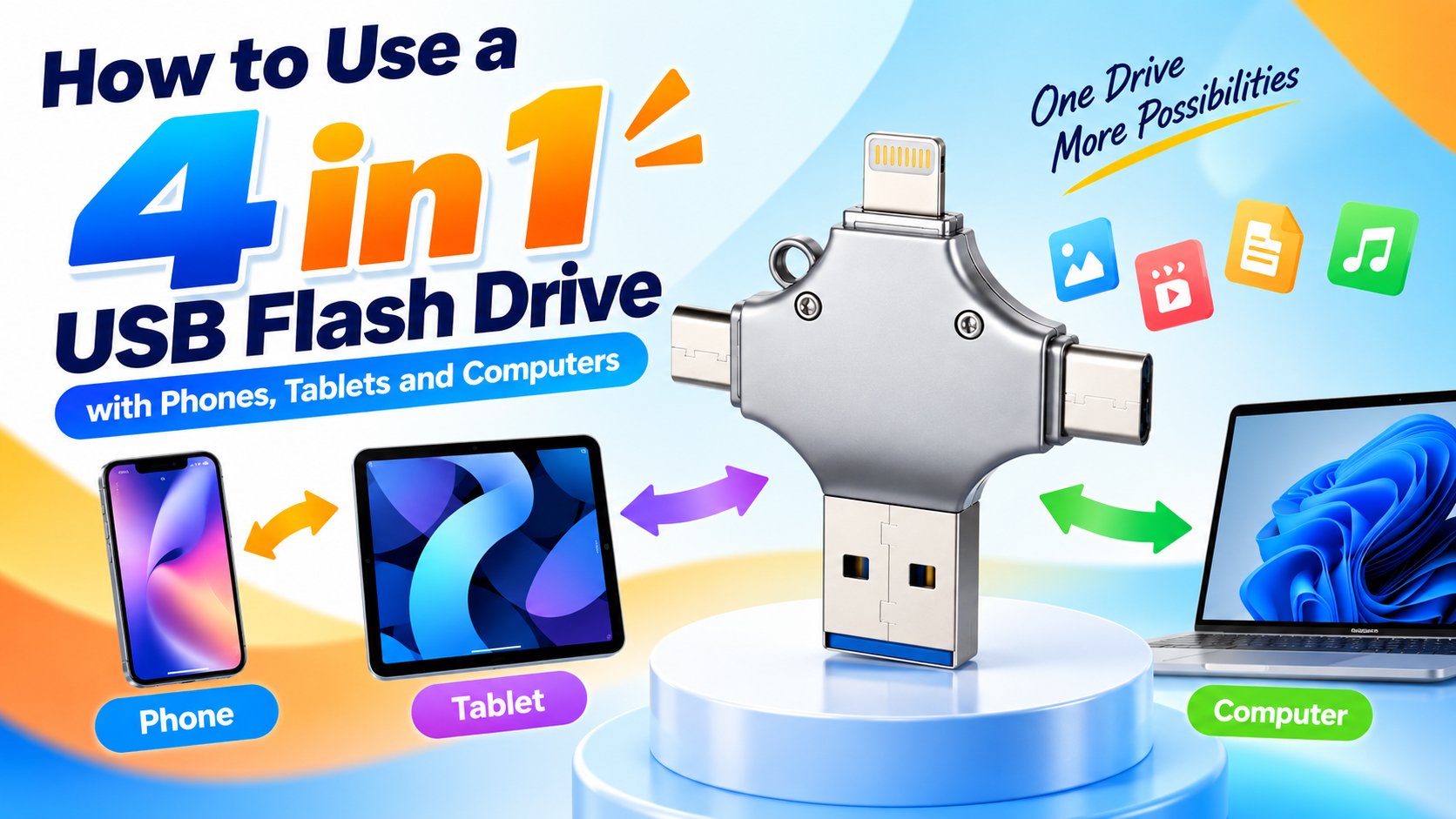
How to Use It with a Tablet
The procedure is similar to a smartphone.
| Step | Action |
|---|---|
| 1 | Identify the tablet’s connector |
| 2 | Select the matching USB drive interface |
| 3 | Connect the drive |
| 4 | Open the file manager or supported app |
| 5 | Copy, move or back up files |
For USB-C tablets, USB-C is generally the preferred interface when supported by the device.
How to Use It with a Computer
Computers are usually the simplest devices for using a multi-connector flash drive.
| Step | Action |
|---|---|
| 1 | Connect USB-A or USB-C |
| 2 | Wait for the operating system to recognize the drive |
| 3 | Open the external storage device |
| 4 | Drag and drop or copy files |
| 5 | Safely eject the drive |
What Can You Store on a 4 in 1 USB Flash Drive?
| File Type | Common Application |
|---|---|
| Photos | Mobile photo backup |
| Videos | Video transfer and archiving |
| Documents | Business file sharing |
| Music | Portable media storage |
| Presentations | Business and education |
| Other Files | General portable storage |
4 in 1 USB Flash Drive Buying Guide
For consumers and B2B buyers, capacity alone should not determine product selection.
| Factor | What to Check |
|---|---|
| Capacity | 32GB, 64GB, 128GB, 256GB or more |
| Connector | USB-A, USB-C, Lightning, Micro USB |
| Read Speed | Actual tested performance |
| Write Speed | Important for large video files |
| NAND Flash | Quality and sourcing stability |
| Controller | Compatibility and performance |
| Housing | Metal, aluminum or ABS options |
| Compatibility | Target phones, tablets and computers |
| QC | Capacity, speed and functional testing |
Why Supply Chain Matters
For wholesale buyers, a reliable storage supply chain can directly affect product consistency, delivery stability and long-term costs.
An experienced supplier can coordinate NAND flash, controllers, PCB assembly, housing, firmware, testing and packaging.
| Supply Chain Capability | Buyer Benefit |
|---|---|
| NAND Sourcing | More stable memory supply |
| Controller Matching | Better product compatibility |
| PCB Assembly | Consistent manufacturing |
| Capacity Testing | Helps prevent false-capacity products |
| Speed Testing | Verifies actual performance |
| Batch QC | More consistent bulk orders |
| Packaging | One-stop OEM production |
OEM & ODM Options
A 4 in 1 USB flash drive is suitable for private-label brands, distributors, retailers and promotional products.
| OEM Service | Available Options |
|---|---|
| Logo | Laser engraving, printing, etc. |
| Housing | Color, material and design |
| Capacity | Multiple capacity options |
| Connector Combination | Customized configurations |
| Packaging | Retail box, blister, gift box |
| Accessories | Cable, adapter and other options |
| Product Appearance | Customized design where applicable |
For large orders, buyers should confirm MOQ, samples, lead time, QC requirements and packaging specifications before production.
Common Problems and Solutions
| Problem | Possible Cause | Solution |
|---|---|---|
| Drive Not Recognized | Incompatible interface/device | Check connector and device support |
| Cannot Copy Files | Permission or file-system issue | Check device permissions and supported format |
| Slow Transfer | Drive/device limitation | Verify actual read/write speed |
| Phone Cannot Access Drive | OS/app compatibility | Use supported file manager or app |
| Capacity Seems Lower | Formatting/system overhead | Check capacity using a reliable testing tool |
FAQ
Can I use a 4 in 1 USB flash drive on both phones and computers?
Yes. The purpose of a multi-connector design is to support multiple device interfaces, provided the specific connectors and devices are compatible.
Can I transfer photos directly from my phone?
Yes. Compatible models can be used to transfer or back up photos and videos directly between a phone and the flash drive.
Does every 4 in 1 USB drive support iPhone?
No. Compatibility depends on the connector type, iPhone model, iOS version and the drive’s supported software or file-management method.
Can I use a 4 in 1 USB flash drive without an app?
It depends on the device and product. Some devices can access compatible external storage through their built-in file manager, while certain drives may require a dedicated application.
What capacity should I choose?
| Usage | Suggested Capacity |
|---|---|
| Documents & Light Backup | 32GB–64GB |
| Photos & Regular Backup | 64GB–128GB |
| Large Photo/Video Libraries | 128GB–256GB+ |
Is a 4 in 1 USB flash drive suitable for wholesale?
Yes. Its multi-interface design makes it suitable for electronics distributors, retailers, e-commerce sellers, corporate gifts and private-label brands.
Can manufacturers customize the product?
Yes. OEM/ODM services can include logo, housing color, capacity, connector configuration, packaging and selected product designs, depending on MOQ and production capability.
Conclusion
Using a 4 in 1 USB flash drive is straightforward: choose the correct connector, connect it to the device, access the storage and transfer or back up your files. For B2B purchasing, however, NAND quality, controller matching, actual speed, QC and supply-chain stability are just as important as capacity and price.
For brands and distributors, working with a supplier offering stable component sourcing and flexible OEM/ODM services can make it easier to develop customized 4 in 1 USB flash drives for different markets.





