

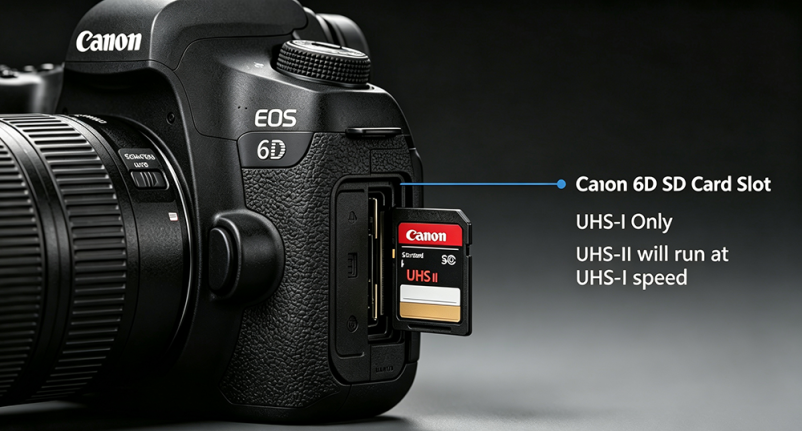
The Canon EOS 6D, a classic full-frame DSLR, features a single SD card slot and only supports the UHS-I bus standard (UHS-II is incompatible). SD card selection must comply with the camera’s hardware specifications to balance stability for photography/videography and cost performance.
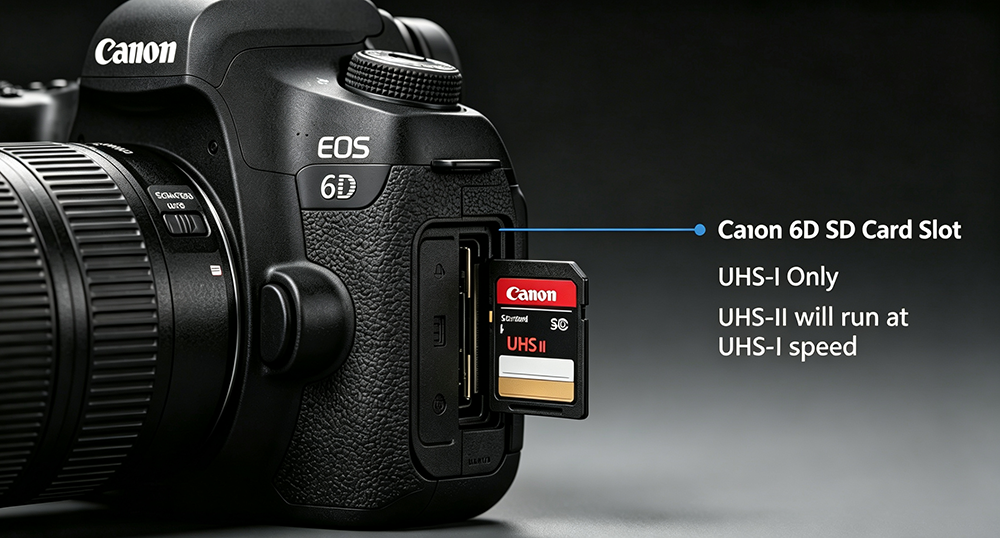
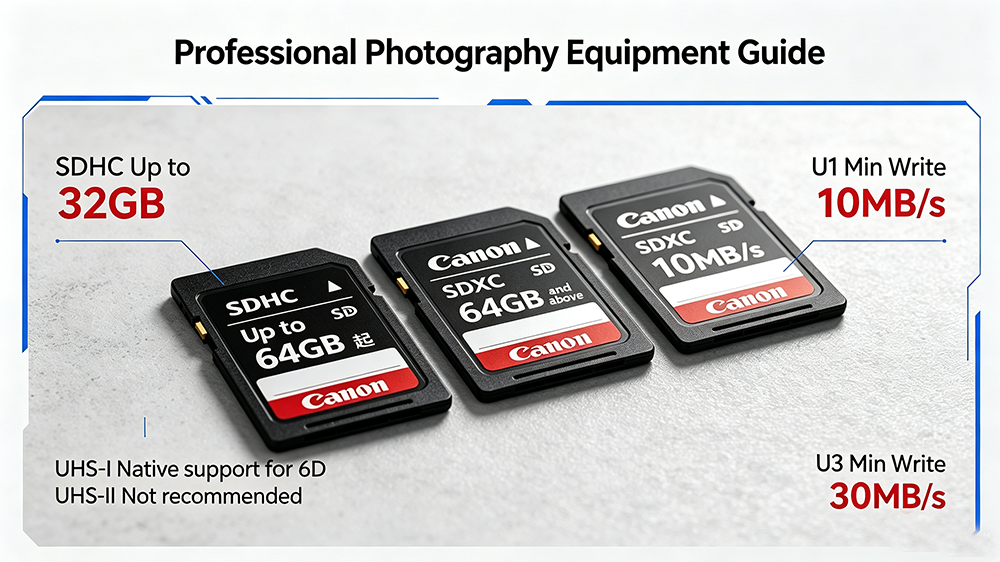
First, confirm compatibility. Officially, the 6D supports SD, SDHC, and SDXC memory cards with UHS-I interface only. UHS-II cards are recognizable but throttled to UHS-I speed, making the premium cost unnecessary. For capacity, SDHC tops at 32GB while SDXC starts at 64GB. Prioritize 64GB+ SDXC cards to avoid frequent card replacement.
Second, focus on write speed (the core parameter). Per Canon official specs: IPB video requires a minimum write speed of 6MB/s, and ALL-I video requires 20MB/s or higher. Slow cards cause buffer stalls during RAW burst shooting. Recommendations: U1 (10MB/s minimum write) for daily shots; U3 (30MB/s minimum write) for video and RAW bursts, prioritize cards with labeled actual write speed.
Finally, tips & pitfalls. Choose professional-grade cards with MLC/high-quality TLC particles and shock/dustproof protection, avoid counterfeit expanded-capacity cards. Since the single slot has no backup function, use two 64GB/128GB cards alternately instead of one large-capacity card to reduce data loss risk.




