Choosing the right USB flash drive capacity depends on file type, storage volume, transfer frequency, device compatibility, and budget. For B2B buyers, NAND quality, controller matching, supply stability, and OEM capability are equally important.
USB Flash Drive Capacity Guide
| Capacity | Best For | Recommended Use |
|---|---|---|
| 16GB | Basic files | Documents, presentations |
| 32GB | Everyday storage | Documents, photos |
| 64GB | Personal use | Photos, music, videos |
| 128GB | Heavy everyday use | Photos, Full HD/4K videos |
| 256GB | Large files | Video, design files, backups |
| 512GB | Professional storage | Large media libraries |
| 1TB+ | High-capacity storage | Professional backup & archives |
Quick choice:
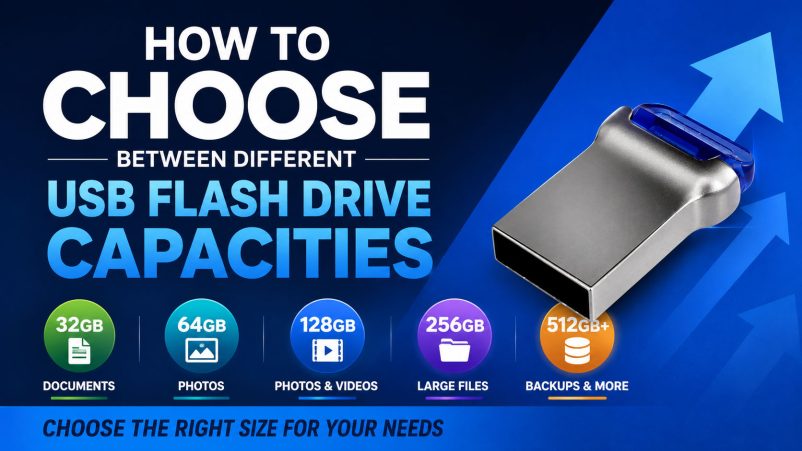
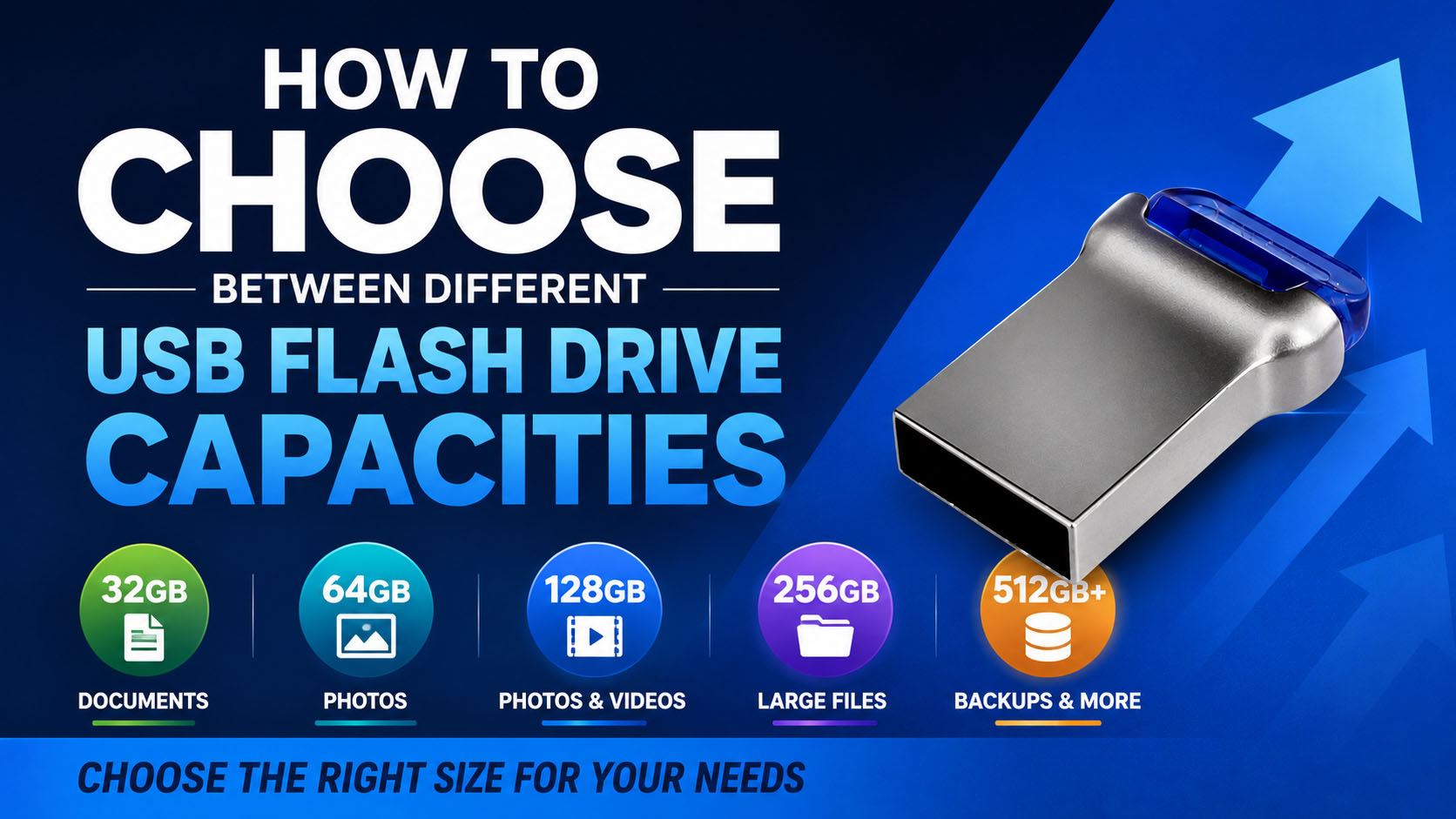
32–64GB for documents and basic files → 128GB for general multimedia → 256GB+ for large files and backups.
How Much USB Storage Do You Need?
| File Type | Typical Capacity Choice |
|---|---|
| Office Documents | 16–32GB |
| PDF / E-books | 32GB |
| Photos | 64–128GB |
| Music | 64–128GB |
| HD Video | 128GB+ |
| 4K Video | 256GB+ |
| Computer Backup | 256GB–1TB+ |
| Professional Media | 512GB+ |
Actual storage requirements vary significantly with file size, resolution, compression, and workload.
Capacity vs Price
| Capacity | Cost Level | Suitable Buyer |
|---|---|---|
| 32GB | Low | Promotional / Basic |
| 64GB | Low–Medium | General Retail |
| 128GB | Medium | Mainstream Retail |
| 256GB | Medium–High | Professional Users |
| 512GB | High | Large Data Users |
| 1TB+ | Higher | Specialized Applications |
For B2B procurement, cost per usable GB is often more useful than unit price alone.
Capacity Is Not the Only Factor
A larger USB flash drive is not automatically a better product.
| Factor | Why It Matters |
|---|---|
| NAND Flash | Storage quality & endurance |
| Controller | Stability & performance |
| Read Speed | Faster file access |
| Write Speed | Faster backup and file transfer |
| Sustained Write | Important for large files |
| USB Interface | Device compatibility |
| Firmware | Flash management |
| QC Testing | Actual capacity & reliability |
| Housing | Physical durability |
A reliable product requires proper NAND + controller + firmware matching, not simply a high-capacity NAND chip.
NAND Flash Selection
| NAND Type | General Characteristics | Typical Positioning |
|---|---|---|
| SLC | High endurance, high cost | Specialized |
| MLC | High endurance | Professional |
| TLC | Balanced cost/performance | Mainstream |
| QLC | High density, cost focused | Capacity-oriented |
For mainstream USB flash drives, TLC can provide a practical balance of capacity, performance, endurance, and cost, depending on the application.
USB Interface and Capacity Selection
| Interface | Best Application |
|---|---|
| USB-A | PCs and legacy devices |
| USB-C | New laptops, tablets, phones |
| USB-A + USB-C | Multi-device users |
| USB 2.0 | Basic storage |
| USB 3.x | Faster file transfer |
For modern product lines, USB-C and dual-interface USB flash drives can provide broader market compatibility.
Capacity Verification Matters
Advertised capacity should always be verified during production.
| QC Test | Purpose |
|---|---|
| Capacity Test | Verify actual capacity |
| Read Test | Check data retrieval |
| Write Test | Check recording |
| Speed Test | Verify performance |
| Bad Block Check | Identify potential issues |
| Full-Batch QC | Maintain consistency |
For B2B orders, actual capacity verification helps reduce fake-capacity, defective-product, and return-rate risks.
Supply Chain Advantages for USB Flash Drive Buyers
A stable storage supply chain is critical for repeat orders and consistent product quality.
| Supply Chain Capability | Buyer Benefit |
|---|---|
| Stable NAND Sourcing | Consistent quality |
| Multiple NAND Options | Flexible cost control |
| Controller Selection | Application optimization |
| NAND-Controller Matching | Better stability |
| Firmware Management | Consistent performance |
| Factory Testing | Lower defect risk |
| Capacity Verification | Reliable capacity |
| Batch QC | Consistent production |
| Alternative Components | Lower supply risk |
| Stable Production | Reliable repeat orders |
An experienced storage supplier can coordinate:
NAND → Controller → PCB → Firmware → Assembly → Testing → Packaging
OEM & ODM Capacity Customization
USB flash drive capacity can be customized according to the target market and application.
| OEM / ODM Option | Customization |
|---|---|
| Capacity | 32GB / 64GB / 128GB / 256GB / 512GB / 1TB+ |
| NAND | Platform dependent |
| Controller | Application dependent |
| Interface | USB-A / USB-C / Dual |
| Housing | Standard / Custom |
| Color | Custom |
| Logo | Printing / Laser engraving |
| Packaging | Retail / B2B |
| Data Preloading | Project dependent |
| QC Standard | Customer-defined |
OEM buyers can combine capacity, performance, design, branding, packaging, and QC requirements into one product solution.
Recommended Capacity by Application
| Application | Recommended Starting Point |
|---|---|
| Promotional USB | 16–32GB |
| Office Documents | 32–64GB |
| Photos | 64–128GB |
| Video | 128–256GB+ |
| Computer Backup | 256GB+ |
| Professional Media | 512GB+ |
| Large Data Archive | 1TB+ |
Common Buying Mistakes
| Mistake | Better Approach |
|---|---|
| Choosing only by price | Compare total value |
| Buying maximum capacity | Match actual workload |
| Looking only at read speed | Check write & sustained speed |
| Ignoring NAND | Verify NAND source/type |
| Ignoring controller | Check NAND-controller matching |
| Trusting capacity labels | Perform capacity testing |
| Ignoring supply stability | Evaluate long-term sourcing |
| Ignoring OEM capability | Confirm customization options |
FAQ
Is 32GB enough for a USB flash drive?
Yes, for documents, presentations, PDFs, and basic file storage. Choose 64GB or more for larger photo and multimedia collections.
Is 128GB a good USB flash drive capacity?
Yes. 128GB is a versatile choice for photos, videos, documents, and everyday backups.
Is 256GB enough for video storage?
For many users, yes. However, 4K and professional video files can consume storage quickly, so 512GB or more may be preferable for larger libraries.
Is a larger USB flash drive always better?
No. Capacity should match your workload. A larger drive may cost more without providing practical benefits for basic file storage.
What NAND is best for USB flash drives?
There is no universal answer. TLC is widely used for mainstream products because it balances capacity, performance, endurance, and cost.
Does USB flash drive capacity affect speed?
Not necessarily. Speed depends on the NAND, controller, firmware, interface, and product design. Capacity alone does not determine performance.
How can I verify the actual USB capacity?
Use professional capacity and read/write testing during QC. B2B suppliers should verify actual capacity before shipment.
Can USB flash drive capacity be customized for OEM orders?
Yes. Depending on the available platform, OEM/ODM suppliers can customize capacity, NAND, controller, USB interface, housing, logo, packaging, and QC requirements.
What should B2B buyers ask a USB flash drive manufacturer?
| Question | Why It Matters |
|---|---|
| What NAND is used? | Storage quality |
| Which controller? | Stability & performance |
| What capacities are available? | Product planning |
| What are the real write speeds? | Performance verification |
| Is actual capacity tested? | Avoid capacity issues |
| What QC tests are performed? | Reliability |
| What is the MOQ? | Procurement planning |
| Can OEM/ODM be supported? | Brand customization |
| Is NAND supply stable? | Long-term purchasing |
Final Takeaway
Choosing USB flash drive capacity is simple:
32–64GB → Basic Files
128GB → Everyday Multimedia
256GB → Large Files & Backup
512GB+ → Professional Storage
For B2B buyers, capacity should be evaluated together with NAND quality, controller matching, real-world speed, QC testing, supply-chain stability, and OEM/ODM capability.
The right capacity is not the biggest one—it is the capacity that matches the application and delivers reliable value.