

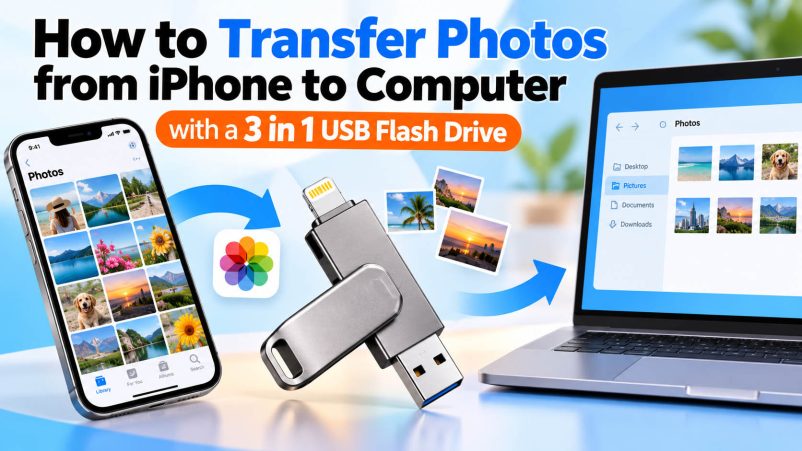
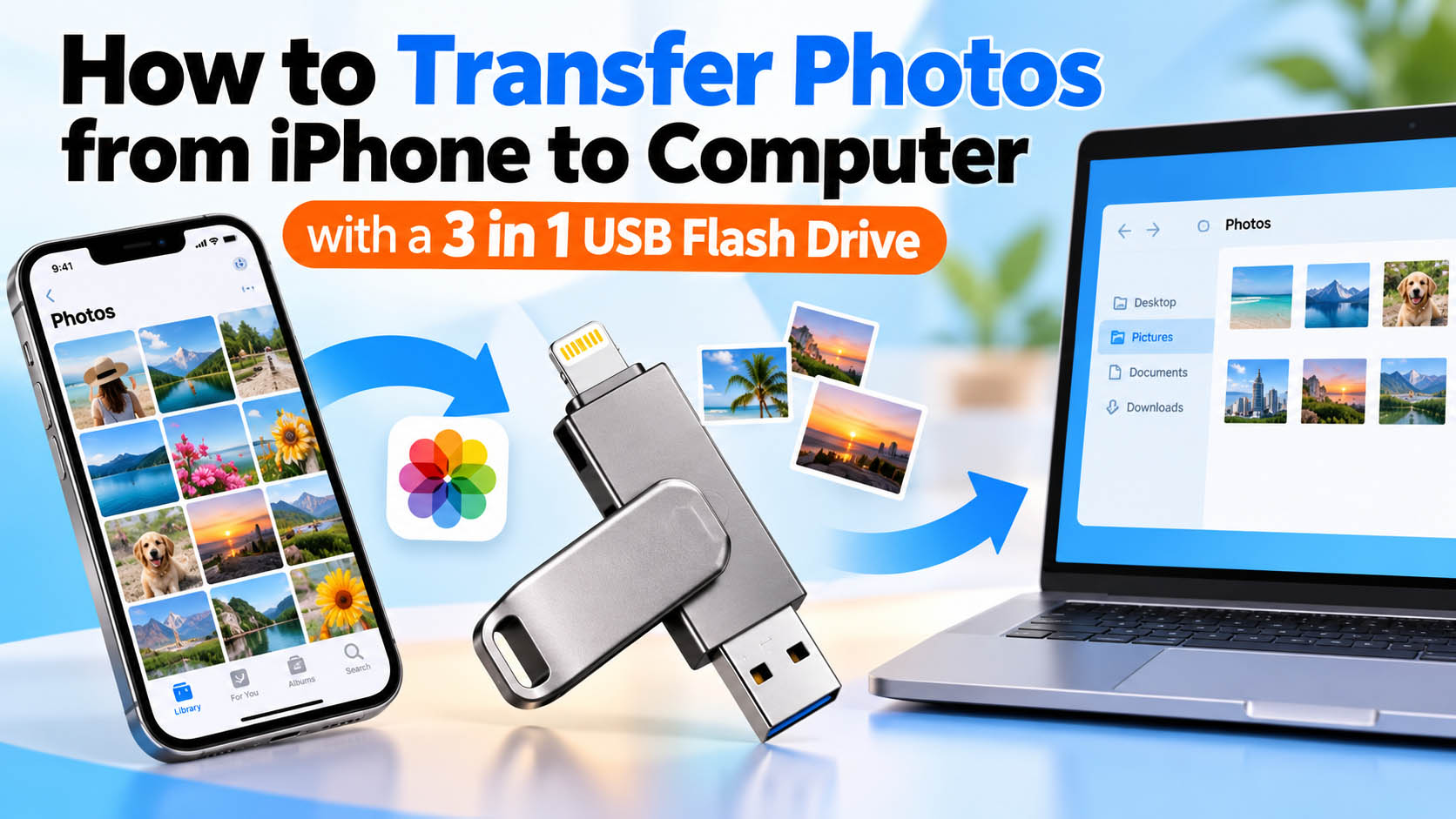
Transferring photos from an iPhone to a computer does not always require cloud storage, cables, or complicated software. A 3-in-1 USB flash drive provides a convenient way to move photos directly between iPhone, computers, tablets, and other devices.
For consumers, it offers flexible mobile storage. For distributors, retailers, and brands, a 3-in-1 flash drive can also be developed with different capacities, connectors, packaging, and branding through OEM/ODM manufacturing.
What Is a 3-in-1 USB Flash Drive?
A 3-in-1 USB flash drive combines multiple connectors in one compact storage device. A common configuration includes Lightning or USB-C for mobile devices, plus USB-A and/or USB-C for computers.
| Feature | Benefit |
|---|---|
| 3 connectors | Works with multiple device types |
| Flash storage | No internet connection required |
| Plug-and-play design | Simple photo and video transfer |
| Compact size | Easy to carry while traveling |
| Multiple capacities | Suitable for different storage needs |
| Custom branding | Suitable for OEM/ODM projects |
Note: Connector compatibility depends on the iPhone model and the specific flash drive design. Newer iPhone models use USB-C, while older models may use Lightning.
How to Transfer Photos from iPhone to Computer
The basic workflow is simple:
| Step | What to Do |
|---|---|
| 1 | Connect the 3-in-1 USB flash drive to your iPhone |
| 2 | Open the compatible storage/file management app if required |
| 3 | Select the photos or videos you want to transfer |
| 4 | Copy the files to the USB flash drive |
| 5 | Disconnect the drive from the iPhone |
| 6 | Connect the USB flash drive to your computer |
| 7 | Open the drive and copy the photos to your computer |
This method is especially useful for transferring large photo libraries without relying entirely on cloud storage.
Why Use a 3-in-1 USB Flash Drive for iPhone Photos?
Compared with traditional single-connector flash drives, a 3-in-1 model provides greater flexibility.
| Transfer Method | Internet Required | Convenience | Multi-Device Support |
|---|---|---|---|
| Cloud storage | Yes | High | High |
| Email/message apps | Usually | Medium | High |
| USB cable | No | Medium | Medium |
| 3-in-1 USB flash drive | No | High | High |
A 3-in-1 flash drive can be particularly useful for travel photography, video backup, business users, students, content creators, and users with limited cloud storage.
Choosing the Right Capacity
Photo and video file sizes vary significantly, so capacity should match the intended application.
| Capacity | Typical Use |
|---|---|
| 32GB | Basic photo backup and everyday files |
| 64GB | Photos, documents, and moderate video storage |
| 128GB | Recommended for frequent photo/video backup |
| 256GB | Large photo libraries and high-volume video |
| 512GB+ | Professional users and large media collections |
For B2B buyers, offering several capacities can cover different customer segments without requiring a completely different product platform.
What to Consider When Buying a 3-in-1 USB Flash Drive
Not every multi-connector flash drive provides the same user experience. Buyers should evaluate the following specifications:
| Key Factor | What to Check |
|---|---|
| Connector type | Lightning, USB-C, USB-A |
| Capacity | 32GB–512GB or customized |
| Read speed | Important for large photo/video transfers |
| Write speed | Important for backup performance |
| Compatibility | iPhone, iPad, Mac, Windows and other devices |
| Controller | Stability and performance |
| NAND flash | Quality and consistency |
| Housing | Metal, plastic or customized design |
| Data management | App or native file management support |
| Packaging | Retail, bulk or customized packaging |
Supply Chain Advantages for 3-in-1 USB Flash Drives
For distributors and brands, product quality depends not only on the external design but also on the underlying storage supply chain.
A reliable storage manufacturer should be able to manage NAND flash sourcing, controller matching, firmware configuration, testing, assembly, quality control, and final packaging as an integrated process.
| Supply Chain Capability | B2B Benefit |
|---|---|
| NAND sourcing | More consistent product availability |
| Controller selection | Better performance matching |
| Firmware configuration | Supports different product requirements |
| Capacity management | Flexible 32GB–512GB+ product options |
| Production testing | Helps reduce defective units |
| Quality inspection | More consistent batch quality |
| Packaging supply | Supports retail-ready products |
| Logistics coordination | Simplifies bulk purchasing |
This integrated approach can help importers, wholesalers, retailers, and private-label brands reduce sourcing complexity.
OEM & ODM Options for 3-in-1 USB Flash Drives
A 3-in-1 USB flash drive can be customized beyond simply adding a logo.
| OEM/ODM Option | Examples |
|---|---|
| Logo | Laser engraving, printing, customized branding |
| Housing | Customized color, material and appearance |
| Connector configuration | USB-A, USB-C, Lightning or combinations |
| Capacity | 32GB, 64GB, 128GB, 256GB, 512GB+ |
| Packaging | Gift box, blister, paper box or custom packaging |
| Labeling | Customized model and product information |
| Firmware | Configuration according to product requirements |
| Accessories | Customized adapters or accessories |
| Retail design | Customized artwork and branding |
For brands launching a new mobile storage product, OEM/ODM manufacturing can make it possible to create a product that matches the target market, price range, and sales channel.
3-in-1 USB Flash Drive for Different Markets
The same basic storage solution can be positioned differently depending on the target market.
| Target Customer | Recommended Selling Point |
|---|---|
| Retail consumers | Easy iPhone photo backup |
| Photographers | Fast media transfer and portable storage |
| Content creators | Backup for photos and videos |
| Travelers | Compact offline storage |
| Distributors | Multi-device compatibility |
| Retail brands | Private-label customization |
| Corporate buyers | Customized logo and packaging |
| E-commerce sellers | Multiple capacities and retail packaging |
Common Problems When Transferring iPhone Photos
| Problem | Possible Reason | Recommended Solution |
|---|---|---|
| Drive is not recognized | Compatibility or connector issue | Check device and connector compatibility |
| Transfer is slow | Low write/read performance | Choose a higher-performance flash drive |
| Some files cannot be copied | File format or app limitation | Check supported file formats |
| Storage is insufficient | Capacity is too small | Choose 128GB, 256GB or larger |
| Drive disconnects | Poor connector or unstable hardware | Use a quality-tested product |
| Large videos take too long | Large file size | Select a higher-speed storage solution |
How Manufacturers Can Improve Product Reliability
For B2B buyers, reliability should be evaluated at the component, production, and finished-product levels.
A professional storage supplier should focus on:
- NAND flash quality and consistency
- Controller compatibility
- Firmware stability
- Connector durability
- Read/write performance testing
- Capacity verification
- Batch quality control
- Finished-product inspection
For large orders, suppliers should also provide consistent specifications across production batches to help brands maintain stable product performance.
FAQ About 3-in-1 USB Flash Drives
Can I transfer photos from an iPhone directly to a USB flash drive?
Yes. A compatible 3-in-1 USB flash drive can allow photos and videos to be transferred directly from an iPhone to external storage. The exact process depends on the iPhone model, connector type, iOS version, and drive design.
Can a 3-in-1 USB flash drive connect to a computer?
Yes. Depending on the configuration, it can support USB-A, USB-C, or both, allowing the drive to connect to many Windows PCs, Macs, laptops, and other compatible devices.
Is a 128GB USB flash drive enough for iPhone photos?
For many users, 128GB provides a good balance between capacity, portability, and cost. Users with large video libraries may prefer 256GB or higher.
Does transferring photos require Wi-Fi?
No. Direct USB storage transfer generally does not require an internet connection, which makes it useful for travel, offline backup, and situations where cloud access is inconvenient.
Can I customize a 3-in-1 USB flash drive with my brand?
Yes. OEM/ODM suppliers can typically offer options such as logo printing, laser engraving, customized housing, colors, capacities, packaging, labeling, and connector configurations.
What capacity should wholesalers stock?
A practical product range can include 64GB, 128GB, 256GB, and 512GB, depending on the target market and price positioning. Offering several capacities allows distributors to address both entry-level and premium customers.
What should I ask a USB flash drive supplier before placing a bulk order?
Ask about NAND flash source, controller, actual capacity, read/write speed, compatibility, testing procedures, MOQ, OEM options, packaging, lead time, and warranty policy. Sample testing before mass production is also recommended.
Final Takeaway
A 3-in-1 USB flash drive for iPhone photo transfer combines portable storage with multi-device connectivity, making it a practical solution for photo backup and file transfer without depending entirely on cloud storage.
For B2B buyers, the right supplier should offer more than storage products. Reliable NAND sourcing, production quality control, flexible capacities, OEM/ODM customization, and stable supply-chain support are important factors when developing a long-term mobile storage product line.
Whether you are looking for 3-in-1 USB flash drives, iPhone USB drives, mobile flash drives, private-label USB drives, or customized USB storage products, choosing a supplier with integrated storage manufacturing and OEM capabilities can make product development and bulk purchasing more efficient.





