

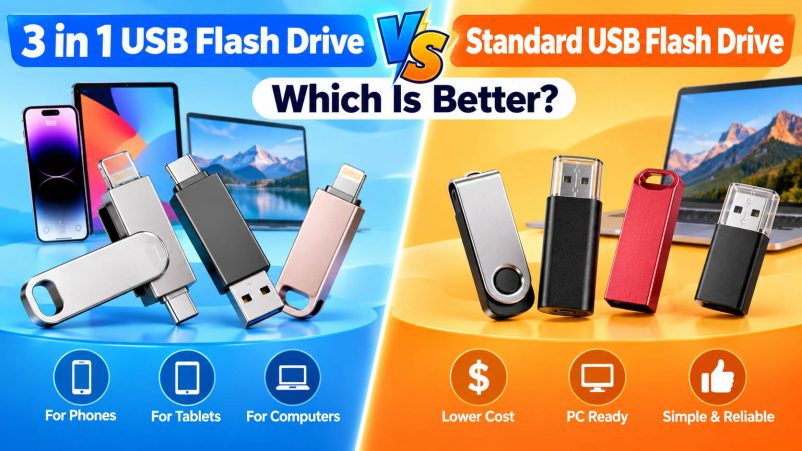
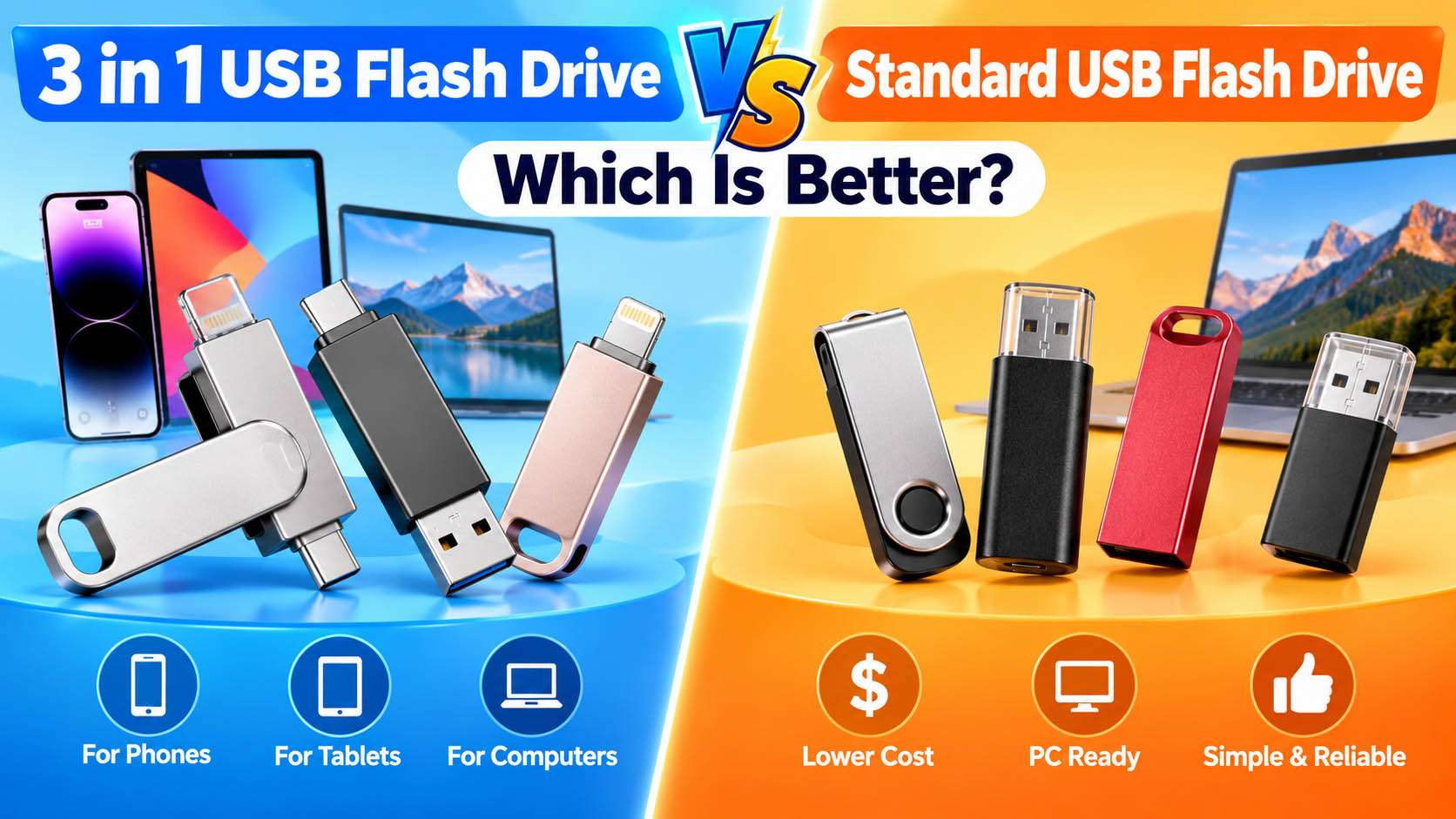
A 3-in-1 USB flash drive and a standard USB flash drive both provide portable data storage, but they are designed for different use cases.
A standard USB flash drive usually focuses on simple computer storage, while a 3-in-1 USB flash drive adds multiple connectors for transferring files between smartphones, tablets, laptops, and PCs.
For users who regularly move photos, videos, and documents between different devices, a 3-in-1 USB flash drive offers greater flexibility. For buyers who mainly use a PC or laptop, a standard USB flash drive can be more economical.
3 in 1 USB Flash Drive vs Standard USB Flash Drive
| Feature | 3-in-1 USB Flash Drive | Standard USB Flash Drive |
|---|---|---|
| Connectors | 3 types | Usually 1 |
| Smartphone compatibility | Excellent when properly configured | Limited |
| PC compatibility | Excellent | Excellent |
| Cross-device transfer | High | Medium |
| Portability | High | High |
| Product cost | Higher | Lower |
| Design complexity | Higher | Lower |
| OEM customization | Flexible | Very flexible |
| Best for | Multi-device users | PC/laptop users |
A 3-in-1 drive may combine USB-A, USB-C, and Lightning, or other connector combinations depending on the target market. However, physical connector compatibility does not automatically guarantee full device compatibility; firmware, operating-system support, and product certification can also matter.
Which USB Flash Drive Is Better?
There is no universal winner.
| Your Main Requirement | Recommended Product |
|---|---|
| Transfer files between iPhone and computer | 3-in-1 USB flash drive |
| Transfer files between Android and PC | 3-in-1 USB flash drive |
| Store files mainly on a PC | Standard USB flash drive |
| Photo and video backup while traveling | 3-in-1 USB flash drive |
| Lowest purchase cost | Standard USB flash drive |
| Retail multi-device product | 3-in-1 USB flash drive |
| Corporate bulk storage | Standard or customized USB flash drive |
| Private-label product | Either, depending on target market |
For newer iPhones with USB-C, a USB-C-equipped drive can connect directly to compatible devices. Older Lightning-based iPhones require a Lightning-compatible solution or an appropriate adapter.
Why Choose a 3-in-1 USB Flash Drive?
The biggest advantage is multi-device connectivity.
| Advantage | Business/User Value |
|---|---|
| Multiple connectors | One drive can support different devices |
| Direct mobile backup | Convenient for photos and videos |
| No cloud dependency | Useful when internet access is limited |
| Portable design | Easy to carry |
| Multiple capacities | 64GB–512GB+ product range |
| OEM branding | Suitable for private-label products |
| Cross-platform applications | Broader target customer base |
For example, a user can transfer photos from a smartphone to the flash drive and then connect the same drive to a laptop without carrying separate storage devices.
When Is a Standard USB Flash Drive Better?
A standard USB flash drive remains a strong choice when simplicity and cost are the priority.
| Situation | Why Standard USB Works |
|---|---|
| Office document storage | Simple PC connection |
| Promotional USB drives | Lower unit cost |
| Large-volume orders | Easier product configuration |
| Corporate giveaways | Simple branding |
| Basic data transfer | No additional connectors required |
| PC-focused customers | No need for mobile connectors |
For distributors selling into price-sensitive markets, standard USB drives can provide a lower entry price and simpler SKU management.
3-in-1 USB Flash Drive: What Should Buyers Check?
A professional buyer should look beyond the number of connectors.
| Specification | What to Evaluate |
|---|---|
| NAND flash | Quality, source and consistency |
| Controller | Compatibility and stability |
| Interface | USB 2.0, USB 3.x, etc. |
| Read speed | Real-world sustained performance |
| Write speed | Important for photo/video backup |
| Capacity | 32GB–512GB+ |
| Connector | USB-A, USB-C, Lightning, etc. |
| Firmware | Stability and compatibility |
| Housing | Durability and design |
| Testing | Capacity, speed and compatibility |
| Warranty | Supplier’s after-sales policy |
A USB 3.x label alone does not guarantee a particular real-world transfer speed. Controller, NAND, firmware, PCB design, thermal conditions, and host device can all affect actual performance.
Supply Chain Advantages Matter
For B2B buyers, the difference between a good and poor USB flash drive supplier often comes from the storage supply chain, not the appearance of the finished product.
A reliable supplier should have control or stable sourcing across NAND, controllers, PCBA, firmware, assembly, testing, and packaging.
| Supply Chain Capability | B2B Advantage |
|---|---|
| Stable NAND sourcing | More consistent product quality |
| Controller matching | Better performance optimization |
| Firmware management | Improved compatibility |
| Capacity verification | Reduces fake/incorrect capacity risks |
| Speed testing | Helps control product performance |
| Production QC | Reduces defective units |
| Batch traceability | Easier quality management |
| Packaging integration | Faster private-label production |
| Logistics coordination | Simplifies bulk procurement |
For OEM projects, it is particularly important to lock the approved configuration and monitor changes to NAND, controller, firmware, and production lots. This helps ensure that mass-production units remain consistent with approved samples.
OEM & ODM Options for 3-in-1 USB Flash Drives
A 3-in-1 USB flash drive can be customized for different brands, distributors, and retail channels.
| OEM/ODM Item | Customization Options |
|---|---|
| Logo | Printing, laser engraving |
| Housing | Plastic, metal, customized design |
| Color | Standard or Pantone-matched colors |
| Connectors | USB-A / USB-C / Lightning combinations |
| Capacity | 32GB / 64GB / 128GB / 256GB / 512GB+ |
| Performance | Different controller and NAND configurations |
| Packaging | Box, blister, paper packaging |
| Label | Customized model and specifications |
| Accessories | Adapters, lanyards and other options |
| User instructions | Customized multilingual manuals |
This allows brands to develop different product lines for retail, e-commerce, distributors, promotional products, and professional users.
Recommended Product Strategy for B2B Buyers
Instead of choosing only one type, distributors can build a simple product portfolio.
| Product | Target Market | Positioning |
|---|---|---|
| Standard USB-A | PC users | Entry-level |
| USB-C Flash Drive | Modern laptops & phones | Mainstream |
| 3-in-1 Flash Drive | Multi-device users | Versatile |
| 3-in-1 128GB | General consumers | Best balance |
| 3-in-1 256GB | Photo/video users | Premium |
| Customized OEM Drive | Brands/distributors | Private label |
This approach can cover multiple price points while reducing unnecessary product complexity.
3-in-1 USB Flash Drive for iPhone Photo Backup
For iPhone users, a multi-connector flash drive can be particularly useful for moving photos and videos between mobile devices and computers.
Apple’s current documentation notes that newer iPhone Pro models support USB 3 transfer speeds, while other iPhone/adapter combinations may operate at USB 2 speeds. Therefore, buyers should match the drive’s interface and performance claims with the specific iPhone model.
| User Need | Suggested Capacity |
|---|---|
| Basic photo backup | 64GB |
| Everyday photos & videos | 128GB |
| Large photo library | 256GB |
| Professional media files | 512GB+ |
FAQ: 3 in 1 vs Standard USB Flash Drive
Is a 3-in-1 USB flash drive better than a standard USB drive?
For users who transfer files between multiple devices, yes. Its main advantage is connectivity and flexibility. For simple PC storage, a standard USB flash drive is usually more cost-effective.
Can a 3-in-1 USB flash drive work with iPhone?
It depends on the connector, iPhone model, firmware, and compatibility of the specific product. USB-C iPhones require a compatible USB-C solution, while Lightning iPhones require Lightning compatibility or an appropriate adapter.
Is 128GB enough for iPhone photos?
For most everyday users, 128GB is a practical capacity. Users who record large amounts of 4K video or maintain extensive photo libraries should consider 256GB or higher.
Does a 3-in-1 flash drive transfer files faster?
Not necessarily. The number of connectors does not determine speed. Controller, NAND flash, USB interface, firmware, host device, and actual workload all affect transfer performance.
What is the best capacity for wholesale?
For many B2B applications, 64GB, 128GB, and 256GB provide a practical product range. 512GB can be added for premium or professional applications.
Can I put my own logo on a 3-in-1 USB flash drive?
Yes. OEM suppliers can normally customize the logo, housing, color, capacity, connector configuration, packaging, labels, and other product details.
What should I test before placing a bulk order?
At minimum, test actual capacity, read/write performance, device compatibility, connector durability, file transfer stability, and batch consistency. For OEM projects, approve a golden sample before mass production.
Final Verdict
| If You Need… | Better Choice |
|---|---|
| Lowest cost | Standard USB Flash Drive |
| Simple PC storage | Standard USB Flash Drive |
| iPhone photo backup | 3-in-1 USB Flash Drive |
| Multi-device compatibility | 3-in-1 USB Flash Drive |
| Travel storage | 3-in-1 USB Flash Drive |
| Private-label product | 3-in-1 USB Flash Drive |
| High-volume promotional orders | Standard USB Flash Drive |
| Flexible product portfolio | Both |
The 3-in-1 USB flash drive is the better choice for multi-device workflows, while the standard USB flash drive remains the more economical option for basic computer storage.
For wholesalers, distributors, retailers, and private-label brands, the key is not simply choosing between two designs. Stable NAND sourcing, reliable controllers, controlled production, real performance testing, OEM customization, and consistent supply-chain support are what determine the long-term value of a USB flash drive product line.





