

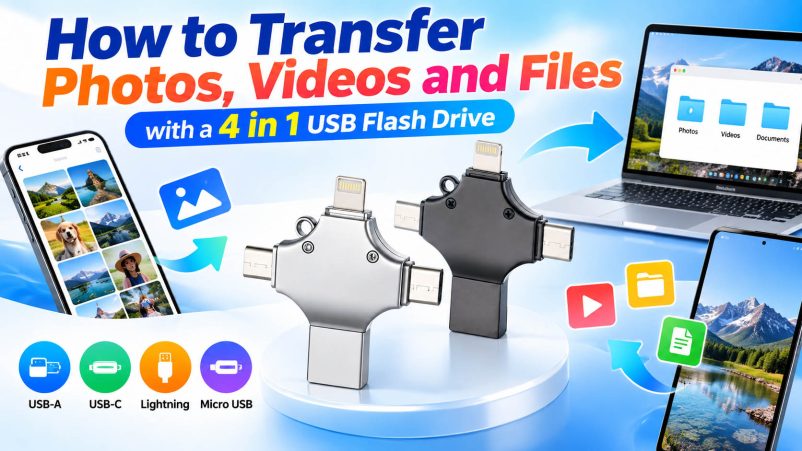
Moving photos, videos and documents between phones, tablets and computers does not have to rely on cloud storage or messaging apps. A 4 in 1 USB flash drive provides a direct way to transfer files between devices with different connectors, making it useful for personal backup, business use and bulk data management.
With USB-A, USB-C, Lightning and Micro USB connectors in one drive, users can connect different generations of smartphones, tablets, laptops and PCs without carrying several adapters.
What Is a 4 in 1 USB Flash Drive?
A 4 in 1 USB flash drive combines multiple interfaces in one storage device.
| Connector | Common Devices | Typical Use |
|---|---|---|
| USB-A | PCs, older laptops, car systems | File transfer and backup |
| USB-C | New phones, tablets, laptops | Fast data transfer |
| Lightning | Compatible iPhones/iPads | Photo and video backup |
| Micro USB | Older Android devices | File transfer and storage expansion |
The exact compatibility depends on the device, operating system and drive design. For mobile devices, OTG support may also be required.
How to Transfer Photos and Videos
The basic process is straightforward:
- Connect the appropriate connector to your phone or tablet.
- Open the compatible file-management or storage application if required.
- Select the photos or videos you want to transfer.
- Choose the USB flash drive as the destination.
- Wait until the transfer is completed before disconnecting the drive.
- Connect the other interface to a computer or another device to access the files.
For large video files, transfer performance depends on the flash memory, controller, interface and host device—not simply the connector type.
How to Transfer Files Between a Phone and Computer
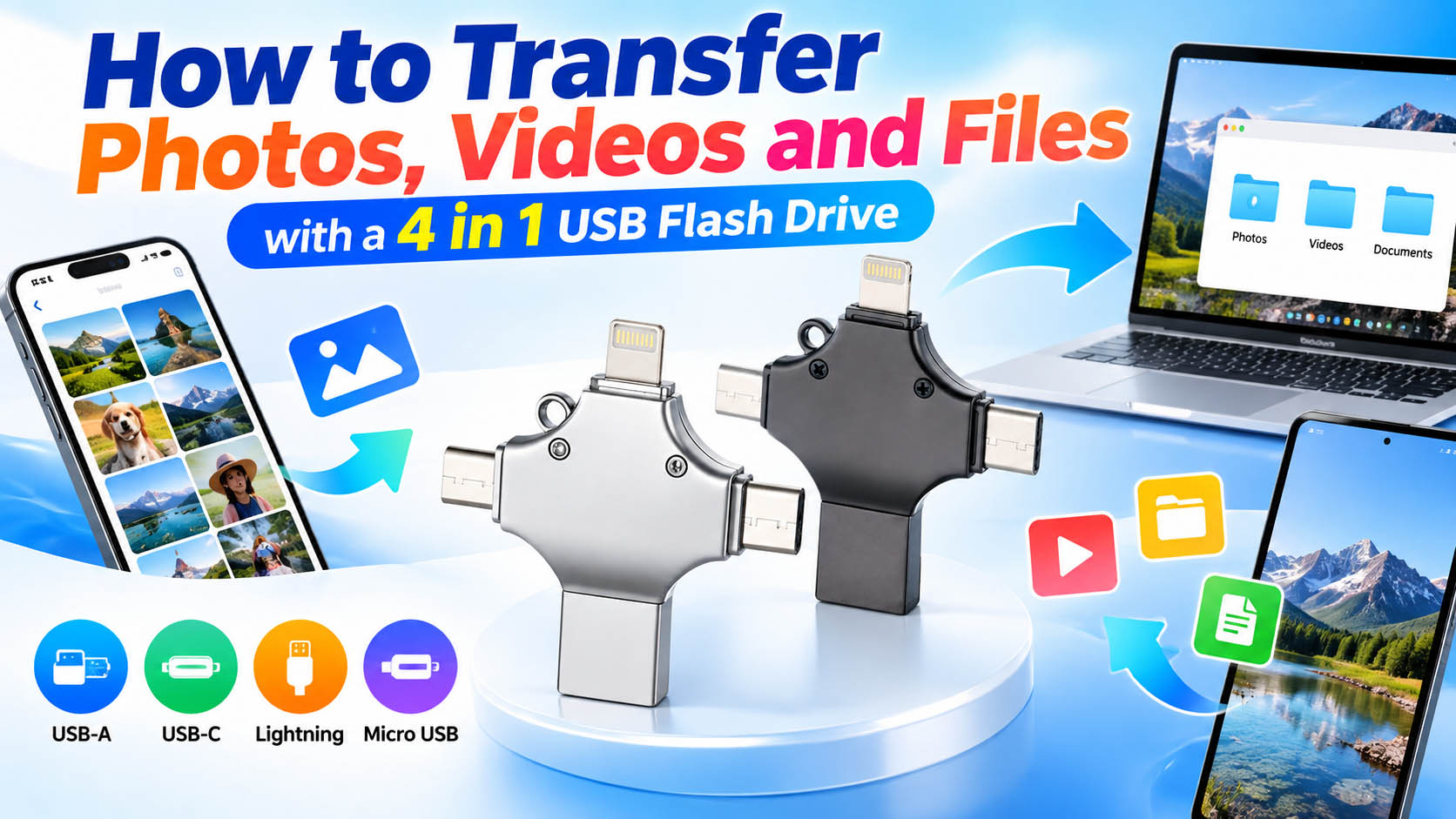
A 4 in 1 drive can also work as a portable bridge between mobile devices and computers.
Phone → USB flash drive → Computer
This is useful when users need to:
- Back up photos before changing phones
- Move videos without uploading them to the cloud
- Transfer work documents
- Free up phone storage
- Share large files between different devices
For business users, this direct-transfer method can also reduce dependence on internet connectivity when moving files locally.
What Should You Check Before Buying?
Not every 4 in 1 USB drive offers the same performance or compatibility.
| Factor | What to Check |
|---|---|
| Capacity | 32GB, 64GB, 128GB, 256GB or higher |
| Interfaces | USB-A + USB-C + Lightning + Micro USB |
| Compatibility | Phone, tablet, PC and OS support |
| OTG | Required for many Android devices |
| Speed | Check actual read/write specifications |
| Construction | Metal, ABS or customized housing |
| Security | Optional encryption or password protection |
| App Support | Important for some mobile platforms |
Storage capacity should match the file types being transferred. Photos are relatively easy to manage, while 4K videos can consume storage quickly.
Why a 4 in 1 Design Is Useful for OEM Buyers
For distributors, retailers and promotional-product companies, a multi-interface flash drive can simplify product selection and inventory management.
Instead of stocking separate drives for different connectors, one product can cover multiple device ecosystems.
A professional memory-storage supplier can also provide:
- Capacity options: 32GB–1TB depending on product platform
- Custom housing and colors
- Logo printing and laser engraving
- Customized packaging
- Private-label/OEM production
- Firmware and product configuration options
- Pre-shipment testing and quality inspection
- Bulk order and supply-chain support
For large orders, it is important to evaluate not only the unit price but also NAND quality, controller stability, actual capacity, sustained write performance and production consistency.
4 in 1 USB Flash Drive for Different Applications
| Application | Main Benefit |
|---|---|
| Phone backup | Move photos and videos directly |
| Business | Carry documents between devices |
| Travel | Store offline copies of important files |
| Content creation | Transfer large media files |
| Education | Share documents and teaching materials |
| Retail | Multi-device compatibility |
| Promotional products | Easy logo and packaging customization |
FAQ
Can a 4 in 1 USB flash drive transfer photos from an iPhone?
Compatible models can transfer photos and videos from supported iPhones through the Lightning connector. The exact procedure depends on the iPhone model, iOS version and drive’s mobile compatibility.
Can I use a 4 in 1 flash drive with Android phones?
Yes, provided the phone supports the required connection method, such as USB OTG, and the drive is compatible with the Android device.
Can it transfer videos between a phone and PC?
Yes. Files can first be copied from the phone to the flash drive and then transferred to a PC through USB-A or USB-C.
Is a 4 in 1 USB drive faster than cloud storage?
It can be faster for local transfers because it does not require uploading and downloading through the internet. Actual speed depends on the flash memory, controller, interface and host device.
Can I customize a 4 in 1 USB flash drive?
Yes. OEM suppliers commonly offer customized capacities, housing designs, colors, logos, packaging and other product specifications for bulk orders.
What capacity should I choose?
For basic photo backup, 64GB or 128GB may be sufficient. Users handling large video libraries or professional media files may prefer 256GB, 512GB or higher capacity.
Choosing a Reliable 4 in 1 USB Flash Drive Supplier
For wholesale and OEM projects, look beyond the advertised capacity. A reliable supplier should be able to explain the NAND flash source, controller solution, testing process, interface compatibility and production capacity.
A stable supply chain is especially important for repeat orders because maintaining consistent flash memory and controller configurations helps reduce performance variations between batches.
For brands developing their own portable-storage products, OEM customization, packaging capability, quality control and long-term supply stability can be just as important as the initial product price.





