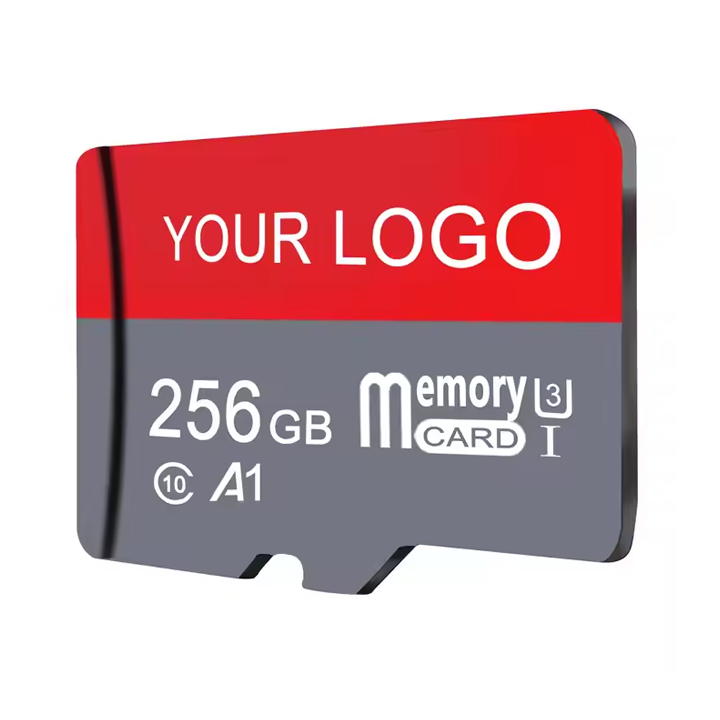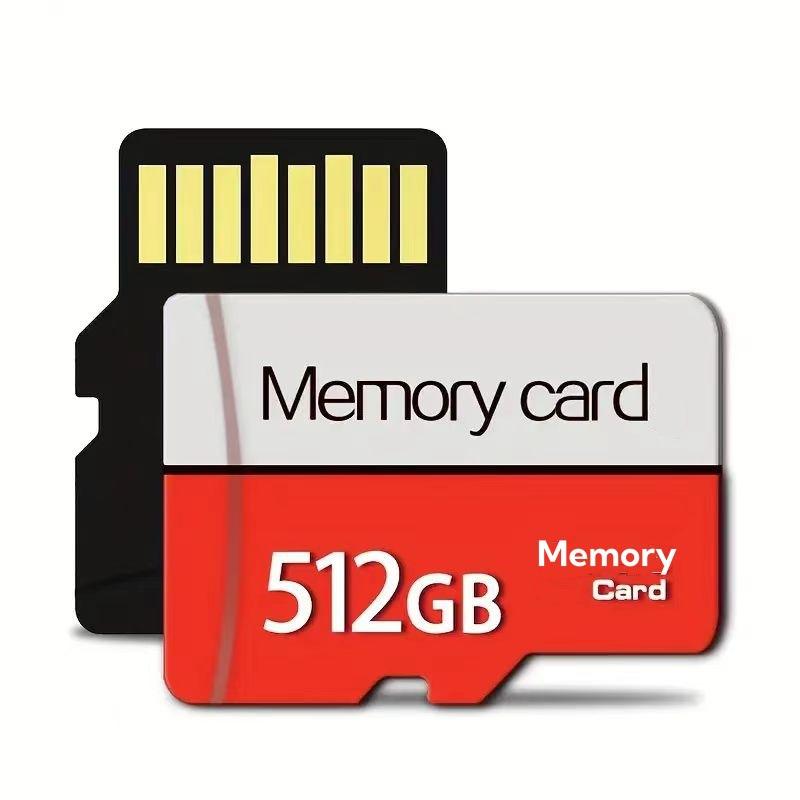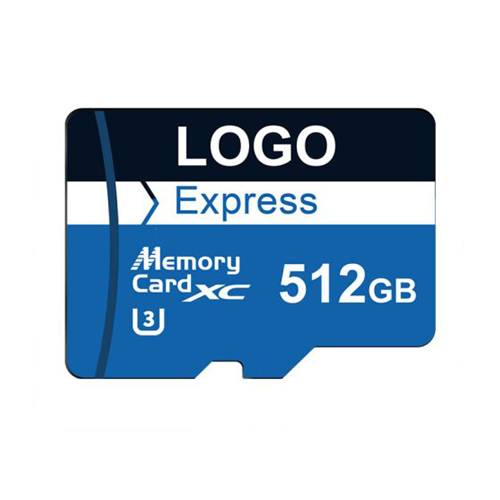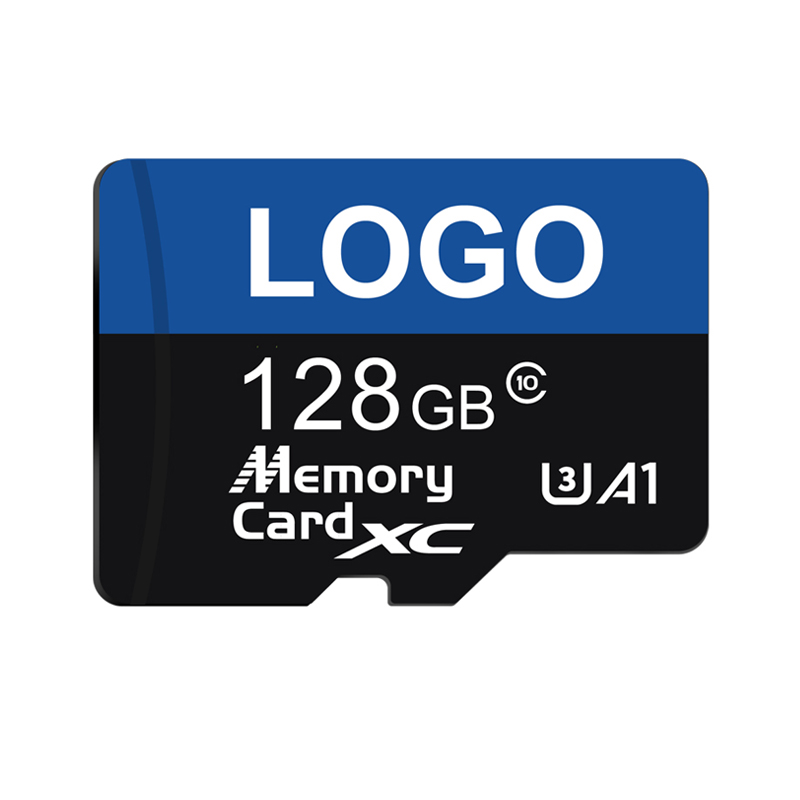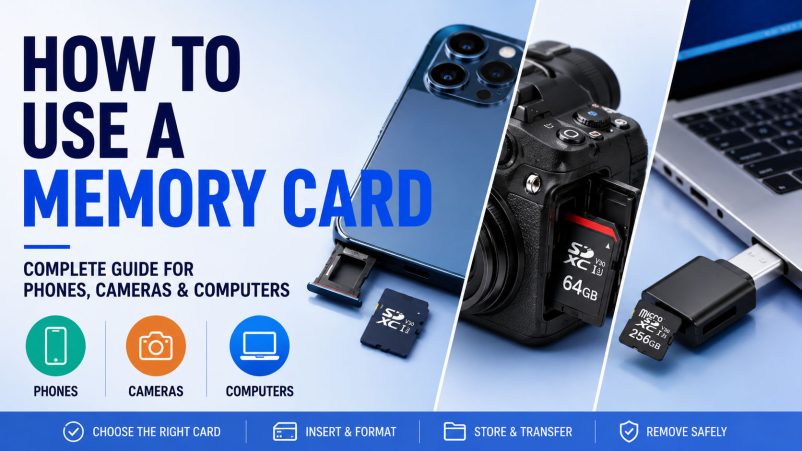
Learning how to use a memory card is simple, but choosing the right card and using it correctly can significantly affect storage reliability, data-transfer speed and device performance. Whether you use an SD card or microSD card for a phone, camera, PC, laptop or other digital device, compatibility should always come first.
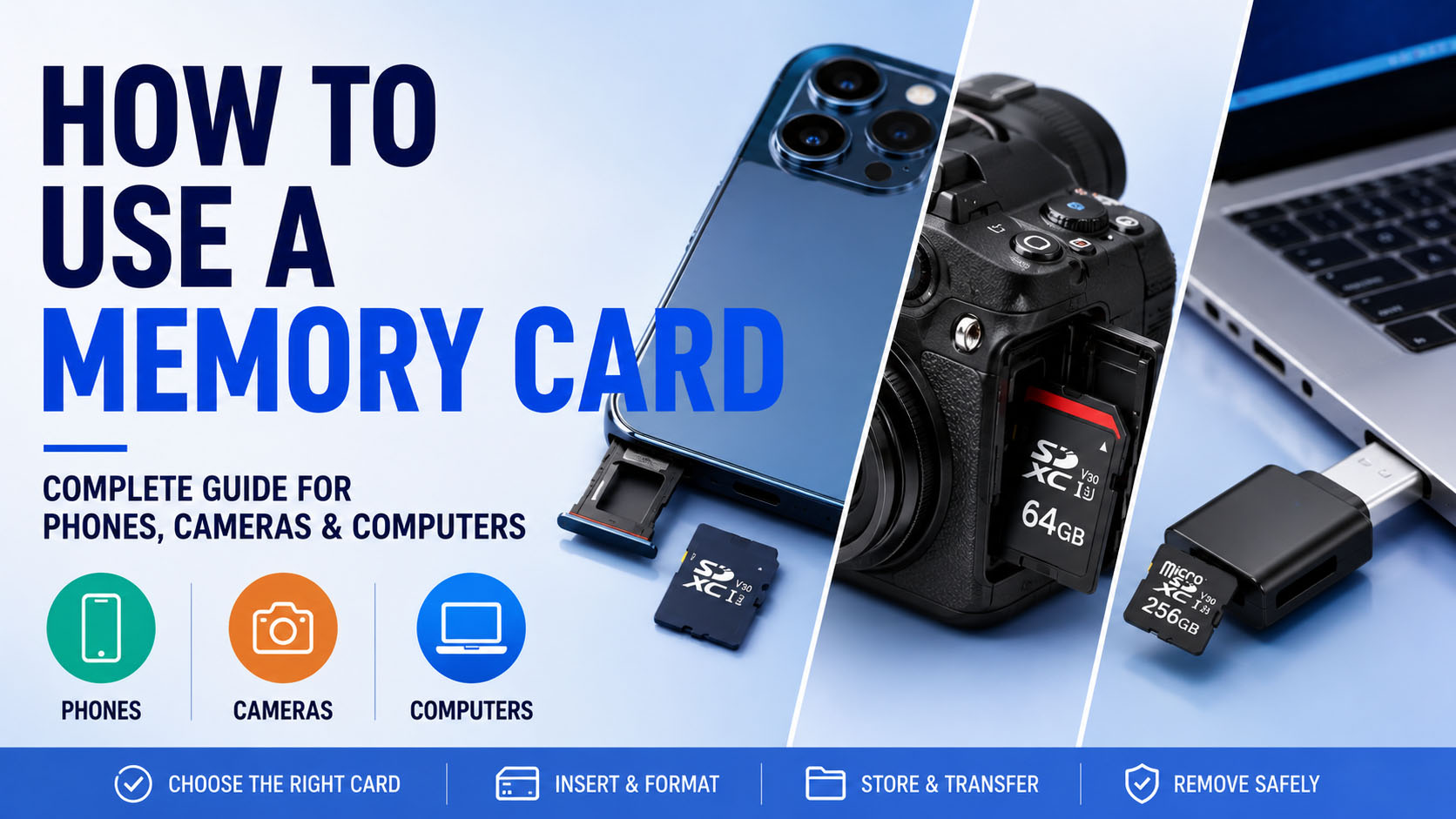
How Do You Use a Memory Card?
The basic process is straightforward:
1. Check device compatibility → 2. Choose the correct card → 3. Insert the card → 4. Format if required → 5. Store or transfer data → 6. Safely eject before removal
Different devices use memory cards differently.
For Phones
Many newer smartphones do not support expandable microSD storage, so check the device specification first. For compatible Android phones, insert the microSD card into the card slot and follow the system instructions to format or configure it.
For phones that do not have a card slot, an external card reader or USB storage device may be used for file transfer.
For Digital Cameras
SD, SDHC and SDXC cards are widely used in digital cameras. Before taking photos or recording video:
- Confirm the supported card type and capacity.
- Select an appropriate speed class for your recording format.
- Format the card using the camera when recommended.
- Avoid removing the card while data is being written.
For continuous photography and high-resolution video, write performance and sustained stability are often more important than simply choosing the largest capacity.
For PC and Laptop
A computer can access SD or microSD cards through a built-in card slot or USB card reader. After insertion, the card normally appears as a removable storage drive.
Memory cards are commonly used for:
Photo transfer · Video transfer · File backup · Portable storage · Device data management
For large files, the actual transfer speed depends on the memory card + card reader + USB/interface + computer, so the slowest component can become the bottleneck.
How to Choose the Right Memory Card?
From a storage-industry perspective, buyers should evaluate more than the capacity printed on the card.
| Factor | What to Check |
|---|---|
| Capacity | 64GB, 128GB, 256GB, 512GB, 1TB, etc. |
| Card Type | microSD, SD, SDHC, SDXC |
| Speed | Sequential read/write and application requirements |
| NAND | Quality and consistency of flash components |
| Controller | Compatibility and stability |
| Endurance | Important for frequent recording/rewrite applications |
| Compatibility | Device, firmware and filesystem requirements |
Important: A 1TB memory card is not automatically better than a 256GB card. The correct specification depends on the target device and application.
Why Supply Chain Matters
Memory-card quality begins with component sourcing.
A professional storage manufacturer can manage:
NAND sourcing → Controller matching → Firmware configuration → Assembly → Capacity verification → Speed testing → Quality inspection → Packaging
A stable supply chain provides advantages in component availability, cost control, batch-to-batch consistency and delivery stability.
This becomes especially important for wholesalers, distributors and electronics brands placing recurring or large-volume orders.
OEM & ODM Memory Card Solutions
For brands looking to create their own storage products, OEM/ODM manufacturing can provide significantly more flexibility than purchasing generic cards.
Customization can include:
Capacity · Brand Logo · Card Appearance · Packaging · Labeling · Product Configuration
A mature OEM process can support everything from sample development and specification confirmation to testing and mass production, helping brands launch private-label SD and microSD products without building their own storage manufacturing line.
Quick Answer: How Should You Use a Memory Card?
For phones: Confirm microSD support first.
For cameras: Match capacity and sustained write performance to the recording format.
For computers: Use a compatible card slot or reader and safely eject the card.
For B2B procurement: Evaluate NAND, controller, testing, supply stability, MOQ and OEM capability—not just price and capacity.
The best memory card is application-specific. Combining reliable flash components, professional testing, a stable supply chain and flexible OEM manufacturing creates a storage solution that is more reliable for both end users and large-scale buyers.