

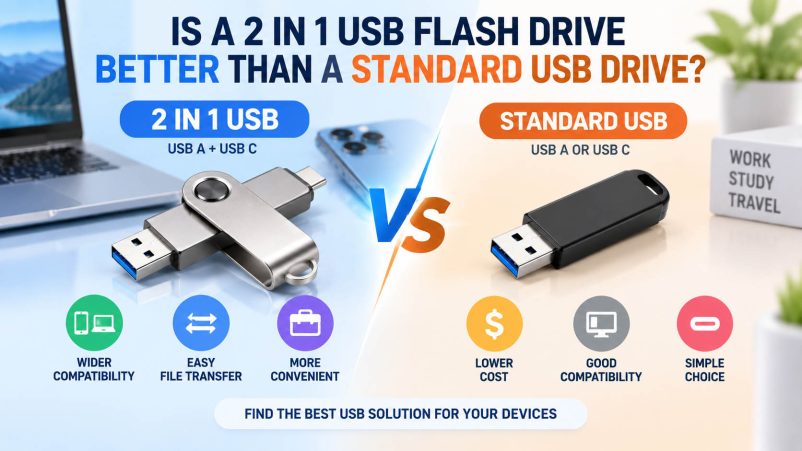
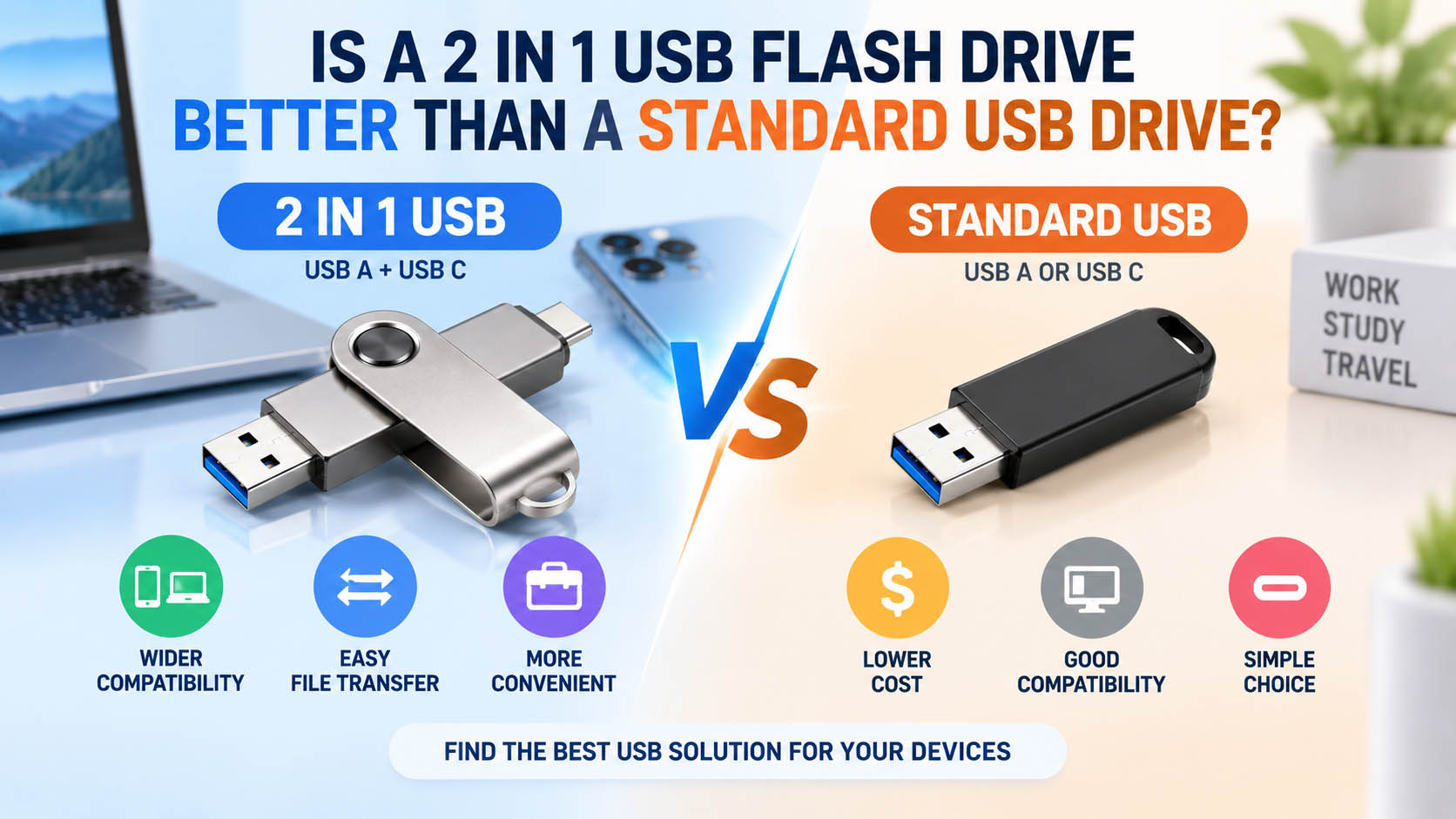
A 2 in 1 USB flash drive combines two connectors—typically USB-A and USB-C—in one compact device. Compared with a standard USB drive, it offers broader device compatibility and easier file transfer between smartphones, tablets, laptops, and PCs.
However, “better” depends on your application, target market, and budget.
| Feature | 2 in 1 USB Flash Drive | Standard USB Drive |
|---|---|---|
| Connectors | USB-A + USB-C | Usually USB-A or USB-C |
| Phone compatibility | Excellent | Depends on connector |
| PC/Laptop compatibility | Excellent | Good |
| Cross-device transfer | Very convenient | May require an adapter |
| Portability | High | High |
| Cost | Slightly higher | Usually lower |
| Best for | Mobile users, business, travel | General storage |
Why Choose a 2 in 1 USB Flash Drive?
The biggest advantage is flexibility. Users can transfer files between USB-C smartphones and USB-A computers without carrying an additional adapter.
| Advantage | Practical Benefit |
|---|---|
| Dual connectors | Connect to different devices directly |
| USB-A + USB-C | Supports both legacy and newer devices |
| Easy file transfer | Move photos, videos and documents quickly |
| Compact design | One drive replaces multiple accessories |
| Multi-device use | Suitable for phones, tablets, PCs and laptops |
For users who frequently move photos and videos between phones and computers, a 2 in 1 USB drive is generally more convenient than a standard USB flash drive.
2 in 1 vs Standard USB: Which Should You Buy?
| User / Application | Recommended |
|---|---|
| Smartphone photo backup | 2 in 1 |
| USB-C + USB-A device environment | 2 in 1 |
| Travel and business use | 2 in 1 |
| General PC file storage | Standard USB |
| Lowest-cost projects | Standard USB |
| Promotional USB drives | Either |
| Multi-device consumer products | 2 in 1 |
Bottom line: Choose a 2 in 1 USB flash drive when compatibility and convenience are priorities. Choose a standard USB drive when simplicity and lower cost are more important.
What to Consider When Choosing a 2 in 1 USB Drive
| Key Specification | What to Check |
|---|---|
| Interface | USB-A + USB-C |
| Capacity | 32GB, 64GB, 128GB, 256GB, 512GB or 1TB |
| Read speed | Higher speed improves file transfer |
| Write speed | Important for video and large files |
| Connector design | Swivel, dual-head or capless |
| Housing | Metal, plastic or customized housing |
| Compatibility | Check phone, tablet, PC and OS requirements |
| Data security | Consider encryption or password protection for business use |
Actual performance depends on the NAND flash, controller, USB interface, host device and file type. Stated maximum speed should therefore be treated as a product specification rather than a guaranteed everyday transfer speed.
Supply Chain Advantages for Bulk USB Flash Drives
For wholesalers, distributors and brand owners, product quality depends not only on the final assembly but also on NAND sourcing, controller matching, firmware, testing and quality control.
| Supply Chain Capability | Customer Benefit |
|---|---|
| Stable NAND sourcing | More consistent capacity and performance |
| Controller matching | Better compatibility and stability |
| Capacity testing | Helps identify actual usable capacity |
| Speed testing | Verifies read/write performance |
| Batch QC | Reduces inconsistent quality |
| Production management | Supports stable delivery schedules |
| Flexible packaging | Suitable for different sales channels |
A reliable supply chain is particularly important for OEM USB flash drive projects, where customers need consistent specifications across repeated orders.
OEM & Customization Options
A 2 in 1 USB flash drive can be customized for different brands, applications and markets.
| OEM Item | Available Options |
|---|---|
| Logo | Laser engraving, printing, UV printing |
| Housing | Metal, plastic, customized designs |
| Connector | USB-A + USB-C |
| Capacity | Multiple capacity options |
| Color | Customized colors |
| Packaging | Retail box, blister, gift packaging |
| Product label | Customized branding and specifications |
| MOQ | Based on product and customization requirements |
For promotional products, retail brands and corporate gifts, custom logo + customized housing + packaging can create a complete branded USB solution rather than a generic storage product.
FAQ
Is a 2 in 1 USB flash drive faster than a standard USB drive?
Not necessarily. Speed depends mainly on the USB interface, controller, NAND flash and device, rather than simply having two connectors.
Can a 2 in 1 USB drive work with both phones and computers?
Yes, a USB-A + USB-C model is designed for devices equipped with the corresponding ports. Smartphone compatibility can also depend on the operating system and device support for USB storage.
Is a 2 in 1 USB drive good for photo and video backup?
Yes. It is especially convenient for transferring photos and videos between USB-C smartphones and USB-A computers.
Is a 2 in 1 USB flash drive more expensive?
Usually, the dual-connector design can increase the cost slightly, but it can eliminate the need for separate adapters or additional storage devices.
Can I customize a 2 in 1 USB flash drive with my logo?
Yes. OEM/ODM options can include logo, housing, color, capacity, label and packaging, depending on the production model and order requirements.
What capacity should I choose?
| Usage | Suggested Capacity |
|---|---|
| Documents & basic files | 32–64GB |
| Photos & daily backup | 128GB |
| Photos + videos | 256GB |
| Large video collections | 512GB+ |
| Professional / business use | 1TB+ |
Final Verdict
A 2 in 1 USB flash drive is better than a standard USB drive when device compatibility, mobile backup and convenience matter most. For B2B buyers, its dual-interface design also creates more opportunities for retail, promotional and branded storage products.
With stable flash memory sourcing, strict capacity and speed testing, flexible customization and OEM/ODM production, manufacturers can provide 2 in 1 USB flash drives tailored to different markets and applications.





