

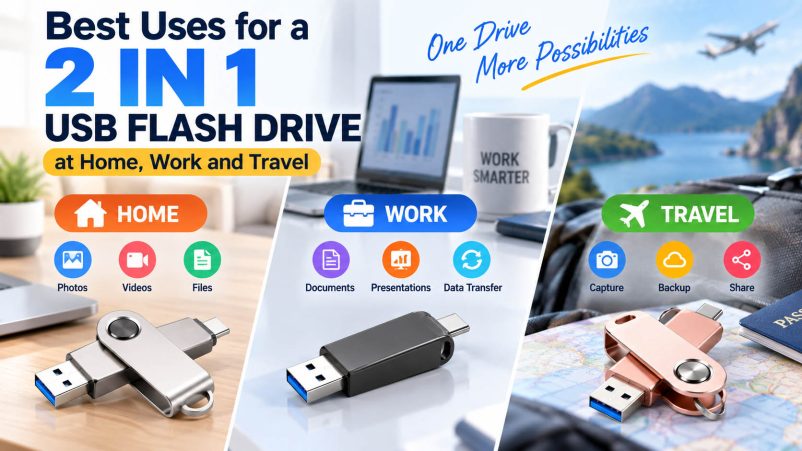
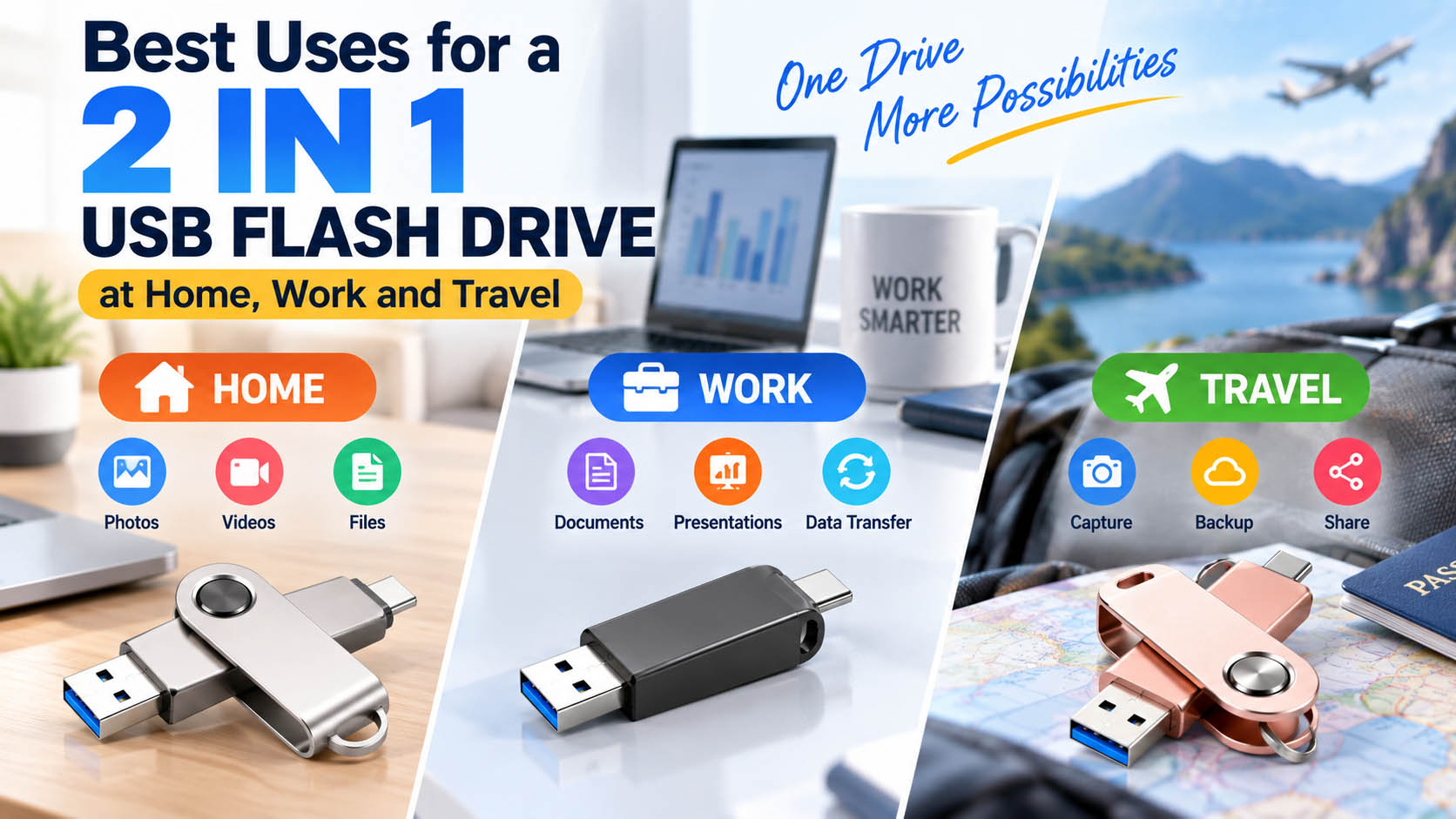
A 2 in 1 USB flash drive combines two connectors—typically USB-A and USB-C—in one compact storage device. It is ideal for transferring and backing up photos, videos, documents and other files between smartphones, tablets, laptops and desktop computers.
For buyers, distributors and brands, 2 in 1 USB drives also offer flexible capacity, connector, casing, packaging and logo customization.
What Can You Use a 2 in 1 USB Flash Drive For?
| Scenario | Typical Use | Main Benefit |
|---|---|---|
| Home | Photo & video backup | Free up phone storage |
| Work | Document transfer | Move files between devices |
| Travel | Backup camera/phone files | Compact and convenient |
| Business | File sharing | One drive for different computers |
| Education | Transfer assignments | Easy cross-device access |
| Content Creation | Video/photo transfer | Convenient large-file storage |
1. Home: Back Up Photos and Videos
A 2 in 1 USB flash drive makes it easier to move photos and videos between a USB-C smartphone and a computer with USB-A ports.
| Home Application | Recommended Capacity |
|---|---|
| Documents & everyday files | 32GB–64GB |
| Phone photo backup | 64GB–128GB |
| Photos + Full HD videos | 128GB–256GB |
| Large video libraries | 256GB–1TB |
Tip: Always verify smartphone compatibility and the phone’s file-management support before purchasing.
2. Work: Transfer Business Files
For office users, a dual-interface USB drive can reduce the need for separate USB-A and USB-C storage devices.
Common applications include:
- PDF and Office document transfer
- Presentation sharing
- Product catalog storage
- Design file transfer
- Offline data backup
| Device | Common Port | 2 in 1 USB Benefit |
|---|---|---|
| Desktop PC | USB-A | Direct connection |
| Older laptop | USB-A | No adapter required |
| New laptop | USB-C | Direct USB-C connection |
| Modern smartphone | USB-C | Mobile file transfer |
| Tablet | USB-C | Convenient backup |
3. Travel: Carry One Drive Instead of Several
Travelers can use a 2 in 1 USB flash drive to back up smartphone photos, videos and important documents without carrying separate adapters or storage devices.
Useful travel files: passports scans, tickets, hotel confirmations, maps, photos and videos.
A compact metal or plastic housing can provide a good balance of portability, durability and cost.
4. Content Creation: Move Large Media Files
For photographers, videographers and social-media creators, storage speed is especially important when transferring large files.
| Content | Recommended Consideration |
|---|---|
| Photos | 64GB+ |
| 4K videos | 128GB+ |
| RAW photography | 256GB+ |
| Professional video projects | 512GB–1TB+ |
Actual transfer performance depends on the USB interface, flash memory, controller, host device and file size.
5. Why Choose 2 in 1 Instead of a Standard USB Drive?
| Feature | 2 in 1 USB Flash Drive | Standard USB Drive |
|---|---|---|
| USB-A | ✓ | Usually ✓ |
| USB-C | ✓ | Usually requires adapter |
| Phone compatibility | Better | More limited |
| Computer compatibility | Broad | Broad |
| Adapter required | Usually no | Sometimes |
| Convenience | High | Standard |
Bottom line: A 2 in 1 USB flash drive is particularly useful when files need to move frequently between USB-C mobile devices and USB-A computers.
Choosing the Right 2 in 1 USB Flash Drive
| Buying Factor | What to Check |
|---|---|
| Connectors | USB-A + USB-C |
| Capacity | 32GB–1TB+ depending on application |
| Interface | USB 3.x recommended for faster transfer |
| Flash Storage | Stable NAND flash and reliable controller |
| Compatibility | Smartphone, tablet, Windows, macOS and other target devices |
| Housing | Plastic, aluminum or customized design |
| Branding | Logo, color, label and packaging |
| Security | Consider encryption or password protection for sensitive files |
OEM & ODM 2 in 1 USB Flash Drive Solutions
For wholesalers, distributors and brands, OEM customization can turn a standard USB drive into a branded storage product.
| OEM Option | Available Customization |
|---|---|
| Logo | Silk printing, laser engraving, UV printing |
| Housing | Material, color and shape |
| Capacity | Multiple capacity options |
| Connector | USB-A + USB-C configuration |
| Packaging | Custom box, blister, color box |
| Label | Custom product label |
| Accessories | Lanyard, key ring or customized accessories |
With an experienced storage supply chain, buyers can combine NAND flash sourcing, controller matching, production, testing, firmware configuration, packaging and OEM branding under one supply program.
Why Work With an Experienced Storage Supplier?
A reliable supplier should provide more than just a USB drive. Key advantages include:
| Supply Chain Advantage | Customer Value |
|---|---|
| NAND flash sourcing | More consistent component supply |
| Controller matching | Better performance optimization |
| Capacity testing | Reduce fake-capacity risks |
| Speed testing | Verify actual product performance |
| Batch QC | Improve shipment consistency |
| OEM/ODM support | Faster product customization |
| Custom packaging | Ready for retail or e-commerce |
| Flexible MOQ | Suitable for different purchasing volumes |
FAQ
Is a 2 in 1 USB flash drive good for travel?
Yes. Its USB-A and USB-C connectors allow convenient file transfer between many phones, tablets and computers without carrying a separate adapter.
Can I use a 2 in 1 USB drive with a smartphone?
Yes, if the smartphone supports USB-C data transfer and USB OTG/file access. Compatibility should be confirmed for the specific phone model.
What capacity is best for photo backup?
128GB or 256GB is a practical choice for many users. Heavy video users may prefer 512GB or 1TB.
Is a 2 in 1 USB drive faster than a normal USB drive?
Not necessarily. Connector type does not determine speed by itself. Actual performance depends on the USB interface, controller, NAND flash and host device.
Can I customize a 2 in 1 USB flash drive with my logo?
Yes. OEM suppliers can typically customize the logo, housing, capacity, label, color and packaging, depending on MOQ and production requirements.
What is the best 2 in 1 USB flash drive for business?
For business applications, prioritize USB-A + USB-C compatibility, stable NAND flash, reliable controllers, consistent capacity, tested transfer performance and OEM customization capability.
Final Takeaway
A 2 in 1 USB flash drive with USB-A and USB-C is a practical storage solution for home backup, office file transfer, travel and content creation. For brands and distributors, OEM customization and an established storage supply chain can provide greater flexibility in capacity, performance, design, packaging and batch production.





