

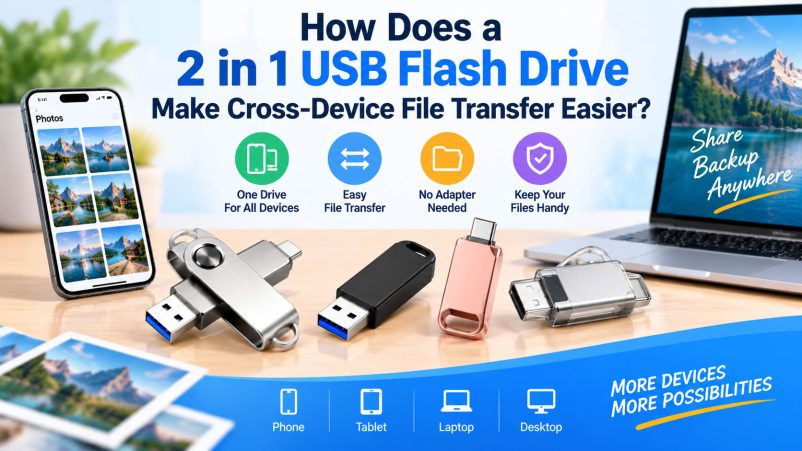
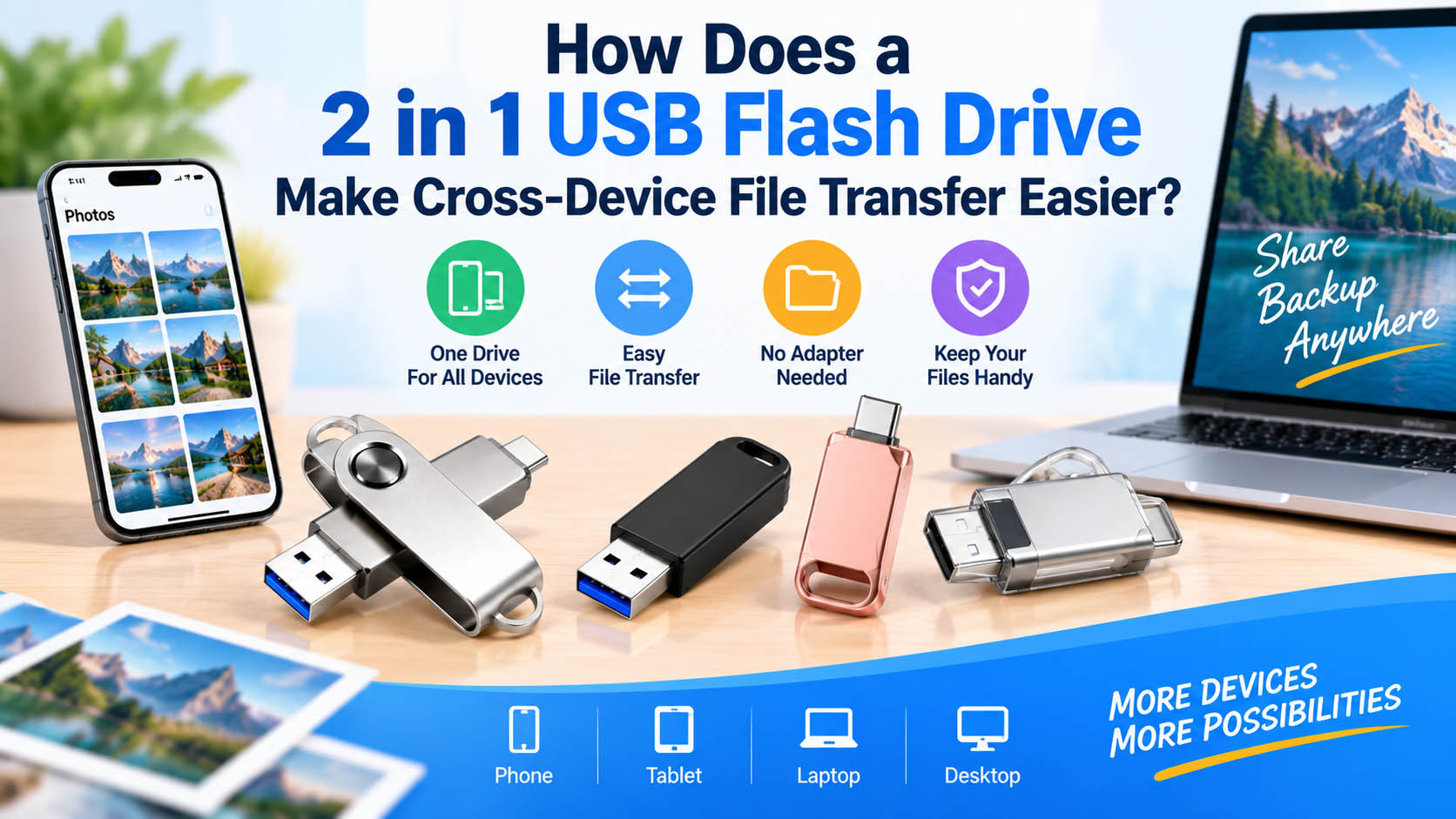
A 2 in 1 USB flash drive typically combines USB-A and USB-C connectors in one storage device. It makes it easier to transfer photos, videos and documents between smartphones, tablets, laptops and desktop computers without carrying a separate adapter.
For distributors and brands, 2 in 1 USB flash drives also support flexible capacity, design, logo and packaging customization, making them suitable for OEM projects.
How Does a 2 in 1 USB Flash Drive Work?
The drive uses two different connectors connected to the same internal flash storage.
| Connector | Common Devices | Main Application |
|---|---|---|
| USB-A | Desktop PCs, older laptops | Computer file transfer |
| USB-C | Smartphones, tablets, new laptops | Mobile file transfer |
| USB-A + USB-C | Mixed devices | Cross-device transfer |
The basic process is simple: connect → recognize → copy → safely eject.
Why Is Cross-Device Transfer Easier?
| Traditional Method | 2 in 1 USB Flash Drive |
|---|---|
| May require an adapter | Direct USB-A/USB-C connection |
| Multiple accessories | One compact drive |
| Cloud upload/download | Offline direct transfer |
| Internet required for cloud | No internet required |
| Separate drives may be needed | One drive for multiple devices |
This makes a dual-interface USB drive especially useful for users who frequently move files between USB-C phones and USB-A computers.
Common Cross-Device Applications
| Use Case | Transfer Direction | Recommended Capacity |
|---|---|---|
| Phone photo backup | Phone → Computer | 64GB–128GB |
| 4K video transfer | Phone → USB drive → PC | 128GB–512GB |
| Work documents | PC ↔ Phone | 32GB–128GB |
| Presentation sharing | Laptop ↔ Desktop | 32GB–64GB |
| Travel backup | Phone → USB drive | 128GB–256GB |
| Large media files | Camera/PC ↔ Storage | 256GB–1TB+ |
2 in 1 USB Flash Drive vs. Standard USB Drive
| Feature | 2 in 1 USB Drive | Standard USB Drive |
|---|---|---|
| USB-A | ✓ | Usually ✓ |
| USB-C | ✓ | Usually not |
| Mobile compatibility | Better | May require adapter |
| Cross-device convenience | High | Standard |
| Accessories needed | Usually fewer | May need adapter |
| OEM potential | High | High |
Important: USB-C does not automatically mean high speed. Actual transfer performance depends on the USB interface, controller, NAND flash, firmware and host device.
How to Choose a 2 in 1 USB Flash Drive
| Factor | Recommendation |
|---|---|
| Connectors | USB-A + USB-C |
| Interface | USB 3.x for faster transfer |
| Capacity | 64GB–1TB+ based on files |
| NAND | Stable, qualified flash memory |
| Controller | Properly matched to NAND and interface |
| Compatibility | Check smartphone/tablet OTG support |
| Housing | Metal or durable plastic |
| Branding | Custom logo and label available |
For large video files, prioritize real-world sustained write performance, not just the advertised peak read speed.
OEM & ODM 2 in 1 USB Flash Drive
For brands, wholesalers and distributors, an experienced storage supplier can provide a complete OEM solution.
| OEM Service | Customization |
|---|---|
| Logo | Laser engraving, printing, UV printing |
| Housing | Material, color, shape |
| Capacity | 32GB–1TB+ options |
| Interface | USB-A + USB-C |
| Label | Custom artwork |
| Packaging | Box, blister, retail packaging |
| Accessories | Lanyard, key ring, customized parts |
A strong supply chain can integrate NAND flash sourcing, controller selection, assembly, capacity testing, speed testing, QC and customized packaging, helping buyers maintain consistent quality across production batches.
Supply Chain Advantages for Bulk Buyers
| Supplier Capability | Buyer Benefit |
|---|---|
| NAND sourcing | More stable component supply |
| Controller matching | Better performance consistency |
| Capacity verification | Reduce fake-capacity risk |
| Speed testing | More reliable product specifications |
| Batch QC | Consistent shipment quality |
| OEM/ODM | Flexible product differentiation |
| Custom packaging | Ready for retail/e-commerce |
FAQ
Can a 2 in 1 USB flash drive transfer files between a phone and PC?
Yes. A USB-A + USB-C drive can transfer files between compatible smartphones and computers without requiring a separate connector adapter.
Does a phone need to support OTG?
Usually, yes. The phone must support USB-C data transfer/USB OTG functionality to access an external USB storage device.
Is USB-C always faster than USB-A?
No. Connector shape does not determine transfer speed. The USB generation, controller, NAND flash and host device all affect performance.
What capacity is best for phone photo backup?
128GB or 256GB is a practical choice for many users. Heavy video users may prefer 512GB or more.
Can the same drive work with Windows and macOS?
Generally yes, provided the drive uses a compatible file system and the devices support the selected USB interface.
Can I customize a 2 in 1 USB flash drive with my brand?
Yes. OEM customization can include logo, casing, capacity, label, color, packaging and accessories, subject to product specifications and MOQ.
Conclusion
A 2 in 1 USB flash drive with USB-A and USB-C simplifies cross-device file transfer by combining two commonly used connectors into one compact storage solution. It is suitable for phone backup, office documents, travel, photography and video transfer.
For bulk buyers, choosing a supplier with stable NAND sourcing, strict QC, reliable capacity testing and OEM/ODM capabilities can provide better consistency and greater product flexibility.





