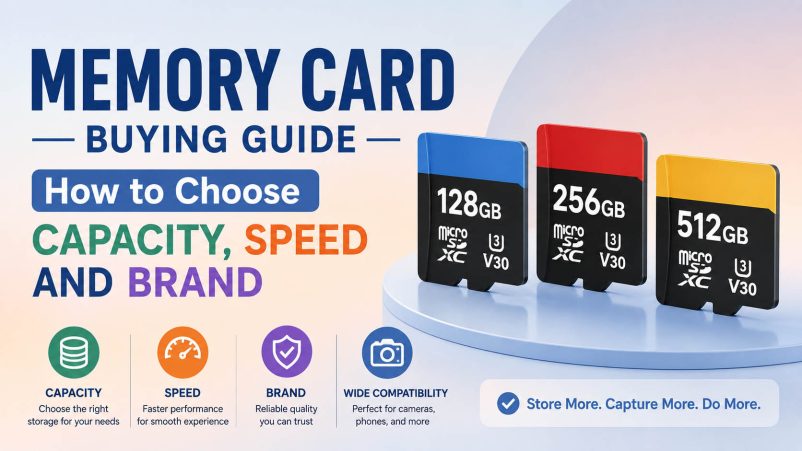
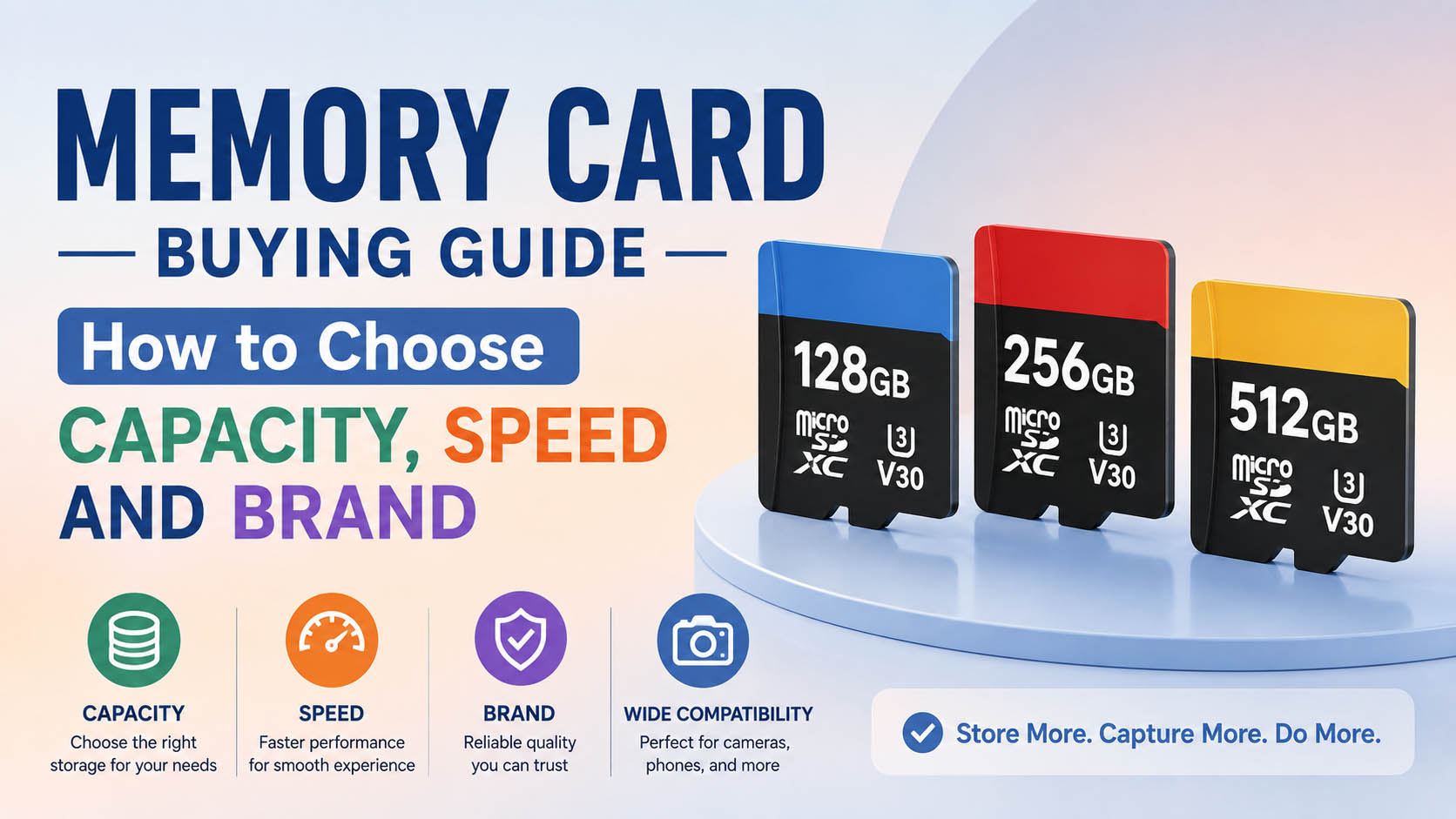
Choosing the right memory card means matching three core factors: capacity, speed and reliability. The best memory card is not necessarily the cheapest or fastest—it is the one that fits your device and workload.
For wholesalers, distributors and electronics brands, NAND flash sourcing, controller matching, quality control, supply stability and OEM capability are equally important.
Quick Answer: How to Choose a Memory Card
| Requirement | Recommended Choice |
|---|---|
| Basic storage | 32GB–64GB |
| Everyday use | 128GB |
| Large photos/videos | 256GB |
| 4K video | U3 / V30 |
| Professional video | V60 / V90 as required |
| Gaming | 256GB–1TB+ |
| Security camera | High-endurance |
| Smartphone | 128GB–512GB+ where supported |
| Best mainstream balance | 128GB–256GB |
| OEM/Wholesale | Stable specification + QC + supply |
Simple rule: Choose capacity first, performance second, and brand/supplier reliability third.
What Are the Main Memory Card Types?
Memory cards are available in different physical formats and standards.
| Type | Common Application |
|---|---|
| microSD / TF | Phones, drones, action cameras, gaming devices |
| SD | Cameras, laptops, professional equipment |
| CFexpress | Professional cameras and high-speed workflows |
| CompactFlash | Older/professional equipment |
This guide focuses primarily on SD and microSD/TF cards, which are widely used in consumer electronics.
How to Choose Memory Card Capacity
More capacity means more storage, but buying the largest card is not always necessary.
| Capacity | Best For | Position |
|---|---|---|
| 32GB | Basic storage | Entry |
| 64GB | Casual photos/video | Budget |
| 128GB | General use | Mainstream |
| 256GB | 4K, RAW, gaming | Best balance |
| 512GB | Heavy storage | High capacity |
| 1TB+ | Large media/game libraries | Premium |
Recommended Capacity by Device
| Device | Recommended Capacity |
|---|---|
| Digital camera | 64GB–256GB |
| Action camera | 128GB–256GB |
| Drone | 128GB–512GB |
| Smartphone | 128GB–512GB+ |
| Gaming device | 256GB–1TB+ |
| Dash cam | 64GB–256GB |
| Security camera | 64GB–512GB+ |
| Tablet | 128GB–512GB |
Important: Always check the device’s maximum supported capacity before buying.
How to Choose Memory Card Speed
For memory cards, speed generally refers to read speed, write speed and sustained write performance.
| Performance | Importance |
|---|---|
| Read speed | File transfer |
| Write speed | Saving photos/videos |
| Sustained write | Continuous video |
| Random performance | Apps and certain workloads |
For cameras and video devices, sustained write performance is usually more important than peak read speed.
Memory Card Speed Class Guide
| Rating | Minimum Sequential Write Class | Typical Use |
|---|---|---|
| Class 10 | 10 MB/s | Basic video/storage |
| U1 | 10 MB/s | General use |
| U3 | 30 MB/s | 4K-oriented applications |
| V30 | 30 MB/s | Mainstream 4K |
| V60 | 60 MB/s | Professional video |
| V90 | 90 MB/s | High-bitrate video |
These are standardized performance classifications; actual product speeds depend on the card, host device and workload.
U1 vs U3: Which Should You Buy?
| U1 | U3 | |
|---|---|---|
| Minimum write class | 10 MB/s | 30 MB/s |
| Basic photos | ✓ | ✓ |
| Full HD | ✓ | ✓ |
| 4K | Device-dependent | Better choice |
| Burst shooting | Good | Better |
| Price | Lower | Higher |
For modern 4K applications, U3 is generally the safer starting point.
V30 vs V60 vs V90
| Class | Best For |
|---|---|
| V30 | Mainstream 4K |
| V60 | Higher-bitrate professional video |
| V90 | High-end video workflows |
Do not automatically buy V90. If the device only requires V30, the additional cost may not provide meaningful benefits.
How to Choose a Memory Card by Application
| Application | Recommended Specification |
|---|---|
| Casual photography | 64GB–128GB U1/U3 |
| RAW photography | 128GB–256GB U3 |
| 4K camera | 128GB–512GB U3/V30+ |
| Action camera | 128GB–256GB U3/V30 |
| Drone | 128GB–512GB U3/V30 |
| Smartphone | 128GB–512GB A1/A2 where supported |
| Gaming | 256GB–1TB+ |
| Security camera | High-endurance |
| Dash cam | High-endurance |
| Professional video | 256GB–1TB+ V60/V90 as required |
How to Choose a Memory Card Brand
Brand matters, but brand name alone does not guarantee suitability.
For consumers, evaluate:
| Brand Factor | What to Check |
|---|---|
| Compatibility | Device support |
| Performance | Actual read/write |
| Reliability | Consistency and failure rate |
| Warranty | After-sales protection |
| Product authenticity | Purchase channel |
| Application fit | Camera/gaming/surveillance requirements |
For B2B buyers, supplier capability becomes equally important.
| B2B Factor | What to Check |
|---|---|
| NAND sourcing | Stable and qualified components |
| Controller | Compatible configuration |
| QC | Capacity + speed testing |
| Batch consistency | Stable BOM/specification |
| Supply | Long-term availability |
| MOQ | Standard/OEM requirements |
| Lead time | Repeat-order capability |
| OEM | Label + packaging customization |
Why NAND Flash Matters
NAND flash is the main storage component inside a memory card.
It influences:
- Capacity
- Cost
- Performance
- Endurance
- Consistency
- Supply stability
Two cards with the same capacity can therefore have very different prices and performance.
| Component | Impact |
|---|---|
| NAND | Capacity + cost + reliability |
| Controller | Performance + compatibility |
| Firmware | Memory management |
| PCB | Electrical stability |
| QC | Product consistency |
For professional procurement, compare the complete configuration, not only the capacity printed on the label.
Why Controller Matching Matters
A memory card is a combination of NAND + controller + firmware + manufacturing process.
A suitable controller can improve:
- Host compatibility
- Error management
- Performance consistency
- Flash management
- Endurance behavior
For OEM projects, controller selection should be matched to the NAND and target device rather than selected only by price.
Memory Card Supply Chain Advantages
For wholesalers and brands, supply-chain capability directly affects cost and product consistency.
| Supply Capability | Customer Benefit |
|---|---|
| Stable NAND sourcing | Better supply continuity |
| Multiple component channels | Lower supply risk |
| Controller matching | Better compatibility |
| Component qualification | Consistent batches |
| Production planning | Predictable lead times |
| Batch traceability | Easier quality management |
| Performance testing | Lower failure risk |
| Multiple capacities | Complete product range |
| Packaging resources | Faster OEM launch |
| Long-term planning | Stable repeat orders |
A competitive memory-card supplier should offer more than a low unit price.
OEM Memory Card Solutions
OEM allows brands to develop private-label memory cards for cameras, phones, gaming devices, drones, surveillance systems and other electronics.
OEM Customization Options
| OEM Item | Options |
|---|---|
| Capacity | 32GB–1TB+ |
| Speed | U1 / U3 / V30 / V60 / V90 |
| Application Class | A1 / A2 |
| Label | Logo + specifications |
| Packaging | Box / blister / bulk |
| Barcode | Customized |
| Manual | Customized |
| Warranty card | Customized |
| SD adapter | Optional |
| Retail design | Private label |
OEM Memory Card Development Process
| Stage | Process |
|---|---|
| 1 | Define application |
| 2 | Select capacity |
| 3 | Define speed |
| 4 | Match NAND + controller |
| 5 | Sample production |
| 6 | Device compatibility testing |
| 7 | Capacity/speed QC |
| 8 | Artwork + packaging |
| 9 | Pilot production |
| 10 | Mass production |
This helps brands maintain consistent performance across repeat orders.
Memory Card Quality Control
A professional QC program should test more than whether the card is recognized by a computer.
| QC Test | Purpose |
|---|---|
| Capacity test | Verify actual capacity |
| Read test | Verify transfer speed |
| Write test | Verify recording performance |
| Sustained write | Check continuous recording |
| Speed-class test | Verify specification |
| Device test | Confirm compatibility |
| Aging test | Identify unstable units |
| Appearance test | Check physical quality |
| Label test | Verify OEM branding |
| Batch traceability | Support after-sales |
How to Compare Memory Card Prices
Do not compare cards by capacity alone.
| Specification | Card A | Card B |
|---|---|---|
| Capacity | 128GB | 128GB |
| Speed class | U1 | U3 |
| Sustained write | Standard | Higher |
| NAND | Unknown | Qualified |
| Controller | Unknown | Specified |
| QC | Basic | Full |
| OEM packaging | No | Yes |
| Price | Lower | Higher |
The higher-priced card may provide better overall value if it reduces failure, returns and compatibility problems.
Total Cost of Ownership
For B2B purchasing:
TCO = Product Cost + Logistics + QC + Failure Cost + Warranty + Replacement Cost
| Factor | Low-Price Generic | Stable OEM |
|---|---|---|
| Initial price | Lower | Medium |
| QC | Variable | Defined |
| Failure risk | Higher potential | Lower |
| Returns | Higher potential | Lower |
| Supply stability | Uncertain | Better |
| Long-term value | Variable | Higher |
Common Memory Card Buying Mistakes
| Mistake | Better Approach |
|---|---|
| Choosing only by capacity | Check speed + compatibility |
| Looking only at read speed | Check sustained write |
| Buying the fastest card | Match device requirements |
| Ignoring endurance | Match workload |
| Choosing only by price | Compare total cost |
| Ignoring device compatibility | Check manufacturer specification |
| Skipping QC | Test capacity + performance |
| Changing components frequently | Maintain qualified BOM |
| Buying from unstable suppliers | Prioritize supply continuity |
FAQ: Memory Card Buying Guide
What is the best memory card capacity?
For most consumers, 128GB–256GB offers an excellent balance of capacity and price. Heavy video and gaming users may prefer 512GB or 1TB+.
What is the best memory card for 4K video?
A U3/V30 card is a common starting point. Professional high-bitrate video may require V60 or V90.
Is U3 better than U1?
Yes, U3 has a higher minimum sequential write-performance class and is generally more suitable for demanding video recording.
Is V30 enough for 4K?
For many mainstream 4K devices, yes. The exact requirement depends on bitrate, frame rate, codec and device specifications.
Is a higher-capacity memory card faster?
Not necessarily. Capacity and speed are separate specifications.
Is read speed or write speed more important?
For recording photos and video, write and sustained write performance are usually more important. Read speed matters more when transferring files.
Is A2 better than A1?
A2 provides higher application-performance requirements, but the host device must support the relevant functionality. For basic storage, A1 may provide better value.
Can I use a 1TB memory card in any device?
No. Always check the device’s maximum supported capacity and file-system requirements.
Are expensive memory cards always better?
No. The best card is the one whose capacity, speed and reliability match the application.
Can memory cards be OEM customized?
Yes. OEM services can include capacity, performance, logo, label, packaging, barcode, manuals, adapters and retail design.
What MOQ is needed for OEM memory cards?
MOQ depends on capacity, NAND availability, performance, printing and packaging. Standard products normally offer more flexible quantities than fully customized products.
How can I get a better wholesale price?
Provide the supplier with:
| Information | Example |
|---|---|
| Application | Camera |
| Capacity | 128GB |
| Speed | U3/V30 |
| Quantity | 10,000 pcs |
| Packaging | Private label |
| Market | USA |
| QC | Capacity + speed + device testing |
A clear RFQ allows better NAND sourcing, production planning and cost optimization.
Final Memory Card Buying Checklist
| Before Buying | Check |
|---|---|
| Device compatibility | ✓ |
| Capacity | ✓ |
| Read speed | ✓ |
| Write speed | ✓ |
| Sustained write | ✓ |
| Speed class | ✓ |
| Endurance | ✓ |
| NAND/controller | ✓ |
| Warranty | ✓ |
| Supplier reputation | ✓ |
Final Recommendation
The best memory card is determined by capacity + speed + compatibility + reliability, not by price alone.
For mainstream users, 128GB–256GB is a strong starting range. For 4K video, look for U3/V30 or higher as required. For gaming, prioritize capacity and read performance. For surveillance and continuous recording, prioritize endurance.
For distributors and OEM brands, the ideal memory-card supplier should combine:
Stable NAND sourcing + controller matching + professional QC + consistent supply + OEM customization.
This combination helps deliver reliable memory cards while controlling unit cost, quality risk and long-term procurement costs.