

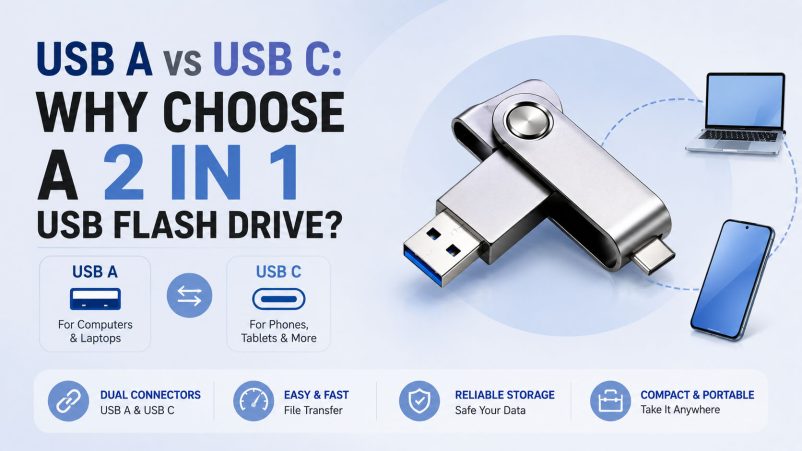
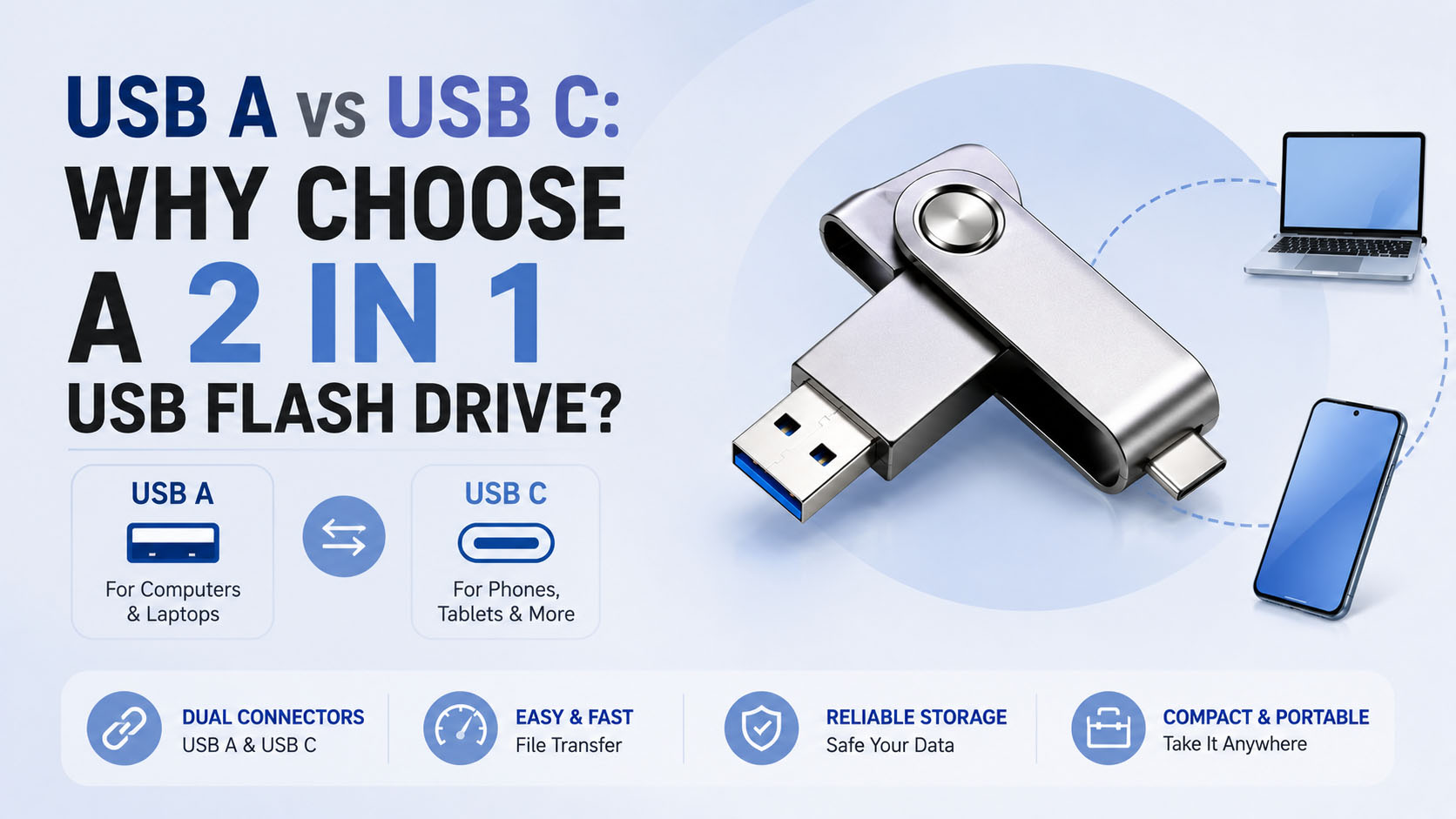
A 2 in 1 USB flash drive with USB A and USB C combines two connectors in one storage device. It allows users to transfer photos, videos, documents, and other files between traditional computers and newer USB-C devices without carrying separate drives or adapters.
For consumers, the main benefits are compatibility and convenience. For wholesalers, distributors, and brands, factors such as NAND quality, supply-chain stability, testing, and OEM capability are equally important.
USB A vs USB C: Key Differences
| Feature | USB A | USB C |
|---|---|---|
| Common Devices | PCs, laptops, older equipment | Smartphones, tablets, newer laptops |
| Connector | Rectangular | Compact, reversible |
| Plug Direction | One direction | Reversible |
| Main Advantage | Wide compatibility | Modern-device compatibility |
| Typical Application | PC file transfer | Mobile and laptop file transfer |
USB A and USB C are connector types, not direct indicators of speed. Actual transfer performance depends on the USB protocol, controller, NAND flash, host device, and implementation.
Why Choose a 2 in 1 USB Flash Drive?
| Benefit | Value |
|---|---|
| Dual Connectors | USB A + USB C in one drive |
| Cross-Device Transfer | Move files between phones and computers |
| No Adapter Required | Reduces the need for additional accessories |
| Portable | One compact drive replaces multiple storage devices |
| Easy Backup | Convenient for photos, videos, and documents |
| Flexible Capacity | 64GB, 128GB, 256GB, 512GB and more |
A typical workflow is:
USB-C Smartphone → 2 in 1 Flash Drive → USB-A Computer
This makes a dual-interface flash drive particularly useful for mobile photo backup, video transfer, document sharing, and cross-platform storage.
What Capacity Should You Choose?
| Capacity | Recommended Use |
|---|---|
| 64GB | Documents and everyday files |
| 128GB | Photos, videos and general backup |
| 256GB | Large photo and video collections |
| 512GB | Professional content and frequent transfers |
| 1TB+ | High-volume storage applications |
For mainstream retail products, 128GB and 256GB usually provide a practical balance between storage capacity and cost.
What About Performance?
| Item | What Buyers Should Check |
|---|---|
| USB Interface | USB 3.x or higher where applicable |
| Read Speed | Important for accessing large files |
| Write Speed | Important for video and backup |
| NAND Flash | Affects performance and endurance |
| Controller | Influences stability and compatibility |
| Sustained Speed | More useful than short peak speed |
When evaluating suppliers, don’t rely solely on a claimed maximum speed. Actual capacity verification, read/write testing, and sustained-performance testing provide a better indication of product quality.
Supply Chain Advantages Matter
For bulk procurement, the flash drive itself is only part of the equation. A stable storage supply chain helps maintain consistent performance and delivery.
| Supply Chain Capability | Buyer Advantage |
|---|---|
| Stable NAND sourcing | More consistent quality |
| Controller matching | Better compatibility and performance |
| Capacity testing | Helps prevent capacity issues |
| Speed testing | Verifies actual performance |
| Batch QC | Maintains product consistency |
| Stable production | Supports larger orders |
| Flexible sourcing | Enables different specifications |
An experienced storage supplier can manage the process from NAND and controller selection → production → testing → QC → packaging → shipment.
OEM & ODM Customization
A 2 in 1 USB flash drive is suitable for private-label brands, distributors, retailers, corporate gifts, and promotional programs.
| OEM Option | Examples |
|---|---|
| Logo | Printing / laser engraving |
| Housing | Plastic / metal |
| Color | Standard / customized |
| Capacity | Multiple capacity options |
| Label | Custom artwork |
| Packaging | Box / blister / retail package |
| Product Design | Custom housing for larger projects |
For OEM orders, buyers should confirm MOQ, sample approval, lead time, packaging specifications, testing requirements, and after-sales standards before mass production.
USB A vs USB C: Which One Should You Choose?
| Requirement | Best Choice |
|---|---|
| Mainly older PCs | USB A |
| Mainly modern phones/tablets | USB C |
| Mixed devices | USB A + USB C |
| Frequent phone-to-PC transfers | 2 in 1 USB Flash Drive |
| Retail/private-label product | 2 in 1 USB Flash Drive |
For markets where both legacy USB-A equipment and newer USB-C devices are common, a 2 in 1 USB flash drive offers the most flexible solution.
FAQ
Is USB C better than USB A?
Neither is universally better. USB C is more common on newer devices, while USB A remains widely used on computers and other equipment. A dual-interface drive provides compatibility with both.
Is a 2 in 1 USB flash drive faster?
Not automatically. Transfer speed depends on the USB protocol, controller, NAND flash, host device, and drive design.
Can I transfer photos directly from a USB-C phone?
Yes, provided the phone supports external USB storage and the operating system allows the required file-access functions.
What is the most popular capacity?
128GB and 256GB are practical mainstream choices for photos, videos, documents, and everyday backups.
Can I customize a 2 in 1 USB flash drive with my logo?
Yes. OEM suppliers can typically provide logo printing, laser engraving, customized labels, packaging, colors, and selected product configurations.
How can I verify a supplier before placing a bulk order?
Request samples and check actual capacity, read/write performance, NAND/controller configuration, device compatibility, QC procedures, production capacity, and delivery consistency.
Conclusion
The key difference between USB A and USB C is device compatibility and connector design. Instead of choosing between them, a 2 in 1 USB flash drive with USB A and USB C provides a practical solution for users who work across computers, smartphones, and tablets.
For distributors and brands, the ideal supplier should combine stable NAND and controller sourcing, professional testing, reliable production, competitive supply-chain support, and OEM/ODM customization. This helps create a product that is not only convenient for end users but also scalable for wholesale and private-label business.





