

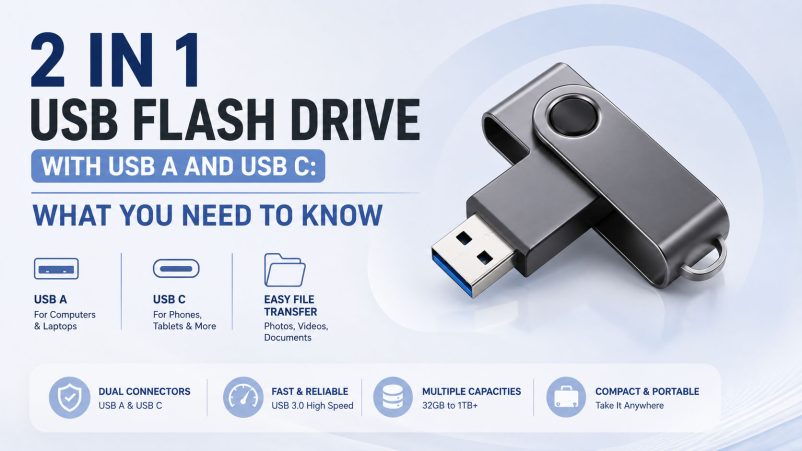
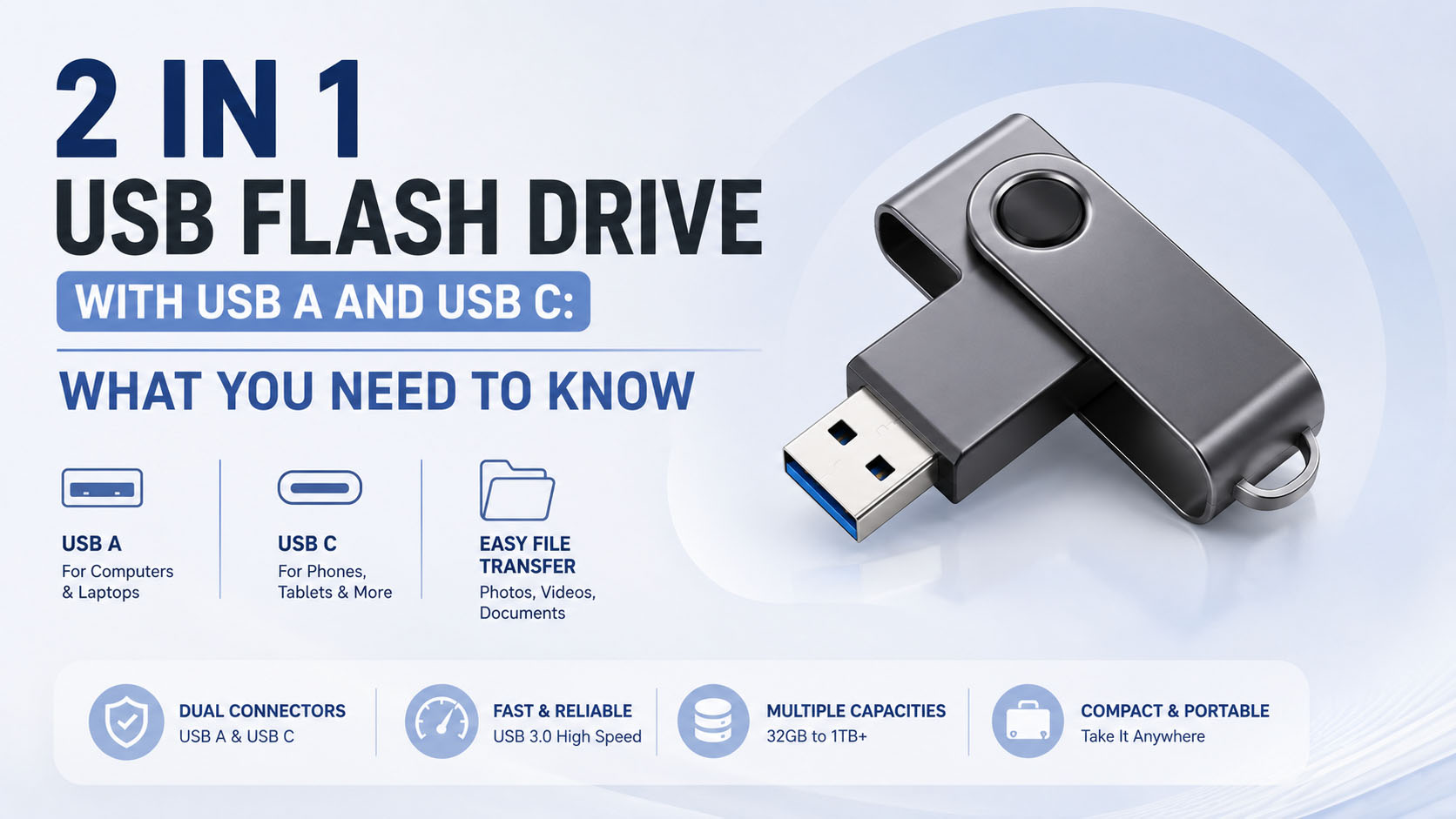
A 2 in 1 USB flash drive with USB A and USB C combines two connectors in one storage device, making it easy to transfer files between computers, laptops, smartphones, tablets, and other compatible devices.
For consumers, the key factors are compatibility, speed, capacity, and durability. For distributors and brands, NAND quality, supply stability, testing, OEM customization, and production capacity are equally important.
USB A vs. USB C: What Is the Difference?
| Feature | USB A | USB C |
|---|---|---|
| Common Devices | PCs, laptops, older devices | Smartphones, tablets, newer laptops |
| Connector Shape | Rectangular | Small, reversible |
| Plug Direction | One-way | Reversible |
| Main Advantage | Broad compatibility | Modern device compatibility |
| Typical Use | Computer file transfer | Phone-to-PC transfer |
A dual-connector drive lets users switch between USB A and USB C without carrying separate storage devices or adapters.
How Does a USB A + USB C Flash Drive Work?
The basic workflow is simple:
Phone / Tablet → USB C → Flash Drive → USB A → Computer
| Step | Operation |
|---|---|
| 1 | Connect the USB C side to a compatible device |
| 2 | Access the external storage |
| 3 | Copy photos, videos, or documents |
| 4 | Safely eject the drive |
| 5 | Connect USB A to a computer and transfer files |
Actual compatibility depends on the device, operating system, USB protocol, and available storage permissions.
What Should You Check Before Buying?
| Specification | What to Look For |
|---|---|
| Connectors | USB A + USB C |
| Interface | USB 3.x preferred for faster transfers |
| Capacity | 64GB, 128GB, 256GB, 512GB or more |
| Read Speed | Check tested rather than advertised performance |
| Write Speed | Important for large videos and backups |
| NAND Flash | Stable and verified flash memory |
| Controller | Proper NAND/controller matching |
| Housing | Metal or reinforced construction |
| Compatibility | Test with target phones and computers |
Important: USB C is only a connector type. It does not automatically mean that the drive supports high-speed USB performance.
Recommended Capacity
| Capacity | Best For |
|---|---|
| 64GB | Documents and everyday files |
| 128GB | Photos, videos and general backup |
| 256GB | Large photo/video collections |
| 512GB | Professional content and frequent transfers |
| 1TB+ | Large-volume storage applications |
For mainstream retail and wholesale markets, 128GB and 256GB are practical capacity options.
Why Supply Chain Matters
For bulk buyers, product quality depends heavily on the stability of the underlying storage supply chain.
| Supply Chain Capability | Buyer Benefit |
|---|---|
| Stable NAND sourcing | More consistent product quality |
| Controller matching | Better performance and compatibility |
| Capacity verification | Reduces fake-capacity risks |
| Speed testing | Confirms actual performance |
| Batch QC | Helps maintain consistency |
| Flexible production | Supports different market requirements |
| Stable material supply | Better delivery reliability |
A professional storage supplier should be able to support the complete process from NAND and controller selection → assembly → testing → quality inspection → packaging → shipment.
OEM & ODM Customization
A 2 in 1 USB flash drive is also suitable for private-label brands, distributors, promotional products, and retail programs.
| OEM Option | Available Customization |
|---|---|
| Logo | Printing / laser engraving |
| Housing | Plastic / metal / custom design |
| Color | Standard or customized |
| Capacity | Multiple capacity options |
| Label | Custom product label |
| Packaging | Box / blister / retail packaging |
| Connector | USB A + USB C configurations |
| Product Design | Customized appearance for larger projects |
For OEM projects, confirm MOQ, sample approval, production lead time, packaging specifications, and QC requirements before mass production.
2 in 1 USB Flash Drive Buying Checklist
| Priority | Question |
|---|---|
| 1 | Does it support both USB A and USB C devices? |
| 2 | What USB protocol does it use? |
| 3 | What are the tested read/write speeds? |
| 4 | Is the actual capacity verified? |
| 5 | What NAND and controller are used? |
| 6 | Has the product passed compatibility testing? |
| 7 | Can the supplier provide OEM packaging and branding? |
| 8 | Can the supplier maintain consistent quality for bulk orders? |
FAQ
What is a 2 in 1 USB flash drive with USB A and USB C?
It is a flash drive equipped with both USB A and USB C connectors, allowing users to transfer files between different compatible devices.
Can I transfer photos from my phone to a computer?
Yes. Connect the USB C side to a compatible phone, copy the files to the flash drive, then connect the USB A side to a computer.
Is USB C faster than USB A?
Not necessarily. Speed depends on the USB protocol, controller, NAND flash, host device, and actual implementation, not simply the connector shape.
What capacity is best for a 2 in 1 USB flash drive?
128GB is suitable for general users, while 256GB or 512GB is better for users who frequently store videos and large files.
Can a 2 in 1 USB flash drive be OEM customized?
Yes. Depending on the supplier, customization can include logo, housing, color, capacity, label, packaging, and product design.
How should wholesalers verify product quality?
Request samples and verify actual capacity, read/write performance, device compatibility, NAND/controller configuration, and batch consistency before placing a large order.
Conclusion
A 2 in 1 USB flash drive with USB A and USB C provides a convenient solution for cross-device file transfer. The right product should combine broad compatibility, reliable NAND, appropriate USB performance, multiple capacity options, and durable construction.
For brands and distributors, choosing a supplier with stable storage supply-chain resources, professional quality testing, flexible production, and OEM/ODM capabilities can help reduce procurement risks while supporting customized products for different markets.





