

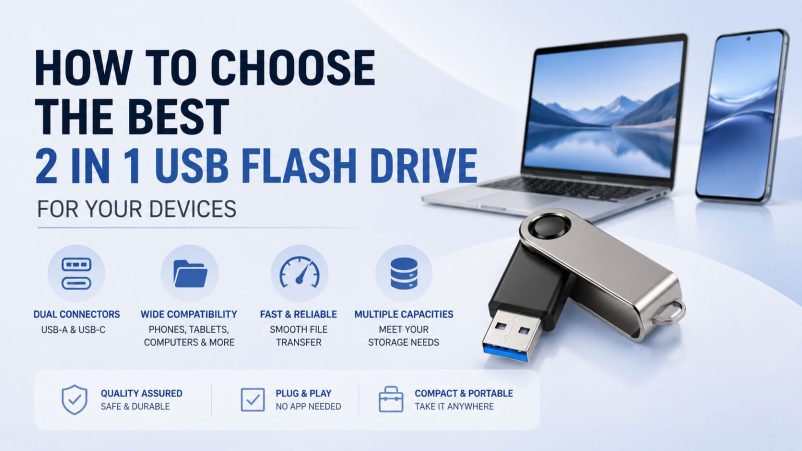
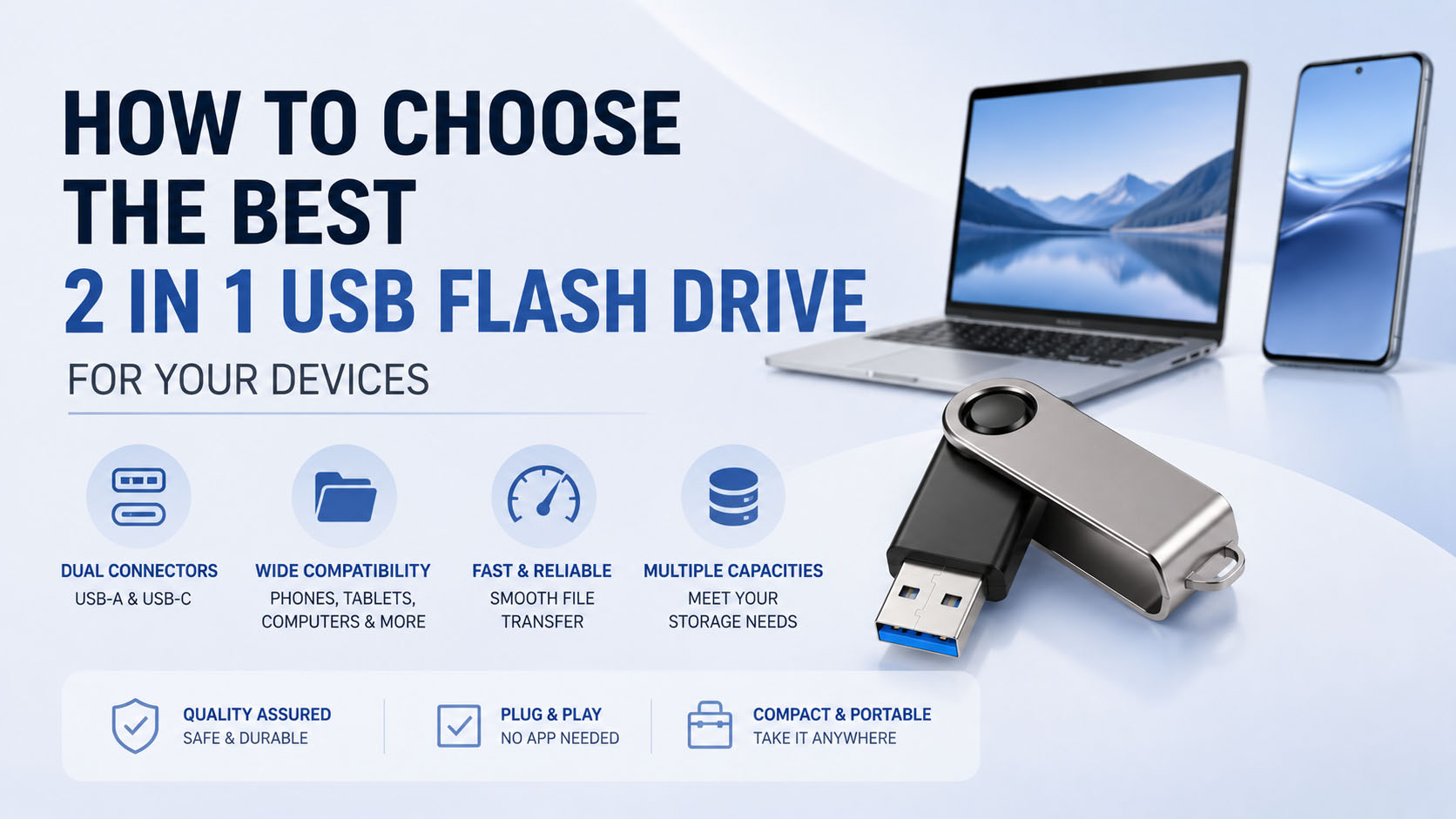
A 2 in 1 USB flash drive combines two connectors—typically USB-A + USB-C or USB-A + Lightning—into one compact storage device. It allows users to transfer photos, videos, documents, and other files between phones, tablets, PCs, and other compatible devices without relying on cloud storage.
For buyers and distributors, the best 2 in 1 USB flash drive should balance connector compatibility, USB performance, storage capacity, build quality, and OEM customization.
1. Check Device Compatibility First
| Device | Recommended Connector | Common Use |
|---|---|---|
| USB-A laptop/PC | USB-A | File backup and transfer |
| USB-C laptop/phone/tablet | USB-C | High-speed data transfer |
| Older iPhone/iPad | Lightning | Photo and video backup |
| Android phone | USB-C | Mobile storage expansion |
| Multiple devices | USB-A + USB-C | Cross-device file transfer |
Tip: USB-C does not automatically mean high-speed performance. Check the actual USB interface specification and tested read/write speed before purchasing.
2. Choose the Right Capacity
| Capacity | Suitable For | Typical Application |
|---|---|---|
| 32GB | Documents, basic files | Personal use |
| 64GB | Photos and documents | Everyday backup |
| 128GB | Photos, videos, apps | Most popular choice |
| 256GB | Large video libraries | Content creators |
| 512GB+ | High-volume data | Professional/business use |
For most users, 128GB or 256GB 2 in 1 USB flash drives provide a good balance between capacity and cost.
3. Compare Performance
| Specification | What to Check |
|---|---|
| Read Speed | Higher speed means faster file access |
| Write Speed | Important for video and large-file backup |
| Interface | USB 2.0 / USB 3.x / USB-C |
| NAND Flash | Affects performance, endurance, and consistency |
| Controller | Influences compatibility and stability |
When purchasing in bulk, don’t evaluate a USB flash drive only by its advertised maximum speed. Actual performance testing, NAND quality, controller matching, and sustained write performance are more important for consistent product quality.
4. Consider Build Quality and Protection
A reliable 2 in 1 USB flash drive should have a durable connector structure and suitable protection for daily use.
| Feature | Benefit |
|---|---|
| Metal housing | Better durability and heat dissipation |
| Protective cap | Reduces connector damage |
| Swivel design | Convenient connector switching |
| Compact design | Easy to carry |
| Quality NAND | Better long-term reliability |
| Factory testing | Helps reduce defective products |
For demanding applications, buyers should also ask about temperature, shock, vibration, and data-retention testing.
5. Choose a Supplier With Strong Supply Chain Support
For wholesalers, distributors, brands, and retailers, supplier capability can be as important as the product itself.
| Supply Chain Advantage | Buyer Benefit |
|---|---|
| Stable NAND sourcing | More consistent quality |
| Multiple controller options | Flexible product configurations |
| In-house testing | Better quality control |
| Capacity customization | Supports different market requirements |
| Stable production capacity | Better delivery reliability |
| Bulk procurement | More competitive pricing |
| Quality inspection | Reduces batch-related risks |
A professional storage supplier should be able to provide sample testing, capacity verification, speed testing, compatibility testing, and batch quality control before mass production.
6. OEM & ODM Customization Options
For brands looking for a custom 2 in 1 USB flash drive, OEM/ODM capability allows the product to be differentiated from generic market products.
| Customization | Available Options |
|---|---|
| Logo | Laser engraving / printing |
| Housing | Plastic / metal / custom design |
| Connectors | USB-A + USB-C / other configurations |
| Capacity | 32GB–1TB+ depending on configuration |
| Packaging | Custom box / blister / retail packaging |
| Label | Custom product label |
| Color | Standard or customized colors |
| Firmware | Customized configuration where applicable |
For large-volume orders, it is recommended to confirm MOQ, sample approval, production lead time, packaging requirements, and quality standards before placing the final order.
7. Best 2 in 1 USB Flash Drive Buying Checklist
| Check | Recommendation |
|---|---|
| Compatibility | Match both connectors to target devices |
| Capacity | 128GB–256GB for mainstream demand |
| Speed | Choose USB 3.x or faster where supported |
| NAND | Prioritize stable, tested flash memory |
| Controller | Match controller to NAND and application |
| Housing | Select durable construction |
| Testing | Request capacity and speed verification |
| OEM | Confirm logo, packaging, and design options |
| Supplier | Evaluate supply stability and QC capability |
8. Why Choose a Professional Storage Supplier?
A reliable 2 in 1 USB flash drive supplier should provide more than a finished product. Strong supply-chain integration can help buyers optimize NAND sourcing, controller matching, production, testing, packaging, and OEM customization.
This is especially valuable for distributors and brands that need consistent quality across large batches rather than simply purchasing the lowest-cost USB drive.
FAQ
What is a 2 in 1 USB flash drive?
A 2 in 1 USB flash drive has two different connectors, allowing it to transfer files between devices with different interfaces, such as USB-A and USB-C.
Can a 2 in 1 USB drive transfer photos from a phone to a computer?
Yes. If the phone and computer support the corresponding connectors and the operating systems allow external storage access, files can generally be transferred directly.
Is USB-C 2 in 1 storage faster than USB-A?
Not necessarily. Connector type and USB protocol are different specifications. Actual speed depends on the USB interface, controller, NAND flash, device, and file type.
What capacity should I choose?
128GB is a practical mainstream capacity, while 256GB or 512GB is better for large photo and video collections.
Can 2 in 1 USB flash drives be customized?
Yes. Depending on the supplier, OEM options can include logo, housing, color, capacity, label, packaging, and product design.
How can I verify USB flash drive quality before bulk purchasing?
Request samples and verify actual capacity, read/write speed, device compatibility, NAND/controller configuration, and reliability testing before approving mass production.
Final Takeaway
The best 2 in 1 USB flash drive is not simply the one with the largest capacity or highest advertised speed. For consumers, prioritize compatibility, capacity, speed, and durability. For businesses, also evaluate NAND sourcing, quality control, supply stability, MOQ, delivery capability, and OEM customization.
For brands and distributors, working with a storage supplier that combines stable supply chain resources + professional testing + OEM/ODM capability can provide a more reliable path from sample development to mass production.





