

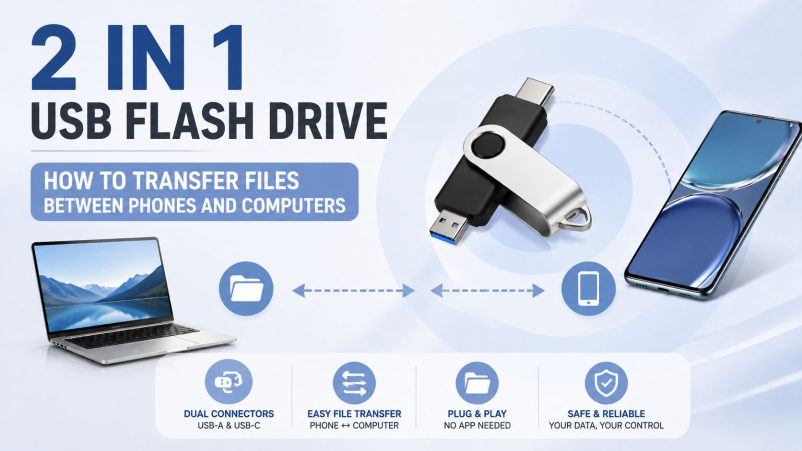
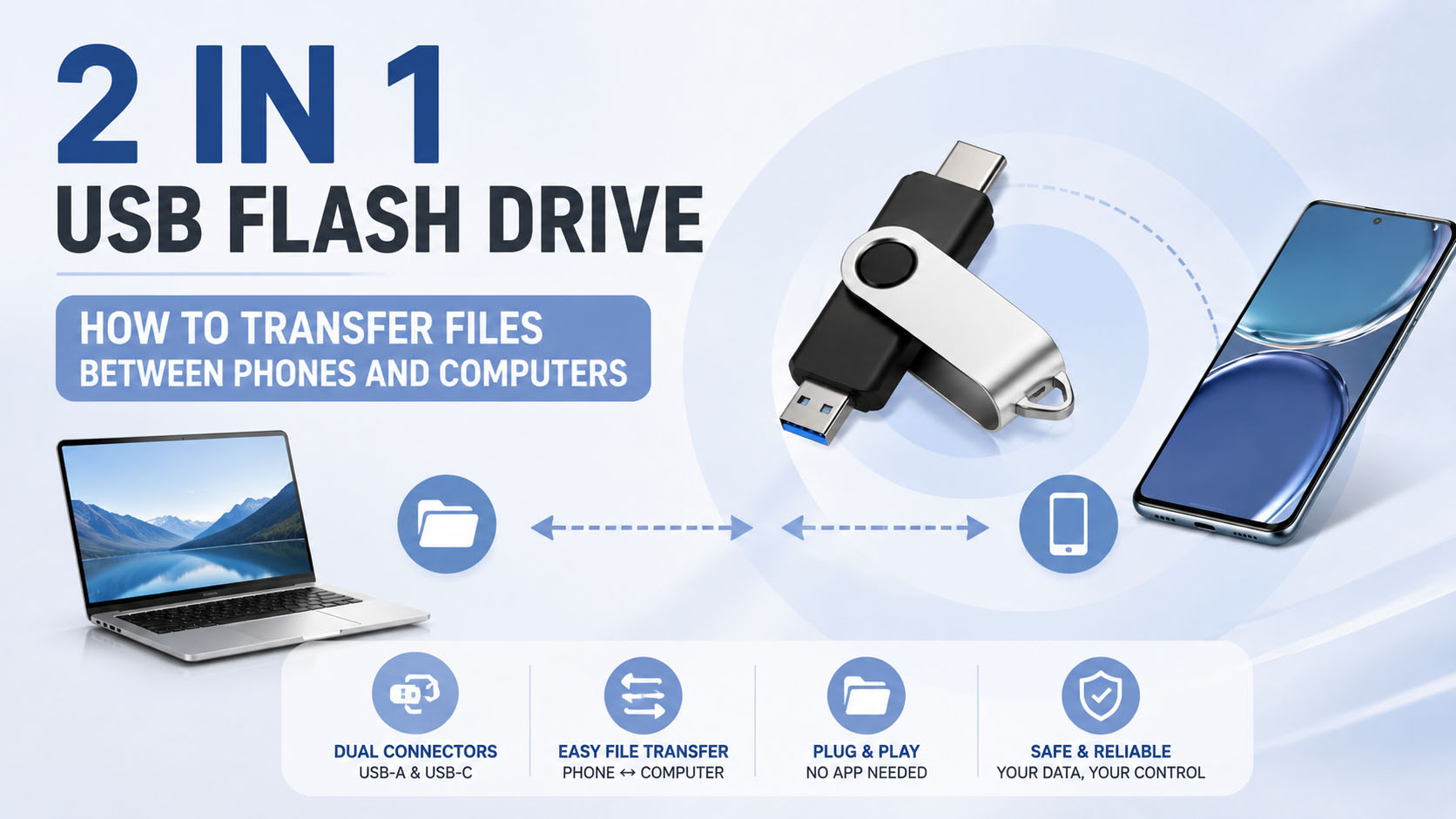
A 2 in 1 USB flash drive combines two connectors—usually USB-A and USB-C—in one portable storage device. It provides a convenient way to transfer photos, videos, documents, and other files between smartphones, tablets, laptops, and desktop computers without requiring a separate adapter.
| Feature | 2 in 1 USB Flash Drive |
|---|---|
| Connectors | USB-A + USB-C |
| Main use | Cross-device file transfer |
| Compatible devices | Phones, tablets, laptops, PCs |
| Common files | Photos, videos, documents |
| Key benefit | No separate adapter required |
How to Transfer Files from a Phone to a Computer
The basic process is simple:
Phone → USB-C → 2 in 1 Flash Drive → USB-A → Computer
| Step | Operation |
|---|---|
| 1 | Insert the USB-C connector into the phone |
| 2 | Open the phone’s file manager or supported storage app |
| 3 | Select the photos, videos, or documents |
| 4 | Copy or move files to the USB flash drive |
| 5 | Safely eject the drive |
| 6 | Connect USB-A to the computer |
| 7 | Copy the files from the drive to the computer |
Tip: Android phones generally provide broad USB OTG support, while iPhone compatibility depends on the specific iPhone model, connector, iOS version, and supported storage workflow.
How to Transfer Files from a Computer to a Phone
The reverse process is equally convenient:
Computer → USB-A → Flash Drive → USB-C → Phone
| File Type | Common Use |
|---|---|
| Photos | Mobile photo backup |
| Videos | Media transfer |
| Documents | Work and study files |
| Music | Offline media |
| Large files | Reduce reliance on cloud storage |
For large video files, a high-quality flash drive with stable sustained write performance can provide a better experience than very low-cost drives.
Why Use a 2 in 1 USB Flash Drive?
| Benefit | Explanation |
|---|---|
| Dual interface | USB-A and USB-C in one device |
| Easy transfer | Direct connection between different devices |
| Portable | No external adapter or cable required in many cases |
| Offline backup | Useful when internet access is limited |
| Flexible capacity | Available in multiple storage capacities |
What Determines Transfer Speed?
A common misconception is that a USB-C connector automatically means high-speed transfer. It does not.
Actual performance depends on the complete storage system:
Flash Memory + Controller + USB Protocol + Host Device + File Type
| Factor | Impact |
|---|---|
| Flash memory | Determines storage performance and endurance |
| Controller | Manages data transfer and flash memory |
| USB interface | Sets the potential interface bandwidth |
| Phone/PC | May limit actual speed |
| File size | Large sequential files usually transfer faster |
| Drive capacity | Different capacities may use different memory configurations |
For B2B buyers, suppliers should provide actual tested read/write speeds rather than relying only on theoretical interface specifications.
Choosing Capacity for File Transfer
| Capacity | Suitable For |
|---|---|
| 32GB | Documents and light backup |
| 64GB | Photos and everyday files |
| 128GB | Photos, videos and mobile backup |
| 256GB | Large media libraries |
| 512GB | High-volume video and professional files |
| 1TB | Large-scale portable storage |
Actual usable capacity is lower than the advertised decimal capacity because of formatting and system requirements.
2 in 1 USB Flash Drive for OEM & Wholesale
For distributors, retailers, and brands, a 2 in 1 USB flash drive can be customized beyond simply adding a logo.
| OEM Option | Customization |
|---|---|
| Logo | Printing, laser engraving, label |
| Housing | Plastic, metal, custom appearance |
| Connector | USB-A + USB-C configurations |
| Capacity | 32GB–1TB and other options |
| Packaging | Retail box, blister, custom package |
| Label | Brand, capacity, specifications |
| Color | Customized according to product design |
| MOQ | Based on customization and production plan |
Supply Chain Advantages for B2B Buyers
Reliable USB storage starts with the upstream supply chain. Professional suppliers can integrate flash memory sourcing, controller matching, SMT/assembly, testing, packaging, and shipment into one production workflow.
| Supply Chain Capability | Buyer Benefit |
|---|---|
| Stable flash memory sourcing | More consistent product quality |
| Controller matching | Better compatibility and performance |
| Capacity testing | Reduces fake-capacity risk |
| Speed testing | Verifies actual performance |
| Batch QC | Improves order consistency |
| OEM production | Supports private-label products |
| Flexible packaging | Suitable for retail and promotional projects |
How to Choose a 2 in 1 USB Flash Drive Supplier?
| Check | What to Ask |
|---|---|
| Memory | What flash memory solution is used? |
| Capacity | Is the actual capacity tested? |
| Speed | Are read/write speeds tested? |
| Compatibility | Which phones and computers are supported? |
| OEM | Can the logo, housing and packaging be customized? |
| QC | Is every batch tested before shipment? |
| MOQ | What is the MOQ for customized products? |
| Warranty | What after-sales support is provided? |
FAQ
Can I transfer files directly from my phone to a computer?
Yes. A 2 in 1 USB flash drive allows you to copy files from the phone to the drive, then connect the drive to the computer.
Do I need an adapter?
Usually not when the drive has both USB-C and USB-A connectors. However, device compatibility should always be checked.
Can I transfer 4K videos?
Yes. A suitable-capacity flash drive can store and transfer 4K videos. For large video files, choose a drive with verified sustained write performance.
Is USB-C always faster than USB-A?
No. USB-C describes the connector shape, not necessarily the USB speed standard. Always check the actual USB protocol and tested performance.
Can a 2 in 1 USB flash drive be customized?
Yes. OEM options can include logo, housing, label, color, capacity, packaging, and other product details, depending on the supplier and order quantity.
What is the best capacity for phone backup?
For most users, 128GB or 256GB offers a practical balance between storage space, portability, and cost. Users working with large video files may prefer 512GB or 1TB.
Final Takeaway
A 2 in 1 USB flash drive provides a simple solution for transferring files between modern USB-C phones and traditional USB-A computers. For personal users, it offers convenient offline backup. For wholesalers, distributors, and brands, the key factors are verified memory quality, actual transfer performance, stable supply, strict QC, and flexible OEM/ODM customization.




