

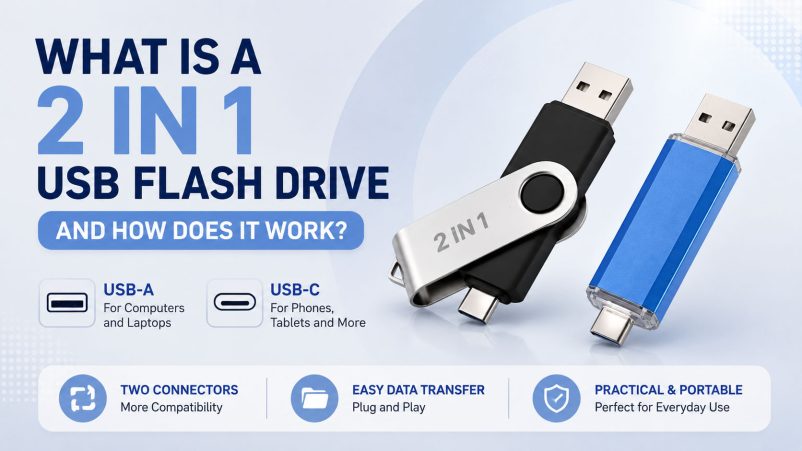
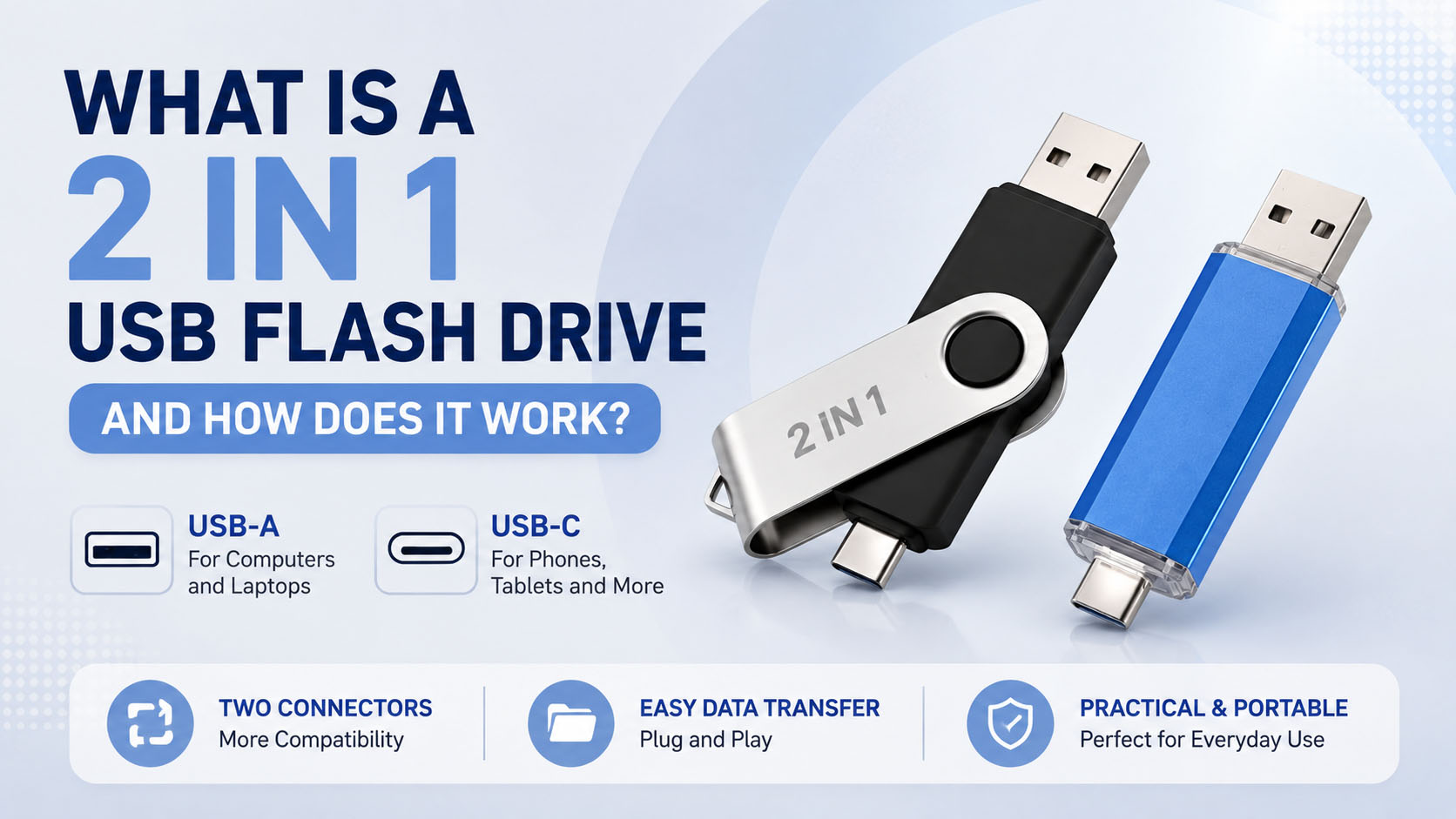
What Is a 2 in 1 USB Flash Drive?
A 2 in 1 USB flash drive is a portable storage device with two connectors, typically USB-A and USB-C. It allows users to transfer and store files between computers, laptops, smartphones, tablets, and other compatible devices without carrying separate storage drives.
| Feature | 2 in 1 USB Flash Drive |
|---|---|
| Connectors | USB-A + USB-C |
| Main benefit | Cross-device compatibility |
| Use | File transfer, backup, media storage |
| Design | Compact and portable |
| Customization | Logo, housing, packaging, capacity |
How Does a 2 in 1 USB Flash Drive Work?
The drive uses a shared flash memory system with two interfaces. Users simply connect the appropriate connector to their device and access the stored files through the operating system.
Typical workflow:
Device A → USB Flash Drive → Device B
For example, photos can be transferred from a USB-C smartphone to a computer using USB-A, making the drive useful for mobile backup and cross-platform data transfer.
| Connection | Typical Application |
|---|---|
| USB-A | PCs, laptops, older devices |
| USB-C | Smartphones, tablets, modern laptops |
| USB-A ↔ USB-C | Cross-device file transfer |
Note: Actual transfer speed depends on the flash memory, controller, USB interface, host device, operating system, and file type. USB-C does not automatically mean high-speed USB 3.x performance.
Why Choose a 2 in 1 USB Flash Drive?
| Advantage | Business & User Value |
|---|---|
| Dual connectors | One drive works across more devices |
| Portable design | Easy to carry and store |
| Convenient backup | Quickly move photos, videos, and documents |
| Flexible customization | Suitable for branded products and promotions |
| Multiple capacities | Supports different storage requirements |
For distributors and wholesalers, a dual-interface USB flash drive can also reduce SKU complexity by combining two common connectors into one product.
2 in 1 USB Flash Drive for OEM & Wholesale
For storage buyers, product quality depends not only on the finished USB drive but also on the flash memory, controller, production process, testing, and supply chain management.
An experienced storage supplier can provide a more flexible OEM/ODM solution:
| OEM Service | Available Options |
|---|---|
| Logo | Laser engraving, printing, label |
| Housing | Plastic, metal, custom designs |
| Connector | USB-A, USB-C, dual interface |
| Capacity | Multiple capacity options |
| Packaging | Retail box, blister, custom packaging |
| Product label | Customer branding and specifications |
| Firmware | Customized according to product requirements |
| QC | Capacity, speed, compatibility and functional testing |
Supply Chain Advantages
A professional USB storage supplier should have access to stable upstream resources and manage the complete production chain from flash memory and controllers to assembly, testing, packaging, and shipment.
This helps buyers achieve:
- More consistent product quality
- Flexible capacity selection
- Stable production scheduling
- OEM/ODM customization
- Batch testing before shipment
- Better support for wholesale and long-term orders
How to Choose a 2 in 1 USB Flash Drive Supplier?
| Check Point | What Buyers Should Confirm |
|---|---|
| Flash memory | Memory source and consistency |
| Controller | Controller solution and compatibility |
| Real capacity | Actual usable capacity |
| Speed | Tested sequential read/write performance |
| Compatibility | USB-A and USB-C device support |
| Quality control | Batch testing and inspection |
| OEM capability | Logo, housing and packaging customization |
| MOQ | Suitable for your order volume |
| After-sales | Warranty and technical support |
For B2B purchasing, avoid selecting a supplier based only on the lowest unit price. A stable memory supply, accurate capacity, consistent performance, and reliable QC can have a greater impact on long-term procurement costs.
Common Applications
| Application | Example |
|---|---|
| Smartphone backup | Photos and videos |
| Laptop storage | Documents and media |
| Business use | File sharing and presentations |
| Education | Course materials |
| Promotional products | Branded corporate gifts |
| Retail | Consumer portable storage |
| OEM projects | Customized branded storage products |
2 in 1 USB Flash Drive vs Traditional USB Flash Drive
| Comparison | 2 in 1 Drive | Single-Connector Drive |
|---|---|---|
| Connectors | Two | One |
| Compatibility | Higher | More limited |
| Cross-device transfer | Convenient | Requires adapter in some cases |
| Portability | High | High |
| OEM potential | High | High |
| Best for | Multi-device users | Single-interface applications |
FAQ
Is a 2 in 1 USB flash drive compatible with both USB-A and USB-C?
Yes. A typical dual-interface model provides USB-A and USB-C connectors, but compatibility should be confirmed for the specific device and operating system.
Can I transfer photos directly from a phone?
Yes, if the phone supports USB OTG/USB host functionality and the drive’s USB-C interface is compatible.
Does USB-C mean the drive is faster?
Not necessarily. Connector type and transfer speed are different specifications. The controller, flash memory, USB protocol, host device, and implementation determine actual performance.
Can the 2 in 1 USB drive be customized with our logo?
Yes. OEM suppliers can typically customize the logo, housing, label, capacity, packaging, and product appearance, depending on MOQ and production requirements.
What capacities are available?
Common options include 32GB, 64GB, 128GB, 256GB, 512GB and 1TB, subject to the supplier’s available memory solutions and product design.
How should B2B buyers verify USB flash drive quality?
Request real capacity testing, read/write speed testing, compatibility testing, sample approval, and batch QC before placing a large order.
Conclusion
A 2 in 1 USB flash drive combines USB-A and USB-C connectivity in one compact storage device, making it a practical solution for cross-device data transfer and backup. For wholesalers, distributors, and brands, choosing a supplier with stable memory supply, strict QC, flexible OEM/ODM services, and reliable production capacity is essential for consistent quality and long-term business.
For OEM and wholesale projects, prioritize verified flash memory, tested performance, flexible customization, and stable supply—not just the lowest price.





