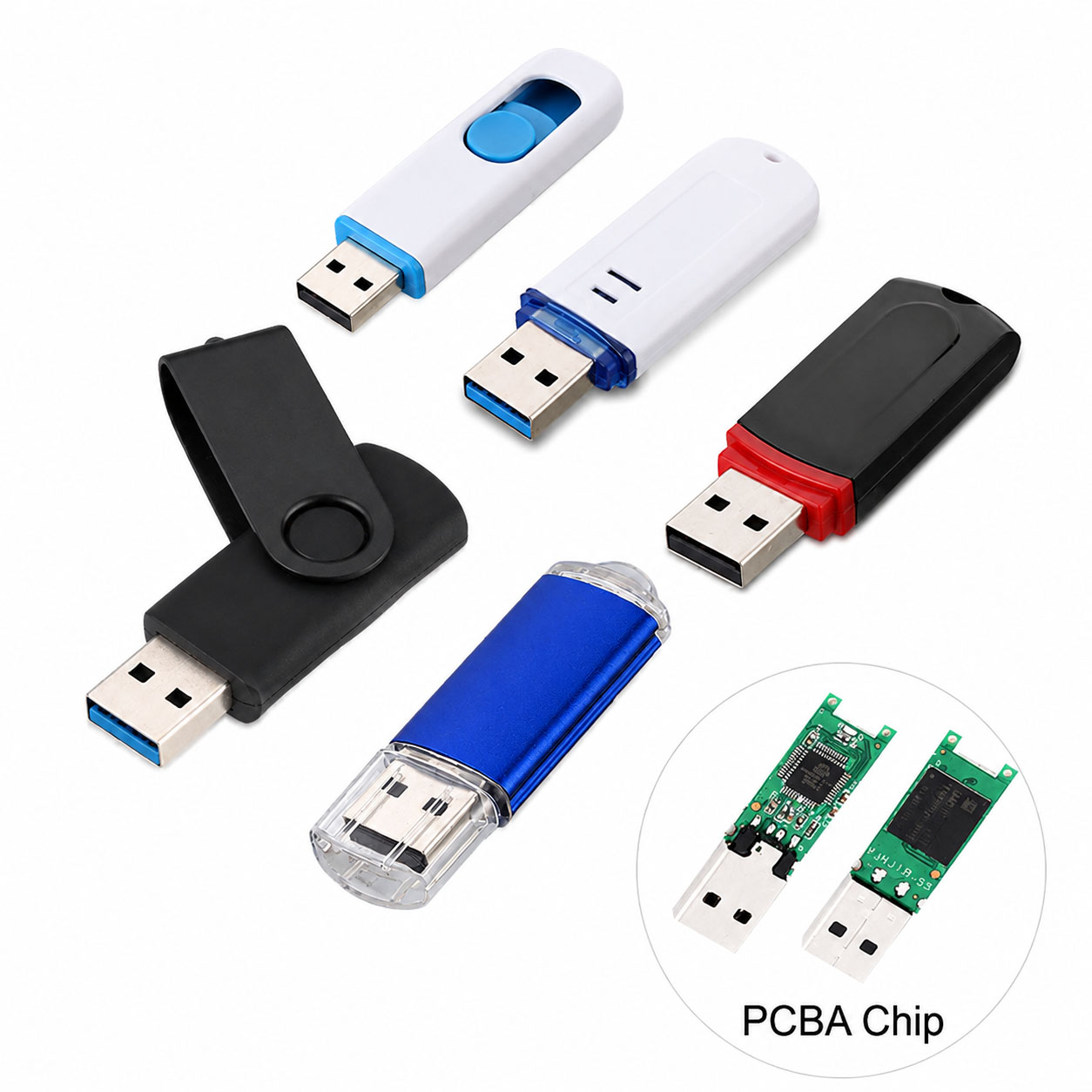
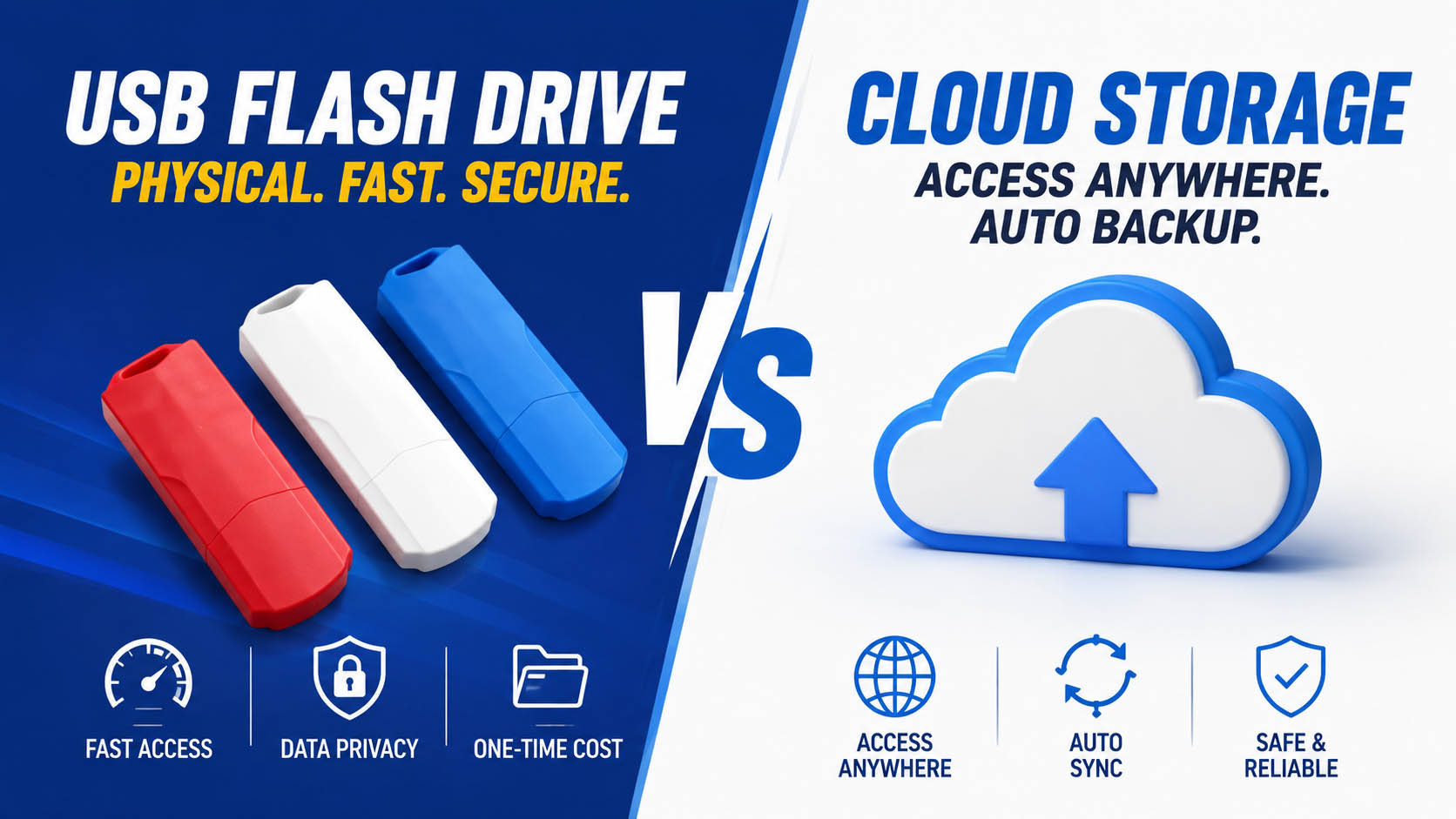
Both USB flash drives and cloud storage can protect important files, but they offer different advantages. USB flash drives provide offline, portable, one-time storage, while cloud storage provides remote access, synchronization, and automated backup.
For the best data protection, businesses and individuals can use both rather than relying on only one backup method.
USB Flash Drive vs Cloud Storage: Quick Comparison
| Feature | USB Flash Drive | Cloud Storage |
|---|---|---|
| Internet Required | No | Usually Yes |
| Offline Backup | Excellent | Limited |
| Portability | Excellent | Excellent |
| Remote Access | Limited | Excellent |
| Automatic Backup | Usually No | Often Available |
| One-Time Cost | Yes | Usually Subscription |
| Recurring Cost | No | Often Yes |
| Transfer Speed | High with USB 3.x | Depends on Internet |
| Large File Transfer | Excellent | Internet dependent |
| Physical Damage Risk | Yes | Lower at user location |
| Account Security Risk | Low | Requires account protection |
| Best Use | Offline backup | Remote/cloud backup |
Which Is Better for Backup?
There is no single winner.
| Requirement | Better Choice |
|---|---|
| Offline backup | USB Flash Drive |
| Access files anywhere | Cloud Storage |
| No monthly subscription | USB Flash Drive |
| Automatic synchronization | Cloud Storage |
| Large local file transfers | USB Flash Drive |
| Sharing files | Cloud Storage |
| Protection from computer failure | Both |
| Critical business data | Both |
Best practice: Keep multiple copies of important data instead of relying on a single USB drive or cloud account.
USB Flash Drive: Advantages and Disadvantages
| Advantages | Disadvantages |
|---|---|
| Portable | Can be lost |
| Offline access | Physical damage possible |
| Fast local transfer | Manual backup required |
| No recurring subscription | Limited capacity |
| Easy to store separately | Flash memory has finite endurance |
| Useful without Internet | Requires physical access |
Cloud Storage: Advantages and Disadvantages
| Advantages | Disadvantages |
|---|---|
| Remote access | Internet dependent |
| Automatic backup options | Recurring fees |
| Easy file sharing | Account security matters |
| Multi-device synchronization | Upload/download speed varies |
| Off-site storage | Service availability depends on provider |
USB Flash Drive Capacity Guide
| Capacity | Recommended Use |
|---|---|
| 32GB | Documents |
| 64GB | Documents + photos |
| 128GB | Photos + videos |
| 256GB | Personal backups |
| 512GB | Professional files |
| 1TB+ | Large media archives |
Choose capacity based on your current data volume and expected future growth.
USB Flash Drive Speed for Backup
| USB Standard | Typical Application |
|---|---|
| USB 2.0 | Documents and light backup |
| USB 3.2 Gen 1 | Everyday backup |
| USB 3.2 Gen 2 | Large files and video |
| USB-C | Modern laptops and mobile devices |
| USB-C + USB-A | Mixed-device environments |
For backup, write speed is especially important because data is being copied onto the flash drive.
Why NAND Flash and Controller Quality Matter
Storage performance and reliability depend on the complete hardware platform.
| Component | Importance |
|---|---|
| NAND Flash | Capacity, performance, endurance |
| Controller | Data management and transfer |
| Firmware | Compatibility and performance |
| PCB | Electrical stability |
| USB Interface | Host communication |
| Housing | Physical protection |
A reliable NAND + controller combination helps maintain stable performance and consistent production quality.
USB Flash Drive Supply Chain Advantages
For wholesalers, distributors, and brands, supply-chain capability directly affects long-term procurement.
| Supply Chain Capability | Buyer Benefit |
|---|---|
| Stable NAND Sourcing | Consistent quality |
| Multiple NAND Options | Cost/performance flexibility |
| Controller Selection | Application optimization |
| NAND-Controller Matching | Better stability |
| Factory Testing | Lower defect risk |
| Multiple Capacities | Wider product range |
| Stable Production | Reliable repeat orders |
| Alternative Components | Reduced supply risk |
A strong supplier can manage the complete NAND + controller + PCB + connector + housing + packaging supply chain.
USB Flash Drive OEM & ODM
USB flash drives are suitable for OEM/ODM backup products, corporate storage, promotional products, and branded data-distribution solutions.
| OEM Option | Customization |
|---|---|
| Logo | Printing / Laser engraving |
| Housing | Standard / Custom |
| Color | Custom |
| Capacity | 32GB–1TB+ depending on platform |
| Interface | USB-A / USB-C / Dual |
| Packaging | Box / Card / Blister |
| Data Preloading | Available for suitable projects |
| QC | Customer-defined standards |
An experienced OEM manufacturer can integrate component sourcing, product customization, production, testing, packaging, and bulk delivery.
3-2-1 Backup Strategy
For important files, the 3-2-1 backup strategy is a practical approach.
| Principle | Example |
|---|---|
| 3 Copies | Original + 2 backups |
| 2 Storage Types | Computer + USB + cloud |
| 1 Off-Site Copy | Cloud or separately stored USB |
This reduces the risk of losing all copies because of hardware failure, accidental deletion, theft, or other incidents.
How to Choose a USB Flash Drive for Backup
| Check | Priority |
|---|---|
| NAND Quality | ★★★★★ |
| Real Write Speed | ★★★★★ |
| Controller | ★★★★★ |
| Capacity | ★★★★★ |
| USB Interface | ★★★★☆ |
| Factory Testing | ★★★★★ |
| Supply Stability | ★★★★★ |
| OEM Capability | ★★★★☆ |
For B2B purchasing, evaluate total value rather than unit price alone.
USB Flash Drive vs Cloud Storage for Businesses
| Business Need | Recommended |
|---|---|
| Employee File Sharing | Cloud |
| Local Project Backup | USB |
| Sensitive Offline Archive | USB |
| Automatic Backup | Cloud |
| Disaster Recovery | Both |
| Large Media Files | USB + Cloud |
| Branded Backup Product | OEM USB |
| Long-Term Data Strategy | Multiple Backup Methods |
FAQ: USB Flash Drive vs Cloud Storage
Is a USB flash drive better than cloud storage?
Neither is universally better. USB drives are better for offline, portable, local backups, while cloud storage is better for remote access, synchronization, and automated backup.
Is USB backup safer than cloud storage?
USB backup can reduce dependence on Internet services and online accounts, but the drive can be lost or damaged. Important data should have multiple backup copies.
Does a USB flash drive need Internet?
No. Once the files are on the drive, they can generally be accessed without an Internet connection.
Is cloud storage faster than a USB flash drive?
Not necessarily. Local USB transfer can be very fast, while cloud performance depends on Internet upload/download speeds, latency, and the cloud service.
How long can data stay on a USB flash drive?
Data retention varies with NAND type, temperature, storage conditions, usage, and product quality. Important backups should be periodically checked and refreshed.
Can I use both USB and cloud storage?
Yes. Using both provides local/offline and off-site protection, making the overall backup strategy more resilient.
What is the best USB flash drive for backup?
For frequent backups, choose a drive with reliable NAND, a suitable controller, good sustained write performance, sufficient capacity, and factory-tested quality.
Can USB backup drives be OEM customized?
Yes. Manufacturers can customize logo, housing, color, capacity, interface, packaging, data preloading, and QC requirements.
What should bulk buyers ask a USB flash drive supplier?
Ask about NAND source, controller, actual read/write performance, testing standards, MOQ, production capacity, OEM/ODM capabilities, lead time, and component supply stability.
Final Takeaway
USB flash drives are best for fast, offline, portable backups. Cloud storage is best for remote access, synchronization, and automated backup.
For important data, the strongest approach is usually USB + cloud + multiple copies.
For B2B buyers, the quality of the USB flash drive depends not only on capacity and interface, but also on NAND quality, controller matching, factory testing, supply-chain stability, and OEM/ODM capability.