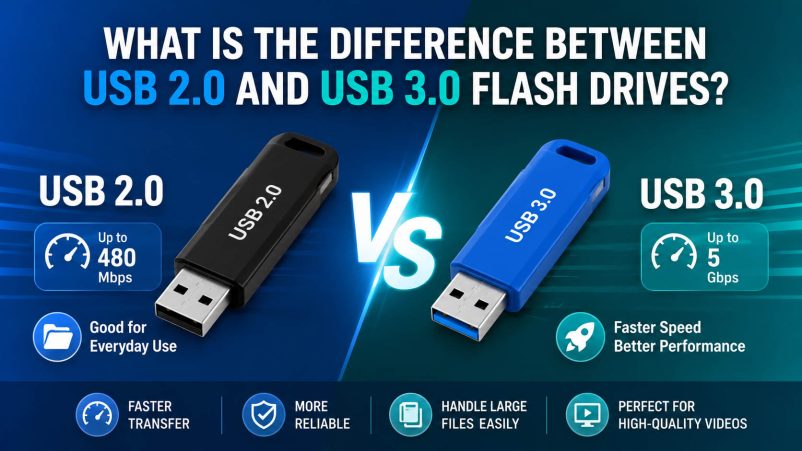
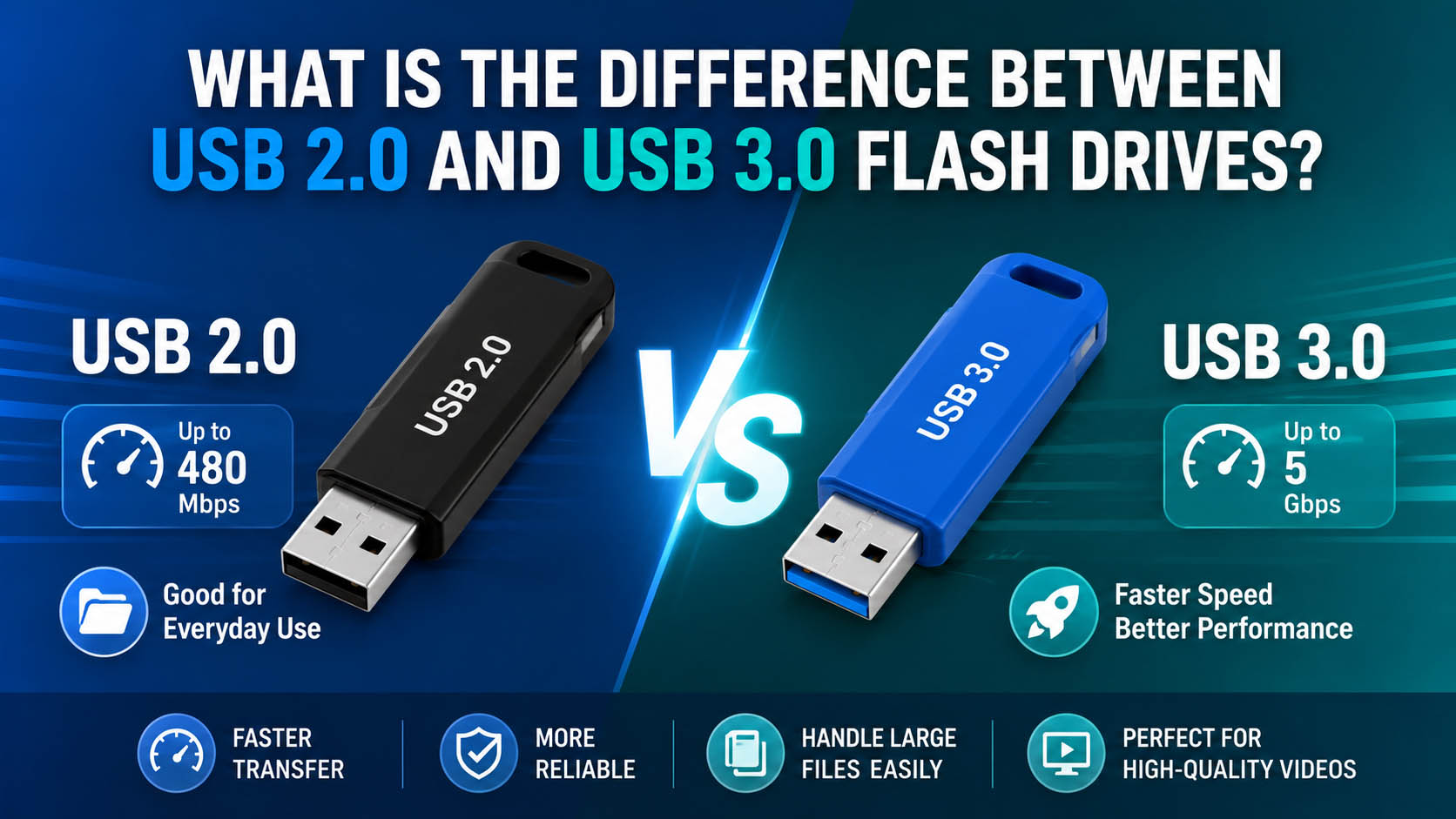
The main difference between USB 2.0 and USB 3.0 flash drives is transfer speed. USB 2.0 supports up to 480 Mbps, while USB 3.0 supports up to 5 Gbps under the USB specification.
For documents and occasional file transfers, USB 2.0 can be sufficient. For large photos, videos, backups, and frequent data transfers, USB 3.0 is generally the better choice.
Quick answer: Choose USB 2.0 for basic, cost-sensitive applications; choose USB 3.0 for faster transfer and larger files.
USB 2.0 vs USB 3.0 Flash Drive
| Feature | USB 2.0 | USB 3.0 |
|---|---|---|
| Theoretical Speed | Up to 480 Mbps | Up to 5 Gbps |
| Large File Transfer | Slower | Faster |
| Documents | ✓ | ✓ |
| Photos & Videos | Basic | Recommended |
| Backup | Basic | Better |
| Cost | Lower | Usually higher |
| Best For | Basic storage | High-speed storage |
Actual flash drive performance depends on the NAND flash, controller, firmware, host device, file type, and other factors.
Which USB Flash Drive Is Better for Large Files?
| Application | Recommended |
|---|---|
| Word / Excel / PDF | USB 2.0 |
| Small File Transfer | USB 2.0 |
| Photos | USB 3.0 |
| HD / 4K Video | USB 3.0 |
| Large Backups | USB 3.0 |
| Frequent Data Transfer | USB 3.0 |
| Promotional Giveaways | USB 2.0 / 3.0 |
For large files, USB 3.0 offers a clear practical advantage, especially when the computer and USB flash drive both support the higher-speed interface.
Does USB 3.0 Mean the Flash Drive Is Faster?
Not necessarily.
The USB interface sets the connection capability, but actual performance also depends on the internal storage components.
| Component | Impact on Performance |
|---|---|
| NAND Flash | Read/write performance and endurance |
| Controller IC | Data management and stability |
| Firmware | Performance optimization |
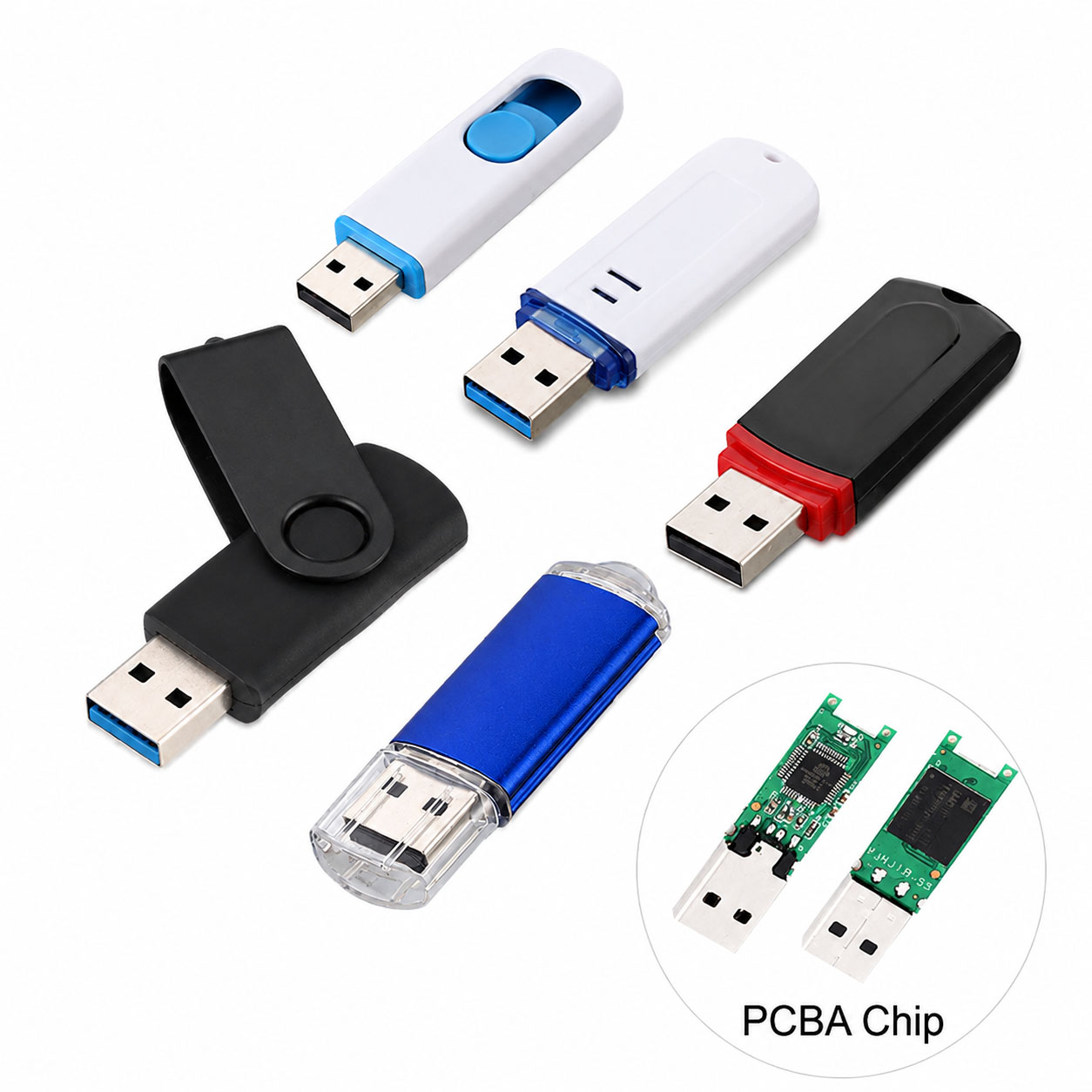
| PCB Design | Signal and hardware stability |
| USB Interface | Maximum connection bandwidth |
| Testing | Confirms actual capacity and performance |
A USB 3.0 flash drive with low-quality components may not deliver its theoretical maximum speed.
USB 2.0 or USB 3.0 for Different Capacities?
| Capacity | Recommended Interface |
|---|---|
| 16GB | USB 2.0 / 3.0 |
| 32GB | USB 2.0 / 3.0 |
| 64GB | USB 3.0 preferred |
| 128GB | USB 3.0 preferred |
| 256GB | USB 3.0 recommended |
| 512GB+ | USB 3.0 or higher-speed interface |
As capacity increases, faster interfaces become more valuable because transferring large amounts of data can otherwise take significantly longer.
USB Flash Drive Quality: What Should Buyers Check?
For B2B buyers, interface type should not be the only purchasing criterion.
| Key Factor | What to Check |
|---|---|
| NAND Quality | Consistent and reliable flash memory |
| Controller | Stable read/write management |
| Real Capacity | Verify actual usable capacity |
| Real Speed | Test sequential and random performance |
| Compatibility | Windows, macOS and other target devices |
| QC Process | Capacity, speed and aging tests |
| Certifications | Relevant market compliance |
Supply Chain Advantages for USB Flash Drive Buyers
A stable supply chain is particularly important for distributors, retailers, and large OEM orders.
| Supply Chain Capability | Buyer Benefit |
|---|---|
| Stable NAND Sources | More consistent quality |
| Controller Matching | Better performance optimization |
| Factory Production | Stable bulk supply |
| Multiple Capacities | Flexible product portfolio |
| QC Inspection | Reduced quality risk |
| Direct Manufacturer Supply | Better cost control |
An experienced storage supplier can also recommend the appropriate NAND + controller + USB interface combination according to the target price and application.
OEM & ODM USB Flash Drive Solutions
USB 2.0 and USB 3.0 flash drives can both be customized for corporate gifts, promotional campaigns, retail products, and branded storage solutions.
| OEM/ODM Service | Options |
|---|---|
| Logo | Silk printing / laser engraving |
| Housing | Plastic / metal / rubber / custom |
| Color | Custom brand colors |
| Capacity | 8GB-1TB+ |
| Interface | USB 2.0 / USB 3.0 |
| Packaging | Custom retail / gift packaging |
| Product Shape | Standard / customized |
| QC | Customized inspection requirements |
For promotional products, USB 2.0 can help control cost. For premium products and large-file applications, USB 3.0 provides stronger market positioning.
USB 2.0 vs USB 3.0: Cost vs Performance
| Priority | Better Choice |
|---|---|
| Lowest Cost | USB 2.0 |
| Basic Documents | USB 2.0 |
| Faster File Transfer | USB 3.0 |
| Large Videos | USB 3.0 |
| Professional Use | USB 3.0 |
| Premium Product | USB 3.0 |
FAQ About USB 2.0 and USB 3.0 Flash Drives
Q1: Is USB 3.0 faster than USB 2.0?
Yes. USB 3.0 has a theoretical maximum bandwidth of 5 Gbps, compared with 480 Mbps for USB 2.0.
Q2: Can a USB 3.0 flash drive work in a USB 2.0 port?
Yes. USB 3.0 devices are generally backward compatible with USB 2.0 ports, but the connection will operate at the lower USB 2.0 performance level.
Q3: Is USB 3.0 better for video storage?
Yes. USB 3.0 is generally more suitable for transferring large video files because of its higher interface bandwidth.
Q4: Does USB 3.0 guarantee high read/write speed?
No. Actual speed depends on the flash memory, controller, firmware, host device, and other system factors.
Q5: Which is better for a promotional USB flash drive?
| Requirement | Choice |
|---|---|
| Budget Promotion | USB 2.0 |
| Standard Corporate Gift | USB 2.0 / 3.0 |
| Premium Gift | USB 3.0 |
| Large File Distribution | USB 3.0 |
Q6: Can a manufacturer provide customized USB 3.0 flash drives?
Yes. OEM/ODM manufacturers can customize the housing, logo, color, capacity, packaging, and other product specifications according to project requirements.
Conclusion
USB 2.0 is suitable for basic and cost-sensitive storage, while USB 3.0 is the better choice for large files, videos, backups, and frequent transfers.
For B2B buyers, the best USB flash drive is not simply the one with the highest interface specification. NAND quality, controller selection, actual speed, QC, supply-chain stability, and OEM capability should all be evaluated together.
A professional storage manufacturer can provide USB flash drive solutions that balance performance, capacity, cost, customization, and stable bulk supply.