

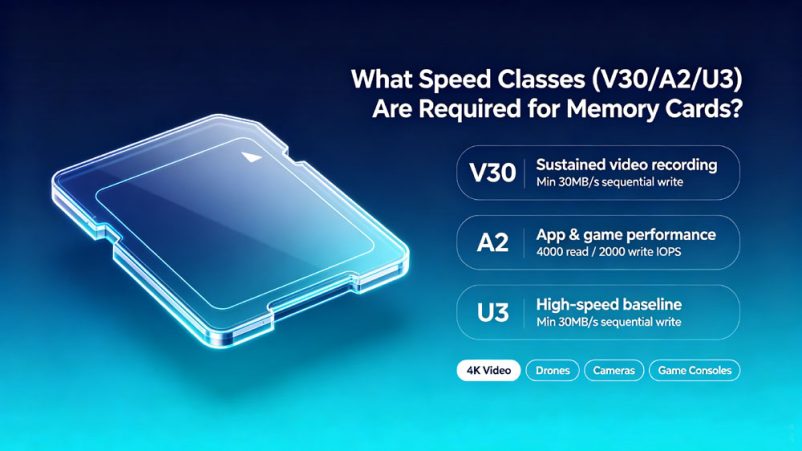
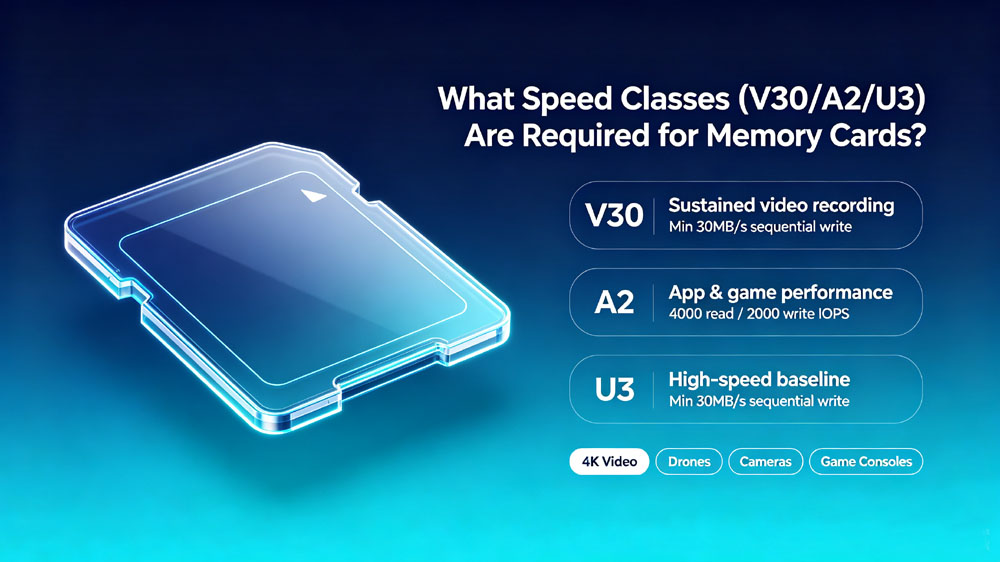
1. U3 (UHS Speed Class 3)
Minimum sequential write speed: 30MB/s.
U3 is a general high-speed standard for UHS-I / UHS-II cards, suitable for burst shooting and short-duration HD video recording. It sets a baseline continuous write requirement but lacks long-duration video stability testing.
2. V30 (Video Speed Class 30)
Minimum sustained sequential write speed: 30MB/s.
V30 is specially designed for continuous video capture. Cards under V30 certification pass strict long-time recording load tests. It is the minimum requirement for stable 4K video recording on action cameras and drones.
3. A2 (Application Performance Class 2)
Random read ≥4000 IOPS, random write ≥2000 IOPS.
A2 focuses on random read/write performance for small files. This rating improves app launching speed and game loading performance for consoles and Android devices. It does NOT boost continuous video writing speed.
Recommended Speed Class by Device
- Action Camera / Drone for 4K recording: Minimum U3 + V30
- Game Consoles (Switch): A2 + U3
- Dashcam & Security Camera: V30 High Endurance Card
- Mirrorless Camera 4K shooting: U3 + V30
Common Misconceptions
- U3 ≠ V30. Not all U3-certified cards pass sustained video recording tests. V30 is preferred for video creators.
- A2 rating does not improve 4K video recording performance. It only optimizes small-file access.
- Pay attention to write speed, not only advertised maximum read speed when shopping.




