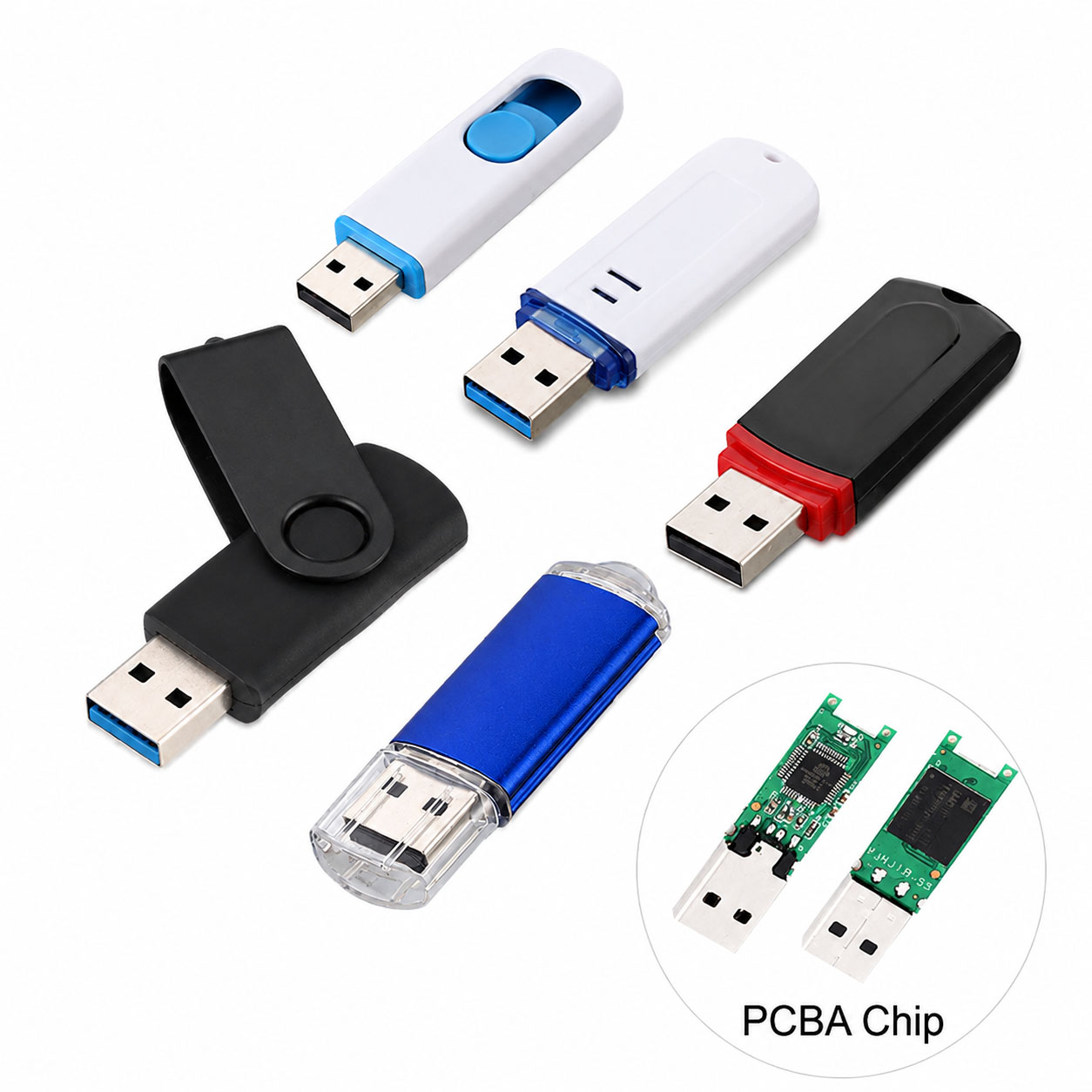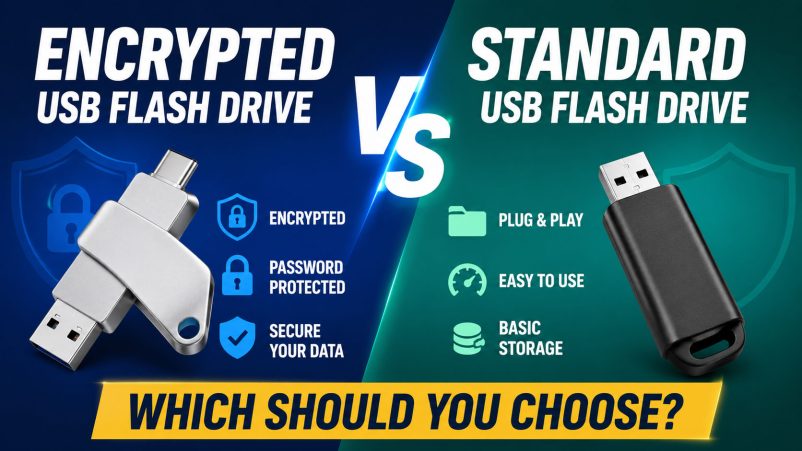
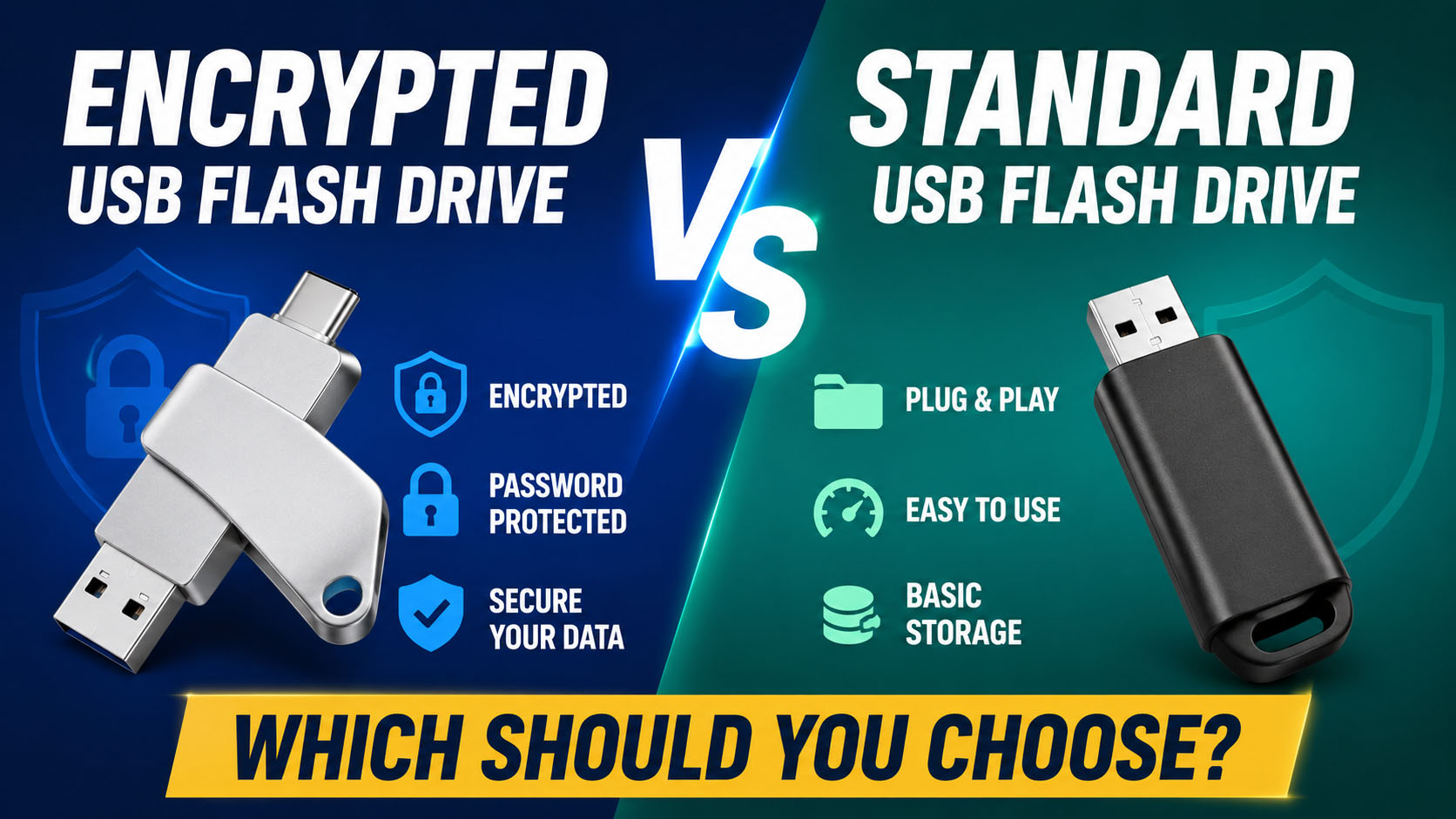
The main difference is data protection. A standard USB flash drive focuses on storage and file transfer, while an encrypted USB flash drive adds encryption and access control for sensitive information.
Encrypted vs Standard USB Flash Drive
| Feature | Standard USB Flash Drive | Encrypted USB Flash Drive |
|---|---|---|
| Data Storage | ✓ | ✓ |
| File Transfer | ✓ | ✓ |
| Encryption | Usually No | ✓ |
| Password / PIN | Limited | ✓ |
| Protection if Lost | Low | Higher |
| Sensitive Business Data | Basic | Recommended |
| Cost | Lower | Usually Higher |
| Best For | Everyday files | Confidential data |
Quick answer: Choose a standard USB for general files and an encrypted USB for sensitive or confidential data.
Which USB Flash Drive Should You Choose?
| User / Application | Recommended |
|---|---|
| Photos & Videos | Standard USB |
| Documents | Standard USB |
| Music | Standard USB |
| Personal Backup | Standard / Encrypted |
| Financial Files | Encrypted USB |
| Customer Data | Encrypted USB |
| Business Documents | Encrypted USB |
| Confidential Projects | Encrypted USB |
| Enterprise Deployment | Encrypted USB |
Standard USB Flash Drive
A standard USB drive is designed primarily for portable storage, backup, and data transfer.
| Advantage | Description |
|---|---|
| Lower Cost | Suitable for price-sensitive markets |
| Easy to Use | Plug-and-play operation |
| Wide Compatibility | USB-A / USB-C options |
| Multiple Capacities | Flexible product range |
| Simple Deployment | No special authentication required |
For everyday data that does not require additional security, a standard USB flash drive is often sufficient.
Encrypted USB Flash Drive
An encrypted USB flash drive protects stored information using encryption technology and may require password, PIN, key, or other authentication.
| Advantage | Application |
|---|---|
| Data Encryption | Confidential files |
| Access Control | Business users |
| Portable Security | Mobile work environments |
| Offline Protection | Backup copies |
| Higher Data Protection | Sensitive information |
Encryption does not eliminate every security risk, but it can significantly reduce unauthorized access if a drive is lost or stolen.
What About NAND Flash and Controller Quality?
Encryption protects confidentiality, while reliable hardware helps protect data integrity and availability.
| Component | Function |
|---|---|
| NAND Flash | Stores user data |
| Controller | Manages NAND and data operations |
| ECC | Helps correct certain errors |
| Firmware | Controls flash management |
| PCB | Electrical connection |
| USB Interface | Data communication |
| Housing | Physical protection |
For both standard and encrypted USB drives, a properly matched NAND + controller + firmware platform is important.
NAND Selection for USB Flash Drives
| NAND | General Positioning |
|---|---|
| SLC | High endurance / specialized |
| MLC | Professional / higher endurance |
| TLC | Mainstream balance |
| QLC | High capacity / cost focused |
NAND should be selected according to capacity, workload, endurance, performance, target price, and application.
USB Interface Selection
| Interface | Recommended Application |
|---|---|
| USB-A | Traditional PCs |
| USB-C | Modern laptops and mobile devices |
| USB-A + USB-C | Multi-device users |
| USB 3.x | Faster file transfer |
| USB 2.0 | Basic storage |
For new product development, USB-C and dual-interface designs can provide broader compatibility.
Supply Chain Advantages for B2B Buyers
A reliable storage supply chain is critical for consistent quality and long-term purchasing.
| Supply Chain Capability | Buyer Benefit |
|---|---|
| Stable NAND Sourcing | Consistent quality |
| Controller Selection | Application optimization |
| NAND + Controller Matching | Better stability |
| Firmware Management | Consistent performance |
| Factory Testing | Lower defect risk |
| Capacity Verification | Confirm actual capacity |
| Batch QC | Consistent production |
| Alternative Components | Reduce supply risks |
An experienced storage supplier can coordinate:
NAND → Controller → PCB → Firmware → Assembly → Testing → Packaging
This integrated approach helps improve product consistency and supply stability.
OEM & ODM Capabilities
Both standard and encrypted USB flash drives can be customized for different markets.
| OEM / ODM Option | Available Choices |
|---|---|
| Logo | Printing / Laser engraving |
| Housing | Standard / Custom |
| Color | Custom |
| Capacity | 32GB–1TB+ depending on platform |
| Interface | USB-A / USB-C / Dual |
| Encryption | Product-specific |
| Authentication | Product-specific |
| Packaging | Retail / B2B |
| QC | Customer-defined |
OEM buyers can combine branding, storage specifications, security functions, packaging, and QC requirements into one product solution.
Security vs Cost
| Priority | Better Choice |
|---|---|
| Lowest Cost | Standard USB |
| Simple File Transfer | Standard USB |
| Large-Volume Promotional Products | Standard USB |
| Confidential Business Data | Encrypted USB |
| Customer Information | Encrypted USB |
| Enterprise Applications | Encrypted USB |
| Higher Security Requirements | Encrypted USB |
For B2B procurement, the cheapest USB drive is not always the lowest-cost solution if data loss or unauthorized access creates additional business risk.
How to Choose
| Question | If YES → |
|---|---|
| Are the files confidential? | Encrypted USB |
| Does the drive contain customer data? | Encrypted USB |
| Could the drive be lost during transportation? | Encrypted USB |
| Is it mainly for photos or videos? | Standard USB |
| Is price the primary consideration? | Standard USB |
| Is password/PIN protection required? | Encrypted USB |
| Is it for enterprise deployment? | Encrypted USB |
FAQ
Is an encrypted USB better than a standard USB?
For sensitive data, yes. For ordinary files, a standard USB can be more cost-effective.
Does encryption affect USB speed?
It can, depending on the encryption architecture. A well-designed hardware encryption solution can minimize performance impact.
Is a standard USB flash drive safe?
It can be reliable for normal storage, but files on an unencrypted drive may be exposed if the physical device is lost or stolen.
What is the best USB flash drive for business?
For general file transfer, choose a reliable standard USB. For confidential information, consider an encrypted USB with appropriate authentication.
Does NAND quality matter for encrypted USB drives?
Yes. Encryption protects data from unauthorized access, while quality NAND and a suitable controller help reduce data corruption and storage failure risks.
Can encrypted USB drives be OEM customized?
Yes. Depending on the platform, OEM/ODM suppliers can customize NAND, controller, capacity, USB interface, housing, logo, encryption, authentication, packaging, and QC requirements.
What should I ask a USB flash drive manufacturer?
| Key Question | Why It Matters |
|---|---|
| What NAND is used? | Storage quality |
| Which controller? | Performance & stability |
| What encryption method? | Security architecture |
| How is authentication handled? | Access control |
| Is capacity verified? | Actual storage |
| What QC tests are performed? | Product reliability |
| What is the MOQ? | Purchasing planning |
| Can you provide OEM/ODM? | Brand customization |
| Is component supply stable? | Long-term orders |
Final Takeaway
The choice is simple:
Standard USB = Everyday Storage
Encrypted USB = Sensitive Data Protection
For B2B buyers, the best USB flash drive solution should combine reliable NAND, suitable controller, verified capacity, factory QC, stable supply chain, and flexible OEM/ODM capabilities.
Choose based on the value of the data—not just the price of the USB drive.