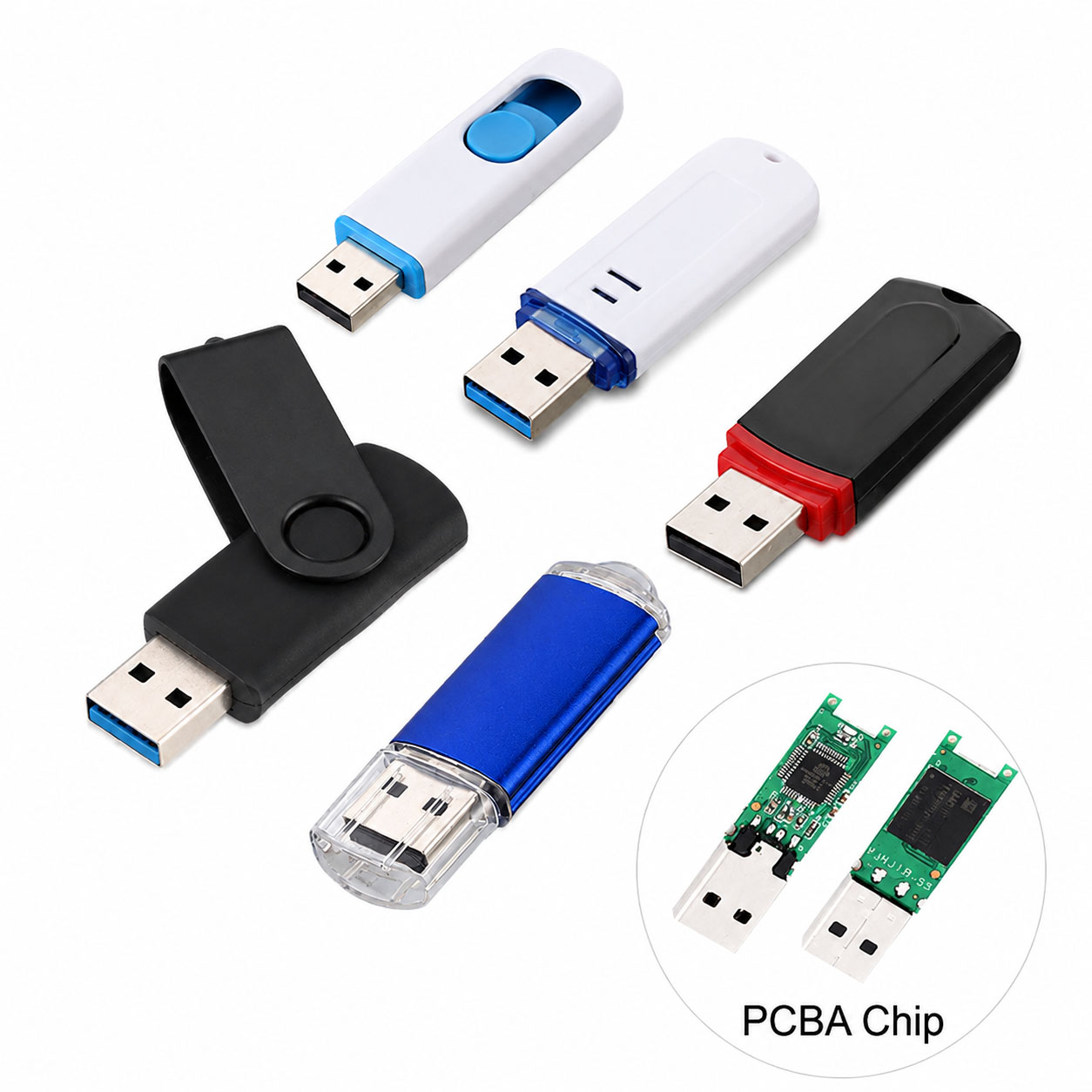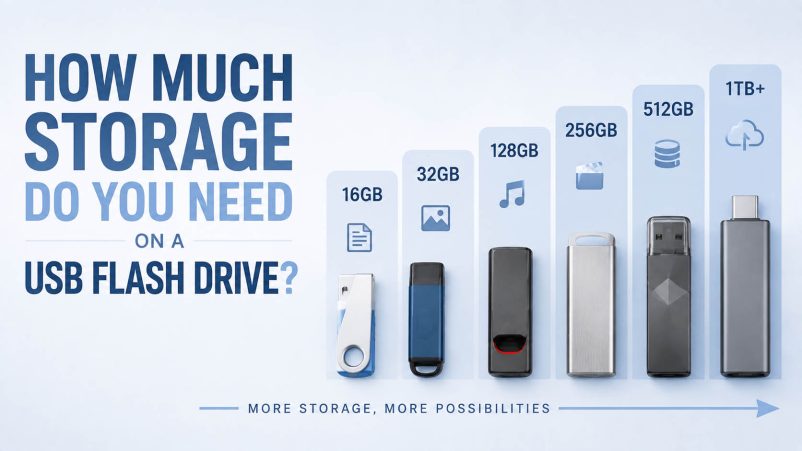
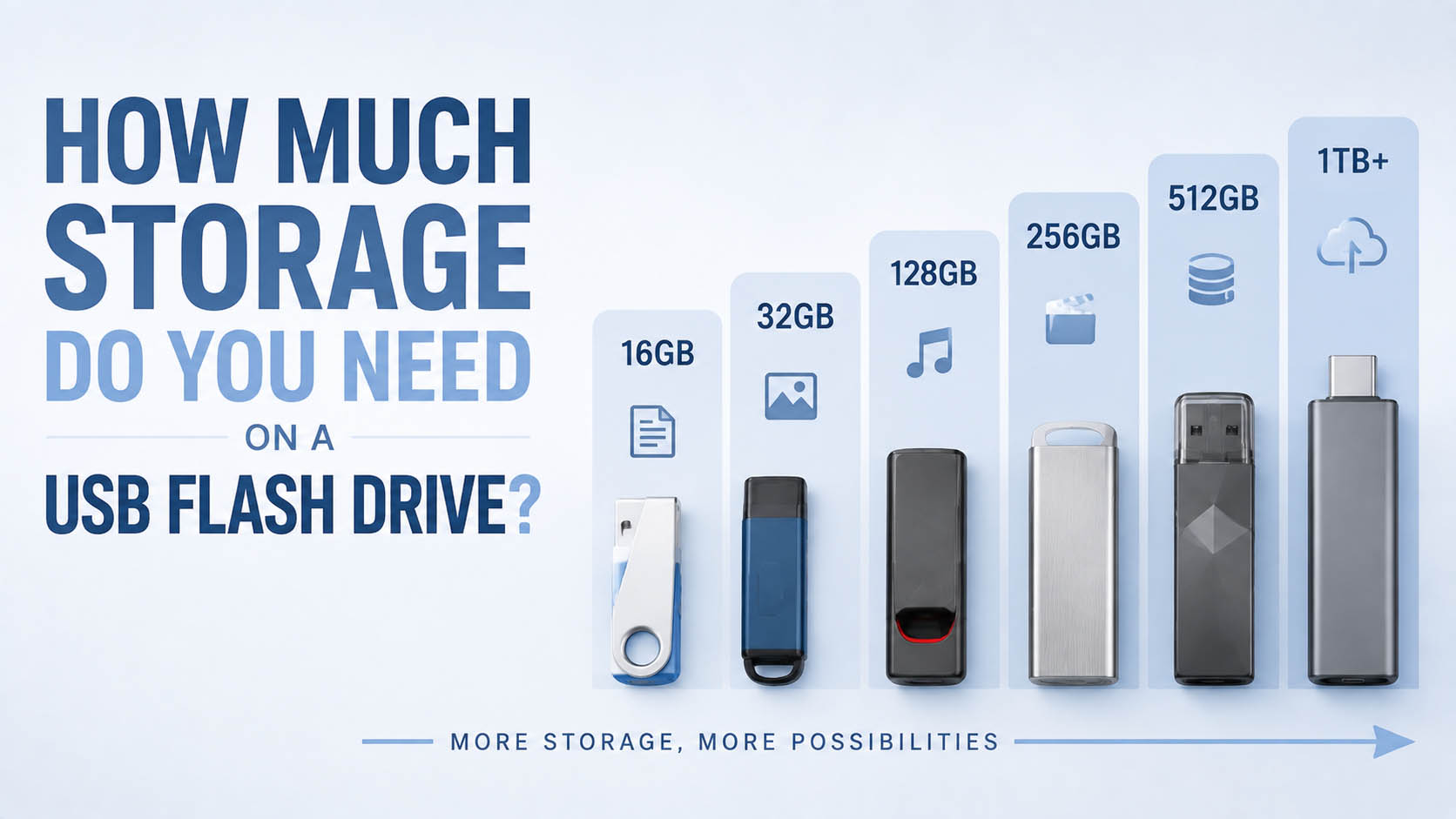
Choosing the right USB flash drive storage capacity depends on your usage: documents, photos, videos, backups or professional data transfer.
Capacity is only one factor. A reliable USB flash drive also depends on NAND flash quality, controller performance, USB interface, write speed, QC and supply stability.
For B2B buyers, component sourcing, OEM capability and production consistency are key factors when developing long-term products.
Quick USB Flash Drive Capacity Guide
| Capacity | Best For | User Type |
|---|---|---|
| 16GB | Documents, small files | Basic |
| 32GB | Office files, photos | Everyday |
| 64GB | Documents + media | Most users |
| 128GB | Videos, backups | Best balance |
| 256GB | Large files, creative work | Heavy users |
| 512GB | Video libraries | Professional |
| 1TB+ | Large data storage | Advanced users |
For most users, 64GB–128GB offers the best balance of price and storage.
USB Flash Drive Capacity by Usage
| Usage | Recommended Capacity |
|---|---|
| Word/Excel documents | 16GB–32GB |
| PDFs and business files | 32GB–64GB |
| Photos | 64GB–128GB |
| 1080p videos | 128GB–256GB |
| 4K videos | 256GB–1TB+ |
| System backups | 256GB+ |
| Professional media files | 512GB–1TB+ |
How Many Files Can a USB Flash Drive Store?
Actual storage depends on file size.
| Capacity | Documents | Photos | HD Videos |
|---|---|---|---|
| 32GB | Thousands | Thousands | Several hours |
| 64GB | Many thousands | Thousands | More hours |
| 128GB | Large libraries | Large photo collections | Long video storage |
| 256GB | Large backups | Professional photo use | Heavy video |
| 512GB+ | Enterprise-level storage | Large media libraries | Professional workflows |
Actual numbers vary depending on file format and compression.
64GB vs 128GB vs 256GB USB Flash Drive
| Feature | 64GB | 128GB | 256GB |
|---|---|---|---|
| Price | Lower | Medium | Higher |
| Everyday use | Excellent | Excellent | Good |
| Photos | Good | Better | Excellent |
| Video | Limited | Good | Better |
| Backup | Basic | Good | Excellent |
| Value | Good | Best | High |
For general consumers, 128GB is often the most practical choice.
Storage Capacity vs USB Speed
A larger capacity drive is not always faster.
| Factor | Impact |
|---|---|
| Capacity | Storage space |
| USB interface | Transfer bandwidth |
| NAND quality | Reliability |
| Controller | Performance |
| Firmware | Stability |
| Write speed | File saving speed |
A 256GB USB drive can be slower than a high-performance 128GB model.
USB Interface Selection
| Interface | Best For |
|---|---|
| USB 2.0 | Documents, basic transfer |
| USB 3.x | Photos, videos, backups |
| USB Type-C | Modern laptops and phones |
| Dual USB-A + Type-C | Multi-device compatibility |
Note: Type-C is a connector type, not a guaranteed speed level.
Choosing Capacity for Different Users
| User Type | Recommended Capacity |
|---|---|
| Student | 32GB–64GB |
| Office worker | 64GB–128GB |
| Photographer | 128GB–256GB |
| Video creator | 256GB–1TB+ |
| Business backup | 256GB+ |
| Promotional products | 16GB–64GB |
| Professional users | 512GB+ |
Why USB Flash Drive Prices Differ
Two drives with the same capacity can have different prices.
| Cost Factor | Impact |
|---|---|
| NAND flash quality | High |
| Controller | High |
| USB standard | Medium–High |
| Speed performance | High |
| Housing design | Medium |
| Testing | Medium |
| Packaging | Medium |
| Brand value | Medium |
The cheapest 128GB drive is not always the lowest-cost solution long term.
NAND Flash and Controller Importance
A USB flash drive is built from multiple technologies.
NAND + Controller + Firmware + USB Interface + QC
| Component | Function |
|---|---|
| NAND Flash | Stores data |
| Controller | Manages data flow |
| Firmware | Optimizes performance |
| Error correction | Improves reliability |
| Wear management | Extends lifespan |
| QC | Ensures consistency |
For OEM products, correct component matching is critical.
Supply Chain Advantages for USB Flash Drives
For distributors and brands, supply capability affects quality and cost.
| Supply Capability | Benefit |
|---|---|
| Stable NAND sourcing | Better price control |
| Multiple suppliers | Lower risk |
| Controller matching | Better performance |
| Qualified components | Stable batches |
| Production planning | Reliable delivery |
| Performance testing | Lower returns |
| Batch traceability | Better support |
| Multiple capacities | Complete product range |
A strong supplier provides consistent quality and stable supply, not only low pricing.
OEM USB Flash Drive Solutions
Brands can create customized USB flash drives with their own specifications and packaging.
OEM Customization Options
| Item | Options |
|---|---|
| Capacity | 8GB–1TB+ |
| USB interface | USB-A / Type-C / Dual |
| USB speed | USB 2.0 / USB 3.x |
| Housing | Plastic / Metal / Custom |
| Logo | Printing / Laser engraving |
| Color | Customized |
| Packaging | Box / Blister / Bulk |
| Barcode | Customized |
| Manual | Customized |
| Warranty card | Customized |
OEM Production Process
| Step | Process |
|---|---|
| 1 | Define application |
| 2 | Select capacity |
| 3 | Select USB interface |
| 4 | Match NAND + controller |
| 5 | Sample production |
| 6 | Performance testing |
| 7 | Compatibility testing |
| 8 | Packaging design |
| 9 | Mass production |
| 10 | QC inspection |
USB Flash Drive Quality Control
| Test | Purpose |
|---|---|
| Capacity test | Verify actual storage |
| Read/write test | Confirm performance |
| Sustained transfer | Check stability |
| File integrity | Protect data |
| USB compatibility | Test devices |
| Aging test | Improve reliability |
| Appearance inspection | Product consistency |
| Batch tracking | After-sales |
Common Buying Mistakes
| Mistake | Better Choice |
|---|---|
| Buying largest capacity only | Match actual needs |
| Choosing cheapest product | Check quality |
| Ignoring speed | Check USB interface |
| Ignoring write speed | Important for large files |
| Using basic drives for heavy workloads | Choose higher performance |
| No backup strategy | Keep multiple copies |
FAQ: USB Flash Drive Storage Capacity
Is 64GB enough for a USB flash drive?
Yes. It is suitable for documents, photos and everyday file transfer.
Is 128GB a good USB flash drive size?
Yes. 128GB is one of the most popular choices because it balances price, capacity and usability.
Is 256GB better than 128GB?
It depends on usage. Choose 256GB if you store large videos, backups or professional files.
How much storage do I need for photos?
| Photo Usage | Recommended Capacity |
|---|---|
| Casual photos | 32GB–64GB |
| Travel photos | 64GB–128GB |
| Professional photography | 128GB–512GB |
How much storage do I need for videos?
| Video Type | Recommended Capacity |
|---|---|
| Short clips | 64GB |
| HD video | 128GB |
| 4K video | 256GB+ |
| Professional video | 512GB–1TB+ |
Does more storage mean faster speed?
No. Speed depends on the USB interface, NAND, controller and product design.
Can USB flash drives be OEM customized?
Yes. OEM services can customize:
- Capacity
- USB interface
- Housing
- Logo
- Packaging
- Barcode
- Manuals
What affects OEM USB flash drive pricing?
| Factor | Impact |
|---|---|
| Capacity | High |
| NAND cost | High |
| Quantity | High |
| USB standard | Medium |
| Housing | Medium |
| Custom packaging | Medium |
How can wholesalers get better pricing?
Provide:
| Requirement | Example |
|---|---|
| Capacity | 128GB |
| Interface | USB-A + Type-C |
| Speed | USB 3.x |
| Quantity | 10,000 pcs |
| Housing | Metal |
| Branding | OEM logo |
| Packaging | Retail box |
Clear specifications help optimize component selection and production cost.
Final USB Flash Drive Capacity Checklist
| Check | ✓ |
|---|---|
| Usage purpose | ✓ |
| Required capacity | ✓ |
| USB interface | ✓ |
| Transfer speed | ✓ |
| NAND quality | ✓ |
| Controller | ✓ |
| QC process | ✓ |
| Supplier reliability | ✓ |
| OEM capability | ✓ |
Final Recommendation
For most users:
- 32GB–64GB → Documents and basic storage
- 128GB → Best everyday choice
- 256GB → Large files and backups
- 512GB–1TB+ → Professional media and heavy storage
For brands and distributors, the best USB flash drive solution combines:
Qualified NAND sourcing + optimized controller + strict QC + stable supply chain + OEM customization.
The right capacity is not the largest one — it is the capacity that matches the application, performance needs and total cost value.