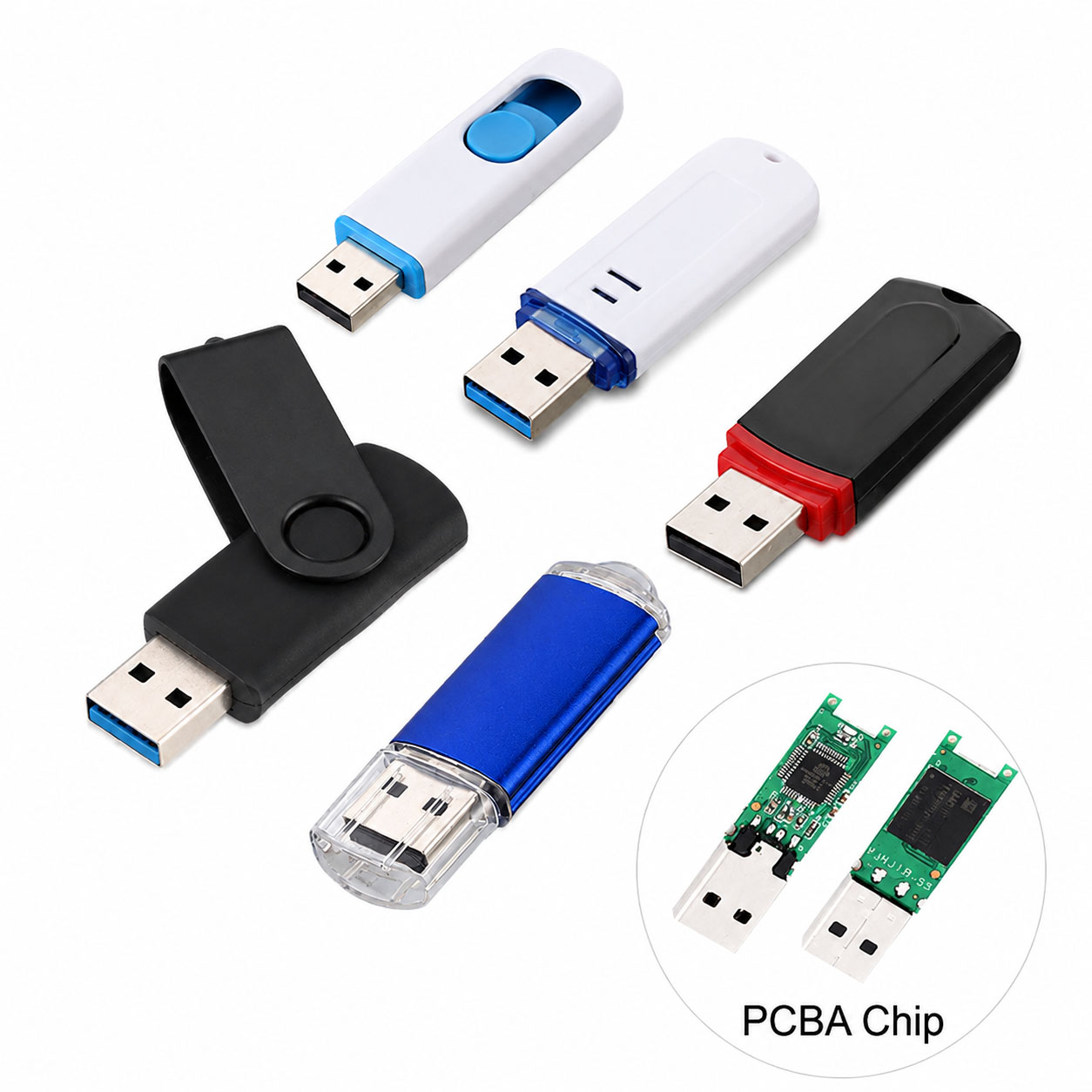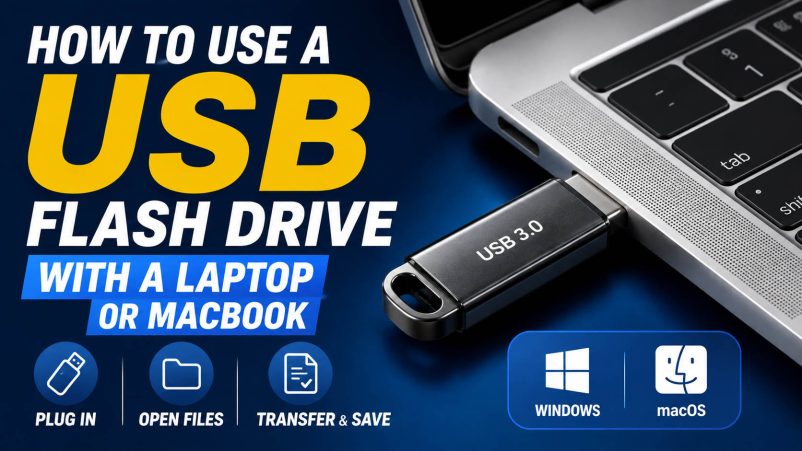
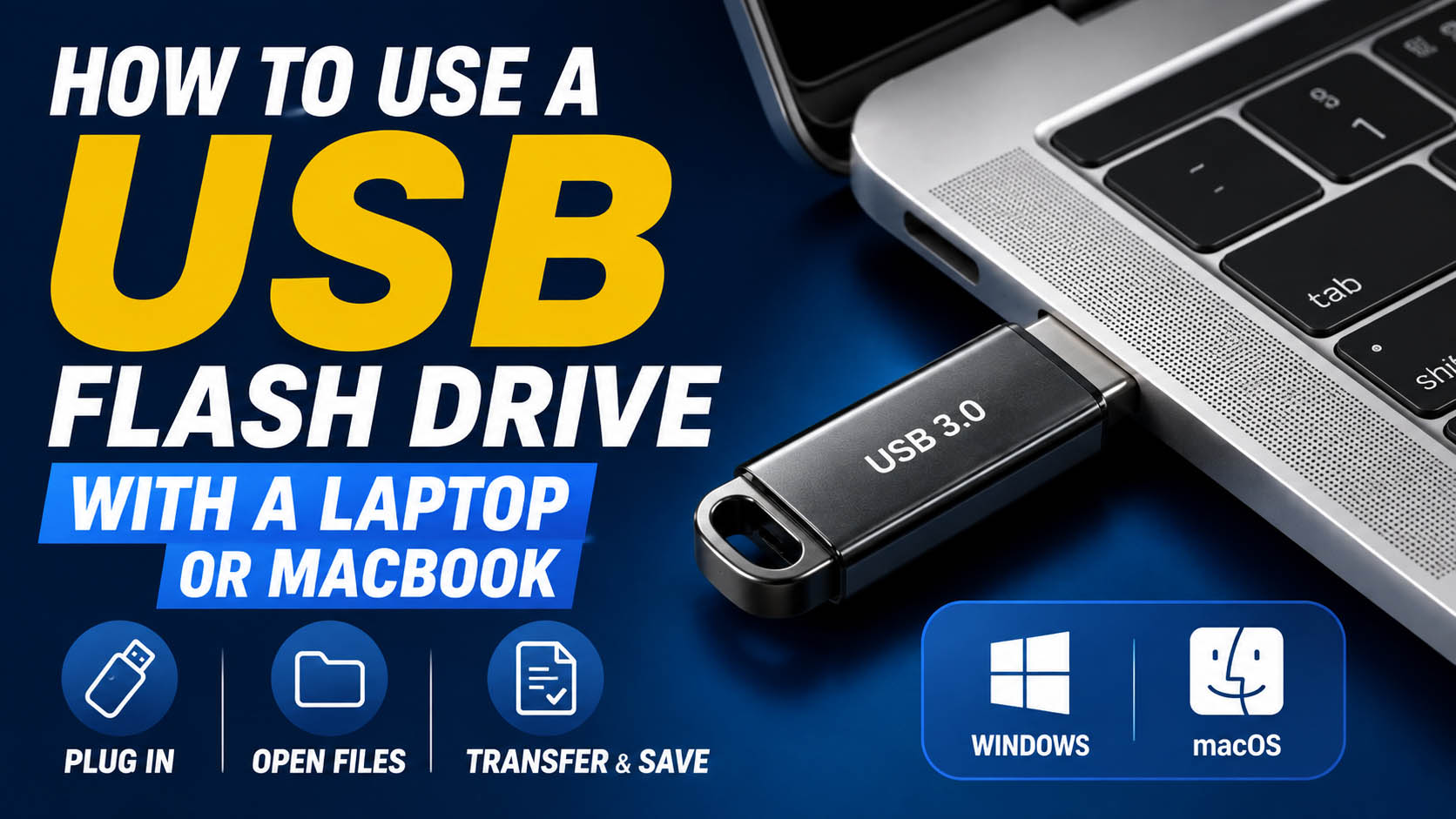
A USB flash drive provides a simple way to transfer, back up, and store files on a laptop or MacBook. The basic process is: connect → open → transfer → safely eject.
For B2B buyers, product performance also depends on NAND flash, controller quality, USB protocol, supply-chain stability, and OEM capability.
How to Use a USB Flash Drive
| Step | Windows Laptop | MacBook |
|---|---|---|
| 1. Connect | Insert USB drive | Insert USB drive |
| 2. Detect | Open File Explorer | Open Finder |
| 3. Locate | Find the USB drive | Find the drive under Locations |
| 4. Transfer | Drag or copy files | Drag or copy files |
| 5. Finish | Safely eject | Click Eject before removal |
Tip: Never remove the flash drive while files are being transferred.
USB-A vs USB-C for Laptops and MacBooks
| Feature | USB-A | USB-C |
|---|---|---|
| Older Windows Laptops | Excellent | Depends on port |
| New Windows Laptops | Common | Common |
| Modern MacBook | Usually needs adapter/hub | Excellent |
| Reversible Connector | No | Yes |
| Convenience | ★★★★☆ | ★★★★★ |
| Mobile Compatibility | Limited | Excellent |
For modern MacBooks, a USB-C flash drive is usually the most convenient option. A dual USB-C + USB-A drive is ideal for users working across different computers.
USB Flash Drive Speed
| USB Standard | Theoretical Bandwidth | Recommended Use |
|---|---|---|
| USB 2.0 | 480 Mbps | Documents |
| USB 3.2 Gen 1 | 5 Gbps | Daily file transfer |
| USB 3.2 Gen 2 | 10 Gbps | Large files and video |
| USB 3.2 Gen 2×2 | 20 Gbps | High-performance applications |
Actual speed depends on the USB protocol, NAND flash, controller, host port, file size, and thermal conditions.
What Capacity Do You Need?
| Capacity | Suitable For |
|---|---|
| 32GB | Documents |
| 64GB | Office files and photos |
| 128GB | Photos and videos |
| 256GB | Large media and backups |
| 512GB | Professional data |
| 1TB+ | Large-scale storage |
For general laptop and MacBook use, 64GB–256GB is a practical range.
What Can You Store?
| File Type | USB Flash Drive |
|---|---|
| Documents | ✓ |
| Photos | ✓ |
| Videos | ✓ |
| Music | ✓ |
| PDFs | ✓ |
| ZIP Files | ✓ |
| Software Installers | ✓ |
| Backups | ✓ |
File System Compatibility
The file system matters when using one flash drive between Windows and macOS.
| File System | Windows | macOS | Cross-Platform |
|---|---|---|---|
| FAT32 | ✓ | ✓ | Excellent |
| exFAT | ✓ | ✓ | Recommended |
| NTFS | ✓ | Read support | Limited |
| APFS | Limited | ✓ | Mac-focused |
For a flash drive used regularly between Windows laptops and MacBooks, exFAT is often a practical choice, especially when files larger than 4GB are required.
Why NAND Flash and Controller Matter
A USB flash drive’s real performance is not determined by the connector alone.
| Component | Main Function |
|---|---|
| NAND Flash | Stores data |
| Controller | Manages data transfer and flash |
| Firmware | Controls performance and compatibility |
| PCB | Provides electrical connections |
| USB Interface | Connects to the host device |
| Housing | Protects internal components |
For consistent performance, NAND quality and controller matching are critical.
Storage Supply Chain Advantages
For distributors, wholesalers, and project buyers, supply-chain stability is essential.
| Capability | Customer Benefit |
|---|---|
| Stable NAND Sourcing | Consistent product quality |
| Controller Selection | Flexible performance/cost |
| NAND-Controller Matching | Better stability |
| Factory Testing | Lower defect risk |
| Multiple Capacities | Wider product portfolio |
| Stable Production | Reliable repeat orders |
| Component Alternatives | Reduced supply risk |
A strong storage supply chain can integrate NAND + controller + PCB + connector + housing + packaging into one optimized product solution.
USB Flash Drive OEM & ODM
USB flash drives for laptops and MacBooks are suitable for OEM/ODM customization.
| OEM Option | Customization |
|---|---|
| Logo | Printing / Laser engraving |
| Housing | Standard / Custom |
| Color | Custom |
| Capacity | 32GB–1TB+ depending on platform |
| Interface | USB-A / USB-C / Dual |
| Packaging | Box / Card / Blister |
| Data Preloading | Available for suitable projects |
| QC | Customer-defined standards |
A capable OEM manufacturer can provide component sourcing, production, testing, packaging, and bulk delivery.
How to Choose a USB Flash Drive Supplier
| Requirement | What to Check |
|---|---|
| Performance | Actual read/write test |
| NAND | Source and quality |
| Controller | Model and compatibility |
| Quality | Factory QC process |
| OEM | Customization options |
| MOQ | Minimum order quantity |
| Capacity | Available configurations |
| Supply | Long-term component availability |
| Lead Time | Production and delivery |
| Cost | Total landed cost |
For B2B procurement, compare total product value, not just the lowest unit price.
Troubleshooting: Laptop or MacBook Cannot Detect USB Drive
| Problem | Possible Solution |
|---|---|
| Drive Not Detected | Reconnect and try another port |
| USB-C Compatibility | Check USB-C port specification |
| MacBook Adapter Issue | Try another compatible hub/adapter |
| File System Problem | Check or reformat the drive |
| Drive Error | Test on another computer |
| Slow Transfer | Check USB protocol and write speed |
Back up important files before reformatting.
FAQ: USB Flash Drive for Laptop or MacBook
How do I use a USB flash drive on a laptop?
Connect the drive, open File Explorer, select the USB drive, and copy or move your files. Safely eject it when finished.
How do I use a USB flash drive on a MacBook?
Connect the compatible USB drive, open Finder, locate it under Locations, and drag files to or from the drive. Click the Eject icon before removing it.
Can I use the same USB flash drive on Windows and Mac?
Yes. exFAT is commonly used for cross-platform storage because both Windows and modern macOS versions support it.
Is USB-C faster than USB-A?
Not necessarily. USB-C is a connector type. Actual performance depends on the USB protocol, NAND, controller, and host device.
What is the best USB flash drive for a MacBook?
For modern MacBooks, a USB-C USB 3.x flash drive is a convenient choice. A dual USB-C/USB-A model is better for mixed-device environments.
Why is my USB flash drive slow?
Common causes include USB 2.0 limitations, low write speed, small files, NAND quality, controller limitations, thermal throttling, or a slower host port.
Can I customize USB flash drives with my company logo?
Yes. OEM suppliers can provide logo printing, laser engraving, custom housing, colors, capacities, interfaces, and packaging.
What should I ask a USB flash drive manufacturer?
Ask about NAND source, controller, actual read/write speed, testing standards, MOQ, production capacity, OEM/ODM options, lead time, and supply stability.
Final Takeaway
Using a USB flash drive with a laptop or MacBook is straightforward: connect the drive, open the file manager, transfer files, and safely eject.
For the best experience, choose the right USB interface, file system, capacity, and real-world write speed. For B2B buyers, NAND quality, controller matching, supply-chain stability, factory QC, and OEM/ODM capability are equally important.