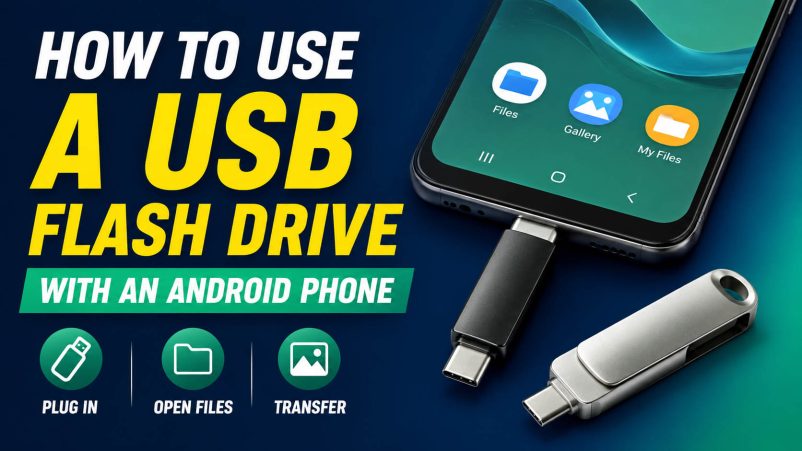
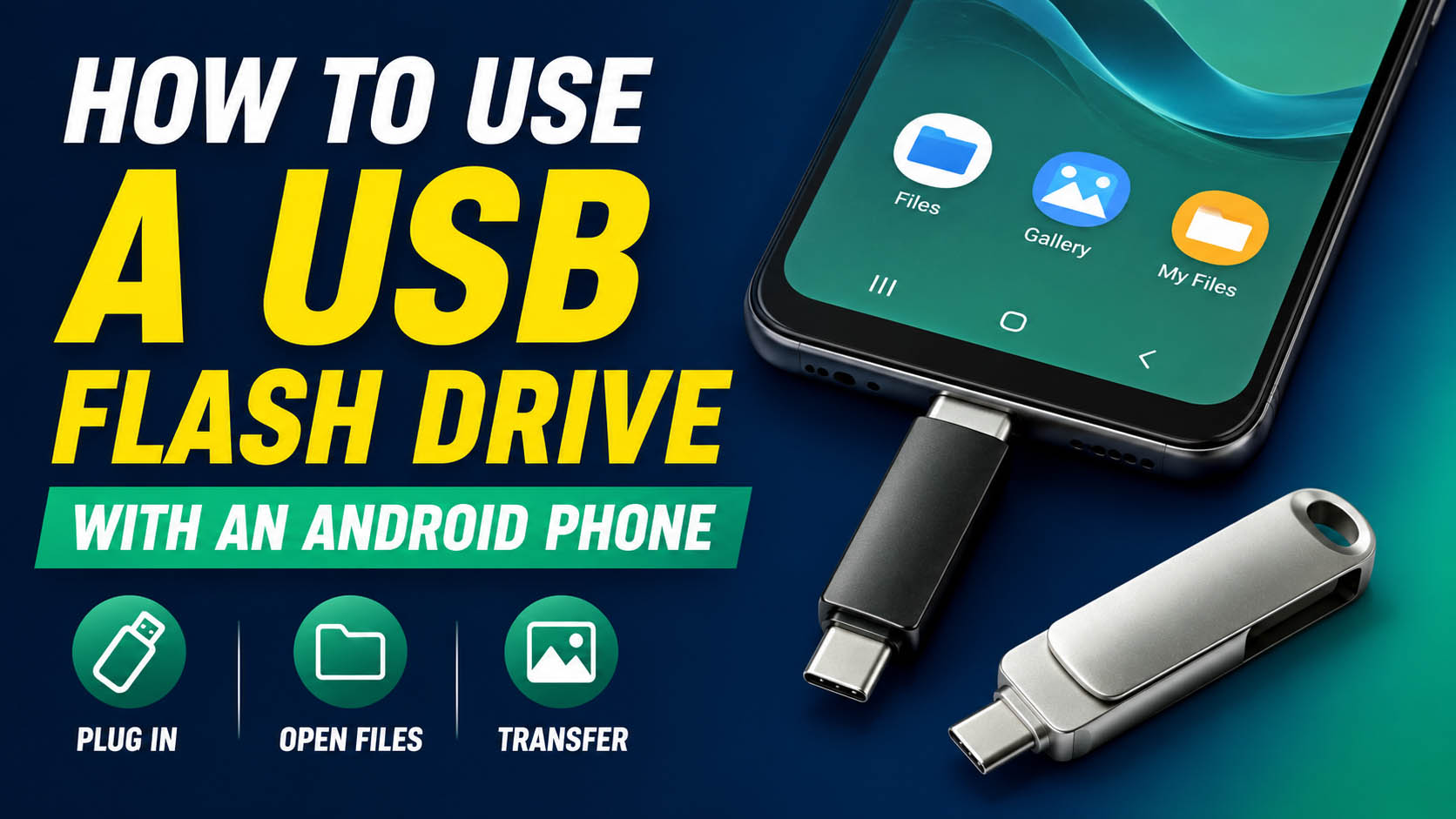
A USB flash drive lets Android users transfer photos, videos, documents, and other files without using cloud storage. For most modern Android phones, a USB-C flash drive with OTG support is the simplest solution.
What You Need
| Requirement | Recommendation |
|---|---|
| Android Phone | USB-C port preferred |
| Flash Drive | USB-C USB 3.x |
| Phone Support | USB OTG |
| File Manager | Built-in Files app or compatible app |
| Storage | 64GB–256GB for general use |
How to Connect a USB Flash Drive to Android
| Step | Action |
|---|---|
| 1 | Insert the USB-C flash drive into the phone |
| 2 | Wait for Android to recognize the drive |
| 3 | Open Files / File Manager |
| 4 | Select the USB storage |
| 5 | Choose photos, videos, or documents |
| 6 | Tap Copy or Move |
| 7 | Select the USB drive as the destination |
| 8 | Safely eject the drive after transfer |
For phones with USB-A flash drives, use a compatible USB-C OTG adapter.
USB-C vs USB-A for Android Phones
| Feature | USB-C Flash Drive | USB-A + OTG Adapter |
|---|---|---|
| Direct Connection | Yes | No |
| Convenience | ★★★★★ | ★★★☆☆ |
| Extra Adapter | No | Usually required |
| Transfer Speed | Depends on USB protocol | Depends on USB protocol |
| Recommended for New Phones | Yes | Good alternative |
Important: USB-C is the connector type. Actual transfer speed depends on the USB protocol, NAND flash, controller, phone, and file type.
What Can You Transfer?
| File Type | Suitable |
|---|---|
| Photos | ✓ |
| 4K Videos | ✓ |
| Documents | ✓ |
| Music | ✓ |
| PDFs | ✓ |
| ZIP Files | ✓ |
| App Data | Depends on Android/app restrictions |
| System Files | Usually restricted |
Recommended USB Flash Drive Capacity
| Capacity | Best For |
|---|---|
| 32GB | Documents and light use |
| 64GB | Photos and daily backup |
| 128GB | Photos + videos |
| 256GB | Large media libraries |
| 512GB+ | Professional / extensive storage |
For most Android users, 64GB–256GB provides a good balance between capacity and cost.
USB Flash Drive Speed for Android
| USB Standard | Use Case |
|---|---|
| USB 2.0 | Basic documents |
| USB 3.2 Gen 1 | Photos and everyday transfers |
| USB 3.2 Gen 2 | Large videos and fast backups |
For large file transfers, pay attention to write speed, not just the advertised read speed.
Why NAND and Controller Quality Matter
A reliable Android USB flash drive requires more than a good connector.
| Component | Function |
|---|---|
| NAND Flash | Stores user data |
| Controller | Manages data transfer and flash memory |
| Firmware | Controls compatibility and performance |
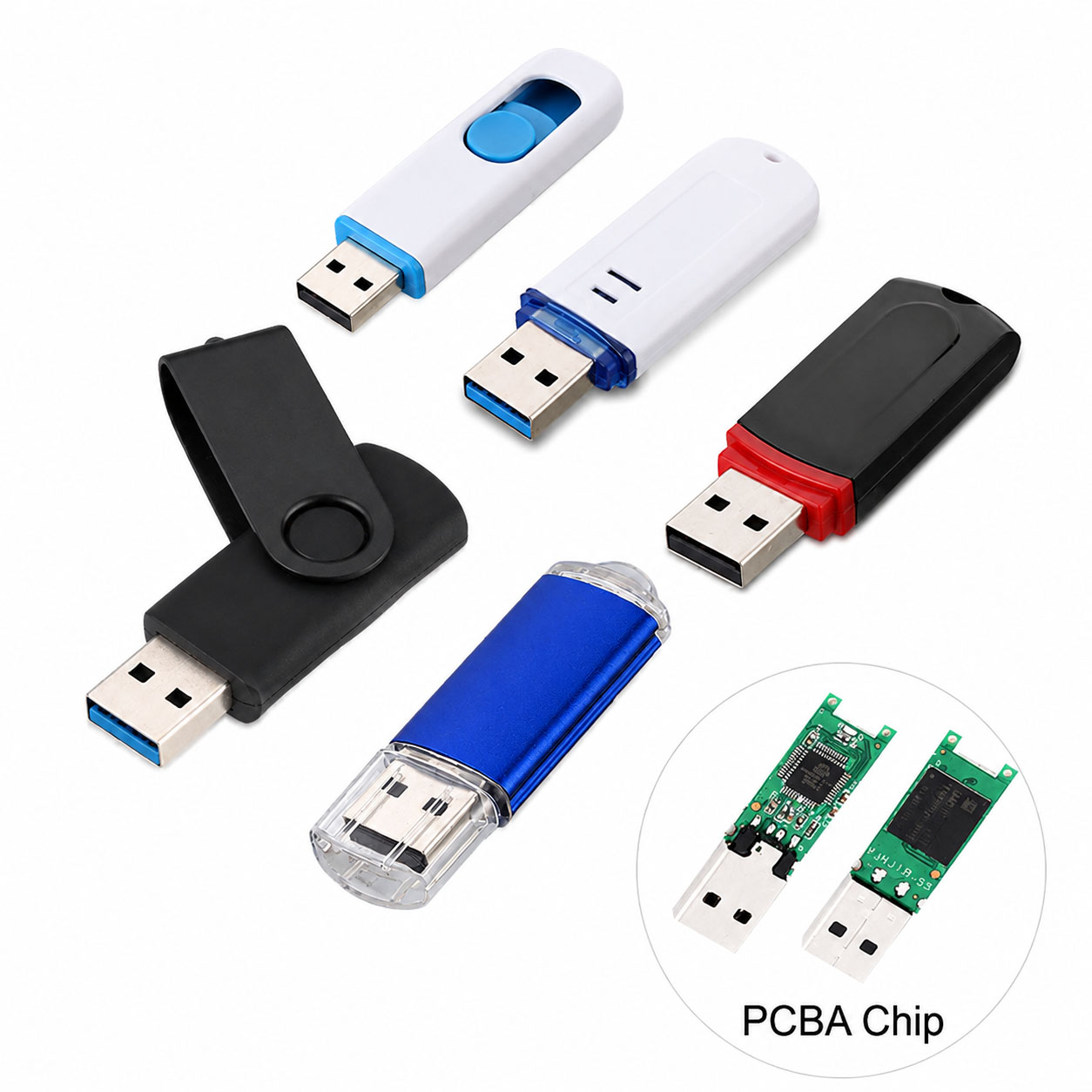
| PCB | Provides electrical connections |
| USB-C Connector | Connects to the phone |
| Housing | Protects internal components |
Good NAND + controller matching helps improve speed, stability, and batch consistency.
Storage Supply Chain Advantages
For distributors and bulk buyers, a stable storage supply chain is critical.
| Supply Chain Capability | Customer Benefit |
|---|---|
| Stable NAND Sourcing | Consistent quality |
| Controller Options | Flexible cost/performance |
| NAND-Controller Matching | Better stability |
| Factory Testing | Lower defect risk |
| Multiple Capacities | Wider product range |
| Stable Production | Reliable repeat orders |
| Component Alternatives | Lower supply risk |
A professional storage supplier can optimize the complete NAND + controller + PCB + connector + housing configuration.
USB Flash Drive OEM & ODM
USB-C Android flash drives are well suited for OEM/ODM projects.
| Customization | Options |
|---|---|
| Logo | Printing / Laser engraving |
| Housing | Standard / Custom |
| Color | Custom colors |
| Capacity | 32GB–1TB+ depending on platform |
| Interface | USB-C / USB-A / Dual |
| Packaging | Box / Card / Blister |
| Data Preloading | Available for suitable projects |
| QC | Customer-defined standards |
OEM buyers can integrate component sourcing, production, testing, packaging, and bulk delivery through one supplier.
Android USB Flash Drive Buying Checklist
| Check | Priority |
|---|---|
| Android/OTG Compatibility | ★★★★★ |
| USB Protocol | ★★★★★ |
| Real Write Speed | ★★★★★ |
| NAND Quality | ★★★★★ |
| Controller | ★★★★★ |
| Capacity | ★★★★☆ |
| Thermal Performance | ★★★★☆ |
| Factory Testing | ★★★★★ |
| Supply Stability | ★★★★★ |
| OEM Capability | ★★★★☆ |
Troubleshooting: Android Cannot Detect USB Flash Drive
| Problem | Possible Solution |
|---|---|
| Drive Not Detected | Reconnect the drive |
| OTG Not Supported | Check phone specifications |
| Wrong Connector | Use a compatible USB-C adapter |
| Unsupported File System | Reformat with a supported file system |
| Insufficient Power | Try another compatible drive/adapter |
| Slow Transfer | Check USB protocol and write speed |
Back up important files before reformatting a flash drive.
FAQ: USB Flash Drive with Android
Can I use a USB flash drive with an Android phone?
Yes. Most compatible Android phones can use USB flash drives through USB OTG.
Can I connect a USB-C flash drive directly to Android?
Yes, if the phone supports USB storage through its USB-C port.
Do I need an OTG adapter?
A USB-C flash drive usually does not require a separate adapter on a compatible USB-C Android phone. USB-A drives generally require an OTG adapter.
Why can’t my Android phone recognize the USB drive?
Check OTG support, connector compatibility, file system, power requirements, and drive condition.
Can I transfer photos from Android to a USB flash drive?
Yes. Open the phone’s file manager, select the photos, and copy or move them to the connected USB drive.
Is USB-C faster than USB-A?
Not necessarily. Speed depends on the USB protocol and internal flash storage hardware, rather than the connector alone.
What is the best USB drive for Android phones?
For modern Android devices, a USB-C USB 3.x flash drive is generally the most convenient option. A dual USB-C/USB-A drive is useful for phone-to-PC workflows.
Can USB flash drives be customized for Android accessories brands?
Yes. OEM/ODM manufacturers can customize logos, housing, colors, capacities, interfaces, packaging, and QC requirements.
What should B2B buyers ask a USB flash drive supplier?
Ask about NAND source, controller, actual read/write speed, OTG compatibility, capacity options, MOQ, QC testing, production capacity, OEM capability, lead time, and supply stability.
Final Takeaway
For modern Android phones, the easiest solution is a USB-C USB 3.x flash drive with OTG support. For broader compatibility, choose a dual USB-C + USB-A flash drive.
For B2B procurement, look beyond the connector. NAND quality, controller performance, real write speed, factory testing, supply-chain stability, and OEM/ODM capability determine the long-term value of an Android-compatible USB flash drive.