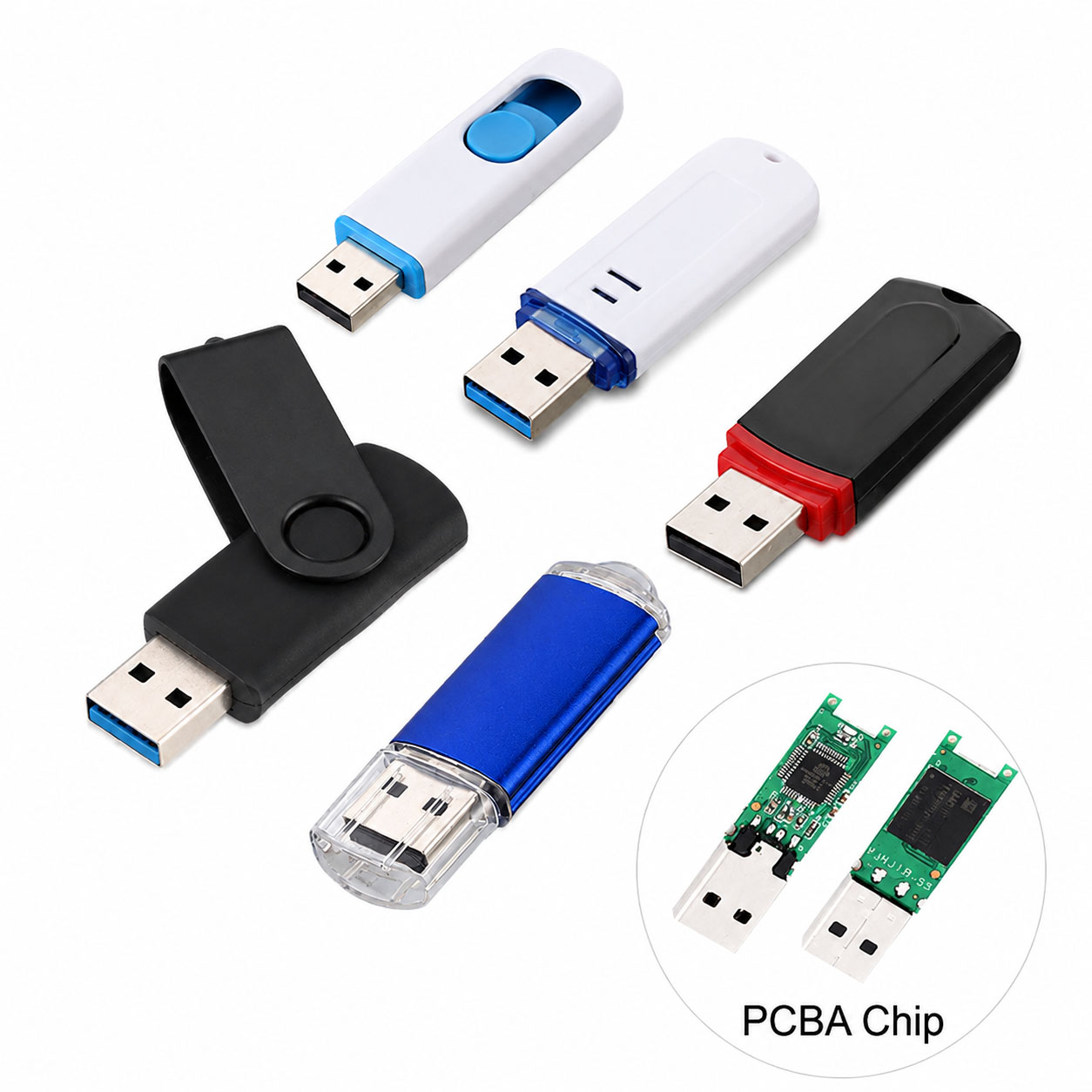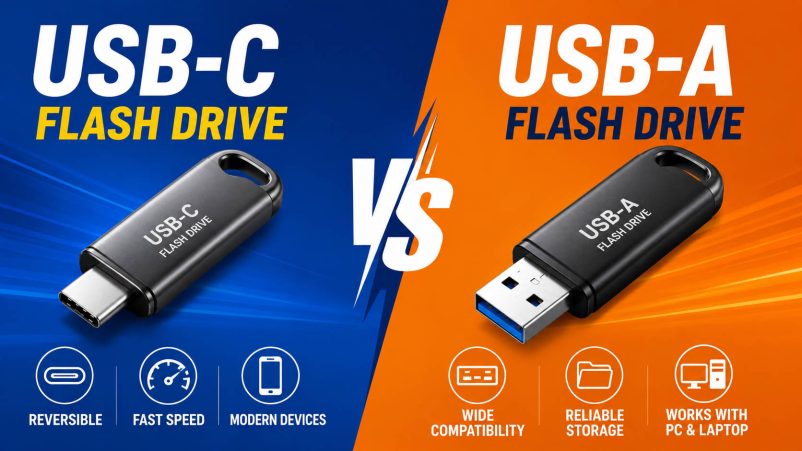
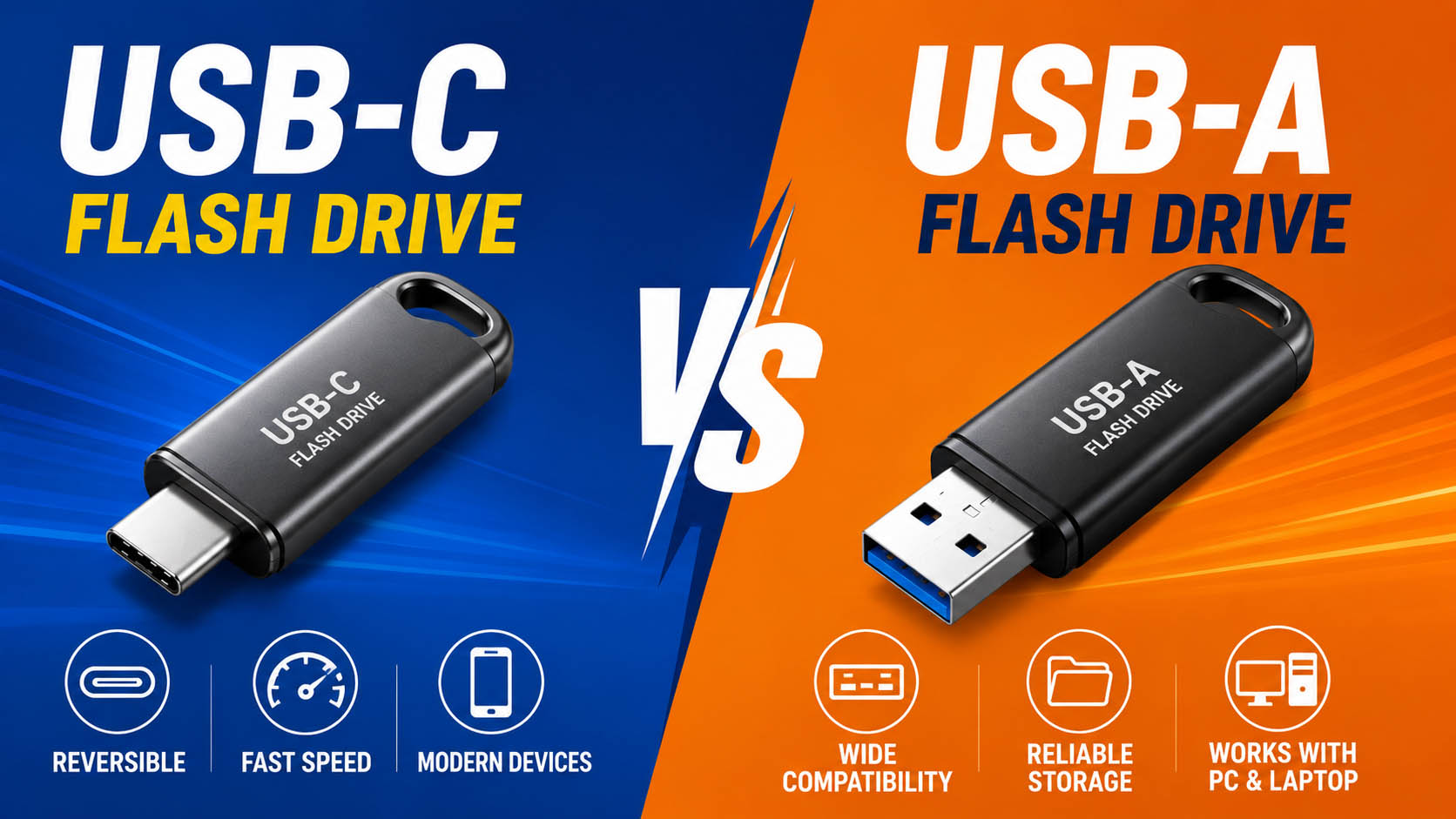
USB-C and USB-A flash drives both use NAND flash memory for portable data storage, but they differ mainly in connector design, device compatibility, convenience, and available USB protocols.
For consumers, the key question is compatibility. For distributors and OEM buyers, performance, component quality, supply stability, customization, and total cost are equally important.
USB-C vs USB-A Flash Drive: Quick Comparison
| Feature | USB-C Flash Drive | Traditional USB-A Flash Drive |
|---|---|---|
| Connector | USB Type-C | USB Type-A |
| Plug Orientation | Reversible | One-way |
| Modern Smartphones | Excellent | Usually needs adapter |
| Modern Laptops | Excellent | Widely supported |
| Older PCs | May require adapter | Excellent |
| Convenience | ★★★★★ | ★★★★☆ |
| Device Compatibility | Modern devices | Legacy + modern PCs |
| Maximum Speed | Depends on USB protocol | Depends on USB protocol |
| OEM Potential | High | High |
Key point: USB-C does not automatically mean faster. Transfer speed depends on the USB protocol, NAND flash, controller, firmware, and host device.
Connector Difference
| USB-C | USB-A |
|---|---|
| Small and reversible | Larger and non-reversible |
| Modern standard | Long-established standard |
| Increasingly common on phones and laptops | Common on PCs, TVs, and older devices |
| Convenient for mobile use | Excellent legacy compatibility |
USB-C is especially useful for users who frequently move files between smartphones, tablets, laptops, and other modern devices.
Speed Comparison
| USB Protocol | Theoretical Bandwidth | USB-C | USB-A |
|---|---|---|---|
| USB 2.0 | 480 Mbps | ✓ | ✓ |
| USB 3.2 Gen 1 | 5 Gbps | ✓ | ✓ |
| USB 3.2 Gen 2 | 10 Gbps | ✓ | ✓ |
| USB 3.2 Gen 2×2 | 20 Gbps | ✓* | ✓* |
*Actual product availability depends on the controller, connector implementation, and device compatibility.
Therefore, connector type alone should not be used to compare flash drive speed.
Which One Is Better for Different Applications?
| Application | Recommended |
|---|---|
| Smartphone File Transfer | USB-C |
| Modern Laptop | USB-C |
| Desktop PC | USB-A |
| Older Computers | USB-A |
| Mixed Device Environment | Dual USB-C + USB-A |
| Office Documents | Either |
| Large Video Files | USB 3.x |
| Promotional USB Drive | Either |
| Modern Consumer Electronics | USB-C |
For businesses serving customers with different devices, a dual-interface USB flash drive can reduce compatibility problems.
USB-C vs USB-A: Compatibility
| Device | USB-C | USB-A |
|---|---|---|
| New Laptop | Excellent | Good |
| Smartphone | Excellent | Adapter often required |
| Tablet | Excellent | Adapter often required |
| Desktop PC | Good | Excellent |
| Older PC | Adapter may be required | Excellent |
| Smart TV | Depends on model | Common |
| Car Multimedia System | Depends on model | Common |
Before purchasing, always check the device’s USB port and supported USB protocol.
NAND Flash and Controller Matter More Than the Connector
A USB flash drive’s real-world performance is determined by its complete storage architecture.
| Component | Impact |
|---|---|
| NAND Flash | Capacity, endurance, consistency |
| Controller | Data transfer and flash management |
| Firmware | Performance and compatibility |
| PCB | Electrical stability |
| USB Interface | Host connection and bandwidth |
| Thermal Design | Sustained performance |
A premium USB-C connector cannot compensate for low-quality NAND or a poorly matched controller.
USB Flash Drive Supply Chain Advantages
For wholesale and OEM buyers, supply-chain capability can have a greater impact on long-term product value than connector selection.
| Supply Chain Capability | Buyer Benefit |
|---|---|
| Stable NAND Sourcing | Consistent quality |
| Multiple NAND Options | Flexible cost/performance |
| Controller Matching | Better stability |
| Factory Testing | Lower defect risk |
| Multiple Capacities | Wider product range |
| Stable Production | Reliable repeat orders |
| Packaging Resources | Faster OEM delivery |
| Component Alternatives | Reduced supply risk |
A professional storage supplier can optimize the complete NAND + controller + PCB + connector + housing configuration according to the target market.
USB-C and USB-A OEM/ODM Options
Both interfaces can support customized USB flash drive projects.
| OEM/ODM Item | Custom Options |
|---|---|
| Logo | Printing / Laser engraving |
| Housing | Standard / Custom |
| Color | Custom colors |
| Capacity | 32GB–1TB+ depending on platform |
| Interface | USB-C / USB-A / Dual |
| Packaging | Box / Card / Blister |
| Data Preloading | Available for suitable projects |
| Testing | Customer-defined QC |
| Product Shape | Custom designs depending on MOQ |
For brands and distributors, dual-interface USB flash drives can combine USB-C convenience with USB-A compatibility.
USB-C vs USB-A for Bulk Procurement
| Purchasing Factor | USB-C | USB-A |
|---|---|---|
| Modern Device Demand | High | Medium |
| Legacy Compatibility | Medium | High |
| Mobile Applications | Excellent | Limited without adapter |
| OEM Customization | Excellent | Excellent |
| Production Cost | Depends on design | Often economical |
| Long-Term Product Strategy | Strong | Still important |
For a modern consumer product line, USB-C is increasingly attractive. However, USB-A remains valuable for office PCs, industrial equipment, TVs, automotive systems, and legacy devices.
How to Choose Between USB-C and USB-A
| Your Requirement | Best Choice |
|---|---|
| Mainly smartphones | USB-C |
| Mainly new laptops | USB-C |
| Mainly older PCs | USB-A |
| Mixed customer devices | Dual interface |
| Maximum compatibility | Dual interface |
| Cost-focused basic storage | USB-A |
| Modern premium product | USB-C |
| B2B product portfolio | Offer both |
B2B USB Flash Drive Supplier Checklist
| Check Before Ordering | Why It Matters |
|---|---|
| Actual Read/Write Speed | Confirms real performance |
| NAND Source | Improves consistency |
| Controller | Affects stability |
| Sample Testing | Verifies specifications |
| MOQ | Controls purchasing cost |
| Production Capacity | Supports larger orders |
| OEM Capability | Enables brand customization |
| QC Process | Reduces quality risks |
| Supply Stability | Supports long-term business |
Do not compare suppliers only by unit price. Evaluate the complete package: components + performance + QC + OEM service + supply stability + delivery.
FAQ: USB-C vs USB-A Flash Drives
Is USB-C better than USB-A?
USB-C is generally better for modern devices and mobile file transfer, while USB-A offers broader compatibility with older computers and electronics.
Is USB-C faster than USB-A?
Not necessarily. Speed depends on the USB protocol and internal storage hardware, not simply the connector.
Can USB-C flash drives work with USB-A ports?
A USB-C-only drive generally requires an appropriate adapter or compatible cable. A dual-interface flash drive provides direct access to both connector types.
Which is better for smartphones?
USB-C is usually the better choice because many modern smartphones use USB-C ports and can connect directly to a compatible flash drive.
Which is better for business and bulk purchasing?
For broad compatibility, businesses can offer USB-C, USB-A, and dual-interface models. The best choice depends on the target market and devices.
Does NAND quality affect USB flash drive performance?
Yes. NAND quality, controller selection, firmware, and NAND-controller matching can significantly affect speed, stability, endurance, and batch consistency.
Can USB-C and USB-A flash drives be OEM customized?
Yes. Both can support custom logos, housings, colors, capacities, packaging, interface configurations, and quality requirements, depending on the project.
What should I ask a USB flash drive manufacturer?
Ask about NAND source, controller, actual read/write speed, testing standards, MOQ, production capacity, OEM/ODM options, lead time, and long-term component availability.
Final Verdict
Choose USB-C for modern devices and mobile convenience. Choose USB-A for legacy compatibility. Choose dual-interface USB flash drives when both are important.
For B2B buyers, the connector is only one part of the product. NAND quality, controller matching, real-world performance, supply-chain stability, factory QC, and OEM/ODM capability ultimately determine the value of a USB flash drive.