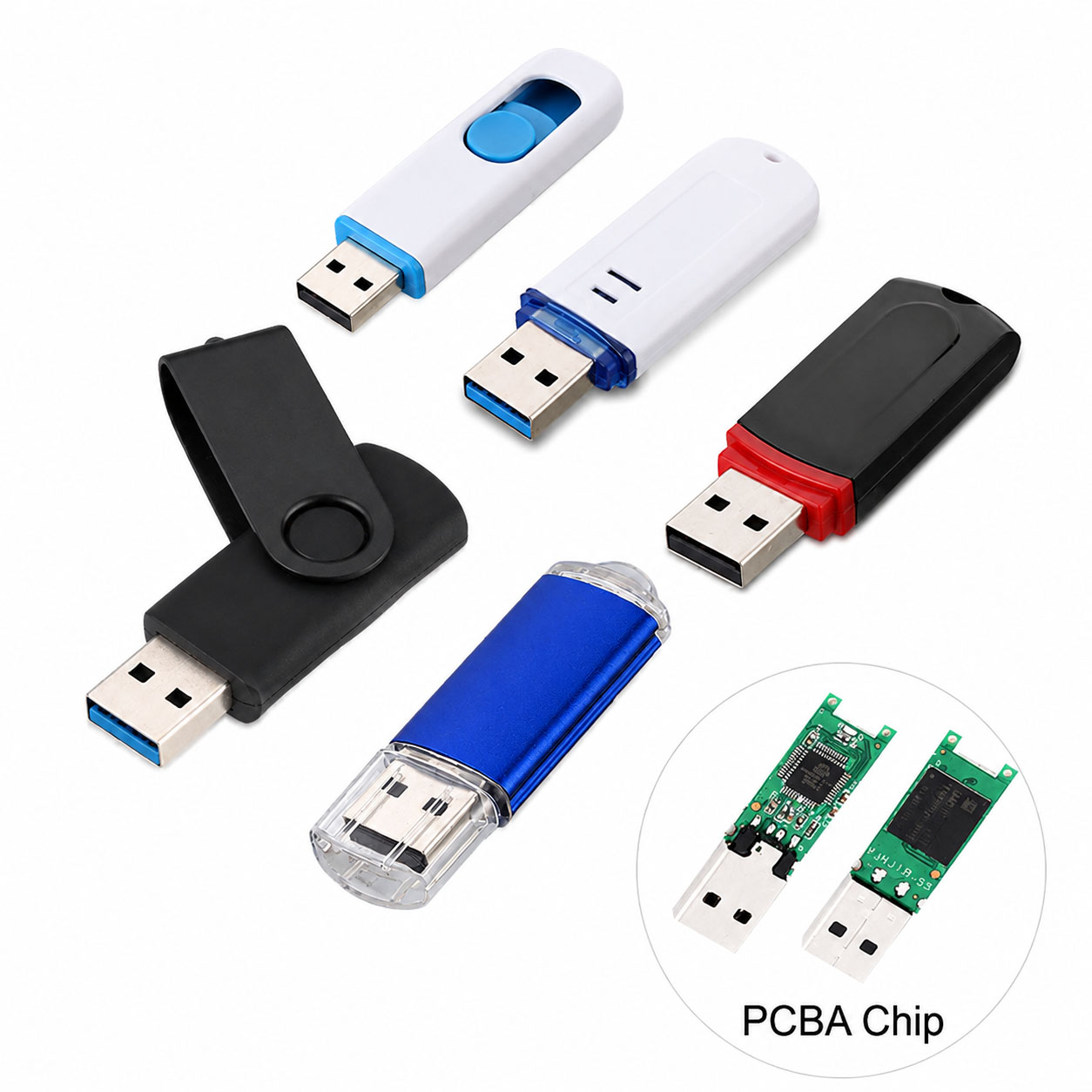
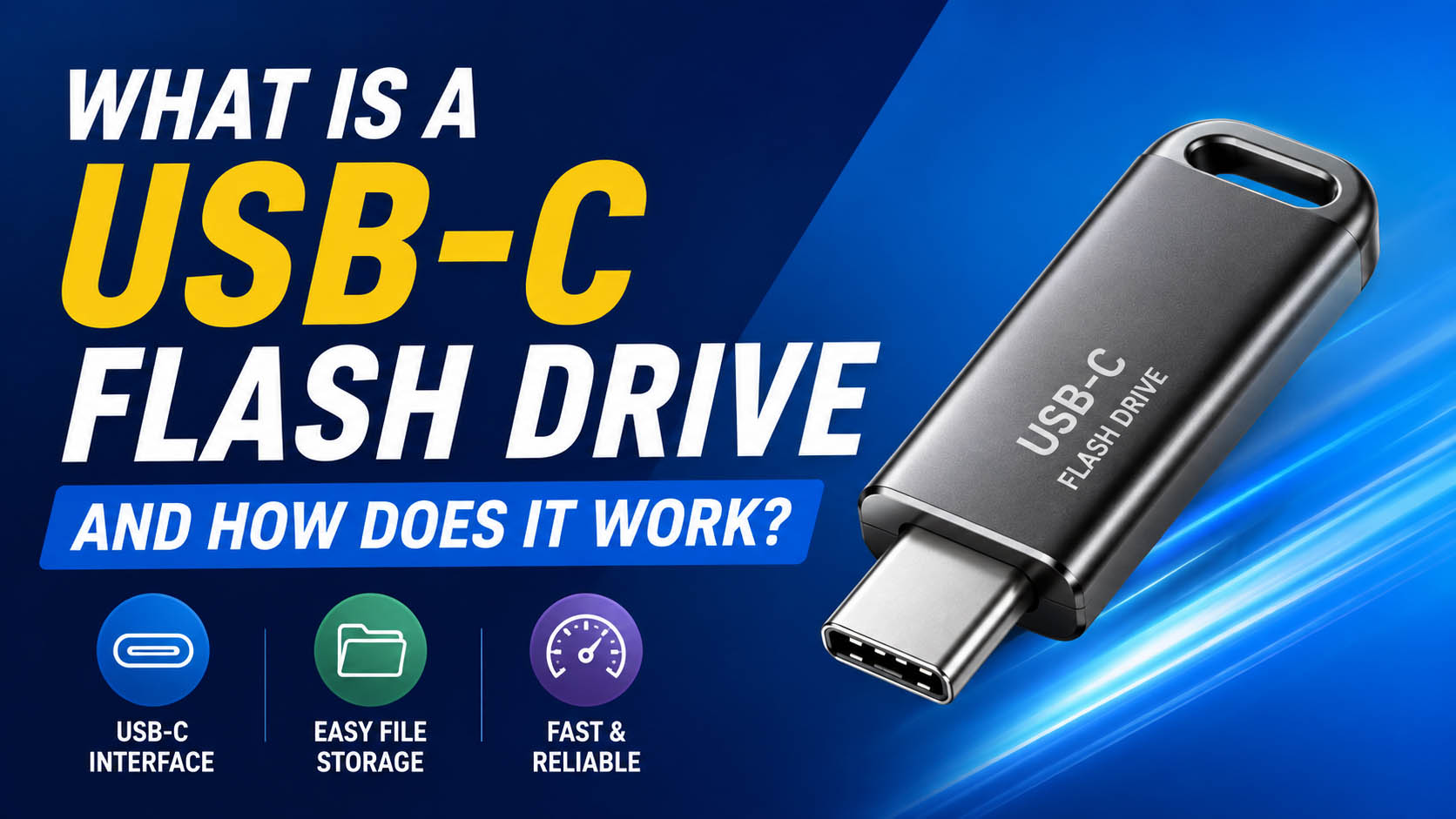
A USB-C flash drive is a portable storage device that uses a USB Type-C connector to store and transfer digital files. It combines NAND flash memory, a controller, and a USB interface in a compact device.
USB-C flash drives are widely used with smartphones, tablets, laptops, PCs, cameras, and other modern devices.
How Does a USB-C Flash Drive Work?
The basic working process is simple:
| Step | What Happens |
|---|---|
| 1. Connect | Insert the USB-C drive into a compatible device |
| 2. Recognition | The host device detects the USB storage |
| 3. Data Transfer | The controller manages data between the host and NAND flash |
| 4. Storage | NAND flash stores the digital data |
| 5. Disconnect | Safely eject the drive to protect data |
The controller manages communication, error correction, data organization, and the NAND flash memory.
Main Components of a USB-C Flash Drive
| Component | Function |
|---|---|
| USB-C Connector | Connects the drive to compatible devices |
| Controller | Controls data transfer and NAND management |
| NAND Flash | Stores digital data |
| PCB | Connects and supports electronic components |
| Housing | Protects internal components |
The quality and compatibility of the NAND + controller combination have a major impact on speed, reliability, and product consistency.
USB-C vs USB-A Flash Drives
| Feature | USB-C Flash Drive | USB-A Flash Drive |
|---|---|---|
| Connector | USB Type-C | USB Type-A |
| Reversible Plug | Yes | No |
| Modern Smartphones | Excellent compatibility | Often requires adapter |
| Modern Laptops | Widely supported | Widely supported |
| Transfer Speed | Depends on USB protocol | Depends on USB protocol |
| Convenience | High | Standard |
Important: USB-C is a connector type, not a guaranteed speed standard. A USB-C flash drive can use different USB protocols and therefore have different performance levels.
USB-C Flash Drive Speed
| Interface | Theoretical Bandwidth | Typical Application |
|---|---|---|
| USB 2.0 | Up to 480 Mbps | Documents, basic storage |
| USB 3.2 Gen 1 | Up to 5 Gbps | Daily file transfer |
| USB 3.2 Gen 2 | Up to 10 Gbps | Large files, video |
| USB 3.2 Gen 2×2 | Up to 20 Gbps | High-performance storage |
Actual performance depends on the flash memory, controller, host device, USB protocol, file size, and thermal conditions.
What Capacity Should You Choose?
| Capacity | Recommended Use |
|---|---|
| 32GB | Documents and basic files |
| 64GB | Photos and office files |
| 128GB | Videos and mobile storage |
| 256GB | Large media and backups |
| 512GB | Professional storage |
| 1TB+ | Large-scale data and media |
For most everyday users, 64GB–256GB offers a practical balance between capacity and cost.
USB-C Flash Drive Applications
| Application | Recommended Feature |
|---|---|
| Smartphone Storage | USB-C + compact design |
| Laptop File Transfer | USB 3.x |
| Photo Backup | 128GB+ capacity |
| 4K Video | High sustained write speed |
| Business Data Transfer | Stable NAND + reliable controller |
| Promotional Products | Custom housing + logo |
| Industrial Applications | High-quality components + testing |
Why NAND Flash Quality Matters
In the storage industry, the advertised interface alone does not determine product quality.
| Storage Factor | Why It Matters |
|---|---|
| NAND Quality | Affects endurance and consistency |
| Controller | Affects speed and data management |
| NAND-Controller Matching | Improves stability |
| Firmware | Influences performance and compatibility |
| Testing | Helps identify defective components |
| Batch Consistency | Important for long-term supply |
For bulk buyers, stable component sourcing and consistent batches are especially important.
USB-C Flash Drive Supply Chain Advantages
A professional storage supplier can optimize the complete supply chain rather than simply assemble standard components.
| Supply Chain Capability | Buyer Benefit |
|---|---|
| NAND Sourcing | Better cost and supply stability |
| Controller Sourcing | Flexible product configurations |
| Component Matching | More consistent performance |
| Factory Testing | Improved quality control |
| Multiple Capacities | Wider product selection |
| Stable Production | Supports repeat orders |
| Packaging Supply | Simplifies OEM projects |
A strong supply chain can help businesses control cost, quality, lead time, and long-term availability.
USB-C Flash Drive OEM & ODM
USB-C flash drives are suitable for OEM and ODM projects, allowing brands, distributors, retailers, and promotional-product companies to customize products.
| OEM/ODM Option | Available Customization |
|---|---|
| Logo | Laser engraving / printing |
| Housing | Custom design and material |
| Color | Custom colors |
| Capacity | 32GB–1TB+ depending on platform |
| Connector | USB-C or dual-interface |
| Packaging | Custom box / card / blister |
| Data Loading | Preloaded files if required |
| Testing | Customer-defined QC standards |
A capable OEM manufacturer can integrate product design, NAND sourcing, controller selection, production, testing, packaging, and bulk delivery.
How to Choose a USB-C Flash Drive Supplier
| Requirement | What to Check |
|---|---|
| Speed | Real read/write test results |
| Quality | NAND and controller information |
| Reliability | Factory QC and testing |
| OEM | Custom housing and logo options |
| Supply | Stable NAND/controller sourcing |
| Bulk Orders | MOQ and production capacity |
| Cost | Total product + packaging cost |
| Delivery | Production lead time |
For B2B procurement, avoid comparing suppliers based only on unit price. A slightly cheaper drive may have inconsistent NAND, lower sustained write speed, or less stable batch quality.
USB-C Flash Drive Buying Checklist
| Check | Priority |
|---|---|
| USB protocol | ★★★★★ |
| Real write speed | ★★★★★ |
| NAND quality | ★★★★★ |
| Controller | ★★★★★ |
| Capacity | ★★★★☆ |
| Device compatibility | ★★★★★ |
| Sustained performance | ★★★★★ |
| OEM capability | ★★★★☆ |
| Supply stability | ★★★★★ |
| Quality testing | ★★★★★ |
FAQ About USB-C Flash Drives
What is a USB-C flash drive?
A USB-C flash drive is a portable storage device using a USB Type-C connector to transfer and store digital data.
Is USB-C faster than USB-A?
Not automatically. USB-C describes the connector, while actual speed depends on the USB protocol, controller, NAND flash, and host device.
Can a USB-C flash drive work with a smartphone?
Yes, if the smartphone supports USB storage through its USB-C port and the operating system supports the required storage function.
Are USB-C flash drives compatible with laptops?
Most modern USB-C laptops can use USB-C flash drives directly. Compatibility and performance depend on the laptop’s USB specifications.
What is the best capacity for a USB-C flash drive?
For general use, 64GB–256GB is a practical range. Users transferring large videos or backups may prefer 512GB or higher.
What determines USB-C flash drive speed?
The main factors are USB protocol, NAND flash, controller, firmware, host device, file size, and sustained write performance.
Can USB-C flash drives be customized?
Yes. OEM manufacturers can commonly customize housing, logo, color, capacity, packaging, connector configuration, and testing requirements.
What should businesses consider when buying USB-C flash drives in bulk?
Businesses should evaluate NAND quality, controller selection, actual speed, batch consistency, MOQ, OEM capability, supply stability, QC standards, and total cost.
Conclusion
A USB-C flash drive is more than a USB-C connector. Its real-world performance depends on the complete storage platform, including NAND flash, controller, firmware, USB protocol, and host-device compatibility.
For distributors, brands, and bulk buyers, working with a supplier that has stable NAND supply, strong quality control, OEM/ODM capabilities, and reliable production capacity can provide better performance consistency and long-term supply security.