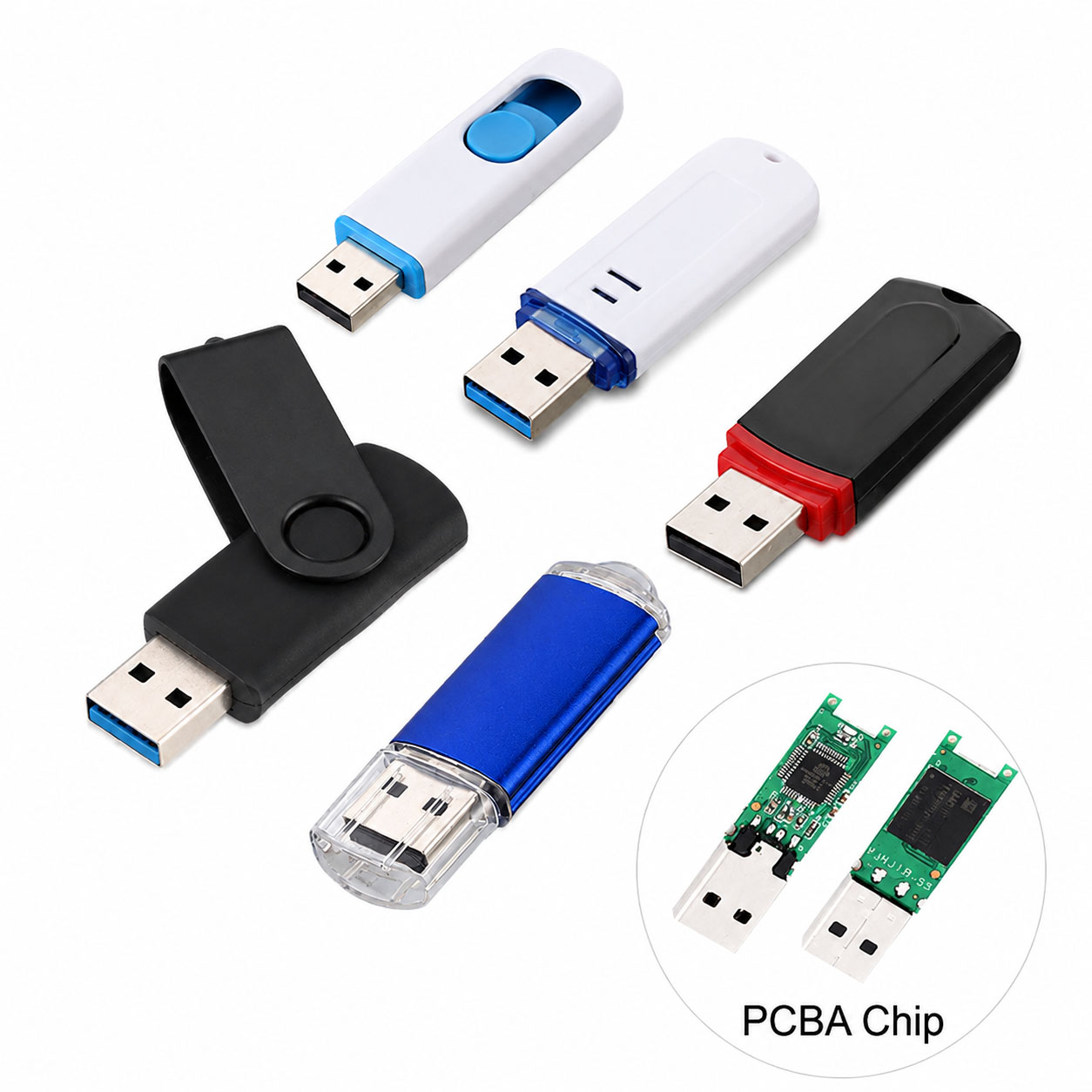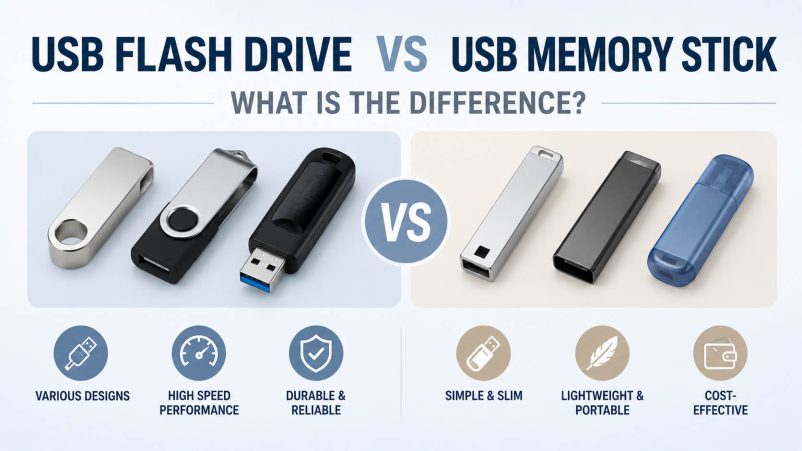
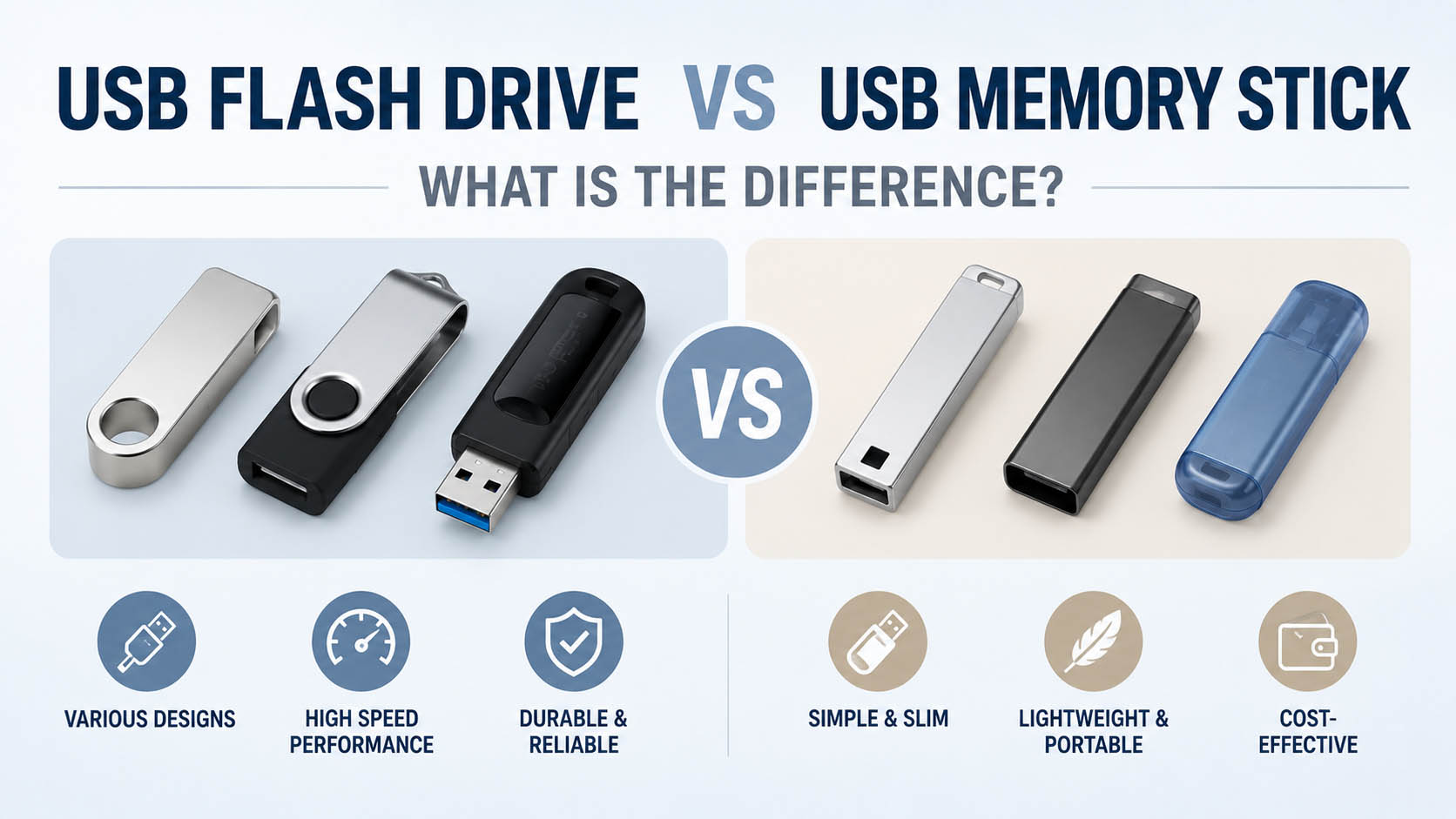
USB flash drive and USB memory stick usually refer to the same type of portable storage device. Both typically use NAND flash memory and a USB interface to store and transfer digital files.
The main differences are usually terminology, product design, interface, performance and application, rather than a completely different storage technology.
For B2B buyers, the bigger considerations are NAND sourcing, controller matching, quality control, supply stability and OEM customization.
Quick Answer: Are They the Same?
| Term | Meaning | Common Usage |
|---|---|---|
| USB Flash Drive | Portable USB storage using flash memory | Technical/product term |
| USB Memory Stick | Common name for USB storage | Consumer/general term |
| USB Thumb Drive | Informal name | Consumer market |
| USB Stick | Short form | General use |
In most cases: USB flash drive = USB memory stick.
USB Flash Drive vs USB Memory Stick
| Feature | USB Flash Drive | USB Memory Stick |
|---|---|---|
| Storage technology | NAND Flash | NAND Flash |
| USB connection | Yes | Yes |
| Data storage | ✓ | ✓ |
| Data transfer | ✓ | ✓ |
| Portability | High | High |
| Capacity | 8GB–1TB+ | 8GB–1TB+ |
| Performance | Product-dependent | Product-dependent |
| Main difference | Terminology/design | Terminology/design |
There is generally no fundamental storage technology difference between the two terms.
Why Are They Called Different Names?
Different markets use different terminology.
| Term | Typical Search Intent |
|---|---|
| USB Flash Drive | Technical + commercial |
| USB Memory Stick | Consumer |
| USB Thumb Drive | Informal |
| USB Drive | General |
| Pen Drive | Common in some markets |
| USB Stick | Short/general term |
For SEO and product listings, using related terms naturally can help reach different search behaviors.
How Does a USB Flash Drive Work?
The basic architecture is:
USB Interface → Controller → NAND Flash
| Component | Function |
|---|---|
| USB connector | Connects to host device |
| Controller | Manages data communication |
| NAND Flash | Stores data |
| Firmware | Controls flash management |
| PCB | Connects components |
| Housing | Protects electronics |
When a file is copied, the controller processes the data and writes it to NAND flash. When the file is opened, the controller retrieves the stored data and sends it through the USB interface.
USB Flash Drive Capacity Comparison
| Capacity | Best For |
|---|---|
| 16GB | Documents |
| 32GB | Basic storage |
| 64GB | Photos + files |
| 128GB | Videos + backups |
| 256GB | Large media |
| 512GB | Heavy storage |
| 1TB+ | Professional/large libraries |
For everyday users, 64GB–128GB is a practical starting range.
USB 2.0 vs USB 3.x
Performance depends heavily on the USB interface.
| Interface | Typical Use | Performance |
|---|---|---|
| USB 2.0 | Documents, basic files | Entry |
| USB 3.x | Photos, videos, backups | Higher |
| USB Type-C | Modern devices | Connector format |
| Dual USB-A + Type-C | Multi-device use | Flexible |
Type-C does not automatically mean faster. Always check the actual USB standard.
Read Speed vs Write Speed
| Speed | Important For |
|---|---|
| Read speed | Copying files from USB |
| Write speed | Saving files to USB |
| Sustained write | Large/continuous transfers |
| Random performance | Small files |
For large videos and backups, sustained write performance should be considered alongside peak speed.
Which Is Better: Flash Drive or Memory Stick?
Since the terms usually describe the same product category, there is no universal performance winner.
Instead, compare the actual specifications:
| Factor | What to Check |
|---|---|
| Capacity | 64GB / 128GB / 256GB+ |
| USB standard | USB 2.0 / USB 3.x |
| Connector | USB-A / Type-C |
| Read speed | Transfer performance |
| Write speed | Recording performance |
| NAND | Quality + endurance |
| Controller | Compatibility + stability |
| Warranty | After-sales protection |
Why Two USB Memory Sticks Have Different Prices
The same 128GB capacity can have very different costs.
| Cost Factor | Impact |
|---|---|
| NAND flash | High |
| Controller | High |
| USB interface | Medium–High |
| Performance | High |
| Housing | Medium |
| Testing | Medium |
| Packaging | Medium |
| Brand premium | Medium |
Capacity is only one part of the total product cost.
NAND Flash and Controller
A professional USB storage product can be simplified as:
NAND + Controller + Firmware + USB Interface + QC
| Component | Main Impact |
|---|---|
| NAND | Capacity + cost |
| Controller | Performance + compatibility |
| Firmware | Stability |
| Error correction | Data integrity |
| Wear management | Lifespan |
| QC | Batch consistency |
For B2B buyers, a stable NAND/controller combination is critical for consistent repeat orders.
USB Flash Drive Quality Control
| QC Test | Purpose |
|---|---|
| Capacity verification | Confirm actual capacity |
| Read test | Verify read performance |
| Write test | Verify write performance |
| Sustained transfer | Test large files |
| File integrity | Verify data accuracy |
| USB compatibility | Check host devices |
| Aging test | Identify unstable units |
| Appearance inspection | Product consistency |
| Batch traceability | After-sales support |
Supply Chain Advantages
For wholesalers, distributors and electronics brands, supply-chain capability can directly affect price, consistency and delivery.
| Supply Advantage | Buyer Benefit |
|---|---|
| Stable NAND sourcing | Better cost control |
| Multiple sourcing channels | Lower supply risk |
| Controller matching | Better compatibility |
| Qualified components | Stable batches |
| Production planning | Predictable delivery |
| Performance testing | Lower return risk |
| Batch traceability | Better QC |
| Multiple capacities | Complete product line |
A strong supplier should offer stable quality + competitive pricing + reliable delivery.
OEM USB Flash Drive Solutions
OEM/private-label USB memory sticks allow brands to customize the product instead of selling generic storage.
OEM Customization Options
| Item | Options |
|---|---|
| Capacity | 8GB–1TB+ |
| USB interface | USB-A / Type-C / Dual |
| USB standard | USB 2.0 / USB 3.x |
| Housing | Plastic / Metal / Customized |
| Logo | Printing / Laser engraving |
| Color | Customized |
| Packaging | Box / Blister / Bulk |
| Barcode | Customized |
| Manual | Customized |
| Warranty card | Customized |
| Retail design | Private label |
OEM Development Process
| Step | Process |
|---|---|
| 1 | Define application |
| 2 | Select capacity |
| 3 | Select USB interface |
| 4 | Match NAND + controller |
| 5 | Sample production |
| 6 | Performance testing |
| 7 | Device compatibility |
| 8 | Logo + packaging |
| 9 | Pilot production |
| 10 | Mass production + QC |
USB Flash Drive vs USB Memory Stick for OEM
| Requirement | OEM USB Flash Drive |
|---|---|
| Private label | ✓ |
| Logo customization | ✓ |
| Custom housing | ✓ |
| Custom capacity | ✓ |
| USB-A/Type-C | ✓ |
| Custom packaging | ✓ |
| Barcode | ✓ |
| Promotional products | ✓ |
| Retail products | ✓ |
OEM is especially useful for electronics brands, distributors, promotional products and corporate gifting.
USB Flash Drive vs Memory Card
| Feature | USB Flash Drive | Memory Card |
|---|---|---|
| Main interface | USB | Card slot |
| Computer transfer | Excellent | Card reader may be needed |
| Camera use | Limited | Excellent |
| Phone use | Type-C/OTG models | Device-dependent |
| Portability | High | Very high |
| OEM | Excellent | Excellent |
Common Buying Mistakes
| Mistake | Better Approach |
|---|---|
| Choosing only by capacity | Compare interface + speed |
| Looking only at read speed | Check write speed |
| Assuming Type-C = fast | Check USB standard |
| Choosing only by price | Compare total cost |
| Ignoring NAND/controller | Check product configuration |
| Skipping capacity tests | Verify actual capacity |
| Changing components frequently | Maintain qualified BOM |
FAQ: USB Flash Drive vs USB Memory Stick
Is a USB flash drive the same as a USB memory stick?
Usually, yes. Both terms commonly describe portable USB storage based on NAND flash memory.
Is a USB memory stick faster than a USB flash drive?
No. They are generally the same product category. Speed depends on the USB interface, NAND, controller and product design.
Why do people call it a memory stick?
“Memory stick” is a common consumer term for a small portable storage device. It does not necessarily refer to a different technology.
Is USB 3.x better than USB 2.0?
For large-file transfers, USB 3.x generally provides higher potential performance.
Is USB Type-C better than USB-A?
Neither is inherently better. Type-C is a newer, reversible connector and is convenient for modern devices. Actual speed depends on the USB standard.
What is the best USB flash drive capacity?
For general use, 64GB–128GB is a good starting range. Large video and backup users may prefer 256GB or higher.
Can USB flash drives be OEM customized?
Yes. OEM services can include capacity, USB interface, housing, logo, color, packaging, barcode and retail design.
What affects OEM USB memory stick pricing?
| Factor | Impact |
|---|---|
| Capacity | High |
| NAND cost | High |
| USB standard | Medium–High |
| Quantity | High |
| Housing | Medium |
| Logo | Medium |
| Packaging | Medium |
How can wholesalers get better prices?
Provide a detailed RFQ:
| Requirement | Example |
|---|---|
| Capacity | 128GB |
| Interface | USB-A + Type-C |
| USB standard | USB 3.x |
| Quantity | 10,000 pcs |
| Housing | Metal |
| Logo | Laser engraving |
| Packaging | OEM |
| Market | USA |
A clear specification helps optimize NAND sourcing, controller selection and production planning.
Final Buying Checklist
| Check | ✓ |
|---|---|
| Capacity | ✓ |
| USB standard | ✓ |
| Connector | ✓ |
| Read speed | ✓ |
| Write speed | ✓ |
| NAND quality | ✓ |
| Controller | ✓ |
| QC | ✓ |
| Warranty | ✓ |
| Supplier stability | ✓ |
| OEM capability | ✓ |
Final Recommendation
USB Flash Drive and USB Memory Stick usually mean the same type of portable USB storage device. The terminology is different, but the underlying technology is generally the same: NAND flash + controller + USB interface.
When buying, focus on:
Capacity + USB Standard + Read/Write Speed + NAND Quality + Reliability
For B2B buyers, the stronger competitive advantage comes from:
Stable NAND sourcing + controller matching + strict QC + reliable supply chain + OEM customization.
This makes it possible to develop consistent USB storage products for computers, smartphones, automotive electronics, promotional products and consumer electronics.