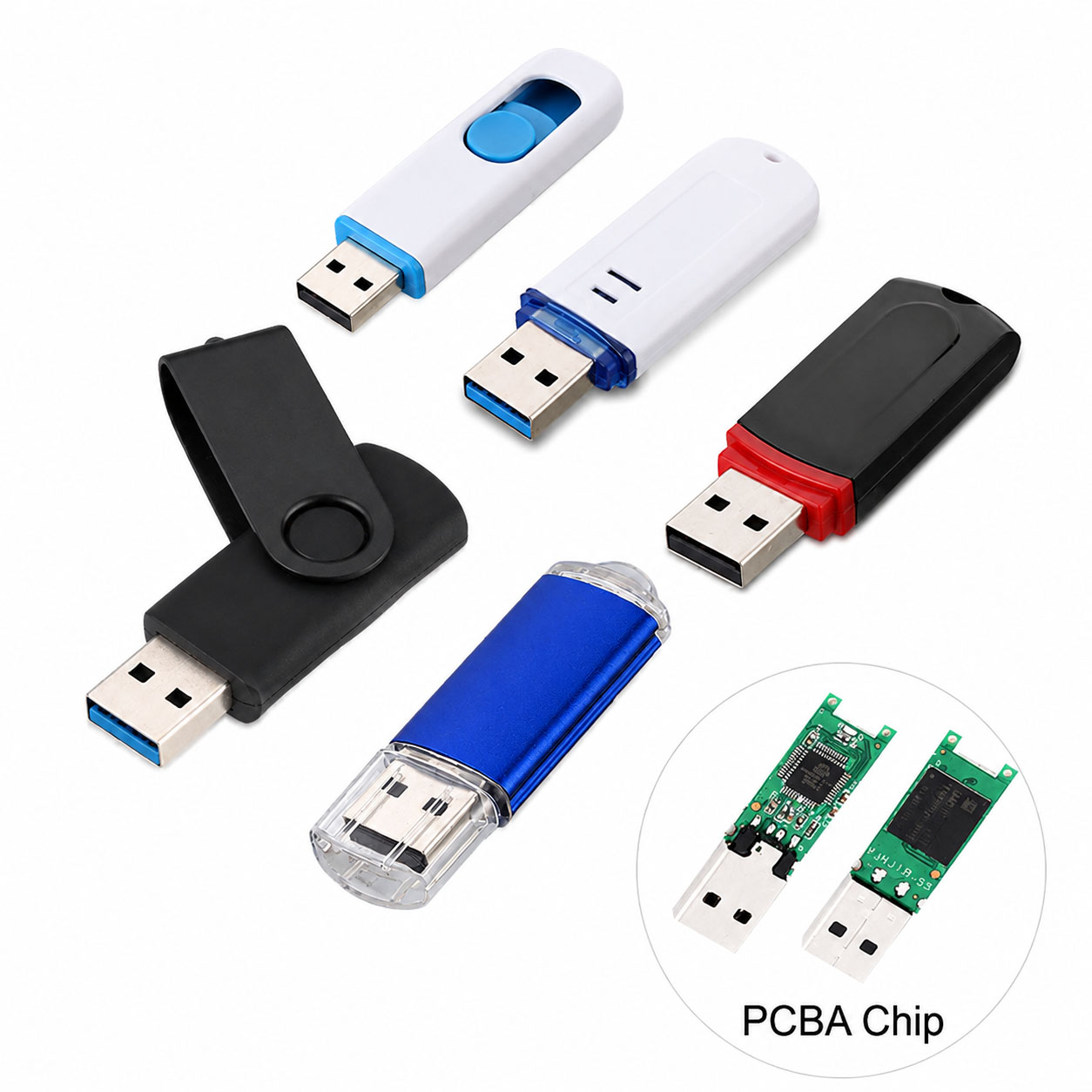
 A USB flash drive can transfer files slowly even when it is labeled USB 3.0, USB 3.1, or USB 3.2. The main reasons include the USB port, NAND flash quality, controller performance, file size, thermal throttling, and the host computer.
Quick answer: Check the USB interface first, then test the drive’s actual read/write speed. A higher USB specification does not automatically guarantee faster real-world performance.
Common Reasons for Slow USB Flash Drive Speed
| Reason | Impact | Quick Check |
|---|---|---|
| USB 2.0 Port | High | Use a USB 3.x port |
| Slow NAND Flash | High | Check actual benchmark results |
| Weak Controller | High | Compare sustained write speed |
| Small Files | Medium–High | Test with large files |
| Drive Nearly Full | Medium | Keep sufficient free space |
| Overheating | Medium–High | Test after cooling |
| Poor USB Connection | Medium | Try another port |
| Host Device Limitation | High | Test on another computer |
| Background Processes | Medium | Close heavy applications |
USB Port vs Flash Drive Speed
The slowest component in the connection can become the bottleneck.
| Drive | Port | Expected Result |
|---|---|---|
| USB 3.0 | USB 3.0 | Normal USB 3.x performance |
| USB 3.0 | USB 2.0 | Limited to USB 2.0 |
| USB 3.2 | USB 2.0 | Limited to USB 2.0 |
| USB 3.2 | Compatible USB 3.x | Higher potential speed |
Always check both the flash drive and computer port.
USB Flash Drive Read Speed vs Write Speed
Many users expect the advertised speed during file copying, but read and write performance are different.
| Performance | Meaning |
|---|---|
| Read Speed | Copying files from USB to computer |
| Write Speed | Copying files from computer to USB |
| Sequential Read/Write | Large files such as videos |
| Random Read/Write | Many small files |
For large video or backup transfers, sustained write speed is particularly important.
Why Does USB Transfer Speed Drop During Copying?
A flash drive may start fast and then become slower.
| Cause | Explanation |
|---|---|
| SLC Cache | Temporary high-speed cache becomes full |
| NAND Performance | Native write speed may be lower |
| Thermal Throttling | Heat can reduce sustained performance |
| Large Data Volume | Continuous writing exposes sustained speed |
| Capacity Usage | Performance may vary as the drive fills |
Therefore, a short benchmark may show a much higher speed than a long real-world file transfer.
How to Fix a Slow USB Flash Drive
| Step | Action |
|---|---|
| 1 | Connect to a USB 3.x port |
| 2 | Try another USB cable/adapter if applicable |
| 3 | Test with a large file |
| 4 | Close background applications |
| 5 | Check available storage space |
| 6 | Allow the drive to cool |
| 7 | Test on another computer |
| 8 | Benchmark read/write performance |
| 9 | Verify actual capacity and product quality |
If performance remains unusually low, the drive may have a hardware, controller, NAND, or compatibility issue.
What Makes a Fast USB Flash Drive?
From a storage-industry perspective, speed depends on the complete storage architecture.
| Component | Importance |
|---|---|
| NAND Flash | ★★★★★ |
| Controller | ★★★★★ |
| Firmware | ★★★★☆ |
| USB Interface | ★★★★☆ |
| PCB / Signal Design | ★★★★☆ |
| Thermal Design | ★★★☆☆ |
| Host Device | ★★★★★ |
A USB 3.2 label alone cannot guarantee high transfer performance.
Recommended USB Flash Drive Speeds
| Application | Suggested Performance |
|---|---|
| Documents | 30–100 MB/s |
| Photos | 80–200 MB/s |
| HD Video | 100–200 MB/s |
| 4K Video | 150–300+ MB/s |
| Large Backups | 200–500+ MB/s |
| Professional Applications | 500 MB/s+ |
Actual performance depends on the specific product configuration and test environment.
Supply Chain Advantages for USB Flash Drive Buyers
For distributors, retailers, and project buyers, stable component sourcing is essential for consistent performance.
| Supply Chain Capability | Buyer Benefit |
|---|---|
| Stable NAND Supply | More consistent quality |
| Controller Matching | Better performance |
| Component Inspection | Lower quality risk |
| Factory QC | Consistent bulk production |
| Performance Testing | Verified specifications |
| Multiple Capacities | Flexible purchasing |
| Stable Production Capacity | Better delivery planning |
A professional storage supplier can optimize the NAND + controller + firmware + interface combination according to the target application and price.
OEM & ODM USB Flash Drive Solutions
For branded USB flash drive projects, manufacturers can customize both appearance and technical specifications.
| OEM / ODM Option | Available Choices |
|---|---|
| Capacity | 32GB–1TB+ |
| Interface | USB 2.0 / 3.0 / 3.1 / 3.2 |
| Housing | Plastic / Metal / Custom |
| Logo | Printing / Laser Engraving |
| Color | Custom |
| Shape | Standard / Custom |
| Packaging | Retail / Gift / Custom |
| Performance | Customized speed target |
For premium OEM products, buyers can specify minimum read/write performance rather than simply requesting “USB 3.2.”
FAQ About Slow USB Flash Drives
Q1: Why is my USB 3.0 flash drive so slow?
Common causes include a USB 2.0 port, slow NAND, low write performance, small files, overheating, or limitations from the host computer.
Q2: Why does my USB flash drive start fast and then slow down?
The drive may initially use an SLC cache. Once the cache is exhausted, the sustained NAND write speed can be significantly lower.
Q3: Does USB 3.2 guarantee fast transfer speeds?
No. USB 3.2 defines the interface capability, while actual performance depends on the NAND, controller, firmware, thermal conditions, and host device.
Q4: Are large files faster to transfer than small files?
Usually, yes. Large sequential files generally achieve higher transfer efficiency than thousands of small files.
Q5: How can I test my USB flash drive speed?
Use a reputable storage benchmark and test both sequential read and sequential write speeds. For purchasing decisions, also consider sustained performance rather than only peak results.
Q6: Can a manufacturer provide a USB flash drive with a guaranteed speed target?
Yes. For OEM/ODM projects, buyers can define target capacity, interface, minimum read/write performance, NAND requirements, testing standards, and QC requirements.
Conclusion
Slow USB flash drive transfer speed is not always caused by the USB interface. NAND flash, controller, firmware, cache behavior, thermal conditions, file type, USB port, and host hardware can all affect actual performance.
For B2B procurement, focus on tested real-world speed, component quality, stable NAND supply, professional QC, and OEM/ODM capability rather than relying only on USB 3.0/3.1/3.2 labeling.
The right USB flash drive is one that delivers consistent capacity, stable sustained performance, reliable quality, and a supply chain that can support your long-term requirements.