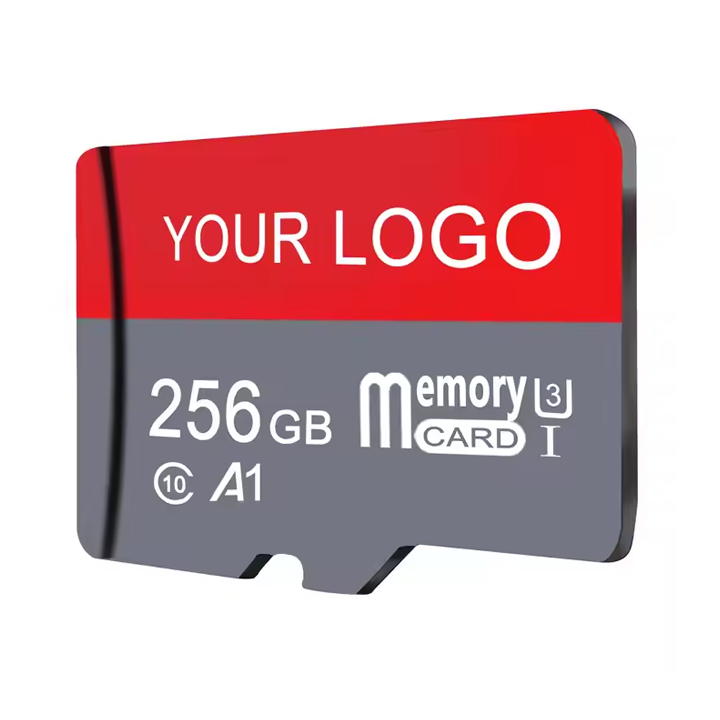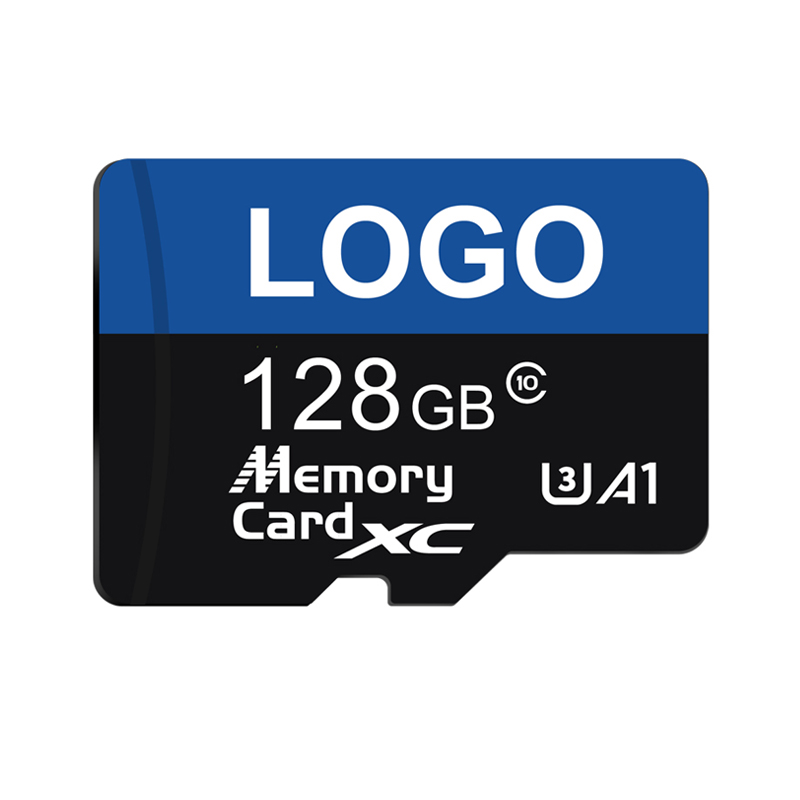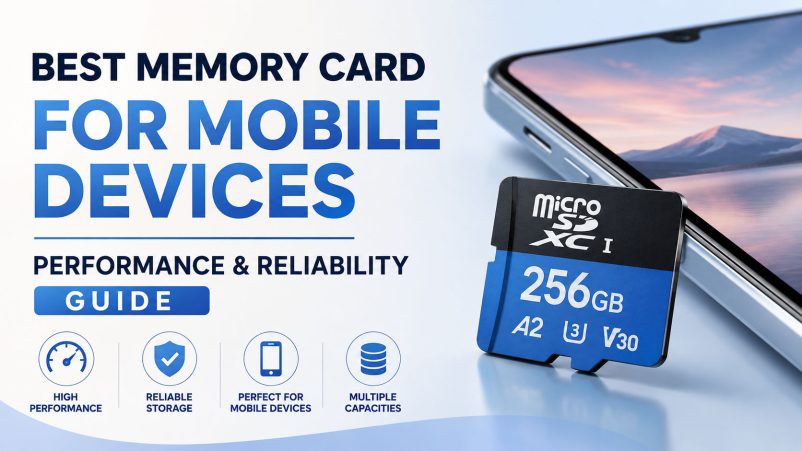
Choosing the best memory card for mobile devices is not simply a matter of buying the largest capacity or the highest advertised read speed. For smartphones, tablets, handheld gaming devices, and other portable electronics, the right microSD card needs to balance capacity, random performance, sustained write speed, compatibility, reliability, and price.
For consumers, a good memory card can provide additional space for photos, videos, music, games, and documents. For distributors, electronics brands, and OEM buyers, the selection process goes further: NAND flash quality, controller matching, supply-chain stability, quality testing, customization capability, and long-term production support can determine whether a memory card product succeeds in the market.
This guide explains what to look for when choosing a microSD card for smartphones and tablets, and how businesses can select a reliable memory card manufacturer for wholesale and OEM projects.
What Is the Best Memory Card for Mobile Devices?
For mobile devices that support microSD expansion, a good starting point is a microSDHC or microSDXC card with an appropriate Application Performance Class, speed class, and capacity.
For users who mainly store photos, videos, music, and documents, an A1-rated card can be sufficient. For applications and more demanding mobile workloads, an A2-rated card can be a better choice when both the card and host device support the relevant A2 capabilities. The SD Association explains that Application Performance Class is designed around both random and sequential performance, which is particularly relevant when SD cards are used for applications.
A practical selection guide is:
| Mobile Use Case | Recommended Focus |
|---|---|
| Photos & Documents | Reliable microSD, Class 10 / A1 |
| Music & Video Storage | 64GB–256GB, A1 or A2 |
| Android App Storage | A1/A2, depending on device support |
| Mobile Gaming | A2, UHS-I, strong random performance |
| 4K Video | U3 / V30 or device-required specification |
| Heavy Multimedia Use | 256GB–1TB, high-performance microSD |
| Long-Term / Intensive Writing | High-endurance solution |
The most important rule is simple: match the card to the mobile device rather than choosing specifications in isolation.
Does Every Smartphone Support a Memory Card?
No.
One of the first things to check before buying a microSD card is whether the smartphone or tablet actually has a microSD slot.
If the device does not support removable storage, purchasing a microSD card will not expand its internal storage.
For Android devices that do support SD cards, Android can treat an SD card as either portable storage or, on supported devices, internal/adoptable storage. Portable storage is intended for files such as photos and videos, while adopted storage can be used for apps and other data.
This distinction matters when selecting a card because app usage places different performance demands on storage than simple media storage.
A1 vs A2: Which microSD Card Is Better for Smartphones?
One of the most important specifications for mobile storage is the Application Performance Class.
A1 microSD Card
A1 was designed to provide a minimum level of random and sequential performance suitable for application-related workloads.
Under the SD Association’s defined test conditions, A1 requires at least:
- 1,500 random read IOPS
- 500 random write IOPS
- 10MB/s sustained sequential performance
For users who primarily need additional storage for:
- Photos
- Videos
- Music
- Documents
- Maps
A1 can be a practical and cost-effective option.
A2 microSD Card
A2 raises the application-performance requirements and introduces features such as Command Queuing, Cache, and Maintenance functions.
The A2 specification targets at least:
- 4,000 random read IOPS
- 2,000 random write IOPS
- 10MB/s sustained sequential performance
under specified conditions.
For mobile devices that support A2 functionality, an A2 microSD card can therefore be a better choice for application-heavy workloads.
However, buying an A2 card does not automatically make every smartphone faster. The host device must also support the relevant A2 capabilities. The SD Association specifically notes that A2 performance depends on both the card and the host.
Why Random Performance Matters for Mobile Devices
Many buyers focus on sequential read speed because it is easy to understand.
For example, a package may advertise a transfer speed of 160MB/s.
But smartphones often perform many small operations rather than one large sequential file transfer.
Opening an application, loading game resources, accessing thumbnails, updating databases, and processing small files can involve random I/O.
This is why A1 and A2 ratings are particularly relevant to mobile storage.
For mobile applications, a balanced microSD card with good random performance can provide more useful real-world performance than a card chosen solely because it has the highest headline sequential speed.
U1 vs U3: Which Speed Class Should You Choose?
UHS Speed Class is another important specification.
For consumers, the basic distinction is:
- U1 — minimum sequential write performance of 10MB/s
- U3 — minimum sequential write performance of 30MB/s
The exact requirements should always be matched to the device and recording workload.
For normal photo, music, and document storage, U1 can be adequate.
For 4K video and more demanding recording applications, U3/V30-class products are often more appropriate when supported and required by the host device.
The SD Association explains that Speed Class markings communicate minimum sequential performance under defined conditions.
How Much Memory Card Capacity Do You Need?
Capacity should be selected according to the device, storage habits, and target application.
64GB microSD Card
Suitable for:
- Basic photo storage
- Music
- Documents
- Light multimedia use
128GB microSD Card
A good balance for many mainstream users.
Suitable for:
- Photos
- Full HD video
- Music libraries
- Mobile games
- General Android storage
256GB microSD Card
A strong choice for users who regularly store:
- 4K video
- Large game libraries
- High-resolution photos
- Offline movies
- Large app data
512GB microSD Card
Designed for users who need substantial additional storage.
Suitable for:
- Content creators
- Mobile gamers
- Large multimedia libraries
- Professional mobile workflows
1TB microSD Card
Useful when maximum removable capacity is required, but buyers should verify that the specific smartphone, tablet, or gaming device supports the capacity.
Samsung, for example, currently offers microSD products up to 1TB and positions its products for smartphones, tablets, and handheld gaming devices.
What Is the Best microSD Card for Android Phones?
There is no universal best microSD card for every Android phone.
A good specification for many Android storage applications is:
microSDXC + UHS-I + Class 10 + A1/A2 + appropriate capacity
For application-heavy use, A2 can be attractive when the Android device supports A2 functionality.
For video recording, look beyond A1/A2 and check the required U3, V30, V60, or V90 rating.
This is important because Application Performance Class and Video Speed Class solve different problems:
- A1/A2 → application and random I/O performance
- U1/U3 → minimum sequential write performance
- V10/V30/V60/V90 → video recording performance requirements
A card can be strong in one area without being optimized for another.
Mobile Device Compatibility Should Come First
Before purchasing a memory card, verify:
- Does the device have a microSD slot?
- What maximum capacity does it support?
- Does it support microSDHC or microSDXC?
- Does it support UHS-I or another interface?
- Does it support A1 or A2?
- What speed class is recommended for video?
- Is adopted/internal storage supported?
Android’s documentation also notes that when storage is adopted as internal storage, the card is formatted and tied to that device, so it should not be treated like a normal removable card.
For manufacturers, compatibility testing is therefore an important part of product qualification.
Why NAND Flash Quality Matters More Than the Capacity Label
A 256GB label only tells you how much storage the card is designed to provide.
It does not tell you everything about:
- NAND flash quality
- Controller quality
- Firmware
- Sustained write behavior
- Random performance
- Endurance
- Batch consistency
In the storage industry, these components work together.
A professional memory card manufacturer typically evaluates NAND flash + controller + firmware + testing as one system rather than selecting components independently.
This is particularly important for OEM projects, where customers need consistent performance across large production volumes.
The Importance of Controller and Firmware Matching
The controller manages communication between the NAND flash and the host device.
Its functions can include:
- Error correction
- Wear leveling
- Bad-block management
- Data management
- Performance optimization
- Flash translation
Firmware also affects how efficiently the card manages these operations.
From an OEM perspective, NAND selection alone is not enough.
A reliable supplier needs to match the NAND, controller, firmware, and target application to create a stable product.
Supply Chain Advantages in Mobile Memory Card Manufacturing
For distributors and electronics manufacturers, supply-chain capability is a major factor when selecting a microSD card supplier.
A strong storage supply chain can help provide:
Stable NAND Sourcing
Consistent upstream component sourcing reduces the risk of major differences between batches.
Better Cost Control
Large-volume component procurement can help manufacturers offer competitive pricing for:
- 64GB microSD cards
- 128GB microSD cards
- 256GB microSD cards
- 512GB microSD cards
- 1TB microSD cards
Better Production Continuity
Stable component planning helps suppliers maintain predictable lead times for wholesale and OEM customers.
Batch Consistency
Professional testing can verify:
- Actual capacity
- Read speed
- Write speed
- Random performance
- Error behavior
- Compatibility
For a brand selling thousands or hundreds of thousands of memory cards, consistency can be more valuable than a single high-performing sample.
Why OEM Capability Matters for Mobile Memory Cards
OEM and private-label memory cards are increasingly attractive to electronics brands, distributors, retailers, and device manufacturers.
Instead of purchasing a standard retail product, businesses can work with an OEM memory card manufacturer to develop products around their target market.
Typical OEM services can include:
- Custom logo printing
- Private-label microSD cards
- Customized packaging
- Custom card artwork
- Barcode and labeling
- Different capacity options
- Application-specific specifications
- Sample development
- Batch testing
- Customized inspection requirements
For example, a consumer electronics brand might need a 128GB private label microSD card for Android tablets, while a gaming accessory company may need a 256GB or 512GB high-performance microSD card.
The products may look similar externally, but the required specifications, packaging, positioning, and testing can be completely different.
OEM Memory Card vs Retail Brand: Which Is Better?
For individual consumers, established retail brands can provide convenience and recognizable product specifications.
For businesses, OEM manufacturing can offer different advantages.
| Factor | Retail Brand | OEM / Private Label |
| Brand Recognition | High | Built by buyer |
| Custom Packaging | Limited | High |
| Logo Customization | No | Yes |
| Product Positioning | Standard | Flexible |
| Bulk Pricing | Depends on channel | Factory-oriented |
| Specification Customization | Limited | More flexible |
| Long-Term Supply Planning | Depends on brand | Can be negotiated |
| Brand Margin | Distributor-dependent | More control |
For businesses building their own storage product line, an OEM partnership can provide greater control over branding, pricing, and product positioning.
How to Choose a Reliable OEM microSD Card Supplier
When sourcing a wholesale microSD card supplier or OEM memory card manufacturer, price should not be the only criterion.
Evaluate the supplier across these areas:
1. Component Supply
Ask about NAND sourcing and component consistency.
2. Factory and Production Capability
Confirm whether the supplier has:
- Production experience
- Quality-control procedures
- Capacity testing
- Speed testing
- Mass-production capability
3. OEM Experience
Check whether the manufacturer can handle:
- Logo customization
- Packaging design
- Private-label production
- Product samples
- Bulk orders
4. Quality Inspection
A professional supplier should be able to verify actual capacity and performance rather than relying only on component specifications.
5. Long-Term Supply
For brands, the ability to maintain a stable product specification over multiple orders is critical.
A supplier that can provide a consistent product for the next production cycle is often more valuable than one that offers the lowest initial quotation.
What Keywords Do Buyers Use When Sourcing Mobile Memory Cards?
B2B procurement searches are usually more specific than consumer searches.
High-intent keywords include:
- best microSD card for Android phone
- microSD card for smartphone
- microSD card for mobile devices
- best memory card for Android
- 128GB microSD card supplier
- 256GB microSD card wholesale
- 512GB microSD card supplier
- 1TB microSD card wholesale
- wholesale microSD card
- bulk microSD card supplier
- microSD card manufacturer
- microSD card factory
- OEM microSD card manufacturer
- private label microSD card supplier
- custom microSD card manufacturer
- A2 microSD card supplier
- U3 microSD card manufacturer
- high performance microSD card supplier
- high endurance microSD card manufacturer
- memory card OEM supplier
These keywords combine product type + application + specification + purchasing intent, making them particularly valuable for B2B SEO and international procurement.
Best Memory Card Specifications by Mobile Application
For Everyday Smartphone Storage
Recommended focus:
64GB–256GB + Class 10 + A1/A2 + reliable NAND
Best for:
- Photos
- Music
- Documents
- Videos
- General file storage
For Android App Storage
Recommended focus:
A2 + appropriate host support + good random performance
The A2 logo should not be treated as a guarantee that every phone will deliver A2-level performance; the host device must support the required features.
For Mobile Gaming
Recommended focus:
A2 + UHS-I + sufficient capacity + strong random performance
Storage speed can affect game loading and file operations, but the overall experience also depends on the device’s storage architecture and software.
For 4K Video
Recommended focus:
U3 / V30 or higher, according to the device requirement
Always check the camera or smartphone manufacturer’s recommended card specification.
For Heavy-Duty Mobile Applications
Consider:
High-endurance NAND + stable controller + application-specific testing
This is particularly relevant when the card is used for frequent writing rather than simple file storage.
How to Test a microSD Card Before Bulk Purchasing
For businesses, samples should be tested before placing a large order.
A professional qualification process can include:
Capacity Test
Verify that the actual usable capacity corresponds to the advertised specification.
Sequential Read/Write Test
Measure large-file transfer performance.
Random Read/Write Test
Important for application-related workloads.
Sustained Write Test
Particularly important for:
- 4K video
- Continuous recording
- Gaming
- Large file transfers
Device Compatibility Test
Test the card in the actual target smartphone, tablet, or handheld device.
Long-Term Reliability Test
For high-volume OEM projects, extended testing can help identify stability issues that may not appear during a short benchmark.
Common Mistakes When Buying a Memory Card for Mobile Devices
Mistake 1: Choosing Only by Capacity
A 512GB card is not automatically better than a 256GB card if the device does not support the capacity or the application does not require it.
Mistake 2: Choosing Only by Maximum Read Speed
Peak read speed does not represent every aspect of mobile storage performance.
Mistake 3: Ignoring A1/A2
For application-related workloads, Application Performance Class can be highly relevant.
Mistake 4: Ignoring Device Compatibility
The fastest card is useless if the phone does not support it.
Mistake 5: Buying Based Only on the Lowest Price
Extremely low prices can create risks related to component quality, performance consistency, and after-sales service.
Mistake 6: Skipping Sample Testing
For wholesale and OEM orders, always validate samples before mass production.
FAQ: Best Memory Card for Mobile Devices
What is the best microSD card for an Android phone?
For a compatible Android phone, a Class 10 microSDXC card with A1 or A2 Application Performance Class is a practical starting point. For application-heavy use, A2 can be preferable when the phone supports A2 functionality.
Is A2 better than A1 for smartphones?
A2 provides higher defined random-performance requirements and additional functions such as Command Queuing and Cache. However, A2 benefits depend on host-device support. An A2 card in a device without A2 support will not necessarily deliver its full A2 capabilities.
Is 128GB enough for a smartphone?
For many users, 128GB can provide a useful balance between capacity and cost. Users who store large video libraries, games, or high-resolution content may prefer 256GB, 512GB, or more, provided the device supports the capacity.
Is 256GB microSD better than 128GB?
It provides twice the nominal storage capacity, but it is not automatically faster or more reliable. Compare the specific card’s performance, Application Performance Class, endurance, compatibility, and quality.
Can a microSD card run Android apps?
Some Android devices support using an SD card as adopted/internal storage, but support varies by device. Android documentation distinguishes portable storage from adopted storage, and adopted storage is formatted and tied to the device.
What is better for mobile gaming: A1 or A2?
When the device supports the relevant A2 functionality, an A2 card is generally the stronger choice for application-related workloads because A2 has higher defined random I/O requirements.
What microSD card is best for 4K video on mobile devices?
Choose the speed class specified by the device. In many 4K recording scenarios, U3/V30-class cards are a common target, but the smartphone or camera manufacturer’s requirements should take priority.
How do I choose a reliable microSD card supplier?
Look beyond price. Evaluate NAND sourcing, controller solutions, quality testing, capacity verification, performance consistency, production capability, delivery stability, OEM services, and after-sales support.
Can a manufacturer produce private-label microSD cards?
Yes. An experienced OEM memory card manufacturer can typically provide customized logos, packaging, product specifications, labeling, and other private-label services depending on the project requirements.
What is more important for OEM buyers: price or quality?
Both matter, but consistent quality at a competitive factory cost is usually more valuable than the lowest possible unit price. A stable supply chain and reliable quality-control system can reduce returns, complaints, and production risks.
Final Buying Guide: How to Choose the Best Memory Card for Mobile Devices
The best memory card for mobile devices should be selected according to the actual application.
For basic storage, prioritize capacity, compatibility, and reliability.
For Android applications and mobile gaming, pay closer attention to A1/A2 Application Performance Class and random I/O performance.
For video recording, focus on U3, V30, V60, or V90 requirements and sustained write performance.
For business buyers, the equation becomes broader:
NAND quality + controller + firmware + testing + supply chain + OEM capability + factory pricing = long-term product value
For distributors, electronics brands, and private-label businesses, an experienced OEM microSD card manufacturer can provide more than a memory card. The right supplier can provide a complete sourcing solution covering component procurement, product customization, quality control, packaging, mass production, and long-term supply.
Ultimately, the best memory card is not simply the one with the biggest capacity or highest advertised speed. It is the product that delivers the right performance, reliability, compatibility, and cost for the intended mobile application—and can be supplied consistently at scale.